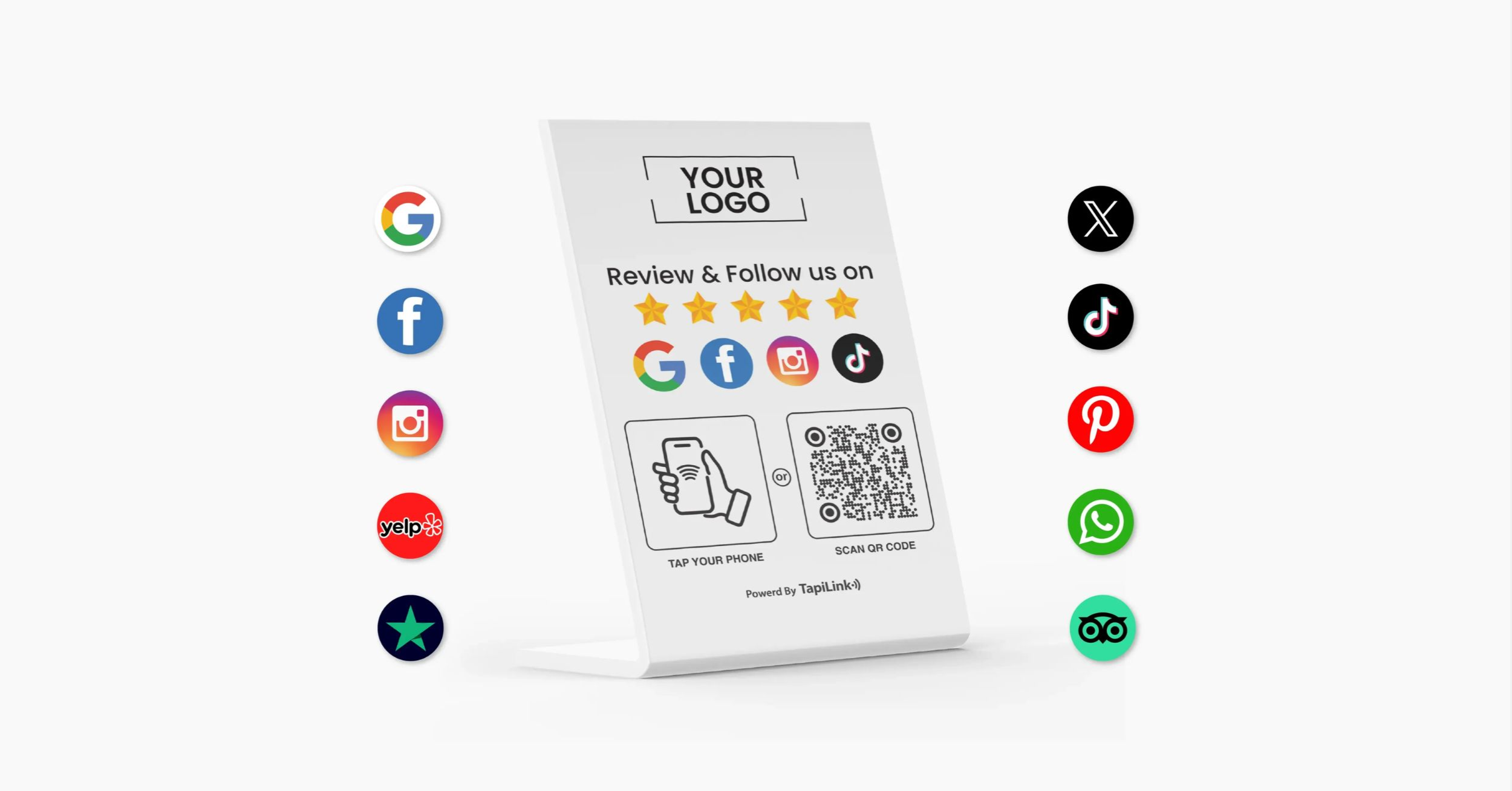
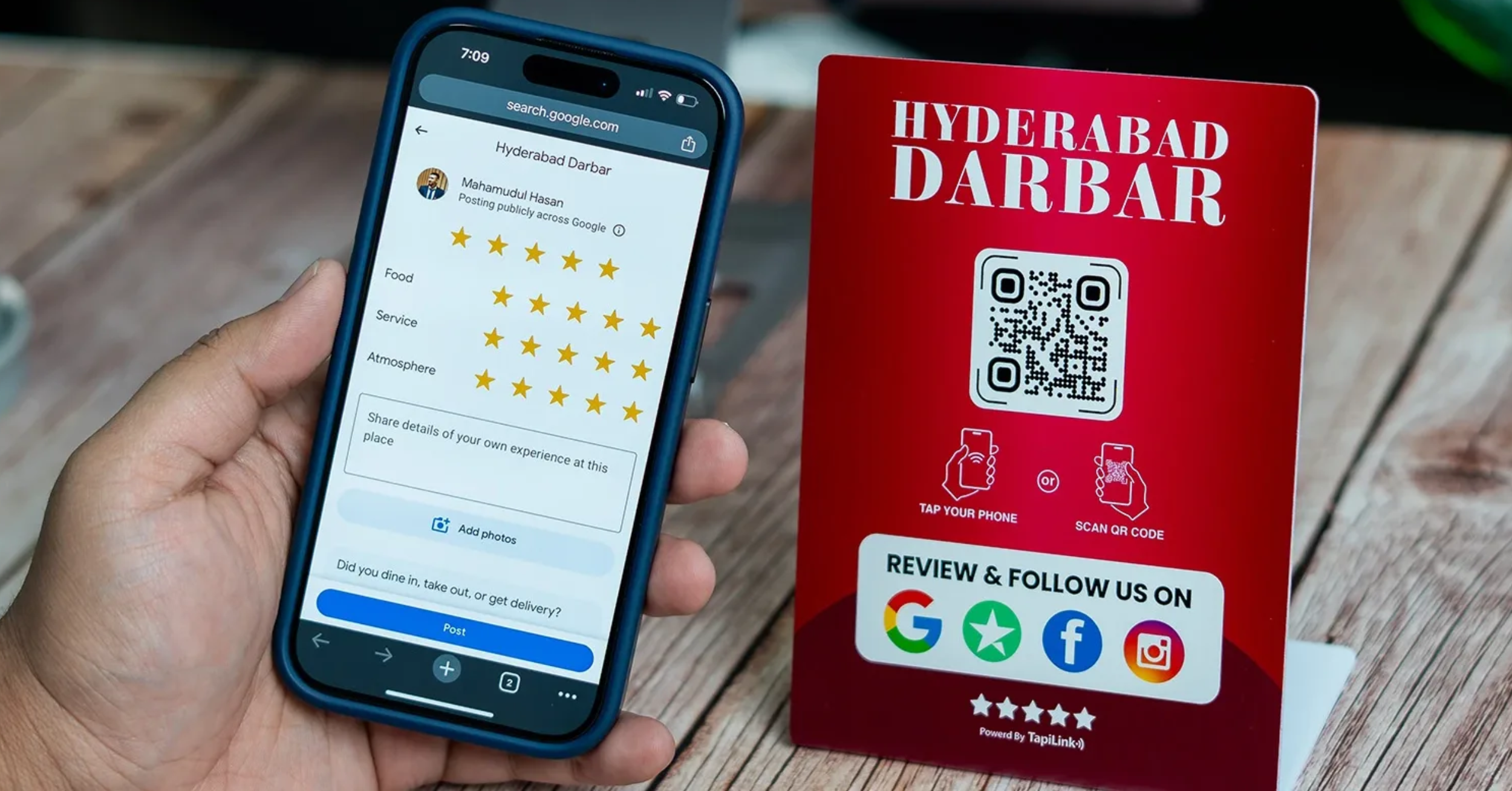
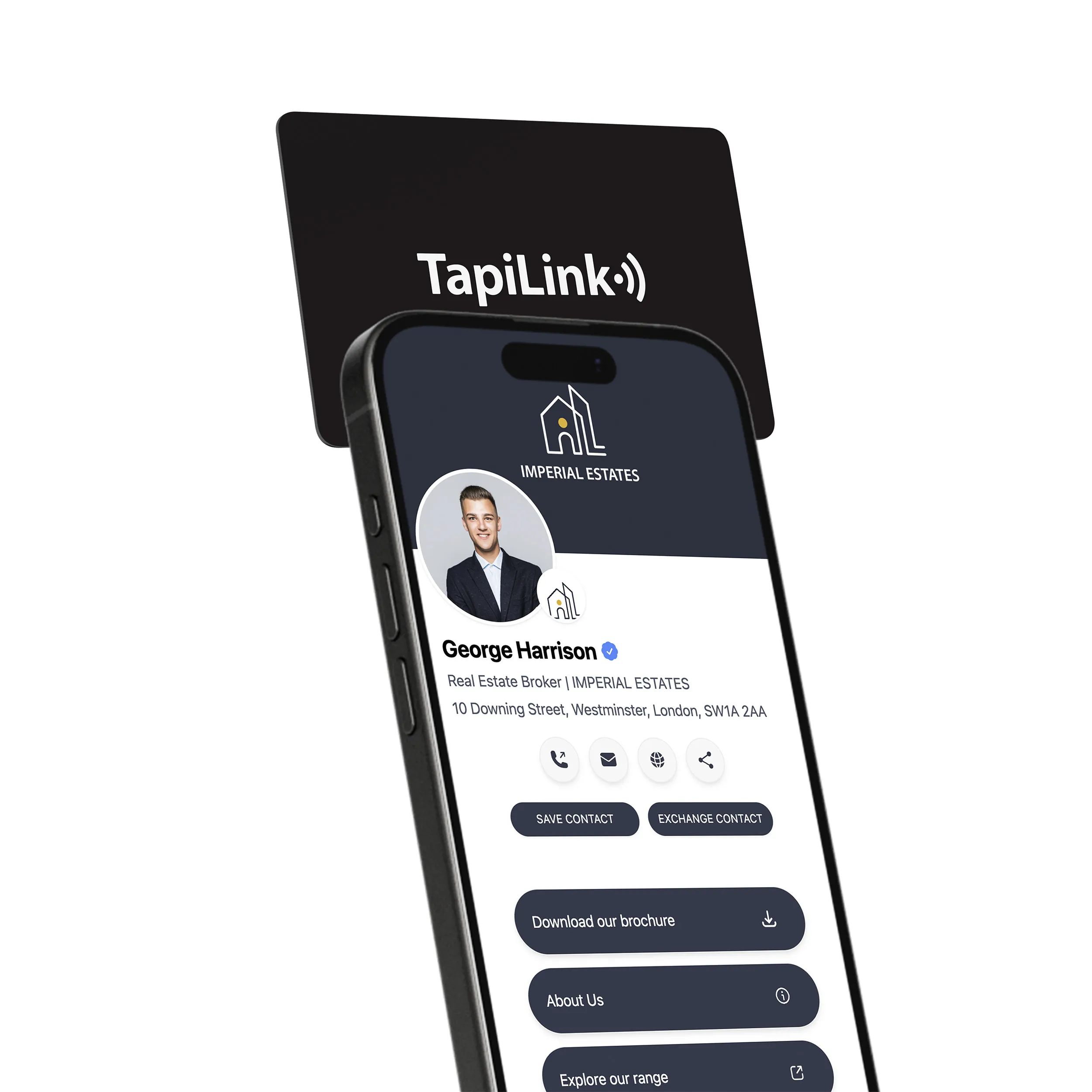
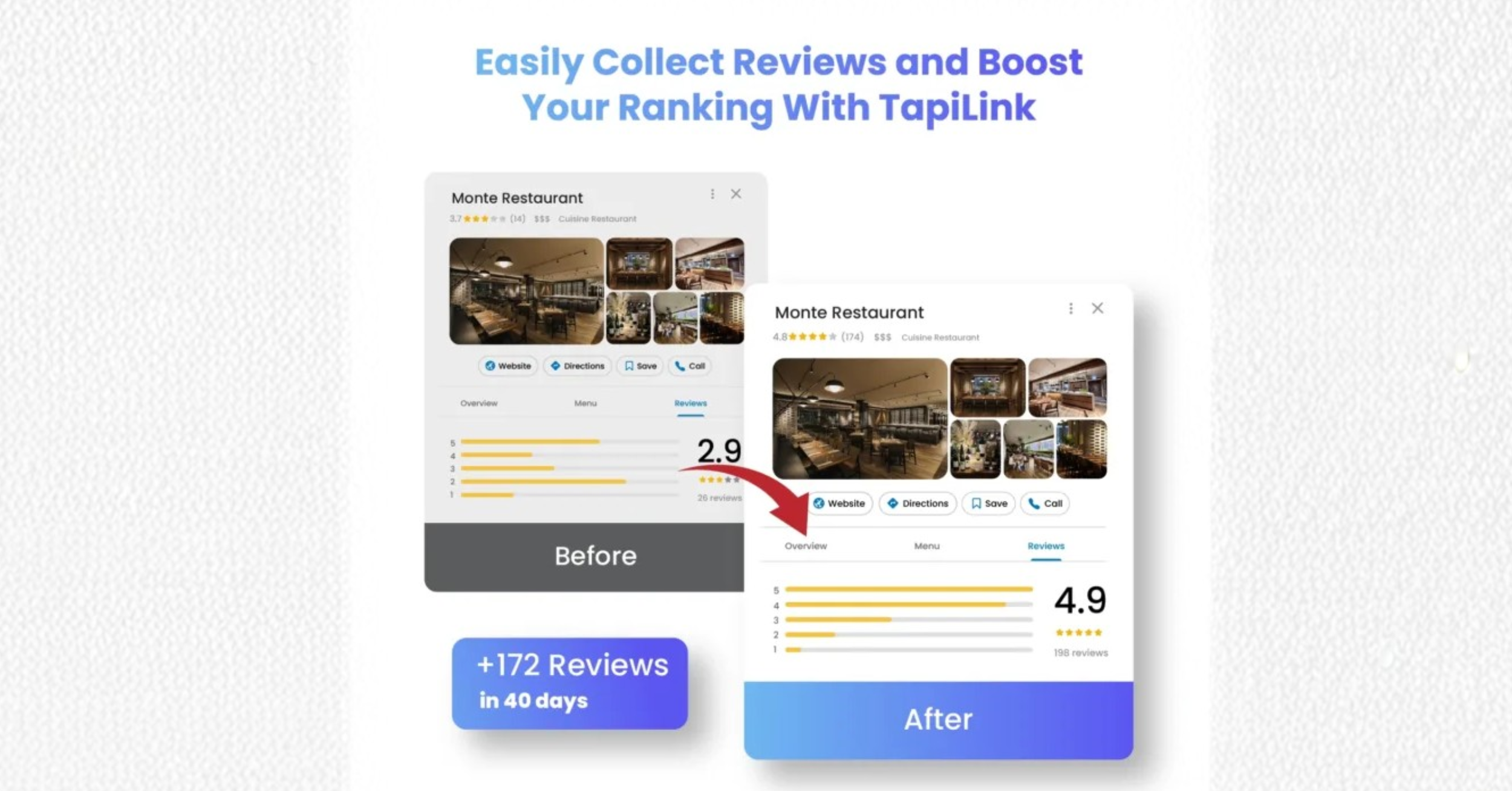
A well-placed review device can be a quiet powerhouse. According to Review Highway, “This practice alone can increase engagement by 20-30%, turning passive visitors into active reviewers.”
Businesses of every size are rolling out NFC cards and stands because the tap-and-go experience removes nearly all friction from leaving reviews. By letting customers jump straight to your Google Review page with a single tap, the technology shortens the feedback loop, helping you collect authentic customer reviews that boost SEO and strengthen your online reputation while memories are still fresh.
Overlooking Placement and Visibility of NFC Stands
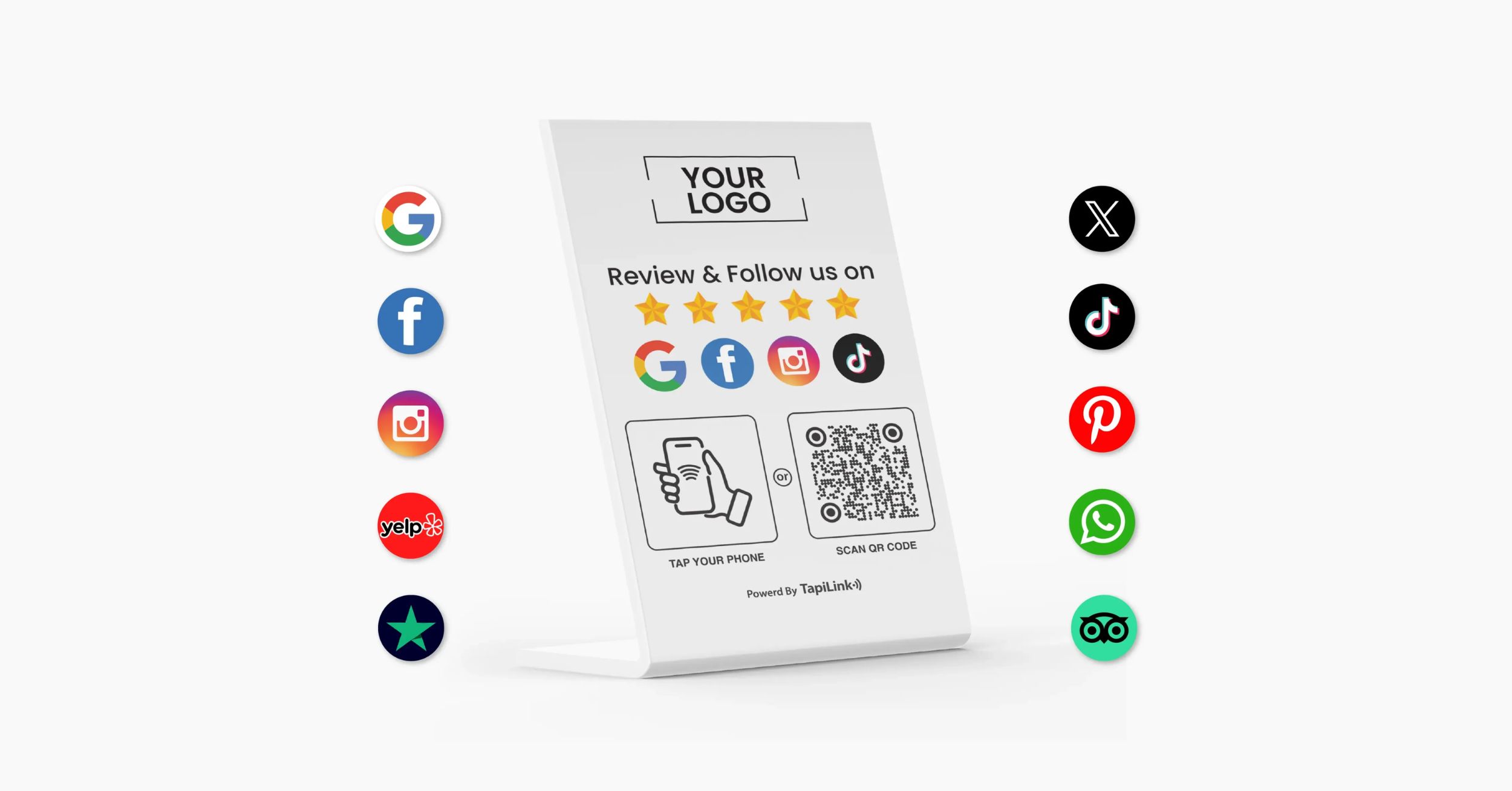
Choosing where to put your review stand isn’t just a matter of aesthetics, it can determine whether customers engage or walk right by. An NFC industry blog notes that poorly positioned stands often collect dust because shoppers simply don’t notice them, whereas high-traffic locations drive far more taps and reviews NFC Google Review Stand guide.
Before you decide the final spot, keep these placement tactics in mind:
- Position stands next to checkout counters so customers can leave reviews while waiting for receipts
- Add tabletop tents or countertop displays in cafés, bars and reception areas where patrons naturally pause
- Mount eye-level stands near exit doors to capture impressions as visitors leave
- Distribute several mini-stands throughout large stores or event spaces to create multiple easy-access points
- Rotate placements periodically and A/B test locations to learn which spots pull the highest interaction numbers
Failing to Use Clear Signage and Instructions
Even the best location won’t matter if customers don’t understand what to do. Review Highway’s data shows that concise, eye-catching prompts such as “Share your experience with a quick tap” can lift engagement by up to 30 percent. Pair bold icons with a one-line explainer so first-time users feel confident about the process.
When placement and clear instructions work hand-in-hand, you set the foundation for seamless technical access, which is exactly where many businesses stumble next.
Ignoring Device Compatibility and Accessibility
Assuming every shopper carries an NFC-enabled smartphone is a fast way to leave a slice of your audience out of the conversation. Common customer phone compatibility challenges can be solved by pairing each Google review card with a QR option that routes reluctant devices to the same review page, while also reminding users to switch on NFC when possible customer phone compatibility.
Ignoring these gaps doesn’t just frustrate customers,it slashes your potential review volume and the SEO boost that comes with it.
Not Providing QR Code Alternatives
A well-placed NFC QR code printed right beside the NFC tag removes all technological barriers. Customers simply scan if tapping fails, giving you a friction-free, device-agnostic path to more customer reviews and stronger local search visibility.
Here’s how to roll out QR code alternatives effectively:
- Print a high-contrast QR next to the tap target with a headline like “No NFC? Scan here to leave reviews”
- Use dynamic links so you can update destinations without reprinting stands
- Test the code at different distances and lighting conditions to guarantee quick scans
- Add a small icon reminding users to enable NFC, reinforcing both options in one glance
- Track QR and tap metrics separately in your review collection dashboard to spot device trends
Making accessibility part of your review stand design means every visitor can share feedback on their terms. Even a perfectly accessible setup can backfire if your request itself breaks platform rules or feels pushy.
Violating Review Platform Guidelines
Trying to turbo-charge your Google review count by bending the rules is a gamble that rarely pays off. You shouldn’t specifically ask for a five-star rating because platforms view that as manipulation, and penalties can range from review removal to a damaged standing in Google search.
Offering perks for praise is just as risky. Incentivized reviews may look tempting, but practices like rewards, fake testimonials or selective requests can breach policy and erode trust,issues that guidance on ethical requests makes clear are best avoided Never offer rewards.
To stay compliant while still encouraging authentic customer reviews, keep these core rules front and center:
- Ask for honest feedback, not five-star reviews
- Avoid discounts, freebies or contests in exchange for reviews
- Never buy fake reviews or leverage bots to flood your profile
- Give every customer the same chance to leave reviews—no cherry-picking satisfied visitors
- Respond politely to all feedback, positive or negative, to show transparency and boost SEO
Being Too Aggressive or Repetitive in Requests
Bombarding shoppers with repeated prompts can turn a friendly review stand into an annoyance. Over-asking lowers response rates and can sour relationships that took months to build. Instead, integrate gentle reminders into natural touchpoints,like a quick mention from staff during checkout,then let your NFC cards and review stands do the rest. By respecting customers’ time and platform rules, you protect your reputation and keep pathways open for steady, sustainable review collection.
Neglecting Ongoing Maintenance and Staff Training
It’s easy to treat an NFC review stand as a “set-and-forget” tool, yet neglect quickly erodes its impact. One NFC how-to guide stresses the need to thoroughly test the NFC tags before launch and at regular intervals thereafter to avoid broken links, worn tags or dead zones where customers can’t tap. When devices go unchecked, you lose reviews, credibility and the chance to boost SEO momentum.
To keep review collection running smoothly, build these upkeep habits into your calendar:
- Inspect and clean review stands weekly so NFC cards stay visible, readable and hygienic
- Test taps and NFC QR code scans monthly to confirm the Google review link still loads instantly
- Update on-stand instructions whenever platform interfaces change to prevent confusion
- Rotate stands in and out of high-traffic spots to keep signage fresh and eye-catching
- Monitor review analytics for sudden drops that signal technical glitches or placement issues
Failing to Train Staff to Support Review Collection
Technology alone can’t replace a welcoming prompt from a real person. The same industry guide recommends ensuring staff understand how the Google review card works and when to mention it so the process feels helpful, not pushy. Equip teams with simple scripts,“If you enjoyed your visit, tap here to leave reviews”, and empower them to troubleshoot basic questions. Consistent training turns every interaction into an opportunity for authentic customer feedback.
By combining diligent maintenance with informed staff, you create a self-reinforcing system that captures more reviews, strengthens online reputation and sets the stage for putting these insights into action.
Take the Next Step Toward Effortless Review Collection
When you avoid hidden stands, embrace both NFC and NFC QR code access, follow platform rules and keep hardware as polished as your customer service, reviews flow naturally. That steady stream of authentic feedback doesn’t just boost SEO, it builds long-term trust that can’t be faked or bought.
Ready to turn those best practices into measurable results? Contact our team at TapiLink to learn more about NFC cards, Google review stands and the simple tweaks that can supercharge your review collection strategy.

 10Jun
10Jun