Did you know that roughly 30 percent of all contact data becomes outdated every year? Keeping your details up to date is more than a matter of convenience – it can make or break networking opportunities. Research shows that 23 percent of email addresses go stale annually, and up to 70 percent of business‑to‑business data may be out of date within a year. For small business owners who rely on timely connections, outdated details can mean missed leads, lost sales and wasted effort.
Traditional paper cards make updating information difficult – once printed, your phone number or job title is locked in ink. That’s why digital business cards have become vital tools. Tapilink offers a modern solution that lets you update your details in seconds. With a single tap, your customers and partners can see your current contact information, social media links, or website, and you can modify your card without reprinting. This guide will show you how to keep your Tapilink digital card fresh and why instant updates matter.
Understanding the Need for Instant Updates in Digital Business Cards
Small business owners juggle many tasks, and managing contact information often falls to the bottom of the list. When phone numbers change or brands evolve, physical cards quickly become obsolete. According to contact‑data research, 30 percent of employees change jobs each year. Combined with the decay of email addresses and phone numbers, it’s easy to see why static cards fail small businesses.
Instant updates solve these problems. When your card information lives online, you can modify it whenever your business changes. Whether you’re adding a new service, changing positions, or adjusting your brand identity, real‑time updates ensure your contacts always see accurate information. This reduces confusion, strengthens professional relationships and keeps your networking current.
Situations Where Fast Updates Are Critical
Rebranding – When your company’s logo or name changes, a digital card lets you update branding immediately without printing new cards.
Role changes – As your responsibilities shift, update your job title or department instantly so prospects know exactly who they’re dealing with.
New contact details – Changing phone numbers, emails or addresses can leave clients with outdated information; instant updates keep your details accurate.
Event‑specific information – Networking events may require different calls to action or landing pages; a digital card allows you to switch links for each occasion.
Temporary offers or promotions – Update your card to feature current offers, seasonal promotions or limited‑time deals to capture more leads.
Understanding the need for real‑time updates sets the stage for exploring the technology that makes them possible.
Exploring the Technology: NFC, QR Codes and Real‑Time Editing
How NFC Enables Seamless Updates
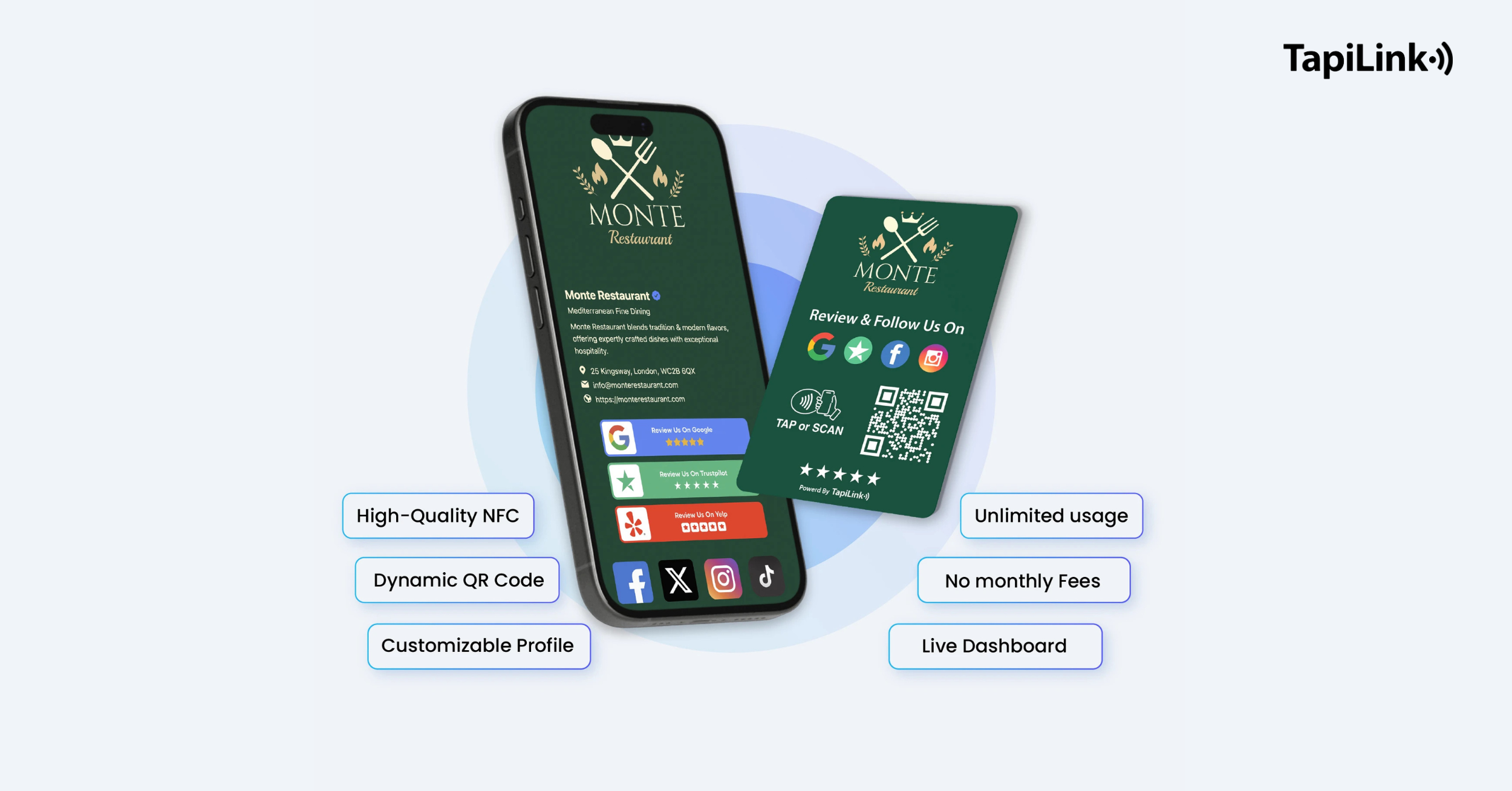
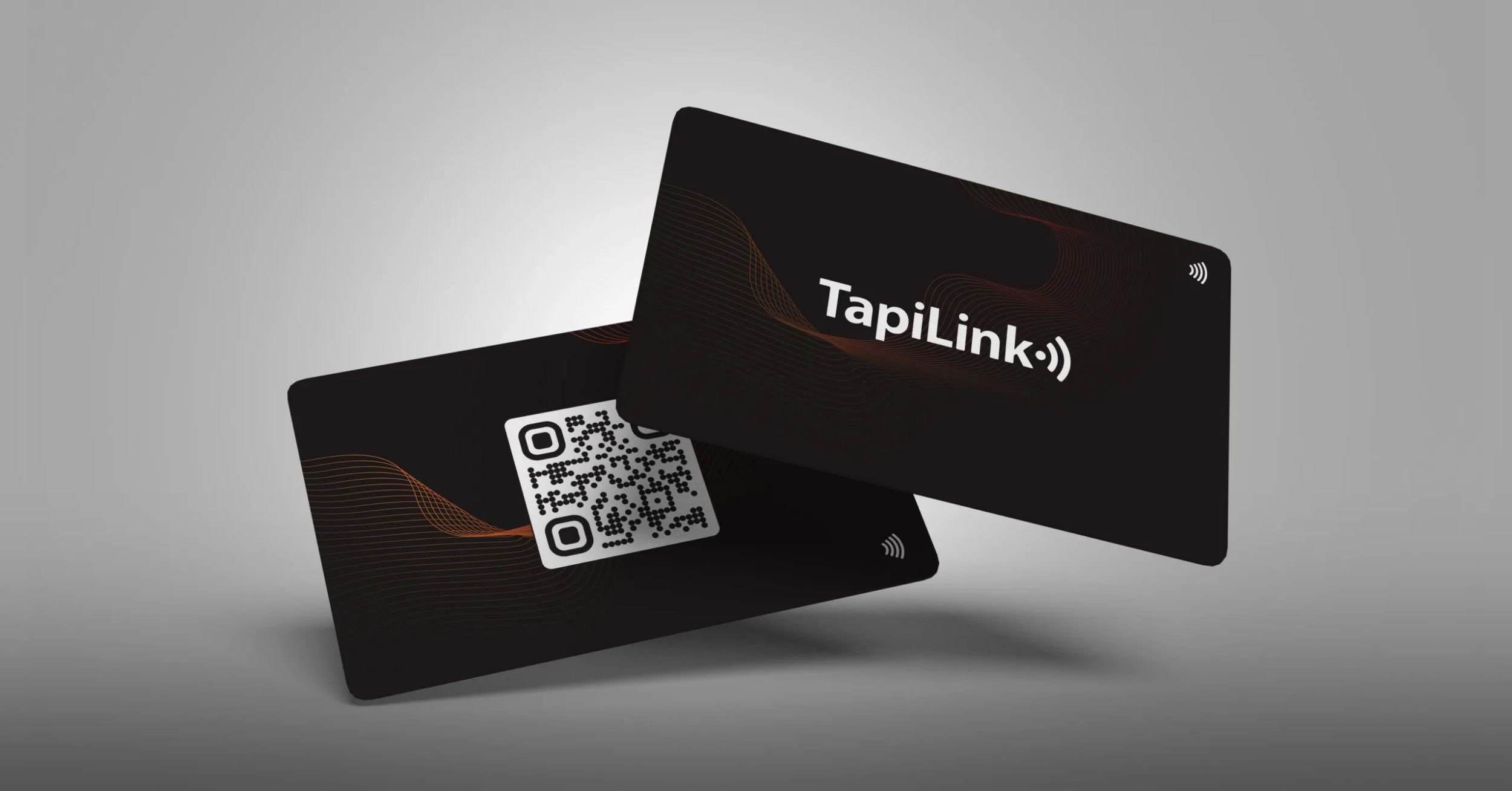
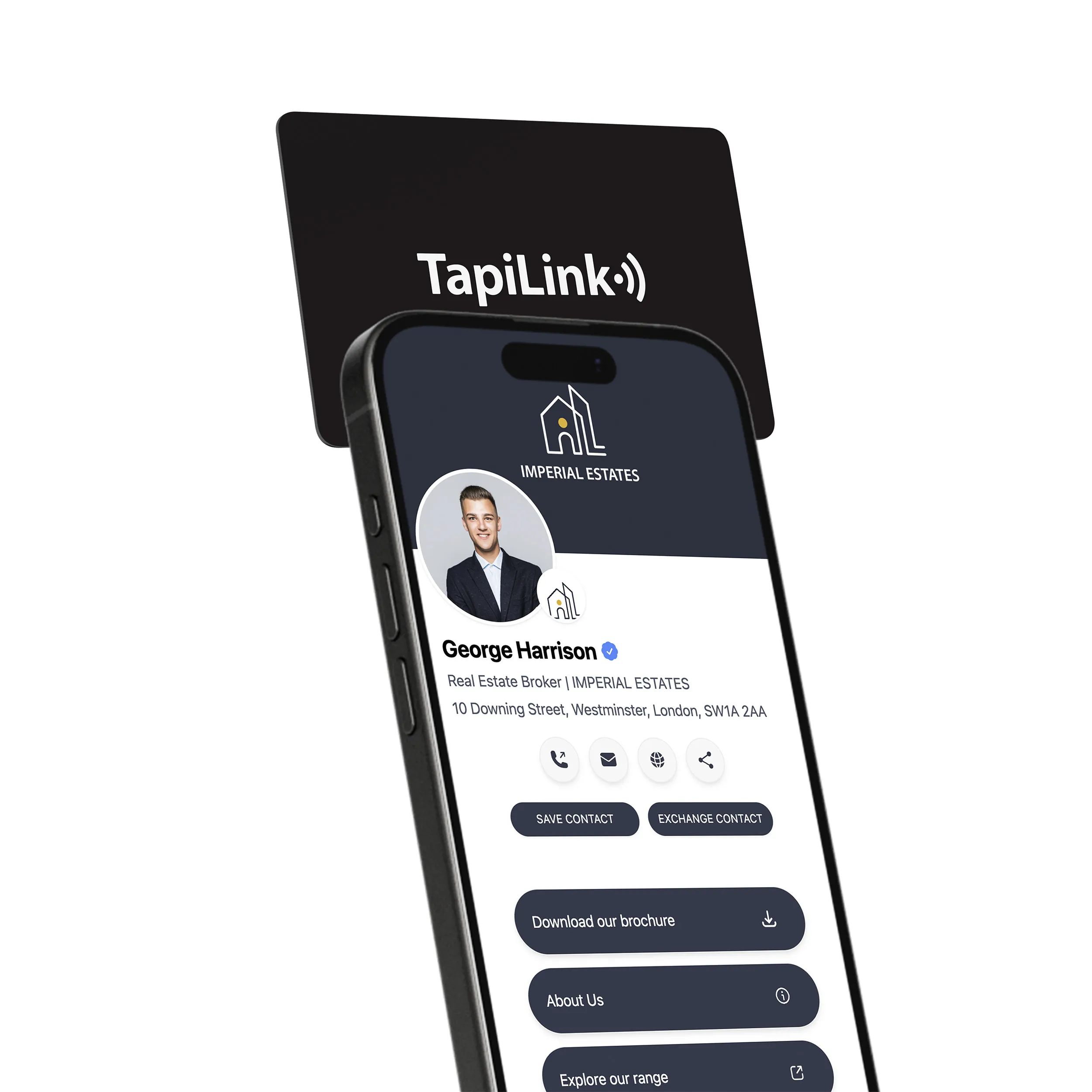
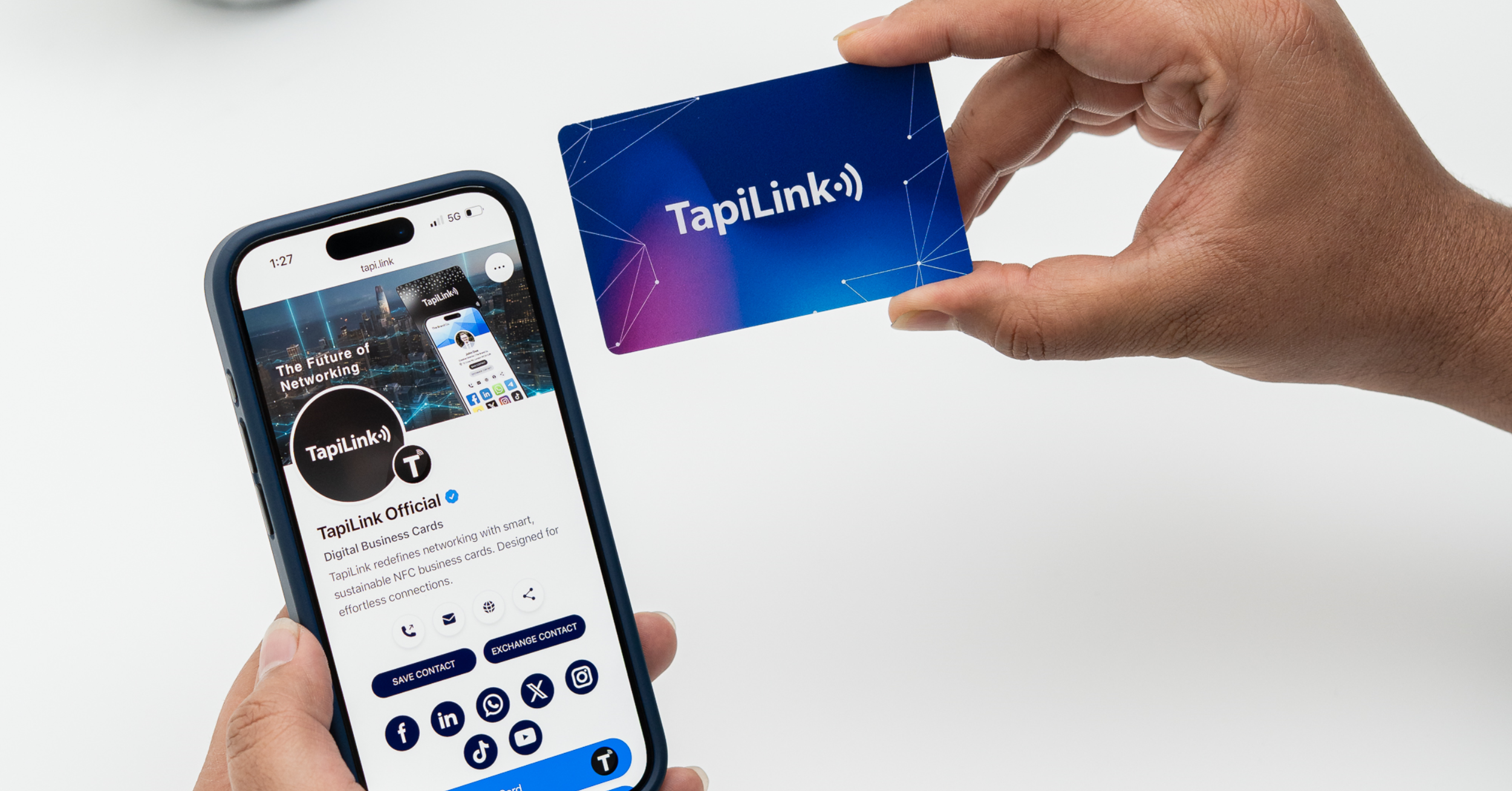
Near‑field communication (NFC) uses short‑range radio waves to exchange data between devices just a few centimetres apart. In Tapilink’s digital business cards, a tiny chip stores a link to your digital profile. When someone taps your card on their smartphone, the chip transmits the link and opens your profile instantly. Tapilink’s NFC & QR code integration allows contactless sharing without requiring a special app.
NFC cards are passive – they draw power from the reader, so no batteries are needed. Tapilink’s platform lets you update your digital profile anytime; changes are reflected as soon as the card is tapped. Because your data lives online rather than on the chip, there’s no sensitive information stored on the card itself. This design keeps data secure and ensures your card remains functional long after it’s printed.
The Role of QR Codes
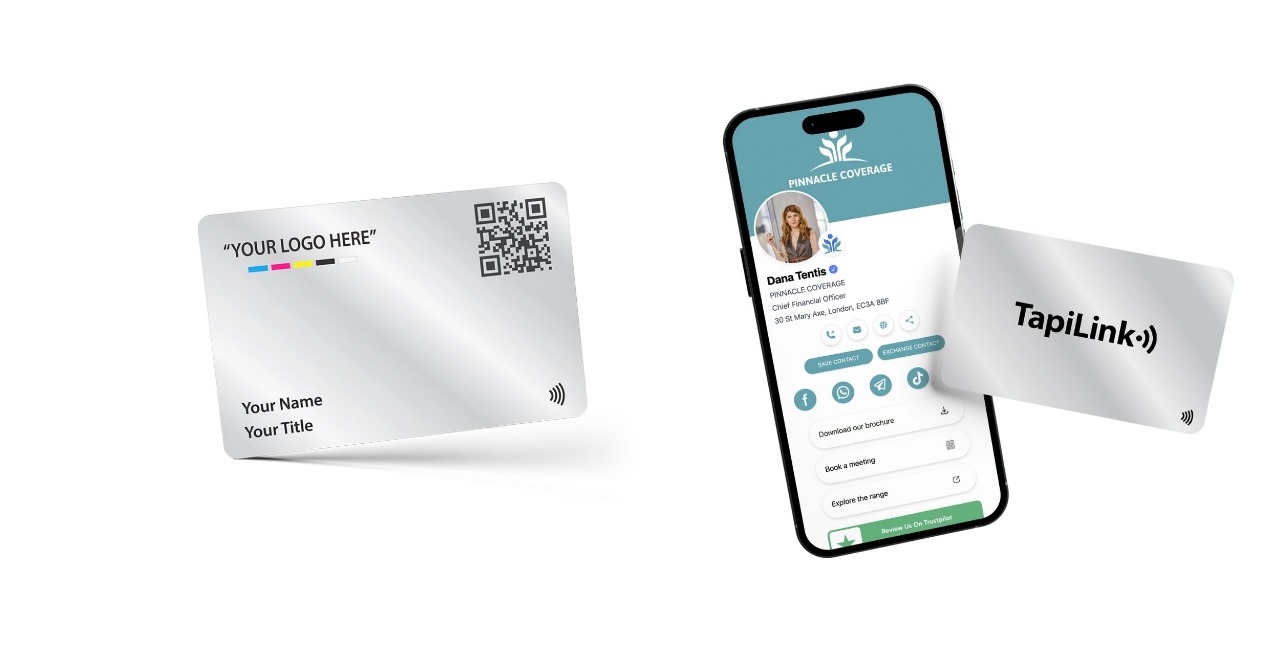
QR codes serve as a convenient fallback for phones without NFC. By scanning the printed code on your card, contacts can access the same digital profile you would share via NFC. Tapilink prints a scannable QR code on each card, giving recipients two ways to save your details. QR codes require opening the camera app and scanning, so they take slightly longer than a tap, but they guarantee compatibility across devices.
Comparing NFC and QR Code Solutions
Speed: NFC transfers data instantly with a tap. QR codes require scanning and may take a few extra seconds.
Ease‑of‑Use: NFC offers a smoother experience – no app or camera needed. QR codes provide universal compatibility, though they require manual scanning.
Security: NFC tags can be encrypted and only transmit data when in close proximity. QR codes are visible and can be reproduced, so they are best used alongside secure links.
Data management: Both methods rely on a cloud‑based profile. Tapilink’s platform ensures the information behind either method is always current.
With the technologies in mind, let’s look at what real‑time editing feels like for a small business owner.
How Real‑Time Editing Works in Practice
Tapilink’s real‑time editing is simple. Log into your profile, update your details, and save. Your NFC card doesn’t change physically – the chip continues to point to your digital profile. When someone taps your card or scans the QR code, they see the latest information without you having to order a new card. This also means your card can live in your Apple Wallet, ready to share from your phone.
Common Challenges and Solutions
1. Forgetting to back up data: Always keep a copy of your profile data before making major changes. Tapilink’s dashboard allows easy exports.
2. Typos or errors: After updating, test your card on a phone to ensure the changes display correctly. Tapilink’s platform shows previews so you can verify details before finalizing.
3. Internet dependence: Ensure you have a reliable internet connection when updating. Once updated, the card works even if the recipient’s phone is offline.
4. Security concerns: Because no personal data is stored on the NFC chip, your details remain safe. Use strong passwords for your Tapilink account to prevent unauthorized edits.
Step‑by‑Step: How to Instantly Update Your Digital Business Card with Tapilink
1. Log in to your Tapilink account: Visit the Tapilink website and sign into your dashboard.
2. Edit your profile: Navigate to your digital profile and click “edit.” You can change contact details, add social links, or update your photo.
3. Save changes: After making updates, hit “save.” The changes will sync instantly to your NFC card.
4. Test your card: Tap the physical card on a smartphone or scan the QR code to ensure the updates appear correctly.
Best Practices for Instant Updates
1. Keep your profile concise: Highlight key contact methods and social links. Too much information can overwhelm recipients.
2. Use clear call‑to‑action buttons: Include buttons for calls, emails or websites so contacts know how to reach you.
3. Update promptly: As soon as your details change, edit your profile to avoid confusion.
4. Leverage analytics: Tapilink offers insights into how often your card is tapped or scanned. Use this data to refine your networking strategy.
5. Store multiple templates: If you network in different industries, create different profile layouts and switch them as needed.
Updating your card is just one part of the equation. Let’s explore why instant updates benefit your business.
Unlocking Business Benefits: Efficiency, Sustainability and Cost Savings
Efficiency: Save Time and Reduce Errors
Outdated contact information leads to misdirected calls and missed opportunities. Real‑time updates remove these issues by ensuring everyone has the latest details. Research shows that digital business cards can increase follow‑up rates by up to 38 percent because recipients always have accurate contact information. Tapilink cards also integrate with CRM systems – you can export leads to platforms like HubSpot, Salesforce or Zoho, eliminating manual data entry and reducing errors.
Sustainability: Cutting Paper Waste
Over 10 billion paper business cards are printed every year, and around 88 percent are discarded within a week. Digital cards tackle this waste by replacing hundreds of paper cards with one durable NFC card. Tapilink’s eco‑friendly and cost‑effective approach encourages reuse and reduces environmental impact. Going digital helps businesses meet sustainability goals while making a memorable impression.
Cost Savings: No Recurring Fees
Subscription fees for digital card platforms can cost £10–£25 per month. Tapilink removes these recurring costs – you buy a card once, and unlimited updates are included. One‑time purchase cards use physical NFC technology; after paying for the card, there are no ongoing fees. This saves money compared to subscription models that require monthly payments. Some digital cards can reduce networking expenses by up to 60 percent, and Tapilink also provides free custom designs with every paid card.
Cost and sustainability benefits are just part of the picture. Tapilink’s advanced features make networking even more streamlined.
Advanced Features: Apple Wallet Integration, CRM Compatibility and Unlimited Updates
Apple Wallet Integration
Tapilink’s digital business cards can be added to Apple Wallet. Instead of carrying a physical card, you can store your card on your phone and present it instantly. Apple Wallet integration makes sharing contact details as simple as tapping your phone against another device. This is ideal for small business owners who want a sleek, modern solution without carrying extra cards.
CRM Compatibility
Tapilink doesn’t stop at contact sharing. The platform streamlines lead management by offering CRM integration. You can export your collected leads and engagement data to an Excel file ready for import into systems like HubSpot, Salesforce or Zoho. This feature reduces the time spent entering data manually and ensures that your leads are organized for follow‑ups.
Unlimited Updates and No App Required
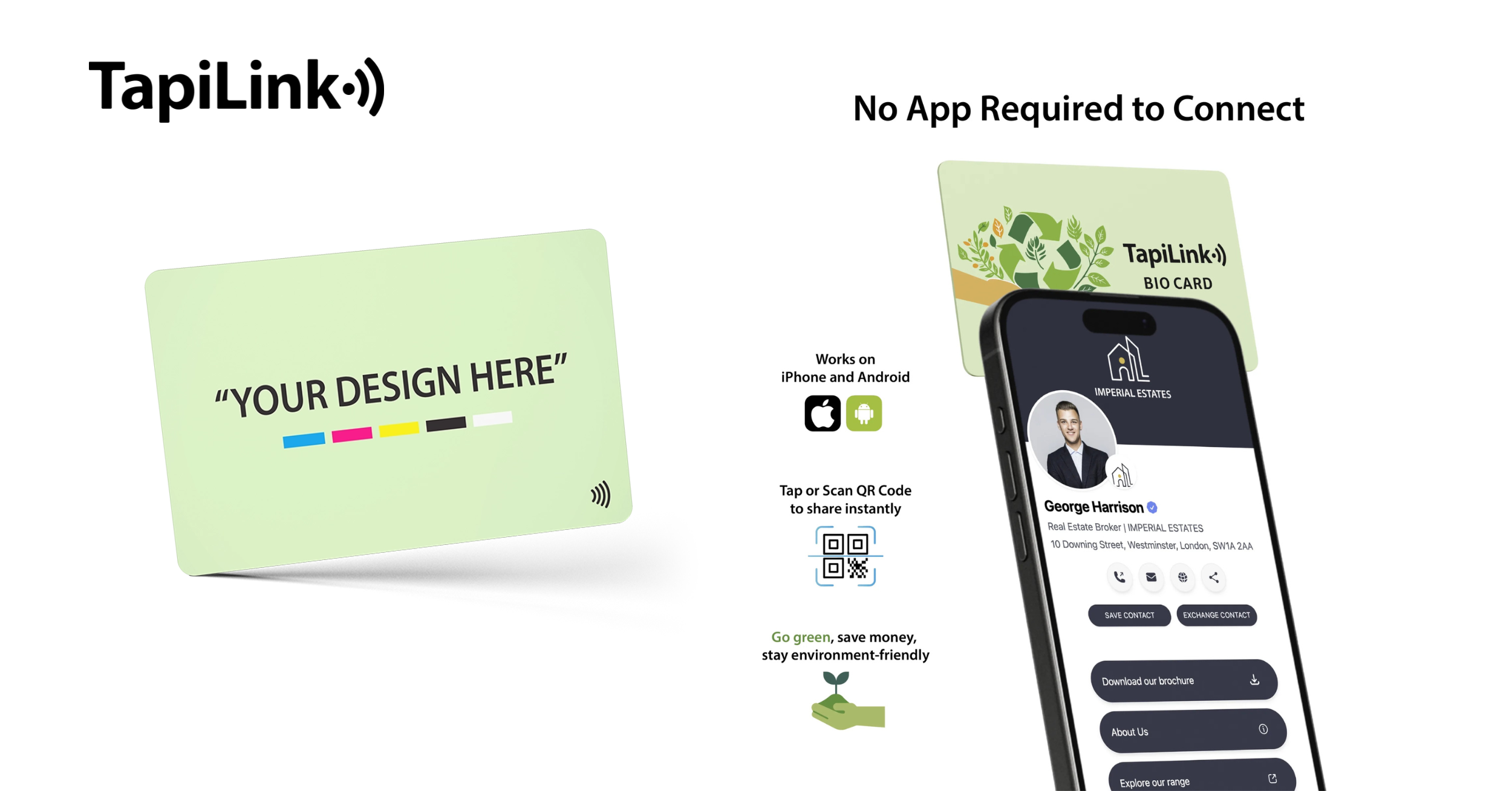
One of Tapilink’s standout features is unlimited updates. If your information changes, you can edit your profile anytime, and the update syncs instantly. There is no app required to share your profile – recipients simply tap or scan to access your information. Tapilink also supports contactless sharing through both NFC and QR codes, ensuring compatibility across all modern smartphones.
Unique Features Offered by Tapilink
1. Free custom design service with every paid card, ensuring your brand is represented professionally.
2. One card, endless possibilities – you only need one card; there are no reorders or monthly fees, and you can update your details as often as you like.
3. Eco‑friendly materials and tree planting initiatives that contribute to sustainability.
4.Seamless sharing via Apple Wallet and CRM export for effortless networking and lead management.
5. Secure data handling – Tapilink doesn’t store personal data on the card itself and only transmits information when tapped.
These features set Tapilink apart from generic platforms. Let’s compare them to other solutions on the market.
Comparing Tapilink’s Advanced Features to Competitors
Many digital card platforms offer basic sharing features, but they often come with monthly fees, app requirements or limited customization. In comparison:
1. Ease of Use: Tapilink’s cards work instantly with a tap – there’s no app needed and updates are done through a straightforward dashboard.
2. Integration: While other platforms reserve CRM integration and Apple Wallet support for premium tiers, Tapilink includes CRM export and Apple Wallet integration as part of its standard offering.
3. Value: Instead of paying monthly, Tapilink uses a one‑time purchase model with unlimited updates. This means lower long‑term costs compared to subscription services.
4. Customization: Tapilink offers a free custom design service with every paid card, ensuring your branding stands out without extra fees.
5. Security: Tapilink’s NFC cards transmit only a link to your profile and store no personal data. Many competitors rely on static data stored on physical cards.
Key Differentiators for Small Business Owners
One‑time purchase with no monthly fees, saving money over subscription models.
1. Unlimited updates ensure your card stays current even as your business grows.
2. Apple Wallet and QR code integration for versatile sharing.
3. CRM export to streamline lead management and follow‑up.
4. Sustainability: Each Tapilink card reduces paper waste and supports eco‑friendly initiatives.
Beyond features and value, security and privacy are paramount.
Prioritising Security and Privacy in Instant Updates
NFC business cards might sound high‑tech, but they are designed with security in mind. Tapilink follows best practices to protect your data:
1. Limited range: NFC operates over a very short distance, so no one can skim your information from afar.
2. No sensitive data on the card: The NFC chip stores only a link to your profile; it does not hold personal contact details.
3. Control over shared information: You decide what appears on your digital profile and can change it anytime.
4. Encrypted connections and GDPR compliance: Tapilink’s platform uses secure protocols and adheres to data protection regulations, ensuring your information is handled responsibly.
5. User permissions: You can manage who sees specific details by adjusting your profile settings, giving you confidence that your information is shared only with trusted contacts.
With security taken care of, you’re ready to take your networking to the next level.
Take Your Networking to the Next Level with Instant Updates
Keeping your contact details up to date is more important than ever. Data decay happens quickly, and traditional cards can’t keep up. Digital business cards solve this problem, reducing paper waste and networking costs while improving follow‑up rates. Tapilink goes further by offering Apple Wallet integration, CRM compatibility, unlimited updates, and no monthly fees. With secure NFC technology and a simple, intuitive platform, updating your details is effortless.Ready to modernize your networking? Visit Tapilink’s website today to set up or update your digital business card. Tapilink’s one‑time purchase cards save you money, reduce waste, and let you share your latest information instantly. Small business owners who embrace instant updates will stand out, build stronger connections and move confidently into the future of networking.

 14May
14May