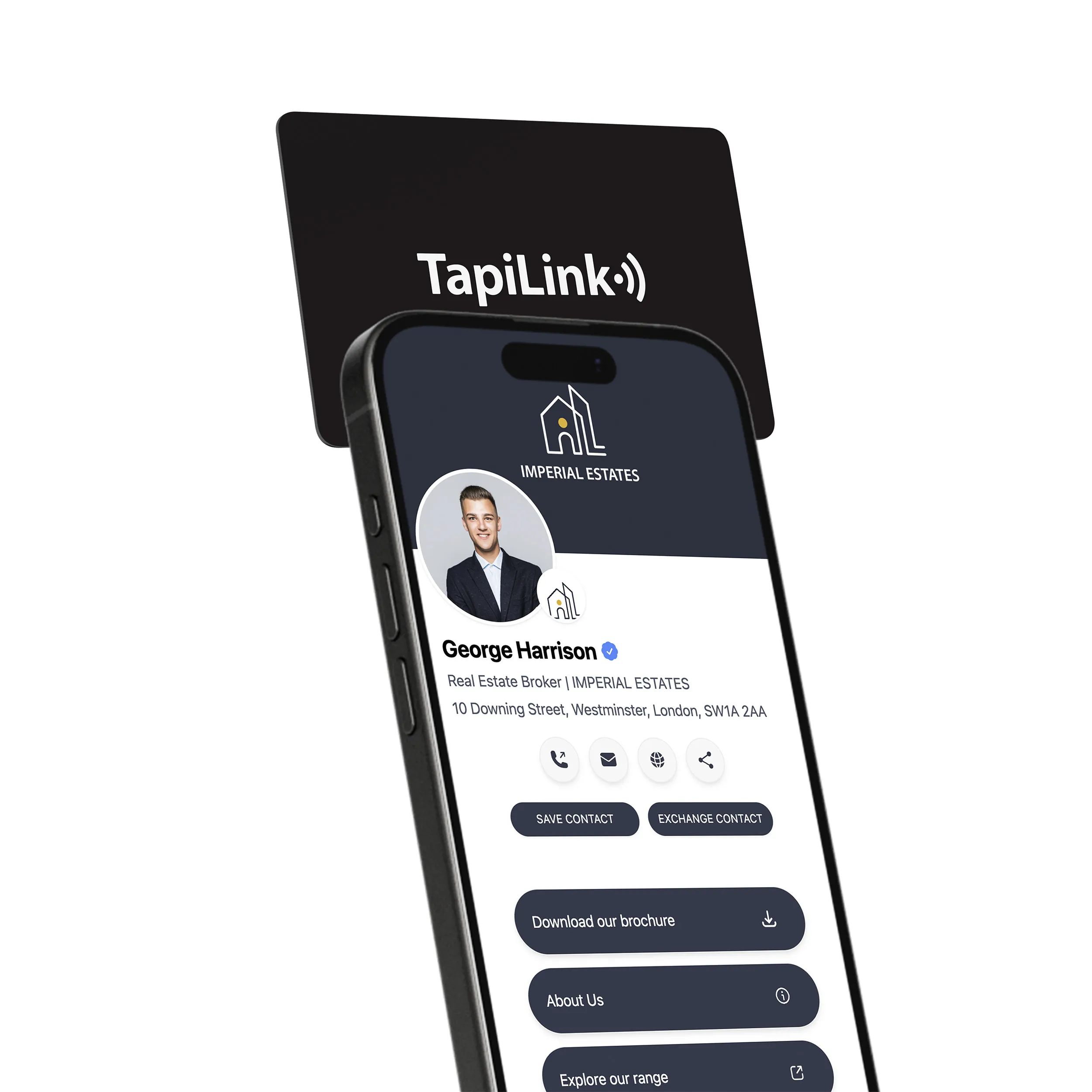
How to promote social media with NFC social media review cards starts with one simple idea. Make it effortless for customers to follow you and leave a review at the exact moment they feel satisfied. If you run a café, salon, gym, or local service business, you already know the pain point. People say they will follow or review later, but later rarely happens.
An NFC social media review card solves this by using NFC technology and a QR fallback. A customer taps or scans the card and instantly lands on your review page or social profile. No typing. No searching. Just action. This works perfectly in real-world settings across the UK.
Google has confirmed that businesses with frequent, recent reviews gain stronger local visibility in Google Business Profile results. Yet most businesses struggle to ask at the right moment. NFC review cards fix the timing problem.
In this guide, you will learn exactly how to use NFC review cards to grow followers, collect authentic reviews, and connect social media with reputation growth using clear steps and real use cases.
How NFC Social Media Review Cards Promote Growth
I see this every day with local businesses. Customers are happy, they say “I’ll leave a review later,” and later never comes. NFC social media review cards fix this instantly. When a customer taps or scans the card, they land on your review or social page in seconds, at the exact moment satisfaction is highest.
What happens when a customer taps or scans
• The phone opens a pre-set link instantly.
• No app download, no typing, no searching.
• The action happens while the experience is still fresh.
How reviews and follows happen in one flow
You can guide users to a smart page that asks for a review first, then invites them to follow your social accounts. This works well for UK cafés, salons, gyms, and service businesses where speed matters.
Google confirms that recent, frequent reviews improve local visibility on Google Business Profile. NFC cards simply remove friction. One tap turns customer satisfaction into real growth. Next, let’s define exactly what an NFC social media review card is.
What Is an NFC Social Media Review Card
If you are new to this, here is the simple definition. An NFC social media review card is a physical card or stand with an embedded NFC chip and often a QR code. When tapped or scanned, it opens a specific digital destination, usually a review page or social profile.
NFC social media review card vs QR review card
Both work, but NFC is faster.
• NFC uses a tap. QR requires opening a camera.
• NFC feels more premium and effortless.
• QR is still useful as a backup for older phones.
Most effective cards use both together for maximum compatibility.
Social media review cards vs traditional review requests
Traditional methods rely on memory. NFC cards rely on timing.
• Verbal requests are forgotten.
• Printed links are rarely typed.
• NFC removes effort and increases action.
According to research referenced by BrightLocal, most consumers trust online reviews as much as personal recommendations. Making reviews easy directly impacts trust and conversion.
Where the tap should send users for best results
The destination matters more than the card itself.
• Direct Google review link for speed.
• A short landing page that routes to Google plus Instagram or Facebook.
• Campaign specific links for events or promotions.
Why NFC Social Media Review Cards Work Better Than Asking Later
Let me ask you something honest. How often do you actually go back later to leave a review after a busy day? Most people don’t. This is not bad intent, it’s human behavior.
Timing and customer behavior at checkout
Psychology matters. Studies shared by Harvard Business Review show that actions taken immediately after a positive experience are far more likely to happen. NFC cards capture that exact moment.
At checkout or service completion:
• The experience is fresh.
• Satisfaction is highest.
• Friction must be lowest.
Reducing friction in social media promotion
Every extra step loses people.
• Searching for a business name loses attention.
• Logging in later reduces motivation.
• NFC turns multiple steps into one tap.
This is especially powerful for UK high street businesses where speed and convenience drive behavior.
Social proof and local visibility benefits
Reviews do more than build trust. They improve local rankings.
• More recent reviews signal activity.
• Higher volume improves click-through.
• Social proof increases conversions across social media and search.
Google publicly states that review quality and freshness influence local results. NFC cards help you collect both without pressure or incentives.
How to Set Up NFC Social Media Review Cards Step by Step
If you want results, setup has to be simple and repeatable. I usually tell local businesses in the UK to treat this like a mini system, not a one time print job. The goal is one tap, one clear action, and zero confusion.
Step 1, create your review or social destination link
Start by deciding what you want the tap to do.
Most common options:
• Direct Google review link for fastest reviews.
• Landing page that shows “Leave a review” first, then “Follow us” for Instagram, Facebook, or TikTok.
• Campaign link for events, giveaways, or seasonal offers.
For local SEO, a Google review link is usually the highest impact. Google’s official guidance encourages businesses to ask customers for reviews and make the process easy, as long as it stays genuine and policy compliant.
Step 2, program the NFC card and QR fallback
NFC is fast, but a QR fallback increases compatibility.
Basic setup checklist:
1. Write your chosen URL to the NFC chip.
2. Print the same destination as a QR code on the card.
3. Add a short instruction like “Tap or scan to review and follow.”
This two-path method works well in busy environments, cafés in London, salons in Manchester, and trade services across the UK, where customers want instant action.
Step 3, test on iPhone and Android
Testing avoids the most common failure point, the tap does not work in real life.
Test these:
• iPhone tap placement, top area of the phone.
• Android tap placement, often near the camera area.
• QR scan on both devices as backup.
• Link loads quickly and works on mobile data.
NFC writing apps and tools to use
Popular options include:
• NFC Tools (Wakdev) for writing URLs to NFC tags.
• Built-in phone NFC writing apps depending on device.
Setup is easy when you choose one destination, add QR fallback, and test properly. Next, let’s move from setup to real-world promotion tips that drive taps, followers, and reviews.
Proven Tips to Promote Social Media With NFC Review Cards
Here is the truth I learned watching real businesses. The card itself is not magic. The placement, wording, and moment you ask determines results. Think of this like a small funnel that runs every day without ads.
Counter and checkout placement tips
Checkout is where satisfaction peaks, and you have attention for a few seconds.
Best practices:
• Place the card where hands naturally rest, near the payment terminal.
• Use one clear call to action, not a list of five actions.
• Combine the tap request with a real moment of service, like “Glad you loved it”.
High-performing placements:
• Coffee counter pickup area
• Salon mirror station
• Reception desk
• Invoice folder or takeaway bag insert
Events, pop-ups, and face-to-face promotions
Events create high-intent conversations, but follow-ups often die after the event ends. NFC makes that follow-up automatic.
How to run it:
• Keep one NFC card on the table plus a QR sign on the stand.
• Use a short line before the conversation ends, “Tap here to follow us and leave quick feedback”.
• Route event traffic to a campaign landing page, then rotate back to your normal review page after the event.
Staff scripts that increase taps and reviews
Staff confidence matters. Keep scripts short and natural.
Copy-and-use scripts:
• “If you have 10 seconds, tap here to leave us a quick review. It really helps local businesses.”
• “Tap to follow us, we post offers and updates every week.”
• “If anything was not perfect, tell me now. If it was great, a quick review would mean a lot.”
These scripts align with Google’s guidelines, asking for genuine feedback without offering incentives.
Signage wording that drives action
Simple wins. Avoid long sentences.
Good signage examples:
• “Tap to review in 10 seconds”
• “Tap to follow us for updates”
• “Tap or scan, leave a quick review”
With smart placement, simple wording, and a friendly script, NFC review cards become a daily growth engine. Next, we’ll cover what you should link on the card to maximize both reviews and social followers.
What to Link on Your NFC Social Media Review Card
This is where many businesses lose conversions. The card works, but the link sends people to the wrong place. I have seen great cafés and salons collect fewer reviews simply because they asked for too much at once.
Direct review link vs social profile link
If your main goal is reviews, speed wins.
• A direct Google review link removes friction and gets more completed reviews.
• A social profile link works better when brand growth is the priority.
For most local businesses in the UK, the best approach is reviews first, socials second. Google confirms that recent reviews help visibility on Google Business Profile, so do not bury the review action behind multiple clicks.
Using a landing page for reviews and follows
A short landing page often performs best.
• First section, “Leave a quick review”.
• Second section, “Follow us on Instagram or Facebook”.
• Optional proof, recent reviews or photos.
This creates a clean flow without overwhelming the customer.
Updating links for campaigns or offers
One big advantage of NFC cards is flexibility.
• Switch links for events, openings, or seasonal offers.
• Route traffic to giveaways or limited promotions.
• Change back to your main review page after the campaign.
How to Track Results and Improve Performance
If you are not tracking results, you are guessing. Most competitors skip this part, which is a missed opportunity. NFC review cards give you real data if you set them up correctly.
Measuring taps, reviews, and follows
At a basic level, track:
• How many people tap or scan.
• How many reviews are posted?
• How many social followings happen after the tap.
This shows where people drop off.
Using tracking links and analytics
Use simple tracking tools to see performance.
• Add UTM parameters to your links.
• Track clicks in Google Analytics.
• Compare reviews before and after NFC placement.
Google provides a free URL builder to create tracking links safely.
Weekly optimization checklist
Once a week, check:
• Is the card placed where customers can see it?
• Is the wording still clear and visible?
• Did reviews increase compared to last week?
• Are social follows growing from the same link.
Small tweaks compound over time. Tracking turns NFC cards from a gimmick into a growth tool. Now let’s cover the rules you must follow to stay compliant.
Common Mistakes Businesses Make With NFC Review Cards
I often hear business owners say, “We tried an NFC review card, but it didn’t work.” In most cases, the card was fine. The execution was not. These common mistakes quietly kill results.
Asking at the wrong moment
Timing matters more than the tool.
• Asking when a customer is rushed lowers response.
• Asking before service is complete feels forced.
• Asking long after the visit is forgotten.
The best moment is right after a positive interaction, when satisfaction is clear and fresh.
Poor placement and unclear instructions
If people cannot see or understand the card, they will ignore it.
• Cards hidden behind counters get missed.
• Too much text confuses users.
• No instruction leads to hesitation.
Simple placement and short wording like “Tap to review in 10 seconds” perform far better.
Not monitoring performance
Many businesses never check results.
• They do not know if taps increase.
• They do not compare reviews before and after.
• They miss chances to improve placement or wording.
Without tracking, even good systems stall.
Avoid these mistakes and NFC review cards become reliable tools, not experiments. Now let’s answer the most common questions people ask before using them.
Final Thoughts
NFC social media review cards work because they fit how people actually behave. They capture feedback at the right moment, remove friction from leaving reviews, and turn quick interactions into lasting social proof. When used with clear links, smart placement, and simple tracking, they help businesses collect more reviews, grow social followers, and improve local visibility without relying on ads or pressure.
If you want to put these ideas into action, the next step is choosing a solution that makes setup and management easy. Tapilink helps businesses use NFC social media review cards to promote social profiles, collect genuine reviews, and stay compliant, all without monthly fees. Visit our shop to see how Tapilink can help you turn everyday customer interactions into measurable growth.
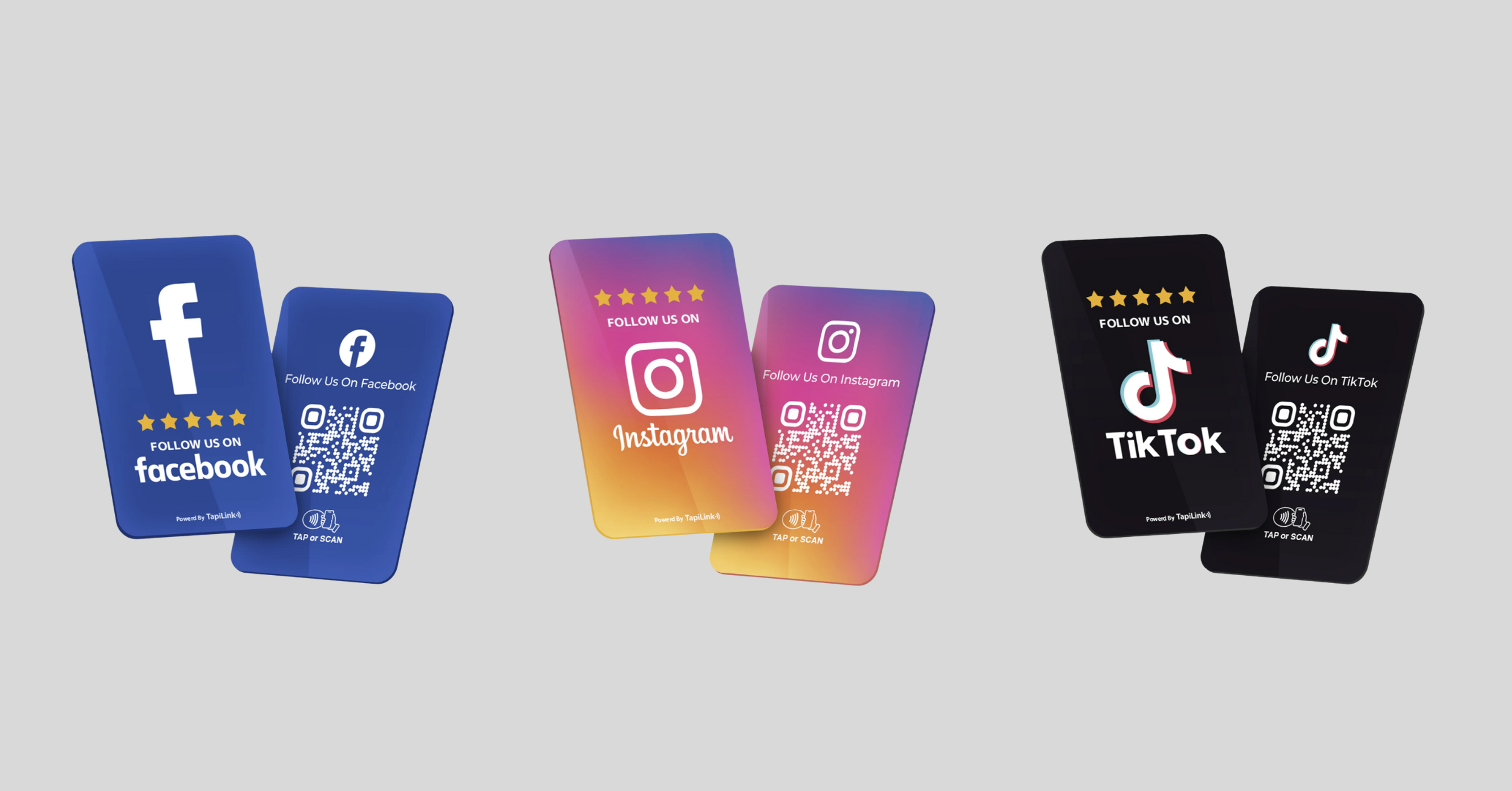
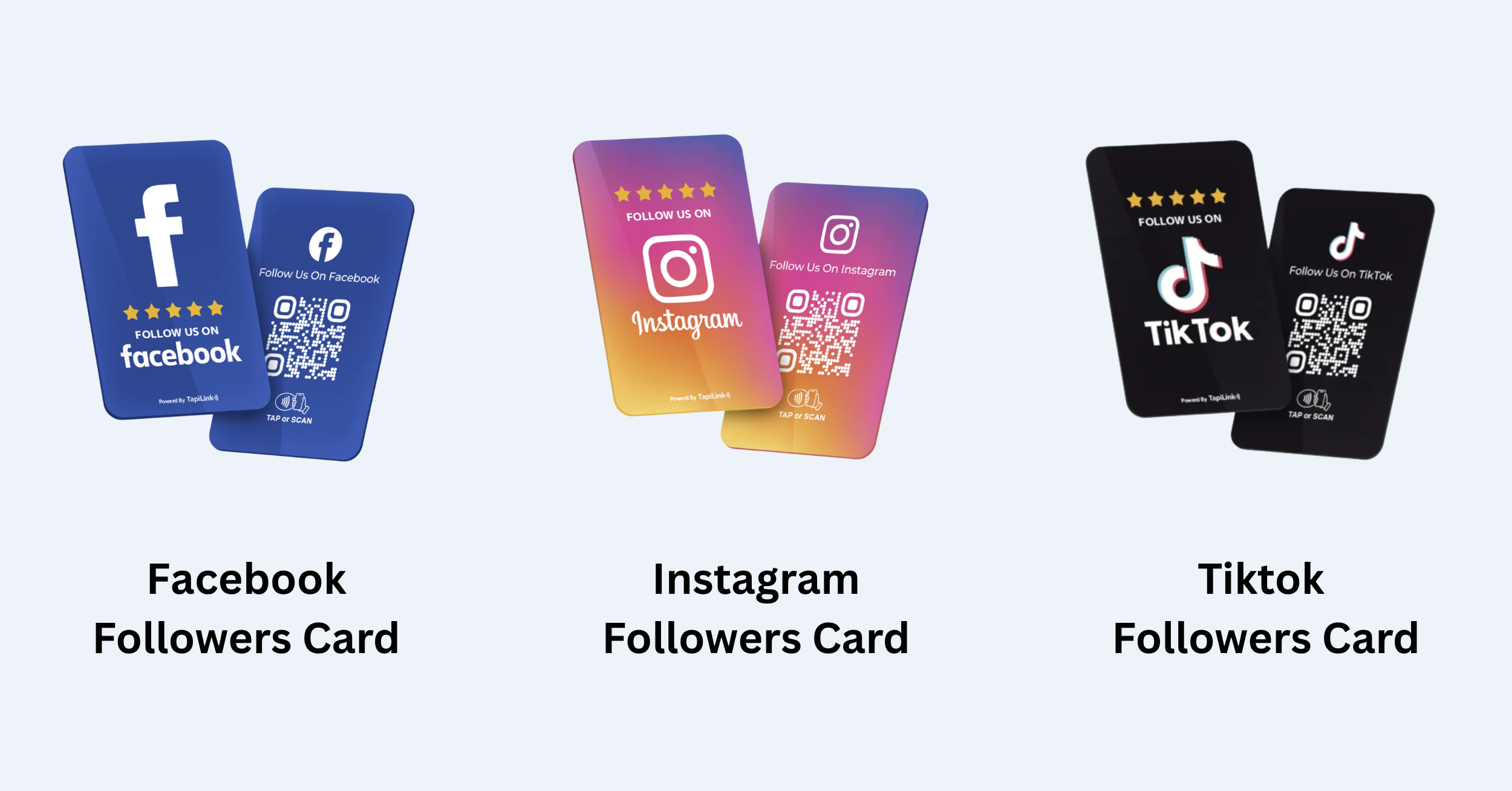
If you want to put these ideas into action, the next step is choosing a solution that makes setup and management easy. Tapilink helps businesses use NFC social media review cards to promote social profiles, collect genuine reviews, and stay compliant, all without monthly fees. You can start by exploring our Facebook Followers Card, Instagram Followers Card, and TikTok Followers Card, then visit our shop to turn everyday customer interactions into measurable growth.

 28Oct
28Oct