How Digital Business Cards Empower Remote Teams and Freelancers by fixing one core problem fast, sharing contact details and value in a remote first world where in person networking is rare.
If you work remotely or freelance, you already feel the gap. Meetings happen on Zoom, chats move to Microsoft Teams, and follow ups rely on LinkedIn or email. Traditional paper cards do nothing here. Digital business cards solve this by giving you one smart link or NFC tap that instantly shares your profile, captures leads, and stays updated in real time.
This means remote teams keep brand consistency across locations like the UK, while freelancers turn every call or message into a trackable opportunity. Integrated tools such as HubSpot make it easy to manage contacts and measure results without extra admin.
In this guide, you will learn exactly how remote teams and freelancers use digital business cards to onboard faster, capture leads, and grow consistently.
What Is a Digital Business Card and How It Works
Have you ever finished a Zoom call, promised to follow up, and then realised the contact is buried somewhere in email threads or chat logs? That small gap costs real opportunities. A digital business card fixes this instantly by giving one smart, shareable profile that works anywhere remote work happens.
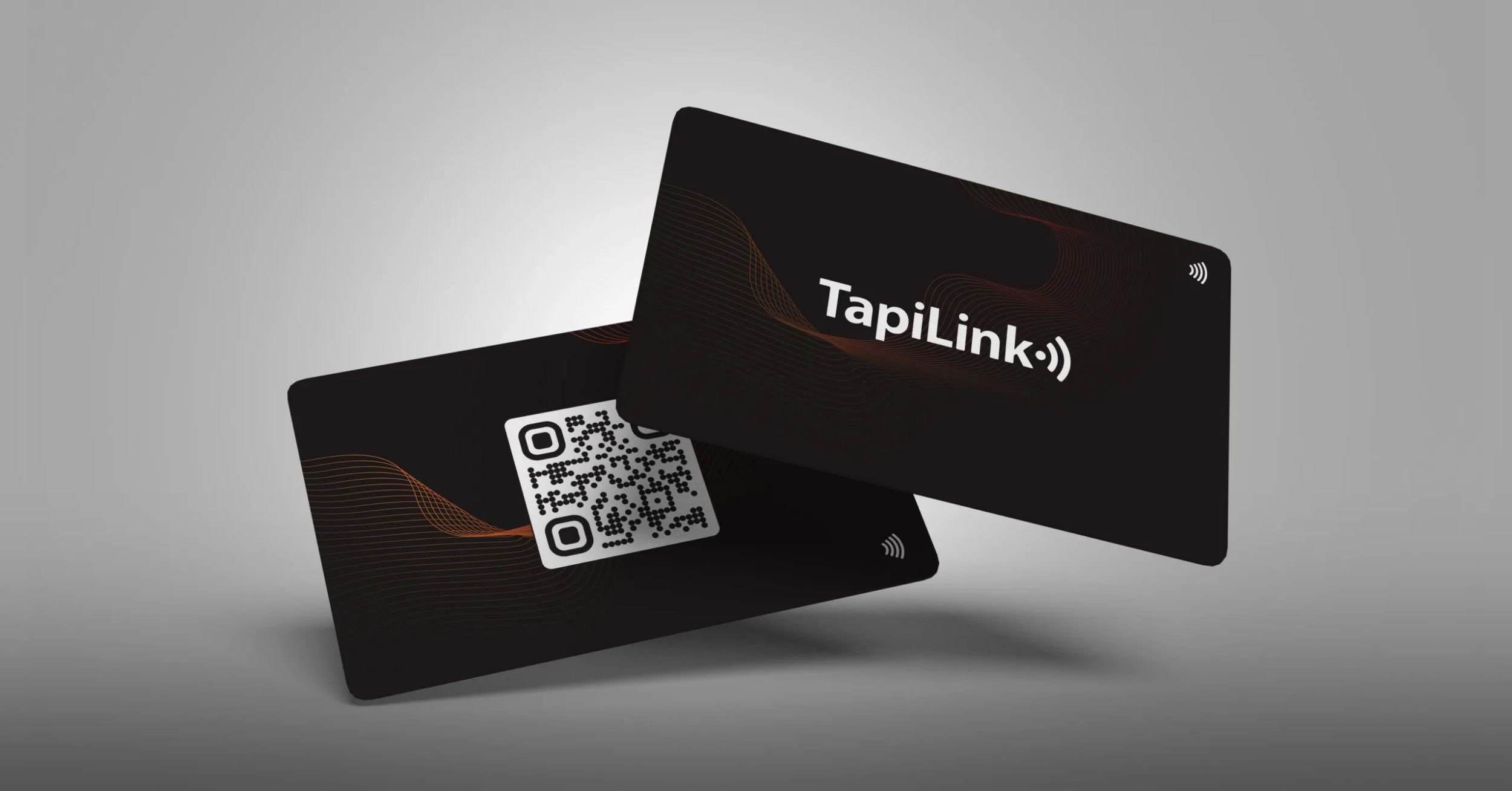
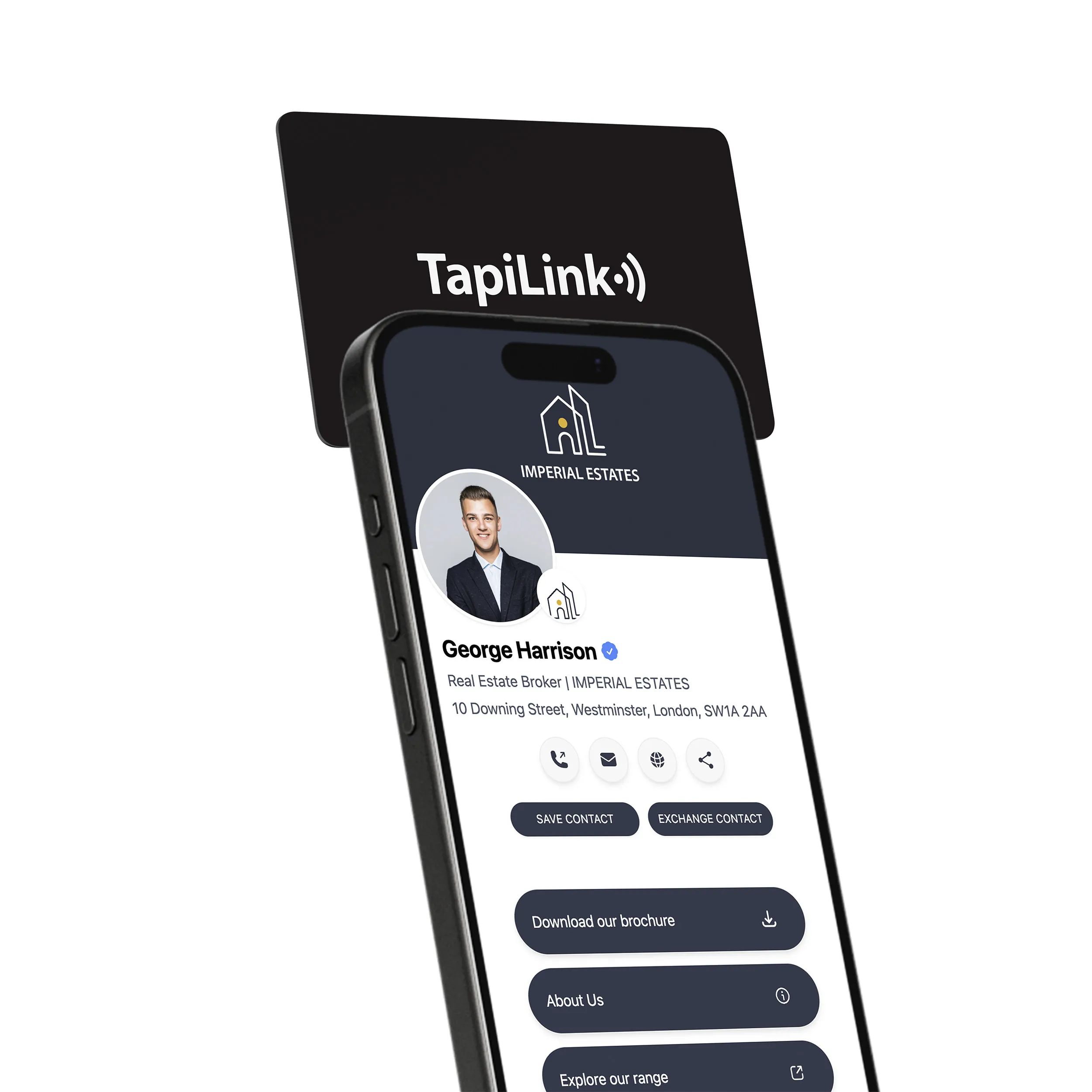
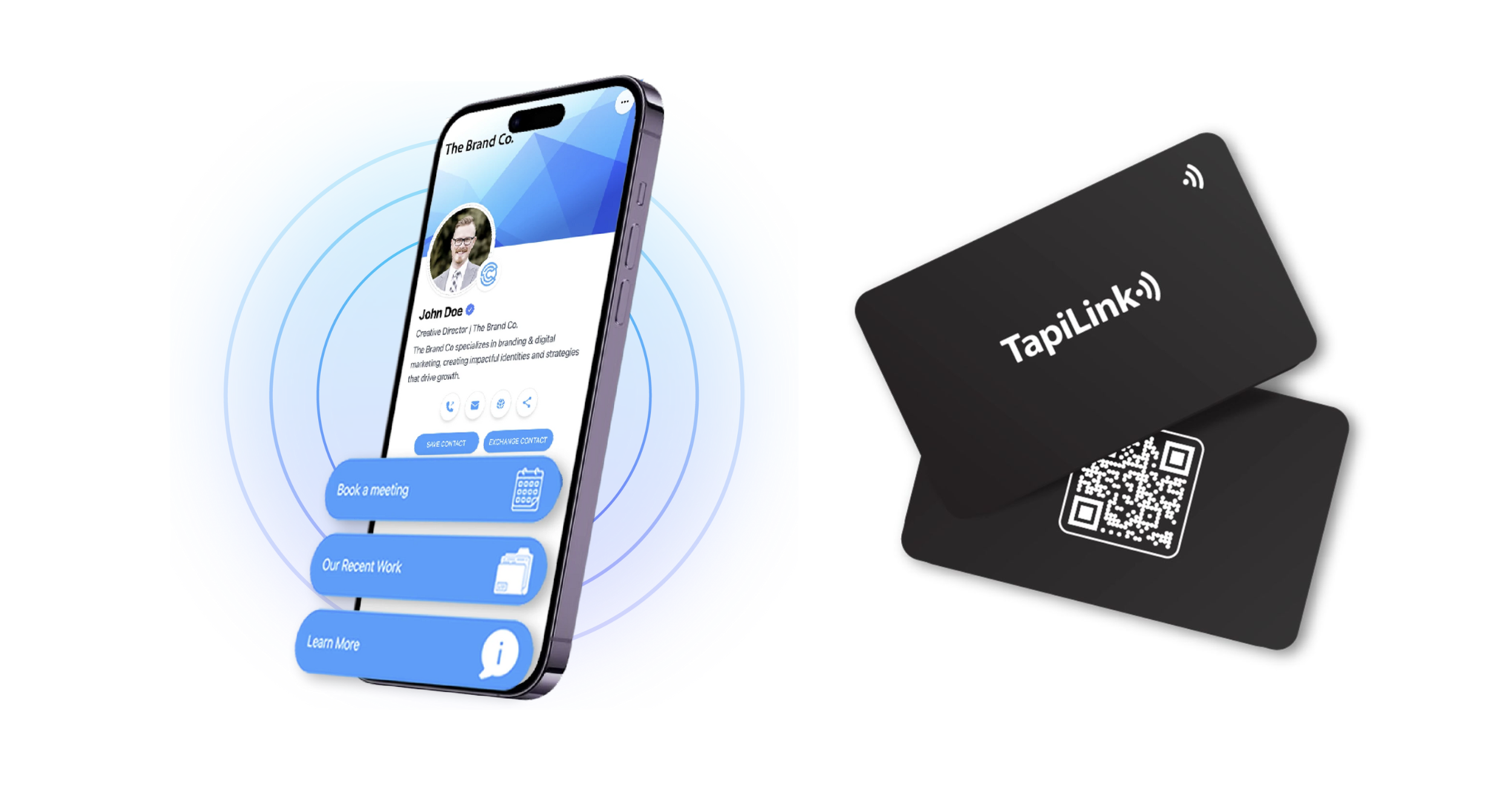
A digital business card is a cloud based profile that shares your contact details, role, links, and calls to action through NFC tap, QR code, or a simple link. It updates in real time, so remote teams and freelancers never resend outdated information. This matters even more in remote heavy regions like the UK and Europe, where virtual meetings and asynchronous communication dominate daily work.
Digital Business Card vs Paper Cards for Remote Work
Paper cards fail in remote environments. Digital cards are built for them.
• Paper cards get lost, digital cards stay saved.
• Paper cards cannot update, digital cards update instantly.
• Paper cards stop at contact info, digital cards capture leads and actions.
NFC, QR Codes, and Shareable Profile Links Explained
• NFC enables instant tap sharing during in person meetups or events.
• QR codes work perfectly on screens during Zoom or Microsoft Teams calls.
• Profile links are ideal for LinkedIn messages, email signatures, and proposals.
Tools like Zoom and Microsoft Teams make QR and link based sharing essential, not optional.
Why Remote Teams and Freelancers Need Digital Business Cards
How many times have you met someone online, planned to reconnect, and never did? Studies referenced by Forbes estimate that most sales opportunities are lost due to delayed or missed follow ups. Remote work makes this problem worse.
The Challenge of Networking in Remote and Hybrid Work
Remote teams rarely network face to face. Freelancers juggle clients across time zones. Introductions happen on video calls, Slack, or LinkedIn. Without a fast sharing system, momentum drops immediately.
Lost Follow Ups, Brand Inconsistency, and Manual Contact Sharing
Remote teams and freelancers struggle with:
• Inconsistent email signatures and outdated job titles.
• Manual contact saving that depends on the other person.
• No visibility into who viewed or engaged with shared details.
This is especially common in distributed UK teams working across London, Manchester, and remote European hubs.
How Digital Cards Solve These Remote Work Gaps
Digital business cards solve this by:
• Creating one verified profile for every team member or freelancer.
• Enabling instant saving to contacts with one tap or scan.
• Tracking views, clicks, and follow up actions.
• Integrating with CRMs like HubSpot to keep pipelines clean.
According to data published by Statista, remote and hybrid roles continue to grow year over year, making scalable digital identity tools essential, not optional.
How Digital Business Cards Empower Remote Teams
Remote teams face a simple but expensive problem. Everyone represents the brand, but not everyone shares information the same way. I have seen distributed teams lose deals because a prospect saved the wrong contact, followed an outdated link, or never followed up at all. Digital business cards fix this at the system level.
Centralized Brand Control for Distributed Teams
When teams work across cities and countries, brand consistency becomes hard to manage. Digital business cards give companies one central place to control how every employee appears.
Key advantages for remote teams:
• One approved profile layout for every employee
• Instant updates when roles, phone numbers, or links change
• Consistent branding across sales, support, and leadership
This is especially useful for UK based teams working remotely across London, Manchester, and European markets. One update reflects everywhere without asking employees to resend details.
Faster Onboarding and Offboarding for Remote Employees
Onboarding remotely often feels fragmented. New hires join calls but lack a professional digital identity on day one. Digital business cards simplify this process.
Teams can:
• Assign a ready made card during onboarding
• Activate cards instantly with correct role and department
• Deactivate access immediately when someone leaves
According to insights shared by Harvard Business Review, clear systems and fast access to tools significantly improve remote employee productivity. Digital cards support this by removing manual setup and risk.
Lead Capture and CRM Sync for Sales and Client Teams
Remote sales and account teams need more than contact sharing. They need visibility. Digital business cards capture real engagement data such as views, clicks, and meeting requests.
This allows teams to:
• See which prospects engaged after calls
• Trigger follow ups based on real interest
• Maintain cleaner pipelines without manual data entry
How Digital Business Cards Help Freelancers Win More Clients
Freelancers live and die by following up. One missed reply or forgotten introduction can mean lost income. I have spoken with freelancers who rely on scattered links, PDFs, and signatures. Digital business cards bring everything into one place.
Turning Calls and Messages Into Trackable Leads
Every freelancer meets clients on video calls, DMs, or email. Digital business cards turn these moments into measurable actions.
With one link, freelancers can:
• Share contact details instantly
• Track profile views and clicks
• Know which leads are warm before following up
This removes guesswork and helps freelancers focus on real opportunities.
Sharing Portfolios, Calendars, and Payment Links in One Place
Clients want clarity. Freelancers need speed. Digital business cards allow both.
Common links freelancers include:
• Portfolio or case studies
• Calendar booking links
• Proposal documents
• Payment platforms
Research referenced by Forbes highlights that reducing friction in the buying journey increases conversion. A single shareable profile does exactly that.
Personal Branding for Freelancers Across Platforms
Freelancers operate across multiple channels. Digital business cards keep branding consistent everywhere.
They work seamlessly on:
• Video calls and virtual meetings
• Messaging apps and email
• Social and professional networks
Using digital cards on LinkedIn, email signatures, and proposals
A digital card link in a LinkedIn message or proposal makes it easy for clients to learn, trust, and act.
Remote First Playbooks Using Digital Business Cards
Most articles explain what digital business cards are. Very few show how to use them day to day. This is where remote teams and freelancers usually get stuck. Below are proven remote first playbooks that turn theory into repeatable execution.
Zoom or Teams Call to Lead Capture Workflow
Think about your last video call. The meeting ended, everyone said goodbye, and follow up depended on memory. Digital business cards remove that risk.
A simple workflow that works consistently:
1. Share your digital card link or QR during the call chat on Zoom or Microsoft Teams.
2. Ask attendees to save contact details before leaving the call.
3. Track profile views and link clicks after the meeting.
4. Trigger follow ups only for engaged leads.
According to research highlighted by Harvard Business Review, faster and clearer follow up significantly improves conversion. This workflow ensures speed without extra effort.
Best practices for Zoom and Microsoft Teams usage
• Share the card link early, not in the last 10 seconds.
• Use QR codes when presenting slides.
• Add your card link to your virtual background or meeting signature.
Freelancer Proposal and Follow Up System
Freelancers often send proposals and wait. Digital business cards turn this into a measurable process.
A practical system:
• Add your digital card link inside proposals and invoices.
• Include portfolio, calendar booking, and payment links.
• Track when clients view your profile.
• Follow up based on real activity, not guesswork.
This approach shortens decision time and increases response rates.
Internal Team Networking and Partner Introductions
Remote teams also need strong internal visibility. Digital cards make introductions frictionless.
Use them to:
• Introduce new hires internally.
• Share partner contact details in shared workspaces.
• Maintain consistent profiles across departments.
Summary: These playbooks turn digital business cards into daily tools, not passive profiles. Next, let’s look at the features that matter most when choosing the right solution.
Key Features to Look for in Digital Business Cards
When researching digital business cards, features matter more than branding. Focus on functionality that supports remote workflows and long term growth.
No App Sharing and Device Compatibility
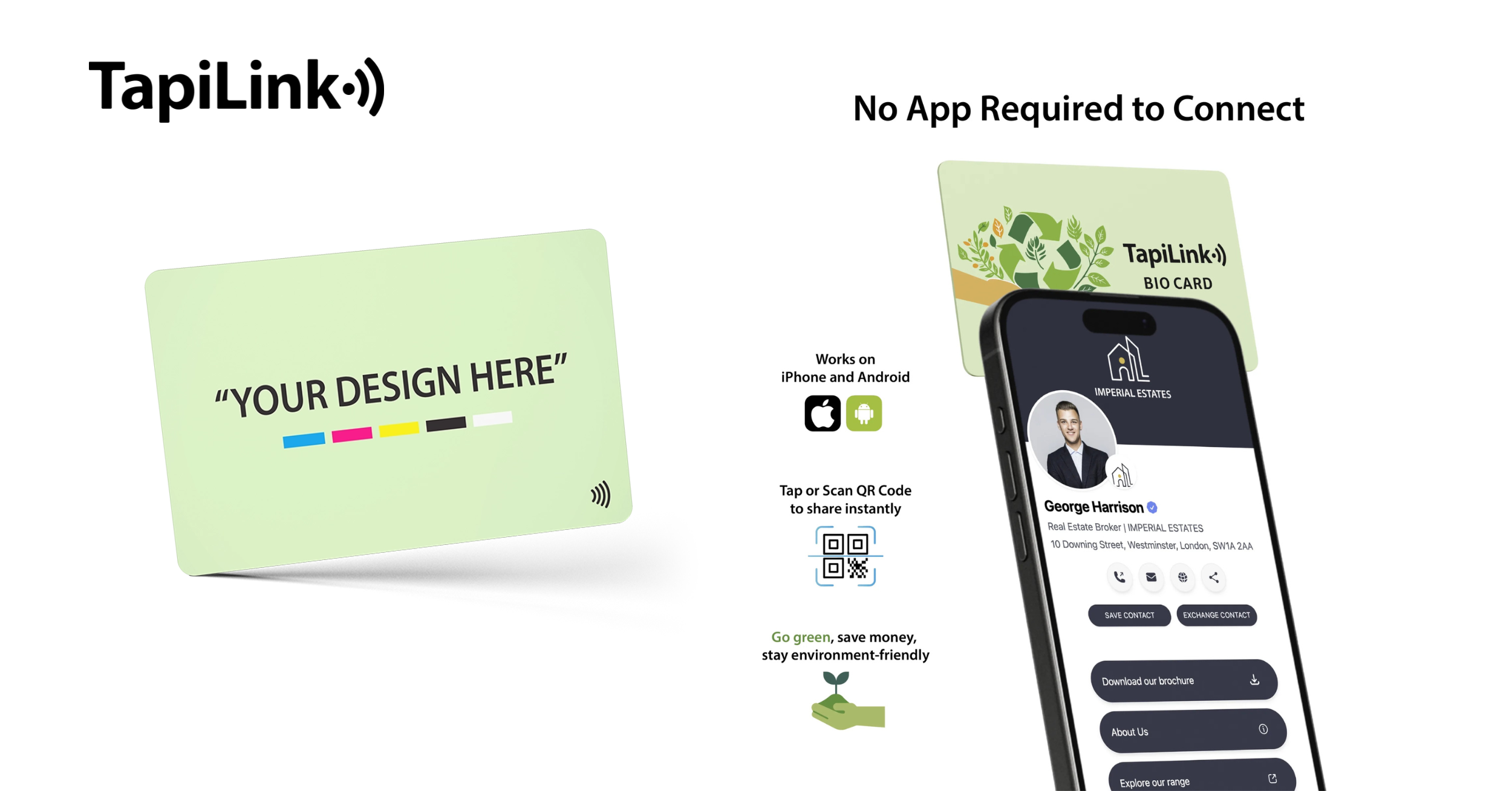
The best digital cards work without forcing recipients to download an app.
Look for:
• One tap or scan sharing
• Compatibility across iPhone and Android
• Easy saving to contacts
This removes friction and increases adoption.
Analytics, Click Tracking, and Performance Insights
Visibility separates modern tools from basic ones.
Key analytics features include:
• Profile views
• Link clicks
• Meeting bookings
CRM sync with platforms like HubSpot and Salesforce helps teams act on this data instead of storing it manually.
Security, Permissions, and Data Control
Remote teams need control.
Important considerations:
• Role based access
• Instant deactivation
• GDPR friendly data handling for UK and EU teams
The right features turn digital cards into scalable systems. Now let’s cover what to avoid so results do not stall.
Common Mistakes Remote Teams and Freelancers Should Avoid
Digital business cards work best when used intentionally. Many teams and freelancers make avoidable mistakes that limit results.
Overloading Profiles With Too Many Links
More links do not mean more value. Too many options confuse visitors and reduce action.
Focus on:
• One primary CTA
• Two or three supporting links
• Clear visual hierarchy
No Clear Call to Action
If people do not know what to do next, they do nothing.
Every digital card should guide users to:
• Book a call
• Save contact
• Visit a key page
Not Measuring Engagement or ROI
Sharing without tracking is a missed opportunity.
Avoid this by:
• Reviewing analytics weekly
• Following up based on engagement
• Adjusting links based on performance
Data from Statista shows remote work adoption continues to rise, making measurement critical for growth.
Conclusion
Digital business cards solve a clear remote work challenge. They remove friction from follow ups, keep branding consistent, and turn everyday interactions into measurable outcomes. For remote teams, they centralize control, simplify onboarding, and support faster sales cycles. For freelancers, they create one professional touchpoint that captures leads, builds trust, and shortens decision time. The key takeaway is simple. When sharing contact details becomes instant, trackable, and consistent, remote work becomes more effective and predictable.
If you want to put this into action, start with a solution built for modern remote workflows. Tapilink helps remote teams and freelancers share smart digital business cards, manage profiles centrally, and capture leads without monthly fees.
Explore how Tapilink works and see how one simple change can improve follow ups, visibility, and growth.

 14May
14May