1
Scan to Activate
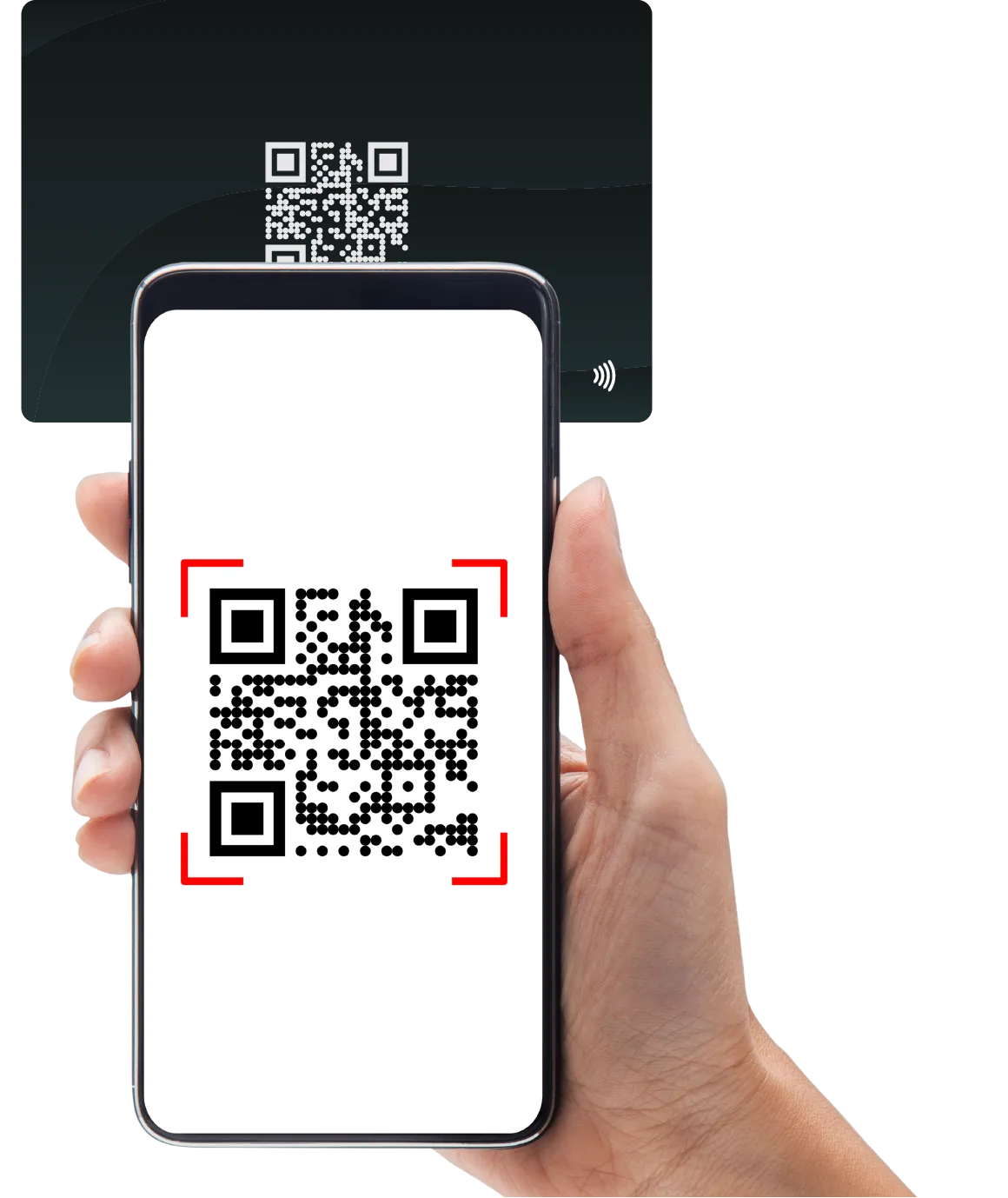
Start by scanning the QR code on your card or tapping it with your NFC-enabled smartphone. This will instantly take you to the activation page.
- No app required for activation
- Works on iOS and Android
Your cart is empty
Add some products to get started
Your digital journey starts here. Follow these simple steps to activate and customize your TapiLink NFC card. Whether you're setting up for yourself or your entire team, we've made the process seamless.
Start by scanning the QR code on your card or tapping it with your NFC-enabled smartphone. This will instantly take you to the activation page.
Sign up for a TapiLink account to claim your card. Once logged in, you'll enter the dashboard where you can build your digital business card.
Add your photo, contact details, social links, websites, and more. Our intuitive editor makes it easy to customize the look and feel to match your personal brand.
Go to Dashboard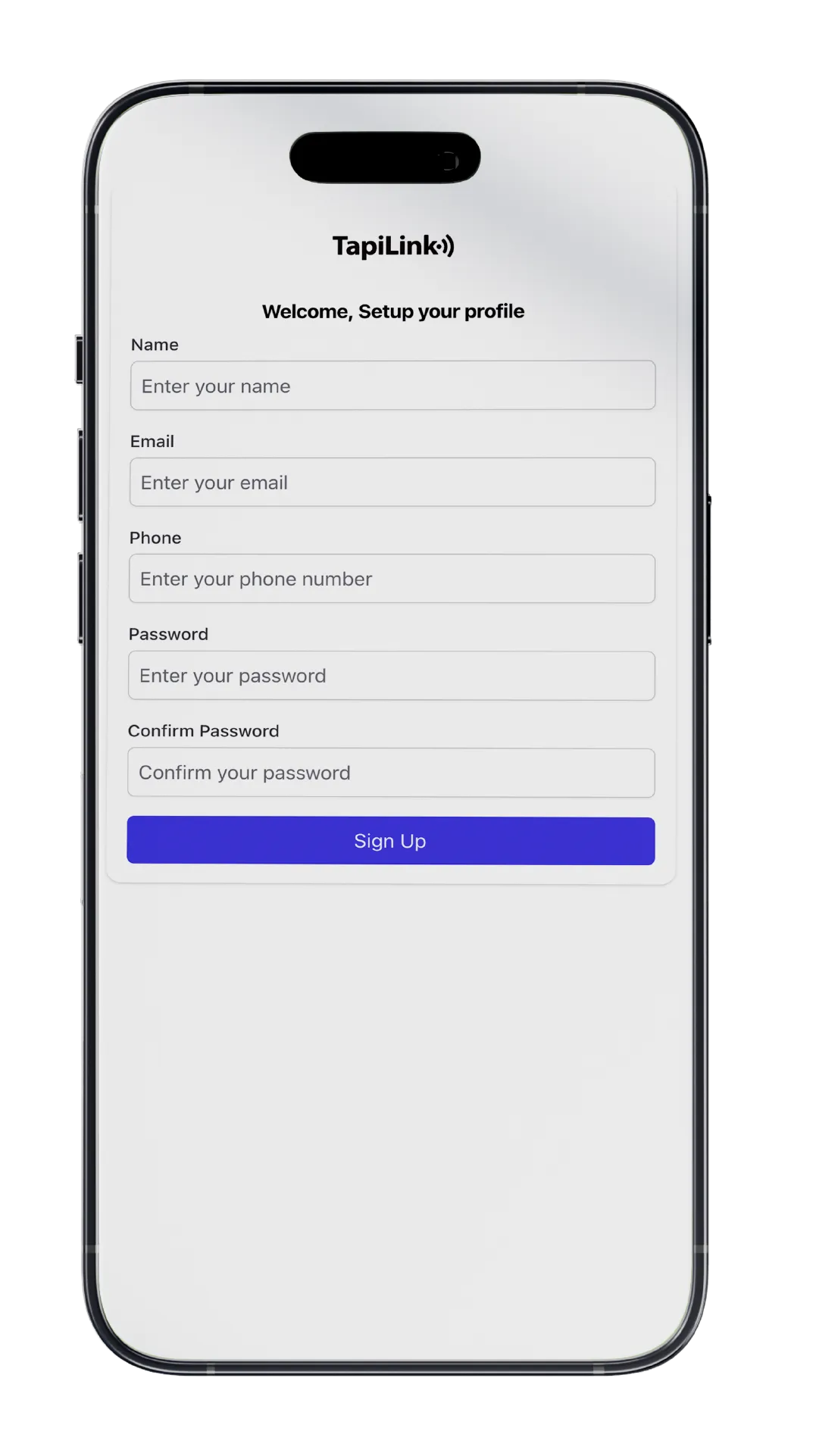
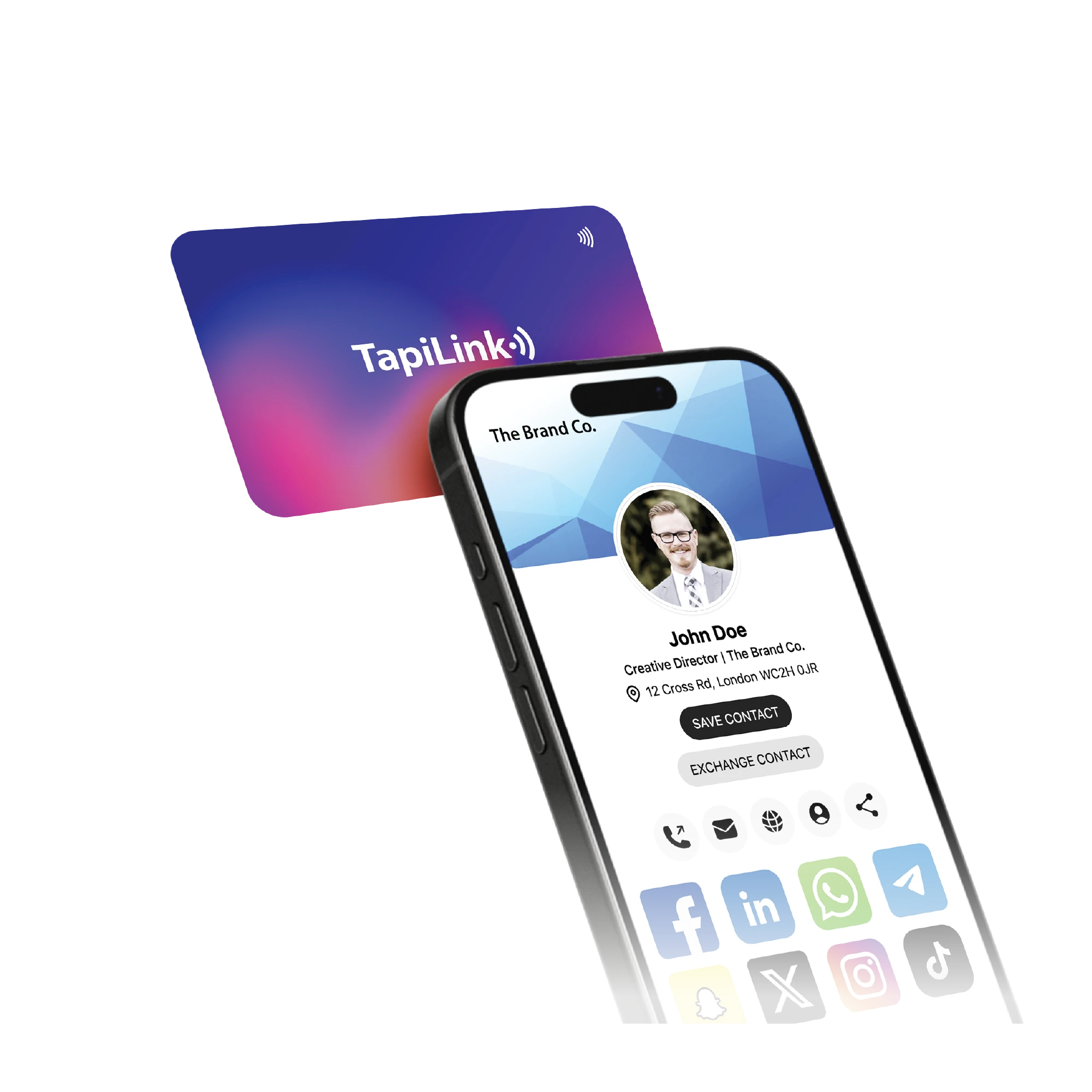
Your card is now live! Simply tap your card on anyone's phone to instantly share your digital profile.
You can also share via:
Run into an issue or have specific questions about advanced features? Our support team is here to assist you.
Visit Support Center