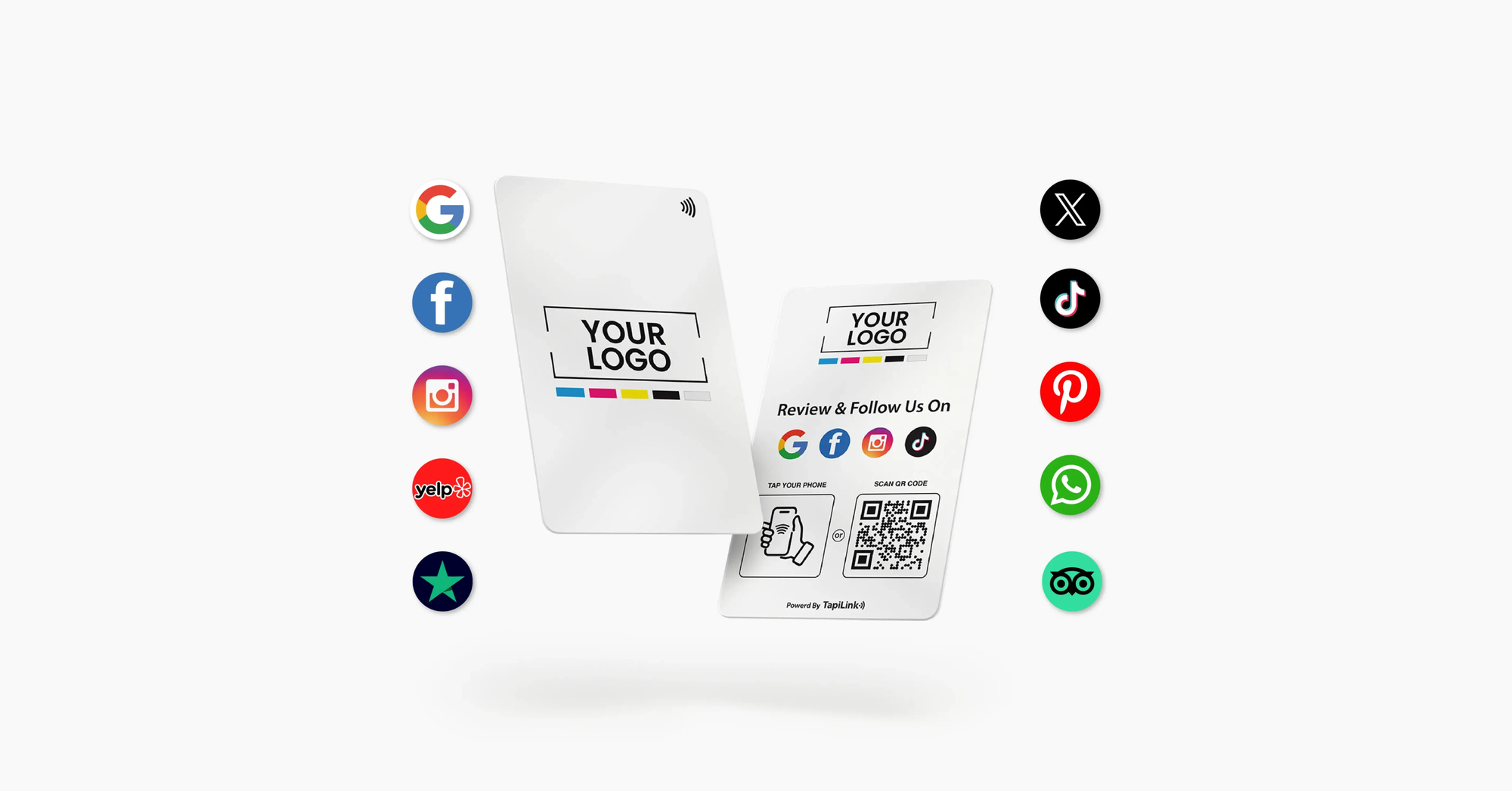
Google review card Black Friday deals are worth comparing by placement and purpose, alongside the discount. Choose a portable card for customer visits, a freestanding stand for visible checkout prompts, or an acrylic plate for a compact branded display. Each format helps customers reach your review page through tapping or scanning.
At TapiLink, our current Black Friday offers include selected review stands, multi-link displays and a customisable acrylic review plate. Our white Google review stand is listed at £16.99, while the customisable plate is £21.99. Check the selected options and checkout total before ordering.
This guide helps retailers, salon owners, hospitality teams and mobile service businesses choose a suitable format. You’ll find product recommendations, current prices and a practical buying checklist. We also explain how to invite honest feedback without linking customer reviews to your own discounts.
Cards, Stands or Plates: What’s the Difference?
The main difference is how customers encounter the review prompt. Cards work well during personal interactions, while stands and plates provide a consistent display location. Decide where the product will sit before comparing finishes or discounts.
Review cards: A portable prompt
A Google review card is a reusable physical card linked to a business’s Google review destination. TapiLink’s cards provide NFC and QR access, giving customers two ways to open that destination. The card helps them find the page; customers still decide whether to submit feedback.
Consider a card when staff move between customers or visit different job sites. A cleaner, mobile detailer or tradesperson could carry one for completed customer appointments. Keep it accessible so staff can offer the link without searching through a bag.
Review stands: A visible display
A Google review stand is a freestanding sign that customers can tap or scan at a counter. Our white stand provides direct access to your Google review page. Its display format suits reception desks, salon counters and café tills.
Choose a stand when customers finish their visit in a predictable place. Position it where they can see it after paying. Keep the payment terminal and collection area clear so using the stand doesn’t interrupt service.
Review plates: A compact branded option
A Google review plate is an acrylic display carrying your review prompt, NFC access and a QR code. TapiLink’s customisable plate supports business branding and comes with selectable size options. It offers another way to present your review link on a counter or desk.
Consider a plate when you want a compact display that matches your business identity. Measure the available space before choosing a size. Check the product’s intended placement and any fixing requirements rather than assuming every plate attaches to a wall.
Google Review Card Black Friday Deals at TapiLink
Our live sale page highlights selected stands and plates with specific Black Friday prices. Other review cards have separate listed prices and quantity options. Compare the actual product configuration rather than assuming every review product receives the same promotion.
Prices checked on 23 November 2026. TapiLink’s campaign page states that the sale ends Friday 27 November at 23:55. Recheck current availability, selected options and final prices before purchasing.
White Google Review Stand: £16.99
The QR and NFC Google Review Stand White is listed at £16.99, alongside £29.99. The sale page advertises 43% off. Customers can tap a compatible phone or scan the QR code to open your review page.
This is our suggested starting point for a single checkout focused on Google feedback. Its dedicated purpose gives customers one clear action. Review the available stand types before paying, because the selected configuration can affect your order.
Customisable Acrylic Review Plate: £21.99
Our Acrylic Google Review Plate is listed at £21.99, alongside £34.99, with a Black Friday offer label. That represents a £13 difference between the displayed prices. The product offers 100 × 100 mm and 120 × 120 mm size selections.
Choose this option when your logo and colours should form part of the display. It suits businesses seeking a consistent branded appearance across customer areas. Check the design proof for clear wording, readable contrast and enough space around the QR code.
Acrylic A5 Multi-Link Stand: £24.99
The Fully Customised Acrylic A5 Multi-Link Stand is listed at £24.99, alongside £44.99. TapiLink’s sale page advertises 44% off. The stand opens a multi-link page where customers can choose between relevant destinations.
Consider it if customers also need booking, menu or social links. A salon could prioritise rebooking and Google feedback. Keep the menu short so the review button remains easy to find.
Portable Google Review Card: £19
Our QR and NFC Google Review Card is listed at £19, alongside £25. Its product page also displays quantity pricing. This is a separate listed offer rather than one of the featured Black Friday products named above.
Choose the card when portability matters more than a permanent display. It can support customer conversations away from reception or checkout. Give each travelling team a clear process for keeping the card available and checking its destination.
Which Format Fits Your Business?
Match the format to the moment when customers finish receiving your service. The strongest buying decision starts with that location. Use the examples below as planning suggestions for your own layout.
- Independent shop: Start with a dedicated stand near the completed-payment area.
- Salon: Consider a branded plate or multi-link stand beside reception.
- Café: Choose a visible stand positioned away from drinks collection.
- Mobile service: Carry a review card for completed customer appointments.
- Several branches: Give each location the destination for its own Google Business Profile.
You may need more than one format when your team works in different settings. A shop could use a stand at checkout and a card for home consultations. Buy additional units because they serve a clear purpose, rather than filling every available surface.
Calculate Your Setup Before Buying
Calculate the cost of your planned placements before choosing a quantity. This makes Google review card Black Friday deals easier to compare. It also helps prevent a larger order becoming an unnecessary expense.
For example, one £16.99 white stand plus one £19 review card totals £35.99 at the displayed single-item prices. This is a planning calculation, not an advertised bundle. Check delivery, selected options and any applicable quantity pricing at checkout.
Write down who will use each item and where it belongs. Label products discreetly if you operate several branches. A clear placement plan makes distribution and later link checks easier.
Check These Details Before Ordering
Confirm your review destination, artwork and delivery arrangements before approving the purchase. The design should tell customers what tapping or scanning will do. A larger discount won’t help if the product links to the wrong branch.
- Choose the correct destination. Use the review link for the business location customers actually visited.
- Check your selected options. Confirm material, size, quantity and personalisation.
- Review the artwork. Check business spelling, contrast, spacing and QR visibility.
- Confirm included access. Read the selected product’s features and any optional service costs.
- Check delivery arrangements. Allow time for artwork approval, production and shipping.
- Test after arrival. Open both NFC and QR destinations before putting the product into use.
Google explains how to create and share a review link or QR code. Customers must sign in to a Google Account to publish a review. A successful scan therefore doesn’t automatically mean a review will follow.
Keep Sale Discounts Separate From Reviews
You can buy discounted review products while inviting honest customer feedback. However, you must keep your own customer promotions independent of reviewing. Google prohibits incentives exchanged for reviews, including discounts, free goods and payments.
Use neutral wording such as: “If you’d like to share your experience, you can use this review link.” Don’t request a specific rating or approach only customers expected to respond positively. Let customers choose when to review without pressure to post before leaving.
Choose Your TapiLink Review Setup
Choose a card for portability, a stand for visibility or a plate for a compact branded display. Consider multi-link products when customers genuinely need several destinations. Keep the invitation clear and the Google review route easy to find.
Explore the TapiLink Black Friday sale to compare the featured offers. Select the format that fits your customer journey, check its current price and submit your branding. Then test the finished setup before introducing it to customers.
Frequently Asked Questions
Question: Which is cheaper: a review card or stand?
Answer: The featured white stand currently costs £16.99, while the standard Google review card lists at £19. These are displayed single-item prices checked for this guide. Compare your selected configuration and quantity before deciding, because the final order total may differ.
Question: Do TapiLink review products require a subscription?
Answer: The featured card, white stand and customisable plate list essential access without a required subscription. Their pages distinguish this from optional team management. Check the selected product’s included features before ordering, especially when comparing individual products with broader business services.
Question: Can a multi-link stand collect Google reviews?
Answer: A multi-link stand can include a button leading to your Google review destination. Customers open the menu, then choose that option. Keep the label clear and prominent if reviews are your main goal. The stand helps customers reach Google; it doesn’t submit feedback for them.
Question: Can I use one review link everywhere?
Answer: Products serving the same business location can use that location’s review destination. For separate branches, configure each product for the appropriate Business Profile. Check the business name and address after every test scan. Repeat the check whenever products move between branches.
Question: Will buying a review stand guarantee more reviews?
Answer: No. A review stand makes your feedback link easier to access, but customers choose whether to participate. Google also applies its content policies to submitted reviews. Focus on accessible links, genuine customer experiences and helpful responses rather than guaranteed numbers or ratings.
Ready to revolutionize your networking approach? Explore TapiLink's range of premium NFC business cards and join the thousands of professionals who've already made the smart choice.


