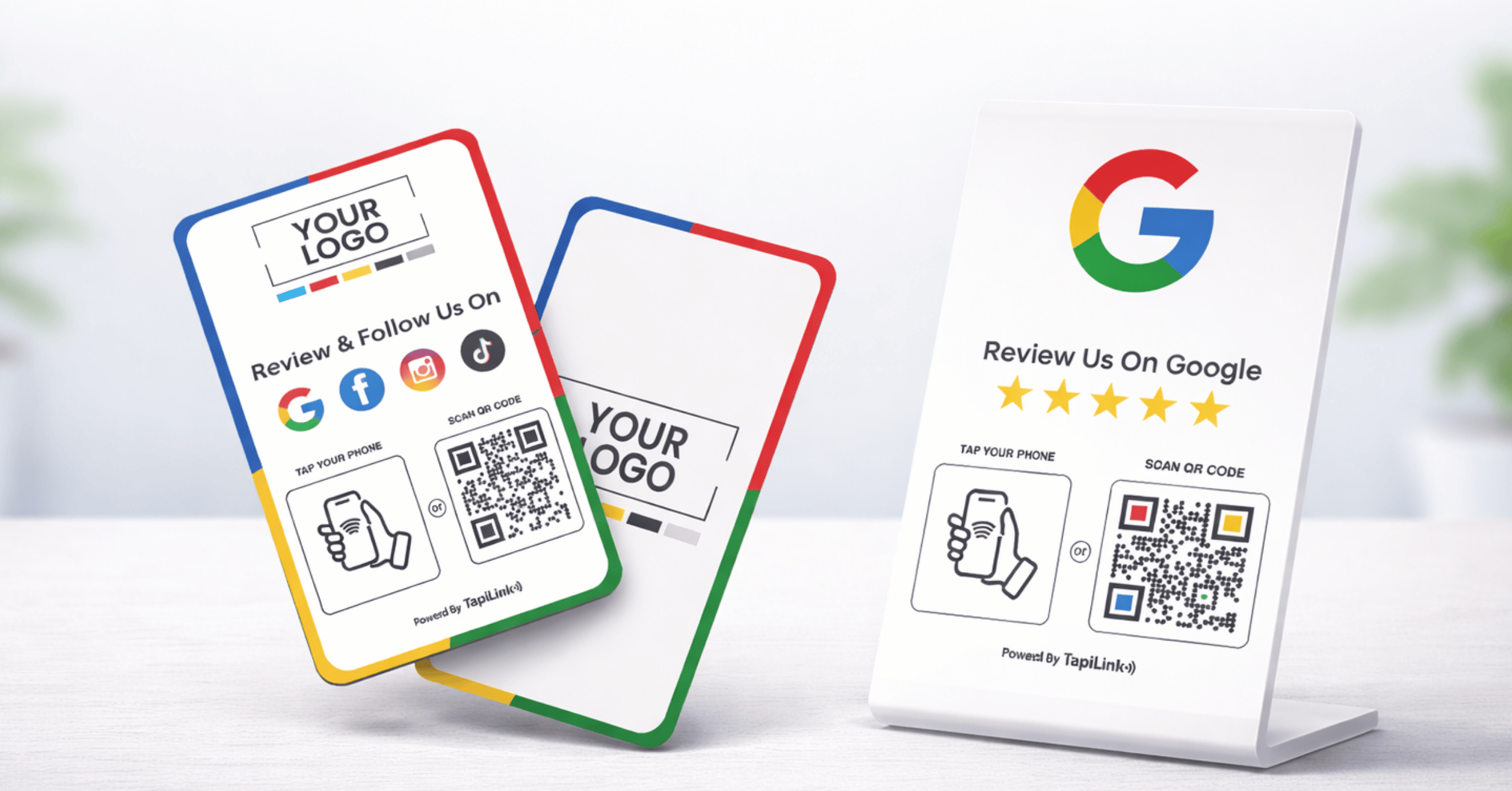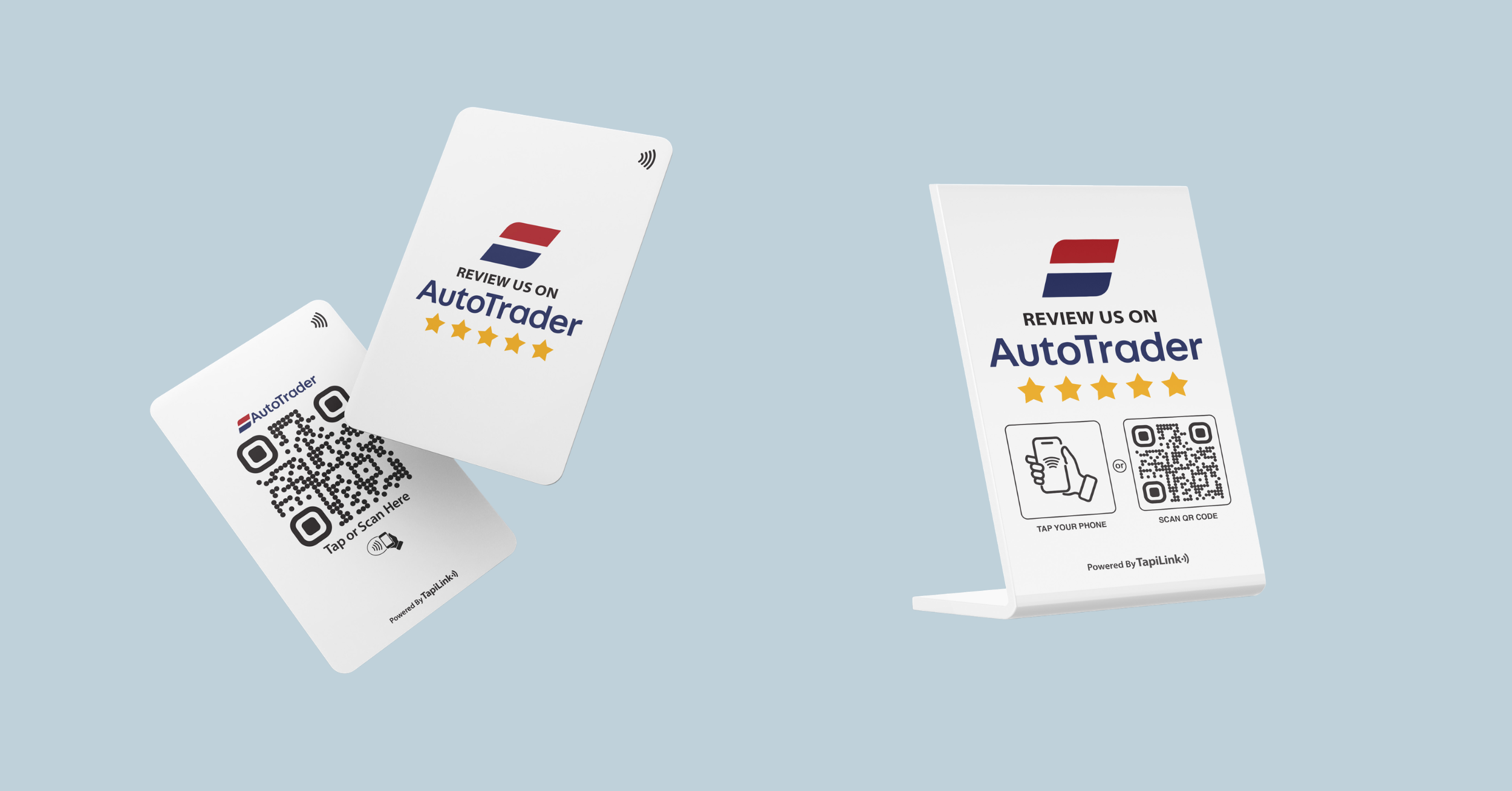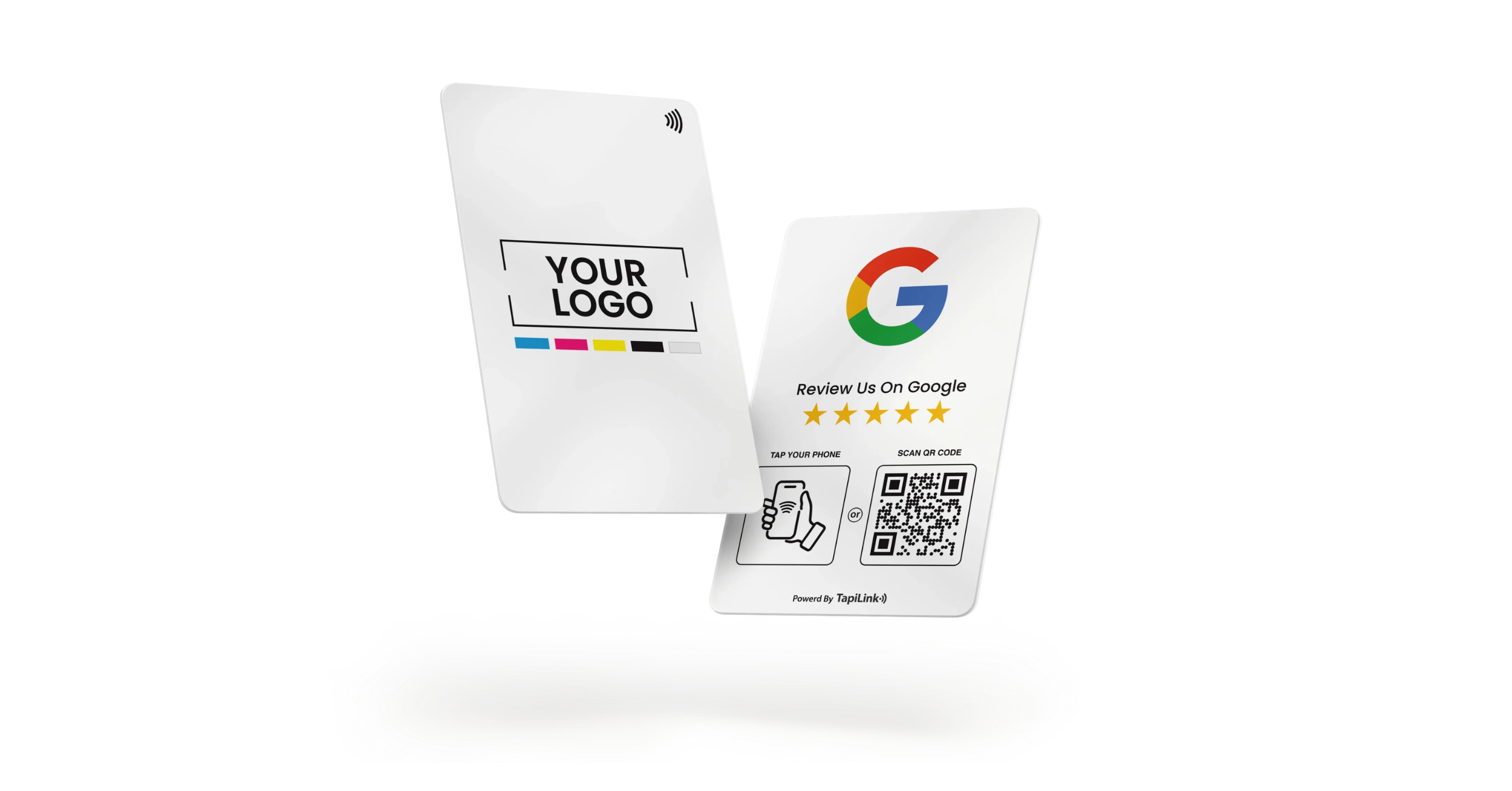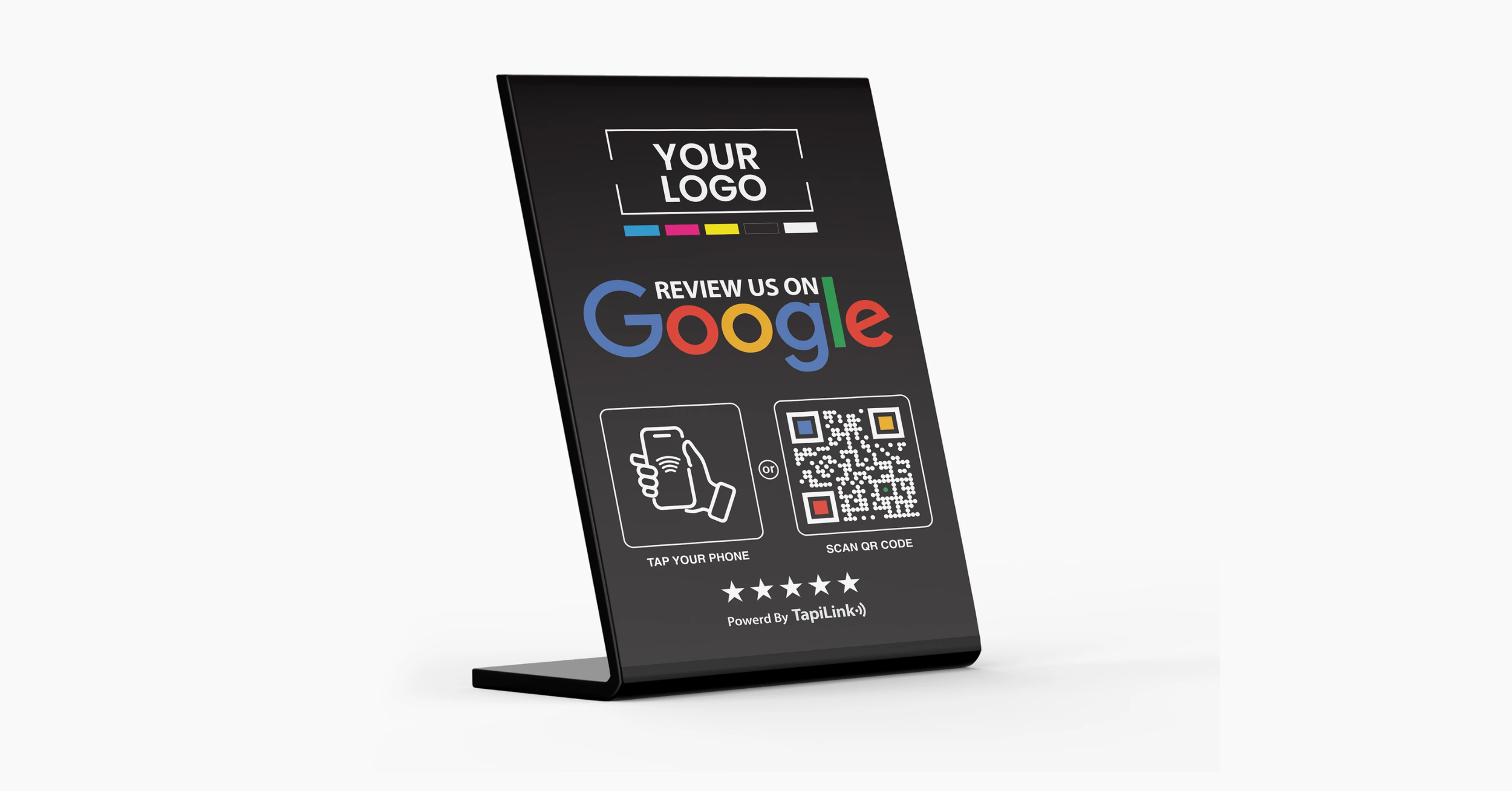
NFC Google Review cards help you collect more Google reviews instantly with a simple tap. Instead of asking customers to search for your business on Google Maps, a tap opens your Google Business Profile review page directly on their iPhone or Android device. No typing. No searching. No friction. Just tap and review.
I’ve seen cafés in London and salons in Birmingham increase review flow simply by placing a tap-to-review stand at checkout. According to BrightLocal, 98 percent of consumers read online reviews for local businesses. That means every missed review opportunity reduces your visibility in Google’s local results.
An NFC Google Review card is a physical card, stand, or sticker embedded with Near Field Communication technology that links directly to your Google review form. When combined with a QR fallback, it works seamlessly across Apple and Android devices.
In this guide, you’ll learn the exact 5-step implementation system used by high-performing local businesses. More importantly, you’ll see how Tapilink makes deployment easier with professionally designed NFC review stands that are built for conversion, durability, and real-world performance.
What NFC Google Review Cards Are and How They Work
An NFC Google Review card is a physical card, or sticker embedded with Near Field Communication technology. When a customer taps it with their smartphone, it opens your Google review link automatically. No searching. No typing your business name into Google Maps. Just tap and review.
According to BrightLocal, 87 percent of consumers used Google to evaluate local businesses in recent years. That means your Google Business Profile reviews directly influence visibility and trust.
NFC tap opens your Google review link
Here is how it works technically:
- The NFC chip stores your Google review URL
- A smartphone reads the chip when tapped
- The browser opens your review form instantly
On most modern iPhones and Android devices, NFC is enabled by default. This creates a frictionless “tap to review” experience at checkout counters, reception desks, or service completion moments.
QR fallback why it matters
Not every phone taps perfectly. Some users disable NFC. Some older devices require manual activation.
That is why a QR code printed on the same card is essential. The QR acts as a universal backup:
- Works on all smartphones
- Opens the same review link
- Reduces lost opportunities
In high traffic environments such as London cafés or Birmingham clinics, having both NFC and QR ensures maximum engagement.
When to use card vs stand vs sticker
Different formats serve different business types:
- Card: Ideal for handing directly to customers
- Table stand: Perfect for restaurants and salons
- Sticker: Works well at POS terminals or on counters
If you want deeper insight into NFC hardware strategy, see our internal guide on 5 Steps To Implementing NFC Google Review Cards That Customers Will Love.
In short, NFC Google Review cards remove friction and capture feedback at the exact moment satisfaction is highest. Now let’s make sure you link the card to the correct review URL.
The 5 Step System to Implement NFC Google Review Cards
Step 1: Get Your Google Review Link Correctly
Everything starts with the right link. If you encode the wrong URL, customers won’t land directly on the “Write a Review” page.
Go to your Google Business Profile dashboard and click Ask for reviews. Copy the direct review link. Test it on at least two devices before using it.
Tapilink review cards are pre-configured with your exact Google review link, so you avoid common mistakes like encoding your homepage instead of the review form.
Step 2: Choose the Right Format for Your Business
Different businesses need different formats.
- Restaurants work best with table stands
- Salons and clinics benefit from reception desk displays
- Gyms often use front desk stands or exit placements
- Retail stores perform well with counter cards
Placement matters more than people think. Tapilink offers professionally designed NFC review stands and premium cards built specifically for high-visibility locations, so you don’t have to guess what works.
Step 3: Program and Test the NFC Tag
If you are doing it yourself, use an NFC writing app to encode your review URL, then lock the tag and test on both iPhone and Android.
Always check:
- Tap opens review form directly
- QR scans correctly
- Page loads fast
- Link uses HTTPS
Tapilink cards come pre-programmed and tested for reliability, eliminating chip quality issues and encoding errors.
Step 4: Design for Conversion
An NFC review card is not a decoration. It is instruction.
Keep it simple:
- One clear line like “Tap to Leave a Google Review”
- High-contrast QR code
- Clean branding
- No clutter
Tapilink review cards are designed with conversion psychology in mind, combining clear messaging with strong QR contrast and durable materials.
Step 5: Train Staff and Ask at the Right Moment
Technology alone doesn’t generate reviews. Timing does.
Ask immediately after:
- Payment
- Service completion
- Positive feedback
Keep it natural: “If you enjoyed your visit today, a quick tap here really helps us.”
Tapilink stands are designed to make that request feel effortless and professional, rather than awkward.
When you combine the right review link, smart placement, reliable NFC performance, strong design, and natural staff scripting, NFC Google Review cards become a powerful review growth system.
This simple 5-step approach can steadily increase review velocity, strengthen your Google Business Profile visibility, and build trust in competitive local markets.
Common NFC Google Review Card Mistakes That Kill Conversions
Even well-designed NFC review cards fail when small details are ignored. I’ve seen businesses invest in hardware but lose reviews because of simple execution mistakes.
Here are the most common problems to avoid:
- Encoding the wrong Google review link
- Using low-quality NFC chips that fail randomly
- Placing the card in low-visibility areas
- Overloading the design with too much text
- Not including a QR fallback
- Forgetting to test on both iPhone and Android
One of the biggest mistakes is assuming customers will “figure it out.” Clear instructions and proper placement matter more than design alone. Tapilink review stands are built to reduce these risks by combining reliable NFC chips, high-contrast QR placement, and professional layouts that guide customers naturally.
Avoid these mistakes, and your NFC Google Review card becomes a growth tool instead of a decorative item.
Conclusion
NFC Google Review cards are simple in concept but powerful in execution. When you follow the right 5 step system, using the correct Google review link, choosing the right format, ensuring reliable tap performance, designing for clarity, and training staff to ask at the right moment, you remove friction completely. That friction is what usually prevents satisfied customers from leaving reviews.
In competitive local markets, whether you run a restaurant, salon, gym, clinic, or retail store, review velocity directly impacts your Google Business Profile visibility and customer trust. A well placed NFC review stand captures feedback while emotion is still fresh.
If you want a professional, ready to deploy solution without technical guesswork, Tapilink NFC Google Review cards are designed for reliability, visibility, and conversion. Explore the Tapilink review card collection today and start turning everyday customer satisfaction into consistent 5 star growth.
Frequently Asked Questions
1. Do Nfc Google Review Cards Work On All Smartphones?
NFC Google Review cards work on most modern iPhone and Android devices. iPhones from XS and newer support background NFC reading automatically. Most Android phones have NFC enabled in settings. For maximum compatibility, always include a QR code fallback so customers without NFC enabled can still scan and leave a review.
2. Are Nfc Google Review Cards Allowed Under Google’s Policies?
Yes, NFC review cards are allowed as long as you follow Google Business Profile guidelines. You must not offer incentives, filter only positive reviewers, or block unhappy customers from leaving feedback. Avoid review gating and always allow honest reviews.
3. How Many Nfc Review Cards Should A Small Business Use?
Most small businesses start with 1 to 3 placements, such as a front desk stand, payment counter card, or table display. High traffic locations benefit from multiple placements to capture reviews at different customer touchpoints.
4. Can I Track How Many People Tap My Nfc Google Review Card?
Basic NFC tags do not automatically track taps. However, you can use trackable short links or advanced platforms that provide analytics. Tracking helps measure review growth and placement performance over time.
5. Is NFC Better Than Qr Code For Collecting Google Reviews?
NFC offers a faster tap experience, especially in face to face interactions. However, QR codes ensure universal compatibility. The most effective setup combines both NFC and QR on the same review card to maximize engagement and prevent lost opportunities.
Ready to revolutionize your networking approach? Explore TapiLink's range of premium NFC business cards and join the thousands of professionals who've already made the smart choice.