Are you struggling to gather more reviews on TripAdvisor? You’re not alone! With millions of businesses vying for customer attention, standing out can be challenging. But here’s the good news: getting more TripAdvisor reviews doesn’t have to be difficult. In this article, we’ll share seven effective tips, including the use of innovative tools like QR & NFC TripAdvisor review cards, tags, and stands. These simple yet powerful solutions help customers leave reviews instantly, directly boosting your ratings and enhancing your online reputation.
Did you know that businesses with higher ratings on platforms like TripAdvisor enjoy 23% more revenue growth? Whether you’re based in the UK or a global hotspot, integrating NFC and QR codes can help streamline your review process and boost engagement. By using NFC-enabled devices, you can seamlessly collect reviews, making the process faster and easier for your customers.
At Tapilink, we specialize in providing QR & NFC TripAdvisor review cards, tags, stands, and plates, offering a hassle-free way for your customers to share their experiences. For more insights on improving your business’s online reputation, check out our article on how to leverage customer reviews for business growth.
External Reference: According to TripAdvisor, businesses that actively engage with reviews see improved visibility and higher trust among customers.
What Are TripAdvisor Reviews and Why Are They Crucial for Your Business?
Did you know that 80% of consumers trust online reviews as much as personal recommendations? This is a game-changer for businesses, especially in highly competitive sectors. When potential customers see positive reviews, it builds trust and increases the likelihood they’ll make a purchase or booking.
TripAdvisor reviews are customer-generated feedback on the experiences they have had at a business, such as a hotel, restaurant, or tour service. These reviews are posted directly on TripAdvisor’s platform, where users can share their thoughts on everything from service quality to atmosphere. In sectors like travel, hospitality, and restaurants, reviews are vital for building credibility and attracting new customers.
Why do they matter so much? Think about this: when travelers are choosing between two hotels, what do they look at? The reviews. Positive feedback can make all the difference when a customer is deciding where to spend their money. For restaurants and local attractions, glowing reviews can lead to full bookings, increased foot traffic, and higher revenue. Simply put, TripAdvisor reviews are a form of social proof that drives consumer decisions and business growth.
Tip #1: Use NFC and QR TripAdvisor Review Cards
What Are NFC and QR Review Cards?
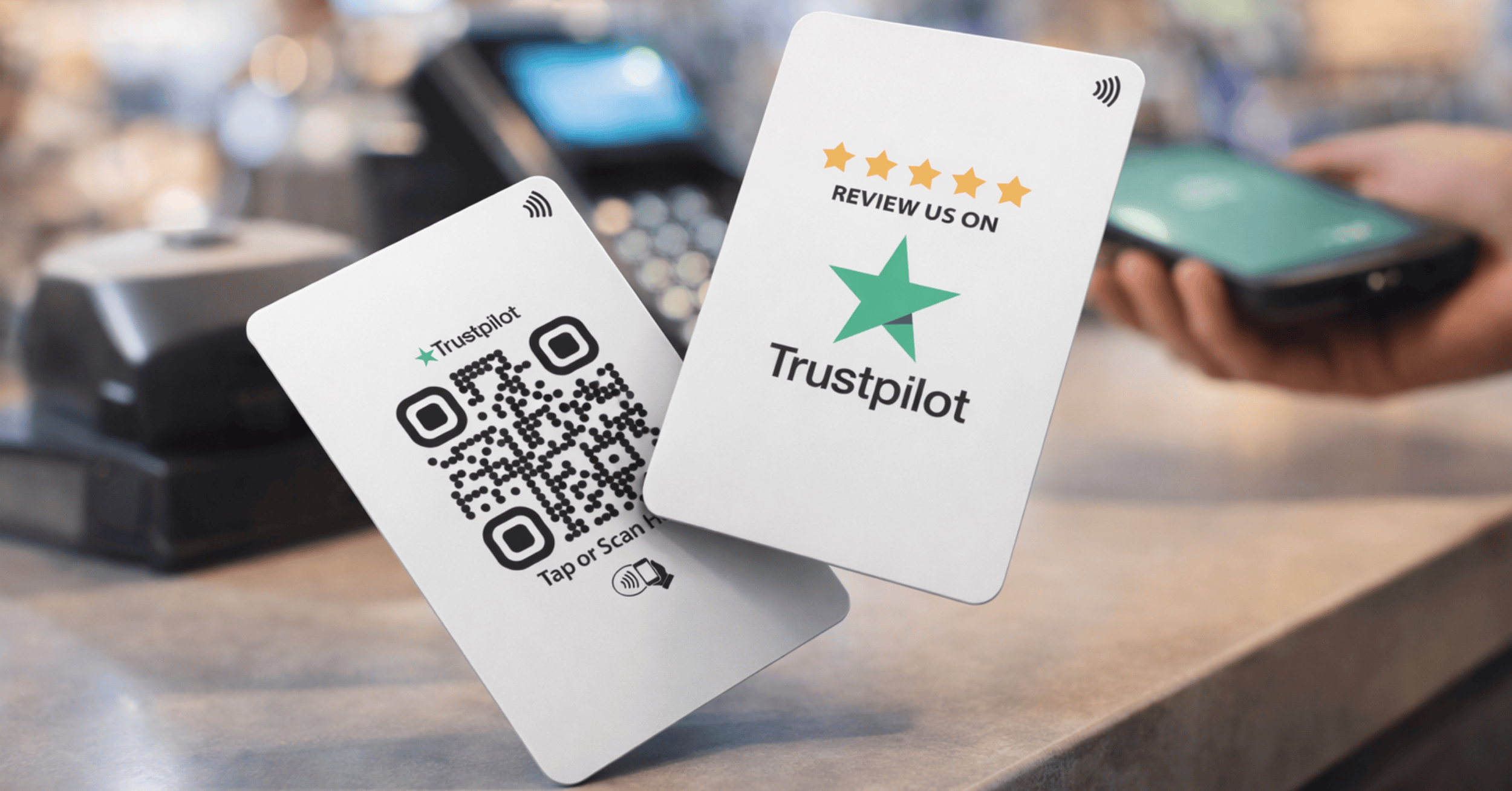
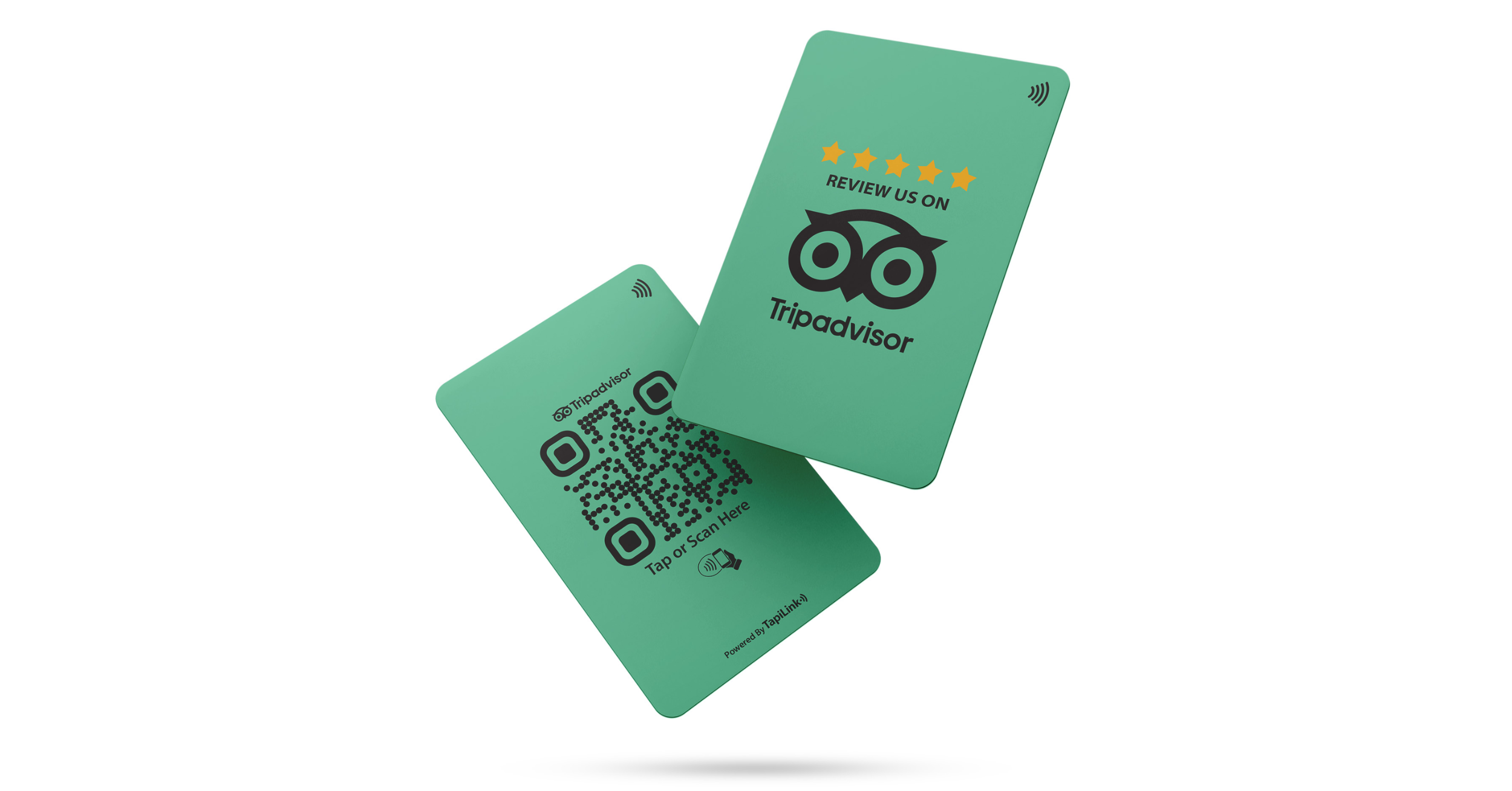
NFC (Near Field Communication) and QR (Quick Response) codes are two innovative technologies that enable businesses to easily collect reviews from customers. NFC review cards are physical cards embedded with a chip that allows customers to leave a review by simply tapping their phone on the card. QR codes, on the other hand, are scannable barcodes that direct customers to a specific webpage - like your TripAdvisor review page - when scanned with their smartphones.
Both technologies offer quick, seamless ways for customers to leave feedback, without requiring them to search for your TripAdvisor listing or go through a long sign-in process. With the convenience of NFC and QR review cards, businesses can capture on-the-spot feedback, which is often more authentic and valuable.
How to Implement NFC and QR Review Cards in Your Business
Getting started with NFC and QR review cards is easier than you might think. Here's a simple step-by-step guide:
- Choose Your Product: Select either NFC review cards or QR codes (or both) based on your business’s needs. NFC cards work well in places like hotel rooms or retail stores, while QR codes are great for restaurants or cafes.
- Design and Print: Customize your cards or displays with your branding and a clear call-to-action. Ensure that the TripAdvisor logo is visible, so customers know exactly what to do.
- Place Them Strategically: Position the review cards or QR codes in high-traffic areas. For example, place NFC cards on tables in your restaurant, on your reception desk in a hotel, or at checkout counters in retail stores.
- Link to Your TripAdvisor Page: Ensure that the NFC chip or QR code directs customers to your TripAdvisor review page. You can set this up through a simple online form or your website.
Example of Businesses Using NFC Review Cards
For example, A Restaurant in London successfully implemented NFC review cards at each table. Customers were encouraged to tap their phones on the NFC cards to instantly leave a review on TripAdvisor. The result? A 40% increase in the number of reviews left by customers, with many mentioning how easy and convenient the process was.
Tip #2: Display QR & NFC TripAdvisor Review Stands and Plates
Why Display Stands Are an Effective Review Collection Tool
Did you know that 72% of customers are more likely to leave a review when asked at the right moment? Picture this: you're in a bustling café, and as you're getting ready to pay, you notice a well-placed QR code on the counter. It’s easy, accessible, and gives you an instant way to share your thoughts. That’s the power of review stands and plates! Let me tell you why they work wonders.
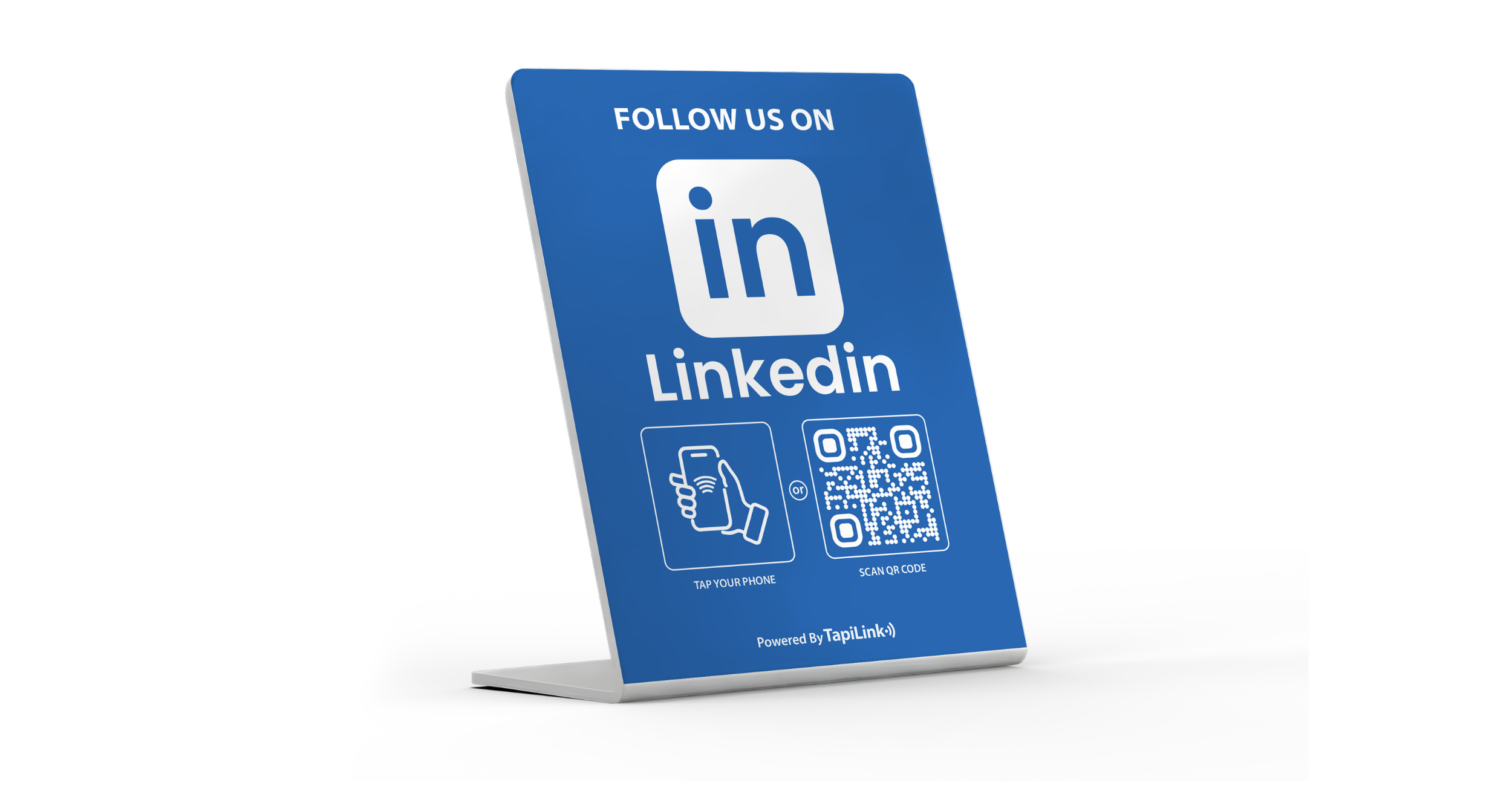
- Visual Appeal and Ease of Use: QR & NFC-enabled review stands are designed to be both practical and eye-catching. When placed in high-traffic areas like checkout counters or entry points, they act as an instant invitation for customers to leave feedback, without feeling intrusive.
- Increased Customer Engagement: Studies have shown that the easier you make the process, the more likely customers are to engage. A simple scan or tap, and they’re leaving their thoughts in no time.
It’s all about convenience. Customers don’t want to go through a complicated process to leave a review, and a QR or NFC stand ensures that leaving feedback is just one tap or scan away.
How to Set Up and Position Your Review Stands for Maximum Impact
So, you’re convinced these stands will boost your reviews, but where should you put them? Here’s how to maximize their effectiveness:
- Entry Points: Place them at the entrance, where customers first walk in. This is especially effective for restaurants or retail stores where the atmosphere plays a role in influencing customer opinions.
- Counters & Checkout Areas: Ensure they’re near places where customers are already engaging, such as cash registers or counters. When a customer’s ready to pay, they’re more likely to leave a review immediately afterward.
- Waiting Areas: If you’re in hospitality or a service-based industry, positioning them in waiting areas or lounges can prompt customers to leave a review while they’re relaxing.
Case Study: A Restaurant That Saw a 25% Increase in Reviews
I recently spoke with a restaurant owner in London who saw a remarkable 25% increase in TripAdvisor reviews after implementing QR review stands at the checkout counter. “The process was seamless for both our staff and customers,” he said. “We just placed the stands, and customers were immediately prompted to share their experience. It was as if the reviews were effortless!” This simple tool made a big impact, and they found it helped increase customer loyalty as well.
Tip #3: Engage with Customers to Encourage Reviews
How to Ask for Reviews Without Being Pushy
Let me ask you: Have you ever felt awkward asking a customer to leave a review? You’re not alone! It can feel tricky, but trust me, it doesn’t have to be. The key is to ask at the right moment - and, of course, politely.
Here’s how you can do it effectively:
- Wait for the Right Time: Ask for reviews right after a positive experience. When customers are happy with your product or service, they’ll be more inclined to leave a review.
- Keep It Simple and Polite: Phrases like “We’d really appreciate your feedback if you have a moment” are gentle and polite, without feeling like pressure.
Pro Tip: Make the process feel natural by offering to leave a link to the review page or, even better, having a QR code handy (this ties back to our previous tip!).
The Power of Personalization in Review Requests
Now, here’s where you can really make a difference - personalize your requests! When you tailor the review request to each customer, it’s no longer a generic “please leave a review” but an individualized invitation that feels genuine.
- Why Personalization Works: Personalizing a request shows your customers you care. Instead of sending out mass requests, use their names, mention specific interactions (like a unique item they ordered), and thank them for their business.
- Example Phrases: "Hi [Customer Name], we hope you enjoyed your meal at [Restaurant Name]. We’d love to hear your feedback on how we can make your next visit even better!"
Incorporating these personalized touches makes the review process feel more like a conversation and less like a transaction.
Tip #4: Make the Review Process as Easy as Possible
Why Simplicity Is Key in the Review Process
Imagine this: You’ve just had a fantastic experience, but then you're asked to navigate through a long survey with 20 questions. Not fun, right? The easier you make it for customers to leave feedback, the better.
- Streamlined Process: By using QR & NFC review cards, you eliminate the need for customers to fill out long forms. With just a tap or scan, they’re leaving a review in seconds.
- Instant Feedback: Quick submission means you're capturing fresh, on-the-spot feedback when your service is still top of mind.
Leveraging Technology to Streamline Review Collection
Okay, so now that we know simplicity is key, let’s talk about how to make this process even easier with the help of technology.
- Automated Requests: Use digital tools like email triggers or SMS reminders to prompt customers for reviews after their experience.
- Self-Service Options: Equip your business with QR codes or NFC-enabled devices, so customers can leave reviews on their own
Tip #5: Respond to Reviews to Show You Care
Why Responding to Reviews Can Encourage More Feedback
Have you ever left a review for a business and never heard anything back? It can feel like your feedback didn’t matter. Now, imagine the opposite - receiving a heartfelt, personalized response to your review. That’s exactly why responding to reviews is crucial! When you reply to your customers’ reviews, it shows that you care about their experience and appreciate their feedback.
- The Value of Showing Appreciation: When you thank customers for their positive reviews, it not only boosts customer satisfaction but also encourages other customers to leave their own reviews. People love knowing their voices are heard.
- Addressing Concerns: Responding to negative reviews thoughtfully demonstrates that you are committed to improving your service. Addressing issues publicly can also improve the perception of your business, showing that you are proactive and genuinely care about customer satisfaction.
Responding to reviews is a powerful tool for maintaining and even increasing your review volume. Plus, it builds customer trust - something that’s essential for future business success.
How to Craft the Perfect Review Response
Crafting the perfect response to a review is an art. Here are some tips for both positive and negative reviews:
- Positive Reviews:
- Thank the customer.
- Express how glad you are they enjoyed their experience.
- Mention specific details they loved, if possible.
- Example: “Thank you so much, John! We’re thrilled you loved your stay with us. We’ll make sure to pass along your compliments to our team!”
- Negative Reviews:
- Acknowledge their issue without getting defensive.
- Apologize for the inconvenience, and offer a solution.
- Invite them to reach out directly to resolve the issue.
- Example: “We’re so sorry to hear about your recent experience, Sarah. We always aim for the best, and we’ll look into the matter. Please contact us at [email/phone number], and we’d love to make things right!”
Examples of Great Responses
Here are a couple of examples that showcase how responding thoughtfully can turn a situation around:
- Positive Response: “Thank you for your kind words, Emily! We’re so happy you had a great time at our restaurant. We can’t wait to welcome you back soon!”
- Negative Response: “We’re very sorry you weren’t satisfied with your experience, Mark. Your feedback is valuable, and we’ve taken steps to ensure this doesn’t happen again. We hope to see you back soon and show you the experience you deserve.”
Tip #6: Promote Your Reviews on Social Media and Websites
How Sharing Reviews on Social Media Increases Exposure
Are you sharing your TripAdvisor reviews on social media yet? If not, you're missing out on a golden opportunity! Sharing positive reviews on platforms like Facebook, Instagram, and Twitter can significantly boost your business’s visibility. When followers see glowing reviews, it builds trust and encourages them to check out your business.
- Best Practices: Tag customers when possible, use hashtags to increase reach, and make sure the review stands out by adding visuals like images of your business or products. Creating engaging posts around reviews, like featuring a "Review of the Week," helps maintain interest.
- Using Customer Reviews to Create Engaging Content: Customers love seeing their feedback shared, and social media makes it easy to create a sense of community. Feature photos of customers enjoying their experience, accompanied by their reviews, to build social proof.
Adding TripAdvisor Review Widgets to Your Website
Adding TripAdvisor review widgets to your website is a simple but effective way to showcase customer feedback directly on your site. These widgets pull in live reviews, which means they are always up-to-date and can increase trust among potential customers.
Simple Steps:
- Go to the TripAdvisor Business Account.
- Generate the review widget code.
- Paste it onto your website (usually in the footer or dedicated testimonial section).
Result: Visitors can easily see your best reviews, giving them the confidence to book, buy, or engage with your business.
Case Study: How a UK Hotel Increased Bookings with Social Proof
A hotel in London used TripAdvisor reviews on their website and social media, showcasing their guest experiences. By sharing positive feedback on Instagram and adding a review widget to their homepage, they saw a 30% increase in bookings within the first month. Customers mentioned that reading other travelers’ positive reviews directly influenced their decision to book.
Tip #7: Make It Part of Your Customer Service Strategy
Integrating Review Requests into Your Daily Operations
Asking for reviews doesn’t have to be a separate task. Make it part of your daily interactions with customers! Encourage your staff to ask for reviews at natural moments during a customer’s experience. For instance, after a meal, during checkout, or following a service call - these are all opportunities to ask for feedback.
- How to Incorporate Review Requests: Training your team to ask for reviews in a natural and friendly way can make a big difference. Provide them with scripts or guidelines on when and how to ask, so it becomes second nature.
- Staff Training: Give staff members the tools they need to confidently ask for reviews, whether it’s in-person or via follow-up emails.
Turning Negative Feedback into Positive Reviews
Let’s face it: not every review will be glowing. However, handling negative reviews professionally is key to turning them into opportunities. When you respond to negative feedback, acknowledge the customer’s concerns, apologize, and offer a solution. This shows other customers that you care about improving and maintaining your standards.
- Turning a Negative Into a Positive: By resolving issues effectively, you can often get a second review that’s more positive. Offer incentives like discounts for a return visit, or simply invite customers to return and experience your improvements firsthand.
Conclusion: Getting More TripAdvisor Reviews to Boost Your Business
In this article, we’ve explored 7 effective tips for boosting your TripAdvisor reviews, from using QR & NFC review cards to promoting reviews on social media. By integrating review requests into your customer service strategy and responding thoughtfully to feedback, you can build a strong online reputation and increase your customer base.
Now, it’s time to take action. Start implementing these tips today, and consider using Tapilink’s QR & NFC TripAdvisor review cards, stands, tags, and plates to streamline your review collection process and enhance customer engagement.
Are you ready to see a surge in feedback and truly boost customer engagement? Visit our shop to purchase your QR & NFC review cards, stands and plates online today. It’s the simplest way to take your business to the next level!
Ready to revolutionize your networking approach? Explore TapiLink's range of premium NFC business cards and join the thousands of professionals who've already made the smart choice.