A review link on your digital profile is a link that sends people straight to the page where they can leave you a review, so a single tap or scan turns a happy customer into a review. You add it in the Review Links section of your profile, and once it is there, every time you share your card you are also giving people an easy route to leave feedback. That removes the usual friction of asking someone to search for your business and find the review page themselves.
At TapiLink, we built Review Links into the app so collecting reviews becomes part of sharing your profile rather than a separate task. This guide explains what Review Links are, how to add them, how they help you collect more reviews, and how they work alongside our dedicated review products. If you are still building your profile, our guide on setting up your profile covers the wider setup, while this one focuses on reviews.
What are Review Links?
Review Links are links you add to your digital profile that point people to where they can leave a review. In the app, you find them in the Review Links section of Setup Profile, where you can add or manage the review links you want on your card.
The idea is to make leaving a review as easy as sharing your details. Instead of telling someone to look you up, your profile carries the link, so they can go straight to the review page in a tap. As a review link on your business card profile, it quietly turns every share into a chance to earn feedback.
How do you add a review link to your profile?
You add a review link by opening the Review Links section in Setup Profile and adding the link you want people to use. Once it is saved, it appears on your profile alongside your other details.
Because it lives in your profile, it is there every time you share, whether someone taps your card, scans your QR code or opens your link. There is nothing to set up again for each person. If you want to see where Review Links sit among the other profile sections, our guide on setting up your profile walks through the full menu.
Why do review links help you collect more reviews?
Review links help because they remove the effort that stops people leaving reviews. Most customers are willing to leave a review when they are happy, but they will not go looking for the right page, and that small friction is where most reviews are lost.
By putting the link on your profile, you close that gap. The moment someone is pleased with your work, you share your card and the review page is one tap away, while the experience is still fresh. Using your profile as a collect reviews app in this way means you are asking at the best possible moment, in the easiest possible way, which is what makes the difference over time.
When should you ask for a review?
The best time to ask is right after a positive experience, while the customer is still with you and still pleased. A review link makes acting on that moment effortless, because you can share your profile there and then.
Think of the natural high points in your work: just after finishing a job, at the counter after a good visit, or at the end of a successful appointment. Sharing your card at those moments, with the review link ready, is far more effective than hoping people remember to leave feedback later. The link simply makes the ask quick and painless for both of you.
How do Review Links work with review cards and stands?
Review Links on your profile and our physical review products do the same job in different settings. The link on your profile is ideal for one-to-one moments when you share your card, while a dedicated review product is ideal for a fixed spot where many people pass.
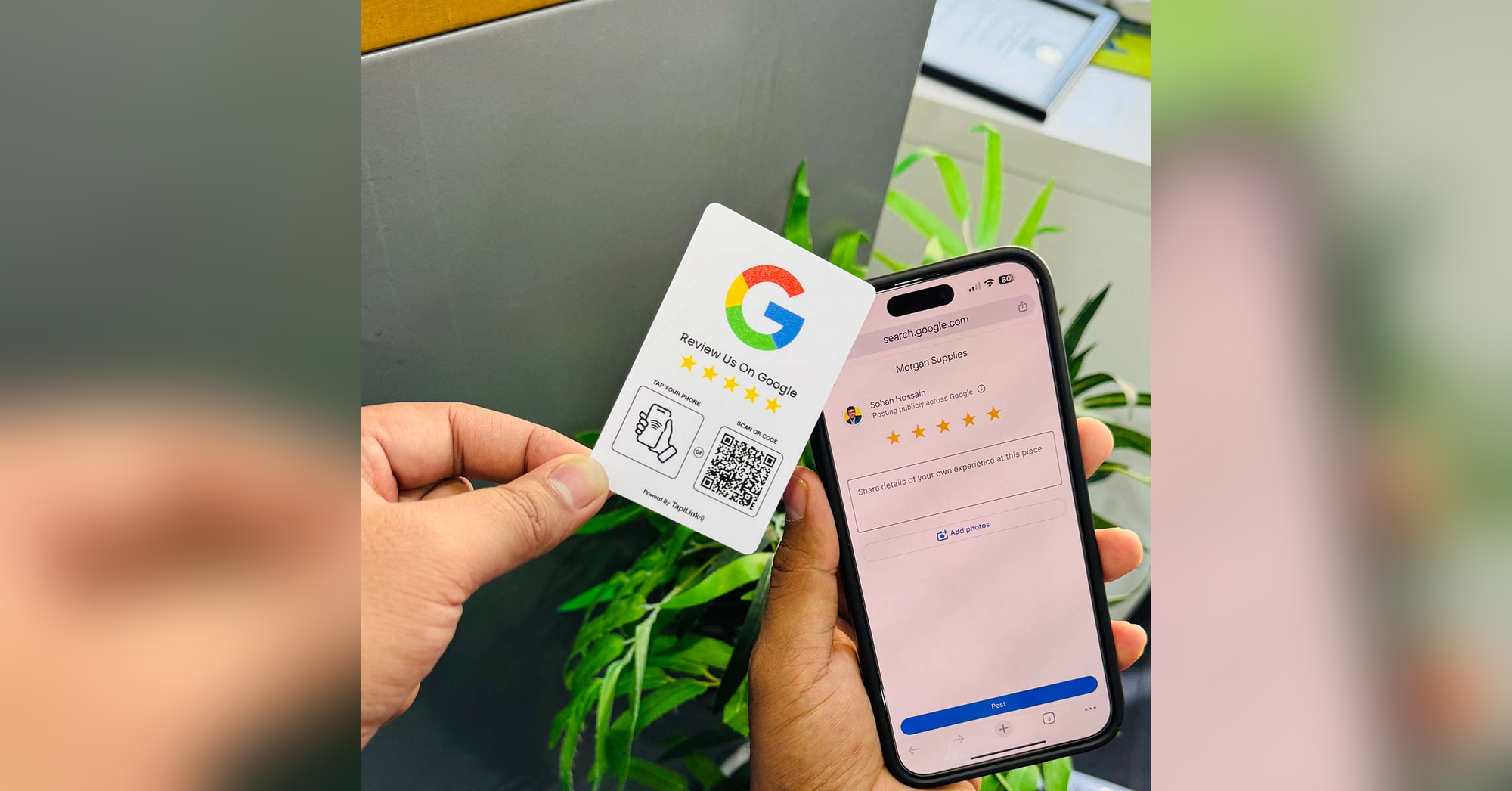
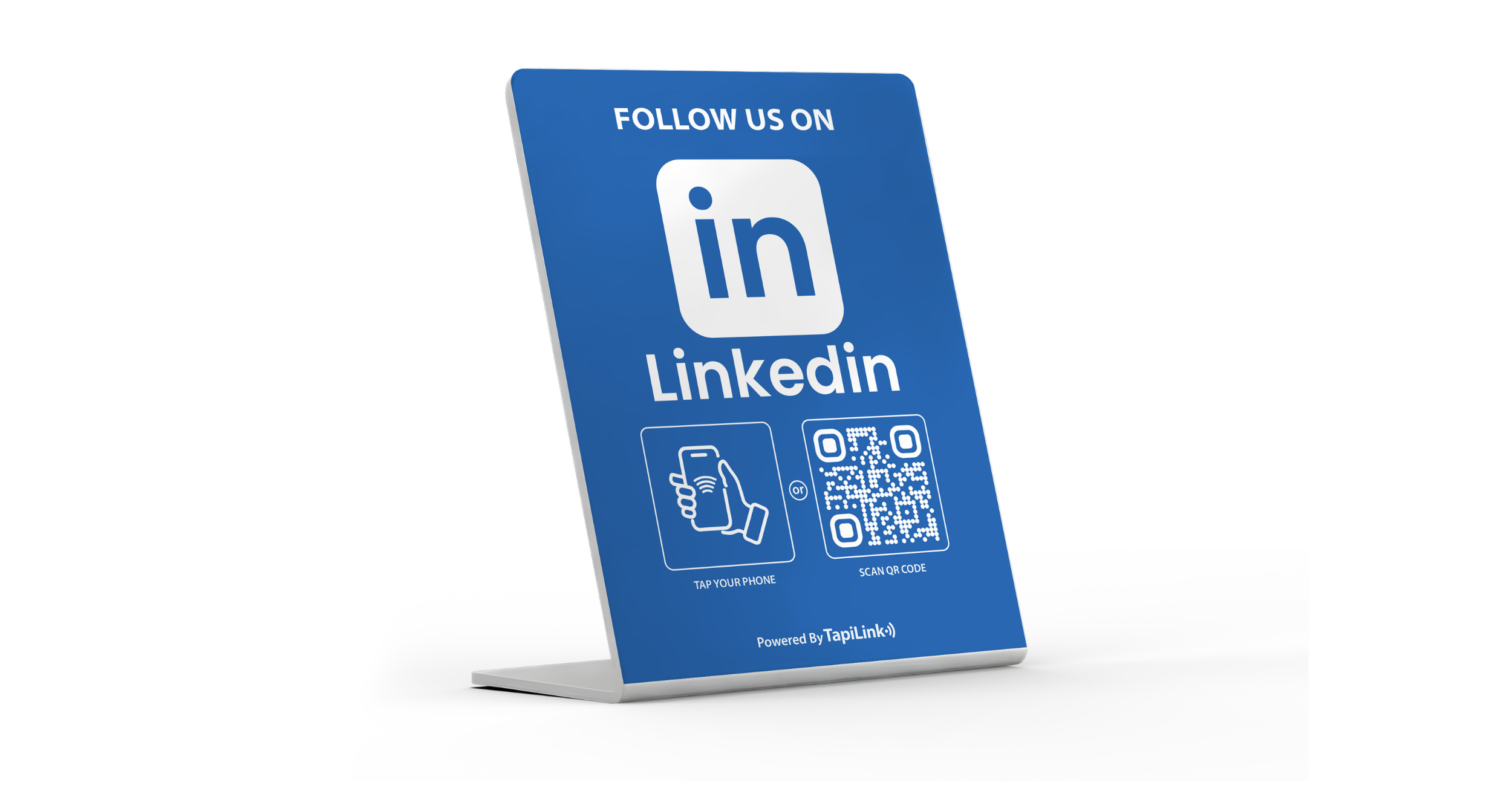
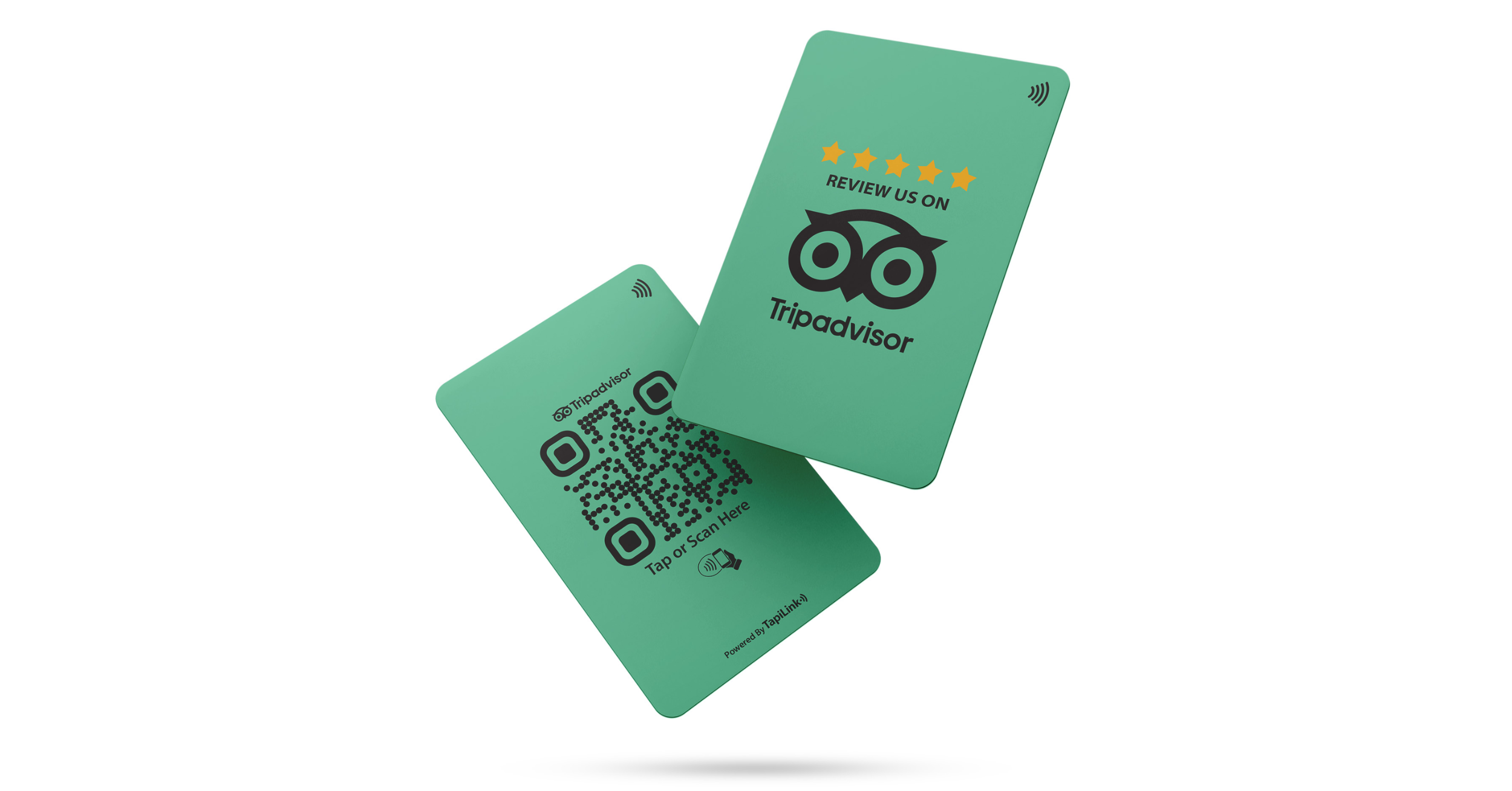
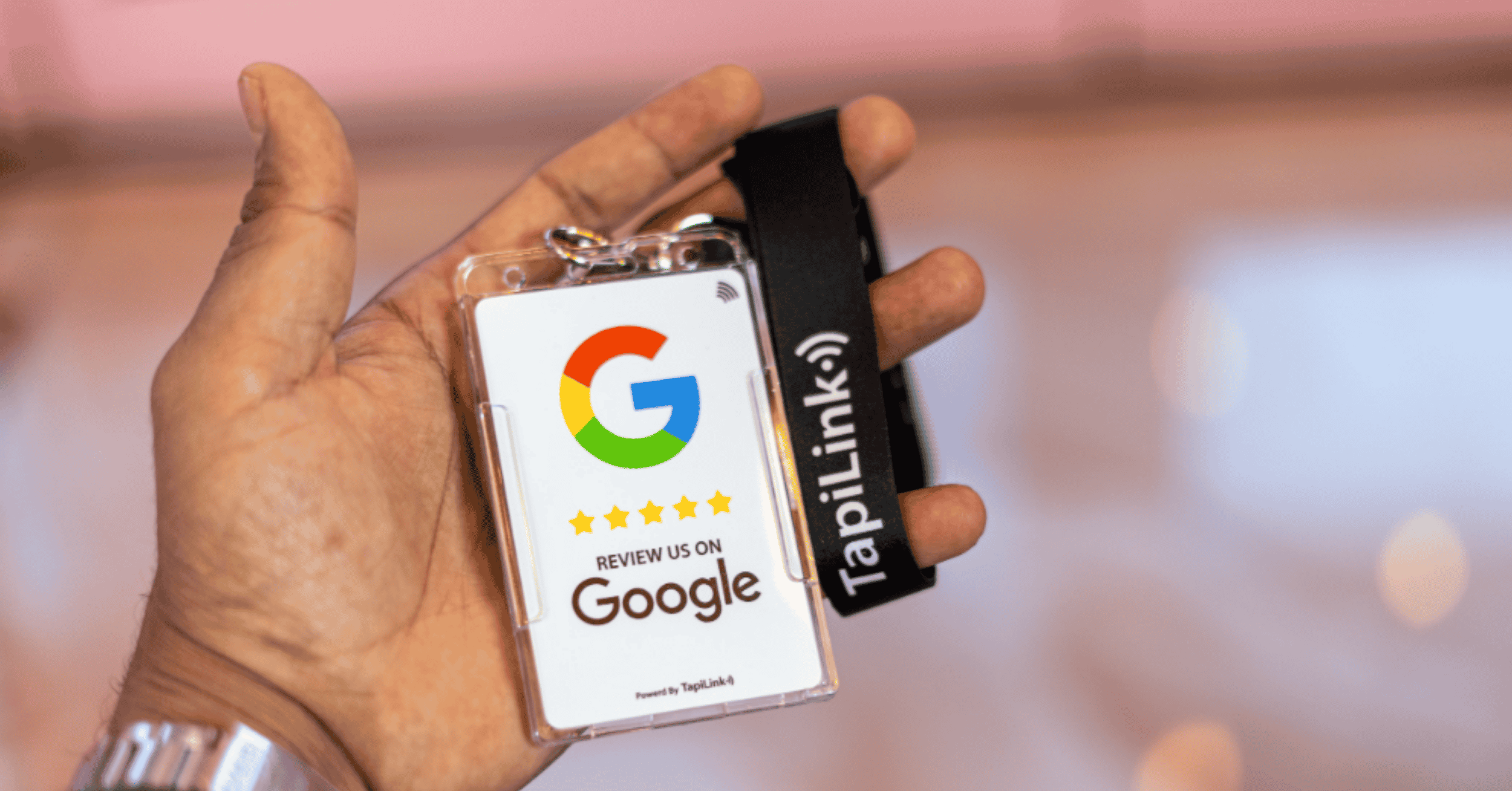
For a counter, table or reception, our NFC Review Cards let customers tap to leave a review without you sharing anything, and for a permanent display you can use Review Stands or Review Plates. You can see the full range on our review cards page. Many businesses use both: the review link on their profile for personal hand-offs, and a physical review product where customers gather.
How do you know if it is working?
You can see how people engage with your profile through the app's analytics, which track taps, scans, views and clicks. That gives you a sense of how much your profile, including your review link, is being used.
Watching engagement helps you understand whether your review link is getting attention and whether sharing your card more often is worthwhile. The detail on what the app tracks is in analytics and insights.
At TapiLink, we built Review Links so growing your reputation is part of everyday networking, not an extra job. When you are ready, open the app, add your review link in the Review Links section, and start collecting reviews every time you share your card. For a fixed tap-to-review point in your premises, our NFC Review Cards make it effortless for customers to leave feedback on the spot.
Frequently Asked Questions
Q1. How do I add a review link to my digital profile?
Answer: Open the Review Links section in Setup Profile and add the link you want people to use to leave a review. Once saved, it appears on your profile, so every time you share your card the review page is a tap away.
Q2. What are Review Links used for?
Answer: Review Links send people straight to the page where they can leave you a review. They turn sharing your card into an easy way to collect reviews, by removing the need for customers to search for your business themselves.
Q3. When is the best time to ask for a review?
Answer: Right after a positive experience, while the customer is still with you and still pleased. Sharing your profile at that moment, with the review link ready, is far more effective than hoping people leave feedback later.
Q4. What is the difference between a review link and a review card?
Answer: A review link lives on your digital profile and is ideal for one-to-one moments when you share your card. A review card is a physical item for a fixed spot where many people pass, letting customers tap to review without you sharing anything. Many businesses use both.
Q5. Can I see if my review link is being used?
Answer: Yes. The app's analytics track how people engage with your profile, including taps, scans and clicks, so you can get a sense of how much your review link and profile are being used.
Ready to revolutionize your networking approach? Explore TapiLink's range of premium NFC business cards and join the thousands of professionals who've already made the smart choice.