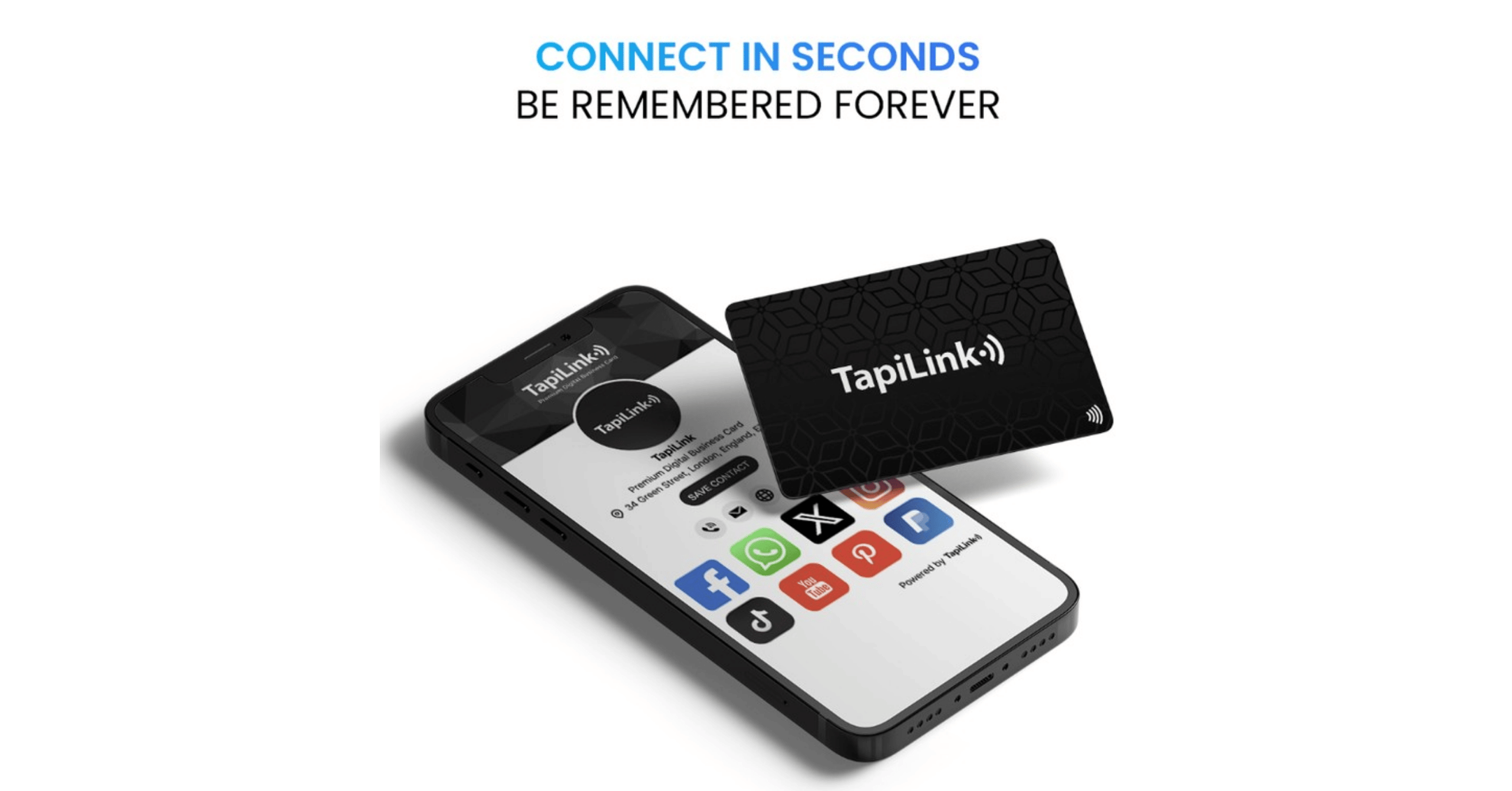
You hand someone your card. They tap it against their phone. Your full digital profile opens, name, number, LinkedIn, website, portfolio, all of it, in under three seconds. No app. No fumbling. No "sorry, I've run out of cards."
That is what a metal NFC card does. And knowing how to program and update metal NFC cards is the difference between a card that works hard for you and one that just sits in a drawer.
Metal NFC cards work by embedding a small chip inside a metal business card. When a smartphone comes close to the chip, it reads the chip's stored data and opens a link, digital profile, or contact page automatically. The card can be programmed before delivery and updated at any time through a dashboard, without touching the physical card.
At TapiLink, our Metal Digital Business Cards come pre-programmed and linked to a dynamic digital profile. You update your information whenever you like. No reprinting. No reordering. Just log in, change what you need, and it is live.
In this blog, we'll cover exactly how NFC cards get programmed, how updates work, what tools you need, common mistakes to avoid, and why metal is the format professionals are choosing in 2026.
What Is NFC Technology and How Does It Work in a Metal Card?
Before getting into the programming steps, it helps to understand what is actually happening inside the card.
NFC stands for Near Field Communication. It is a short-range wireless technology that allows two devices to exchange data when they are within a few centimetres of each other. The technology operates at 13.56 MHz and transfers data almost instantly.
Inside a metal NFC card, there is a small chip and an antenna, usually embedded in a thin layer within the card itself. The metal housing presents a challenge here. Metal naturally disrupts radio frequencies. So well-built metal NFC cards use a special design where the antenna is positioned to work around the metal, often through a dedicated non-metallic inlay or a boosted antenna configuration.
The chip stores a small piece of data. Usually, this is a URL. When someone taps the card with their phone, the phone reads that URL and opens it in the browser. The URL points to a digital profile page, a Google review link, a contact card, or anywhere else you have configured it to go.
Here is the key difference between a static and a dynamic NFC card. A static card stores the URL directly on the chip. If you want to change where it points, you physically overwrite the chip. A dynamic card, like those from TapiLink, stores a redirect URL on the chip. That redirect URL never changes. What changes is the destination it points to, and you control that destination through an online dashboard. Change the destination and the card immediately points somewhere new.
That is why dynamic NFC cards are the professional choice. The card never becomes outdated.
How to Program a Metal NFC Card: Step by Step
Most professionals who buy a metal NFC card from TapiLink do not need to manually programme the chip themselves. The card arrives pre-programmed. But understanding the process matters, especially if you buy blank NFC cards or want to know what is happening behind the scenes.
Here is the full process from scratch.
Step 1: Choose a Compatible NFC Card
Not all metal NFC cards are the same. Before programming anything, confirm that the card uses a writable NFC chip standard. The most common is NTAG213 or NTAG216. Both are supported by nearly all modern smartphones and NFC apps.
The Black Metal Engraved Digital Business Card and the Metal Brushed Silver Digital Business Card from TapiLink both use high-quality chips with full read and write support.
Step 2: Download an NFC Writing App
You will need an NFC-enabled smartphone and a writing app. Popular options include:
- NFC Tools (available on iOS and Android, widely used and free)
- NXP TagWriter (reliable for professional use)
- NFC TagWriter by NXP (good for batch operations)
Open the app before the next step.
Step 3: Decide What the Card Should Point To
What do you want to happen when someone taps your card?
Options include a direct URL (your website, LinkedIn profile, booking page), a vCard contact file, a plain text record, or a smart redirect URL from a platform like TapiLink's dashboard.
For most professionals, pointing the chip to a dynamic redirect URL is the best approach. You set the card to a fixed redirect address. You then control where that redirect sends people through your dashboard. Change the destination whenever you need to.
Step 4: Write the URL to the Chip
Open your NFC writing app. Select "Write" and choose the record type. For a URL, select "URL/URI." Enter the link you want to store. Tap your phone to the NFC card and hold it steady for two to three seconds.
The app will confirm a successful write. The card is now programmed.
Worth knowing: some metal cards require a specific tap position to connect. The chip and antenna are usually centred or positioned at the top third of the card. If the first tap fails, adjust the position slightly and try again.
Step 5: Test the Card
Open your phone's native camera app or NFC reader. Tap the card. Confirm it opens the correct destination.
Test on two devices if possible, one iOS and one Android, to confirm cross-platform compatibility.
How to Update a Metal NFC Card
This is where dynamic NFC cards change everything.
With a static card, updating means physically rewriting the chip. You need your phone, the writing app, and you have to repeat the process each time. Every change requires physical access to the card.
With a dynamic card, the chip always points to the same redirect URL. You never touch that. What you update is the destination, and you do that through a dashboard, from anywhere, in about 30 seconds.
Updating Your TapiLink Digital Profile
Log in to your TapiLink profile dashboard. From there, you can update:
- Your name, job title, and company
- Phone number and email address
- Social media profile links (LinkedIn, Instagram, TikTok, and more)
- Your website or portfolio
- A booking or calendar link
- A promotional link for a current campaign or offer
Save the changes. The card immediately reflects the update. Every person who taps it after that moment sees your current information.
You promoted yourself? Update the job title. Moved to a new company? Change the links. Running a January promotion? Point the card to your offer page for the month. The card is never out of date.
Paper business cards cannot do that. And according to research, 88% of paper business cards are thrown away within 24 hours. A metal NFC card stays in someone's pocket or on their desk. It is built to last.
Can You Update a Metal NFC Card Without the Dashboard?
Yes, if your card uses a writable chip and is not write-protected. Use your NFC writing app to overwrite the existing data with a new URL.
But this approach has a clear limitation. You need the physical card. You need the writing app. And every card you have distributed still points to the old destination.
Dynamic cards are the answer to that problem.
What Smartphones Are Compatible With Metal NFC Cards?
Here is the short answer: most modern smartphones support NFC, and most will read a metal NFC card without any extra app or setup.
iPhone: NFC tag reading for business cards is supported on iPhone XS and later without any app needed. Just tap and the NFC prompt appears automatically on screen. iPhone 7 through iPhone X can read NFC tags using a compatible third-party app.
Android: Most Android smartphones have included NFC since around 2012. Samsung, Google Pixel, OnePlus, Xiaomi, Huawei, all support it. On most Android devices, NFC is active by default. If a card is not reading, check that NFC is enabled in the phone's settings.
The important thing for metal cards specifically is tap position. Metal disrupts the NFC signal if the antenna is not designed correctly. TapiLink's metal cards are engineered with this in mind. The antenna sits within the card structure in a way that maintains reliable read performance.
If someone tells you their phone "doesn't read NFC cards," the most likely fix is finding the precise spot on the card where the antenna is strongest and tapping there consistently.
Why Metal NFC Cards Are the Professional Standard in 2026
Paper had its time. A well-designed card on thick stock, clean typography, maybe a matte finish, it looked great. But the moment you handed it over, you lost control. The recipient had a frozen snapshot of your contact details at that moment in time. If anything changed, the card was wrong.
Metal NFC cards solve that entirely.
Durability That Paper Cannot Match
Metal does not bend, crease, or tear. A metal business card survives in a wallet, a pocket, a bag, or a desk drawer without degrading. The engraving does not fade. The card you hand someone today looks the same in two years.
That durability means the card stays in circulation longer. And every time someone taps it, it works.
The First Impression Factor
There is a reason executives and senior professionals have moved to metal cards. When you hand someone a metal card, the weight and finish communicate something before they even read a word. It says this person takes their professional brand seriously.
Pair that with a tap that instantly opens a polished digital profile and you have made an impression that a paper card simply cannot replicate.
One Card, Always Current
The dynamic update feature is the practical edge. A professional who changes roles, updates their portfolio, or launches a new service does not need to reorder cards. They log in and update. The cards they already distributed now point to the new information.
Our Metal Digital Business Cards come with a lifetime dynamic profile included. No subscription required for individual use. No hidden fees. One purchase, one card, unlimited updates.
Common Mistakes When Programming and Using Metal NFC Cards
Most issues with NFC cards are simple. Here are the ones that come up most often.
Tapping the Wrong Part of the Card
The NFC antenna in a metal card is not spread across the whole surface. It sits in a specific zone, usually the centre or upper third of the card. If your phone does not register a tap, move to a different position and try again. Once you find the sweet spot, it is consistent every time.
Using a Static URL That Cannot Be Changed
Some people write a direct URL to the chip and call it done. That works. But the moment anything changes, a new website, a new phone number, a job change, the card is outdated and you need to physically reprogram it.
Using a dynamic redirect URL from the start costs nothing extra and gives you full flexibility forever.
Not Testing on Multiple Devices
A URL that opens correctly on your iPhone might render differently on an older Android device. Always test on at least two different phones before treating the card as ready to distribute.
Write-Protecting the Chip Too Early
Some NFC writing apps allow you to lock a chip so it cannot be overwritten. This is a security feature, but if you lock a chip before you have finalised the content, you cannot make changes. Never lock a chip until you are absolutely certain the configuration is correct, and even then, consider whether you actually need to lock it.
Buying a Metal Card Without Checking the Chip Standard
Not all NFC chips are equal. Some cheap metal cards use older chip standards that are not supported by modern iOS devices. Before buying, confirm the card uses NTAG213 or NTAG216 chips. Both TapiLink metal card options meet this standard.
Choosing the Right Metal NFC Card for Your Needs
Metal NFC cards are not all the same product. The right choice depends on what you want the card to communicate and how you plan to use it.
Custom Engraved Metal Cards
Engraving is the premium option. Your name, title, logo, and details are laser-etched into the metal surface. The result is permanent. It does not fade, peel, or scratch off.
Our engraved range includes options in brushed silver, black, blue, red, green, white, and 24k gold. Each finish creates a different professional impression. The brushed silver communicates understated precision. The black communicates modern authority. The gold communicates prestige.
For professionals who network regularly, consultants, executives, founders, estate agents, solicitors, engraved metal is the format that makes every introduction count.
The Black Metal Engraved Card
The Black Metal Engraved Digital Business Card is the most popular metal option. Black finish with laser-engraved personalisation, NFC chip, QR code backup, and a dynamic profile you control from your dashboard.
The dual NFC plus QR format matters. Not every venue or every person will tap. The QR code means no one is excluded from accessing your information.
The Metal Brushed Silver Card
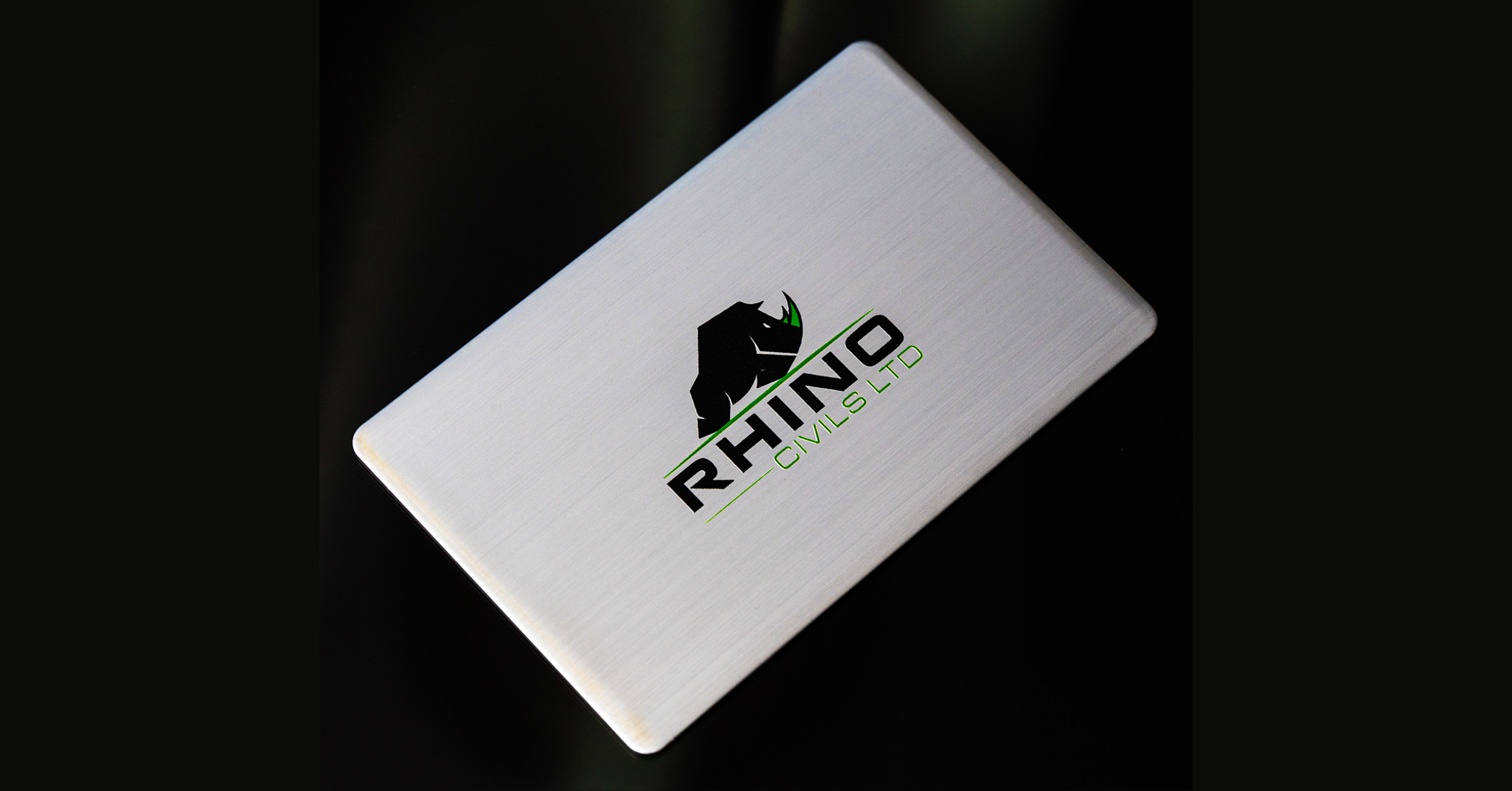
The Metal Brushed Silver Digital Business Card is the classic executive choice. Brushed silver with engraved personalisation, same NFC and QR functionality, same dynamic profile included.
Which One Should You Choose?
If your industry is finance, law, architecture, or any sector where precision and trust are the first signals you want to send, brushed silver works. If you are in tech, creative industries, executive leadership, or modern professional services, the black metal card carries that edge.
Both come with free custom card design service included. Fast UK delivery. No subscription fees for individual use.
Metal NFC Cards vs. Paper and PVC Cards: A Practical Comparison
The case for metal is straightforward once you lay it out.
Durability: Metal cards last years without degrading. Paper cards crease, tear, and fade. PVC cards are more durable than paper but still flex and scratch over time.
Updateability: Metal NFC cards with dynamic profiles update instantly from a dashboard. Paper cards are static the moment they are printed. PVC NFC cards can also carry dynamic profiles. The difference is material quality and professional impression.
Environmental impact: A single metal NFC card replaces hundreds of paper cards over its lifetime. No reprinting, no waste. At TapiLink, we plant a tree with every order.
Information capacity: A metal NFC card links to a full digital profile with unlimited links, contact details, social media profiles, portfolio, booking pages, and more. A paper card fits 90 words before it looks cluttered.
First impressions: There is no honest comparison here. Metal wins.
Cost over time: A paper card costs less per unit, but you reorder constantly and each print run locks in outdated information. One metal NFC card at a higher one-time cost gives you unlimited updates for the lifetime of the card.
The maths work in metal's favour.
Conclusion
Metal NFC cards are not a gadget or a trend. They are a practical upgrade to how professionals present themselves and connect with the people they meet. Understanding how to program and update metal NFC cards means you can use the technology fully, knowing that a single card, set up correctly, works reliably for years and updates instantly whenever your information changes.
The businesses and professionals who have made the switch do not go back. The combination of premium physical presence, frictionless information sharing, and real-time updateability is simply better than every alternative that came before it.
TapiLink metal cards are built for professionals who take their brand seriously. Every card includes a dynamic digital profile with no subscription fees for individual use, free custom card design service, NFC and QR dual access, and fast UK delivery. You buy once. You update whenever you need to. The card never becomes outdated.
Make the introduction count. Explore our Custom Engraved Metal Cards and order yours today.
Frequently Asked Questions
Question: Do you need an app to read a metal NFC card?
Answer: No. iPhones XS and later read NFC cards automatically when you tap them, with no app required. iPhone 7 through iPhone X require a compatible NFC reading app. Most Android smartphones read NFC cards automatically. The phone detects the chip and opens the linked content in the browser. The process works the same way as contactless payment, just tap and go.
Question: Can you reprogram a metal NFC card after it has been set up?
Answer: Yes, if the chip has not been write-protected. Using an NFC writing app on a compatible smartphone, you can overwrite the chip with a new URL or data. With TapiLink's dynamic cards, you do not need to reprogram the chip at all. You just update the destination through your online dashboard and all your distributed cards instantly reflect the change.
Question: How many times can you update an NFC card?
Answer: A standard NTAG213 or NTAG216 chip supports tens of thousands of write cycles, which is effectively unlimited for practical professional use. With TapiLink's dynamic profile system, you do not touch the chip at all when updating. You update the destination URL in your dashboard, which means the chip itself never reaches its write limit.
Question: Does metal interfere with NFC signals?
Answer: Metal does reduce NFC signal performance, which is why the quality of the card's engineering matters. TapiLink's metal cards use antenna designs built specifically to work within the constraints of a metal housing. The result is reliable tap performance across modern iPhones and Android devices. If a tap does not register on the first attempt, try adjusting the phone position slightly across the card surface to find the antenna sweet spot.
Question: How long does a metal NFC card last?
Answer: The metal housing itself is essentially permanent. It does not degrade in normal use conditions. The NFC chip within a quality metal card has a data retention period of at least 10 years under standard conditions. The engraving is laser-etched into the metal and will not fade or wear off. For professional purposes, a metal NFC card is a long-term investment rather than a consumable item.
Ready to revolutionize your networking approach? Explore TapiLink's range of premium NFC business cards and join the thousands of professionals who've already made the smart choice.