A digital business card and lead capture app lets you build a shareable digital profile, share your contact details by tap, scan or link, and capture and organise the people you meet, all from your phone. It replaces paper cards and manual data entry by turning every introduction into a saved, followed-up contact. The strongest of these apps do three jobs in one place: they make your card, they share it instantly, and they capture leads at events.
At TapiLink, we built the app to do all three together, so you can network, capture leads and grow relationships without juggling separate tools. This guide walks through everything the app does, from creating and sharing your digital business card to capturing leads with the AI scanner, managing follow-ups, and using analytics and team features. If you would rather jump straight in, our guide on how to set up the TapiLink app takes you from download to a live profile.
What is the TapiLink app?
The TapiLink app is a smart digital business card and event lead capture platform for professionals and businesses. It brings together three things that usually need separate tools: creating and sharing a digital business card, capturing leads at events with an AI scanner, and managing those leads through to follow-up.
The idea is to modernise networking from both sides. You share your details instantly and look professional, and you capture the details of everyone you meet without typing them in. Everything you collect sits in one place, ready to organise, follow up and export. It works both online and offline, so it is built for real events as much as digital introductions.
How do you create a digital business card in the app?
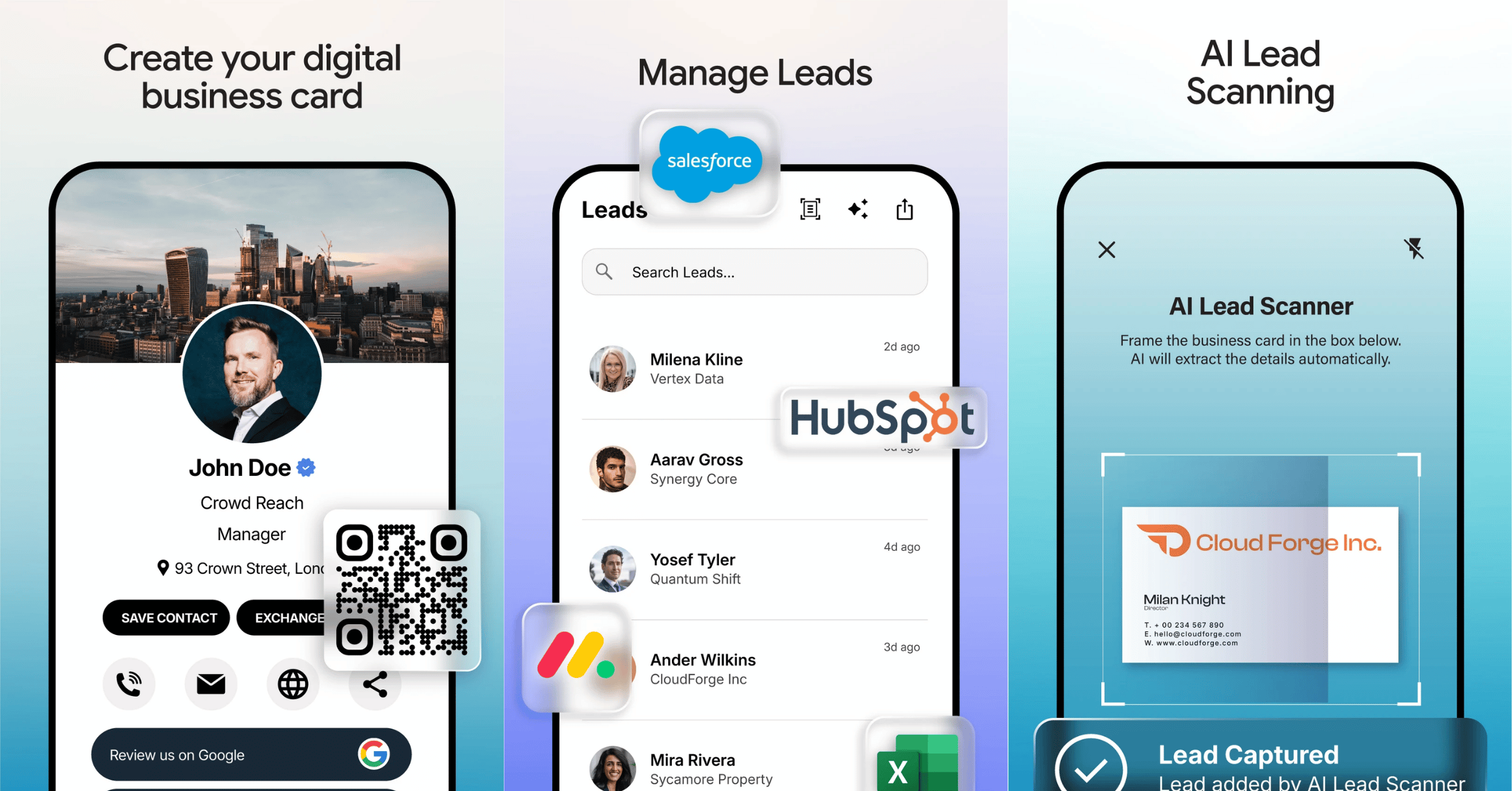
You create your card in the app's digital business card maker, which builds a branded profile you can share in seconds. You add your logo, colours, fonts, contact information and social links, and you can go further with images, videos, brochures, websites, review links and payment links.
The result is a single profile that represents your personal or company brand. Because it is digital, you update it whenever your details change, so the card never goes out of date. If you want the step by step, our guide on how to create your digital business card in the app covers it, and the profile setup itself is broken down in setting up your profile.
How do you share your TapiLink card?
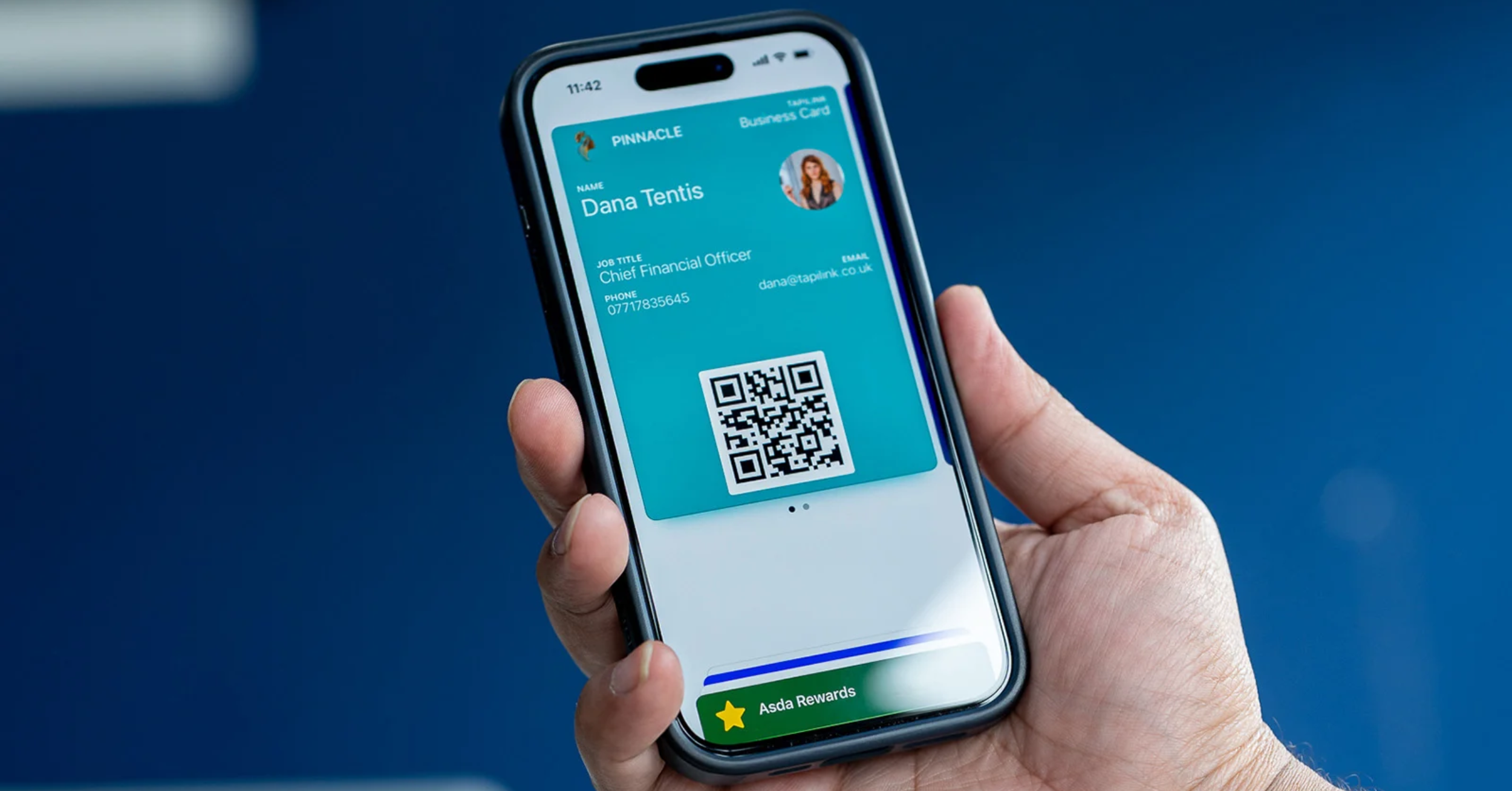
You share your card in whatever way suits the moment, with no app needed by the person receiving it. The app supports NFC, QR codes, a shareable profile link, Google Wallet and Apple Wallet, a smartwatch, a home-screen widget, an email signature, SMS, email and social media.
That range matters because networking happens everywhere. In person you can tap or let someone scan a QR code, while online you can drop your link into a message or email. All the methods point to the same profile, so the person on the other end always sees your latest details. We cover each route in how to share your TapiLink card, and you can generate a branded code with the built-in QR code generator.
What is the AI lead scanner and how does it help at events?
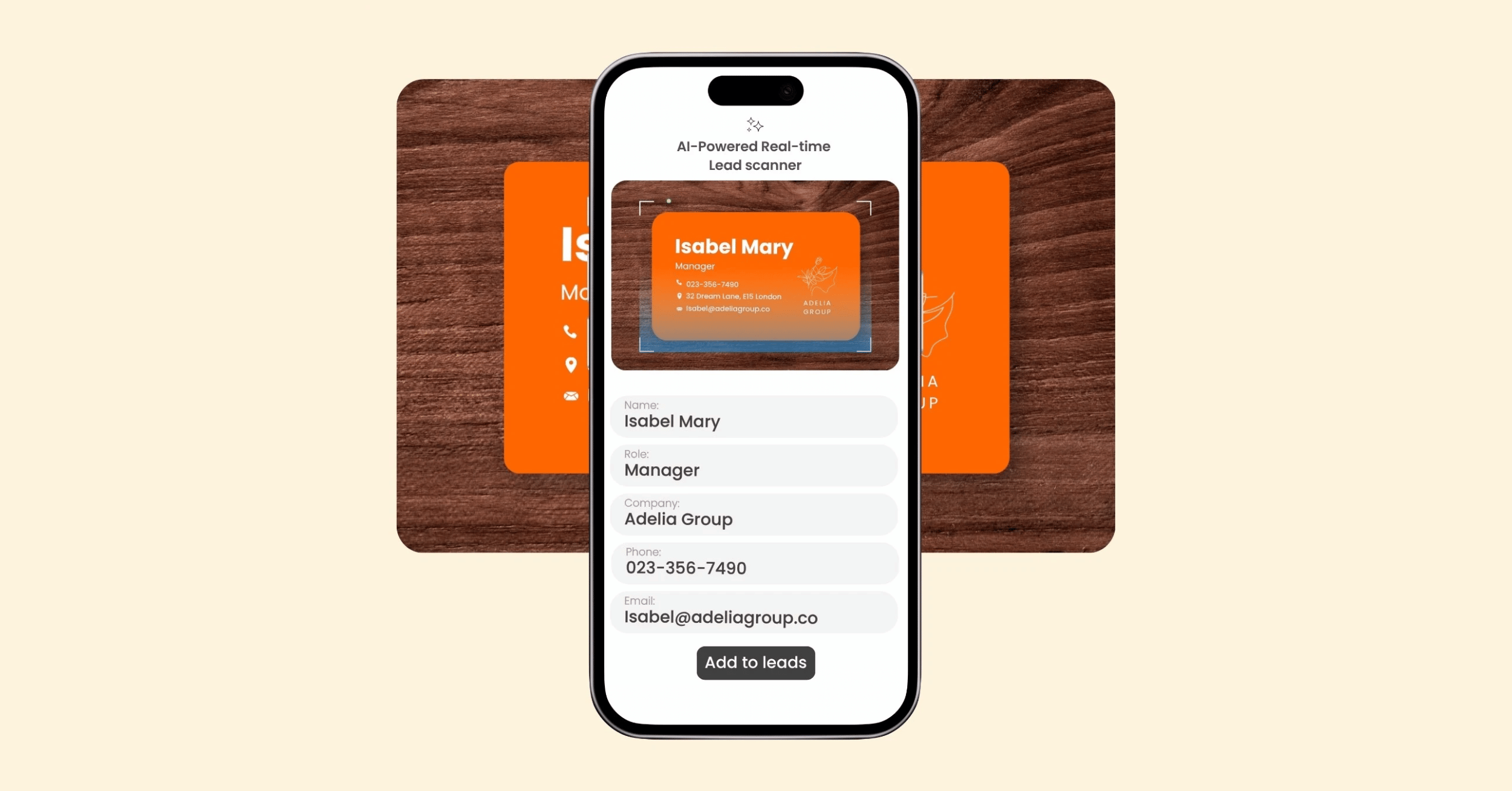
The TapiLink lead scanner is an AI-powered tool that captures a lead's details from a business card in seconds, at virtually any event. There are no special event integrations, API kits or expensive QR code access required, so you simply scan and save the contact.
This is the part that changes how events feel. Instead of collecting a stack of paper cards and typing them up later, you capture each lead on the spot and it lands in your app, organised and ready. It works at conferences, exhibitions, trade shows and meetings alike. You can read how the technology works in how the TapiLink AI lead scanner works, and see it applied at events in the event lead capture app.
Can you scan paper business cards too?
Yes, the app includes a business card scanner that turns paper cards into digital contacts instantly. If someone hands you a traditional card, you scan it and it becomes a saved contact, so you never lose a connection or spend time typing details in by hand.
This is useful well beyond a single event. It is a fast way to clear a backlog of old cards or to capture the few paper cards you still receive, keeping every contact in one organised place. The full walk-through is in business card scanner: digitise paper cards.
How do you manage and follow up with your leads?
You manage every lead you capture inside the app, in one organised place, and follow up while the conversation is still fresh. Keeping your leads together means nothing slips through the cracks, and following up quickly is what turns a good conversation into a real relationship.
From there you can export your contacts to your favourite CRM systems, so the leads you capture feed straight into your existing sales process. Our guides on how to manage your leads in the app and instant follow-ups cover the workflow, and CRM export is explained in how to export your leads to a CRM.
What analytics does the app show?
The app tracks how people engage with your profile, so you can see what your networking is actually doing. It shows profile views, contact saves, QR code scans, NFC taps, button clicks and other engagement metrics.
These numbers turn networking from guesswork into something you can measure and improve. You can see which introductions led to a saved contact, and how much interest your profile is attracting over time. We explain how to read them in analytics and insights.
Does the app work for teams?
Yes, the app includes team management for organisations of any size. It offers centralised administration, branded card templates, employee directories, analytics, permission controls and onboarding, so a whole team can share consistent cards and capture leads in one place.
This is what makes the app useful beyond an individual. A sales team, agency or growing business can keep everyone on brand, see performance across the team, and manage who has access to what. The detail is in team management, and a worked example of a team using it is in how sales teams use the TapiLink app at events.
What do you get for free, and what needs PRO?
The app is free to start, with an optional PRO plan that unlocks advanced features. Among the PRO features are Lead Automation, which helps automate your follow-up, and control over the TapiLink footer on your profile. [VERIFY: confirm the full list of PRO features and any pricing before publishing.]
The free tier already lets you create and share a card, scan and manage leads, and use analytics, so you can get real value before deciding whether to upgrade. When you are ready for more, our guides on TapiLink PRO and Lead Automation explain what the paid plan adds.
Do you need an NFC card to use the app?
No, you do not need an NFC card to use the TapiLink app, because you can share your profile by QR code, link, wallet and more. An NFC card simply adds a tap-to-share option that feels effortless in person.
Many people start with the app alone and add a card later once they see how often they share their details. If you decide you want the physical tap, our NFC Business Cards work hand in hand with the app, and you can even set up tap-to-connect WiFi for visitors with the WiFi Porter. We cover the standalone question in full in do you need an NFC card to use the app.
How to get started with TapiLink
Getting started takes only a few minutes: download the app, set up your profile, and share your first card. From there you can begin scanning leads and following up straight away.
At TapiLink, our mission is to make networking smarter, faster and more meaningful, and the app is how we do it, by bringing your digital card, your lead capture and your follow-up into one place. When you are ready, you can try TapiLink free by choosing to download the TapiLink app and building your profile today.
FAQ
Q1. What is the TapiLink app used for?
Answer: The TapiLink app is used to create and share a digital business card, capture leads at events with an AI scanner, scan paper business cards, and manage and follow up with your contacts. It brings networking and lead capture together in one platform on your phone.
Q2. Is the TapiLink app free?
Answer: The app is free to start, with an optional PRO plan that unlocks advanced features such as Lead Automation and footer control. You can create and share a card, scan and manage leads, and use analytics on the free tier before deciding whether to upgrade.
Q3. Do people need an app to receive my TapiLink card?
Answer: No. The person you share with does not need any app to view your card. You share your profile by tap, QR code, wallet or link, and it opens on their phone directly.
Q4. Can the app capture leads at events?
Answer: Yes. The app includes an AI-powered lead scanner that captures a lead's details from a business card in seconds, with no special event integrations or API kits required. It works at conferences, exhibitions, trade shows and meetings.
Q5. Can I export my leads to a CRM?
Answer: Yes. You can export the contacts you capture in the app to your favourite CRM systems, so your leads feed straight into your existing sales process.
Q6. Do I need an NFC card to use TapiLink?
Answer: No. You can share your profile by QR code, link, wallet and more without any card. An NFC card simply adds an effortless tap-to-share option in person, and it works alongside the app.
Ready to revolutionize your networking approach? Explore TapiLink's range of premium NFC business cards and join the thousands of professionals who've already made the smart choice.