You can download the TapiLink app free on iPhone from the App Store and on Android from Google Play, then set up your digital business card and start sharing in minutes. Once it is installed, you create your profile, share your card by tap, QR code, wallet or link, and capture the people you meet as leads. Getting started takes only a few minutes, and you can begin with the free app before deciding whether you need anything more.
At TapiLink, we made getting started as quick as possible, so you can go from downloading the app to sharing your first card the same day. This guide covers where to download it, how to get set up, and what you can do straight away. If you want the full setup walk-through in detail, our guide on how to set up the TapiLink app covers every step, while this one gets you started fast.
Where can you download the TapiLink app?
You can download the TapiLink app on both iPhone and Android, free to install. It is available on the App Store for iPhone and on Google Play for Android, so whichever phone you use, you can get started.
- Download on iPhone (App Store)
- Download on Android (Google Play)
Whichever platform you are on, the app works the same way, so you get the full set of features to create, share and capture. Installing takes moments, and you are ready to set up your profile straight after.
How do you get started after downloading?
After you install TapiLink, you get started by creating your profile and sharing your first card. The app guides you through it, so there is nothing technical to work out.
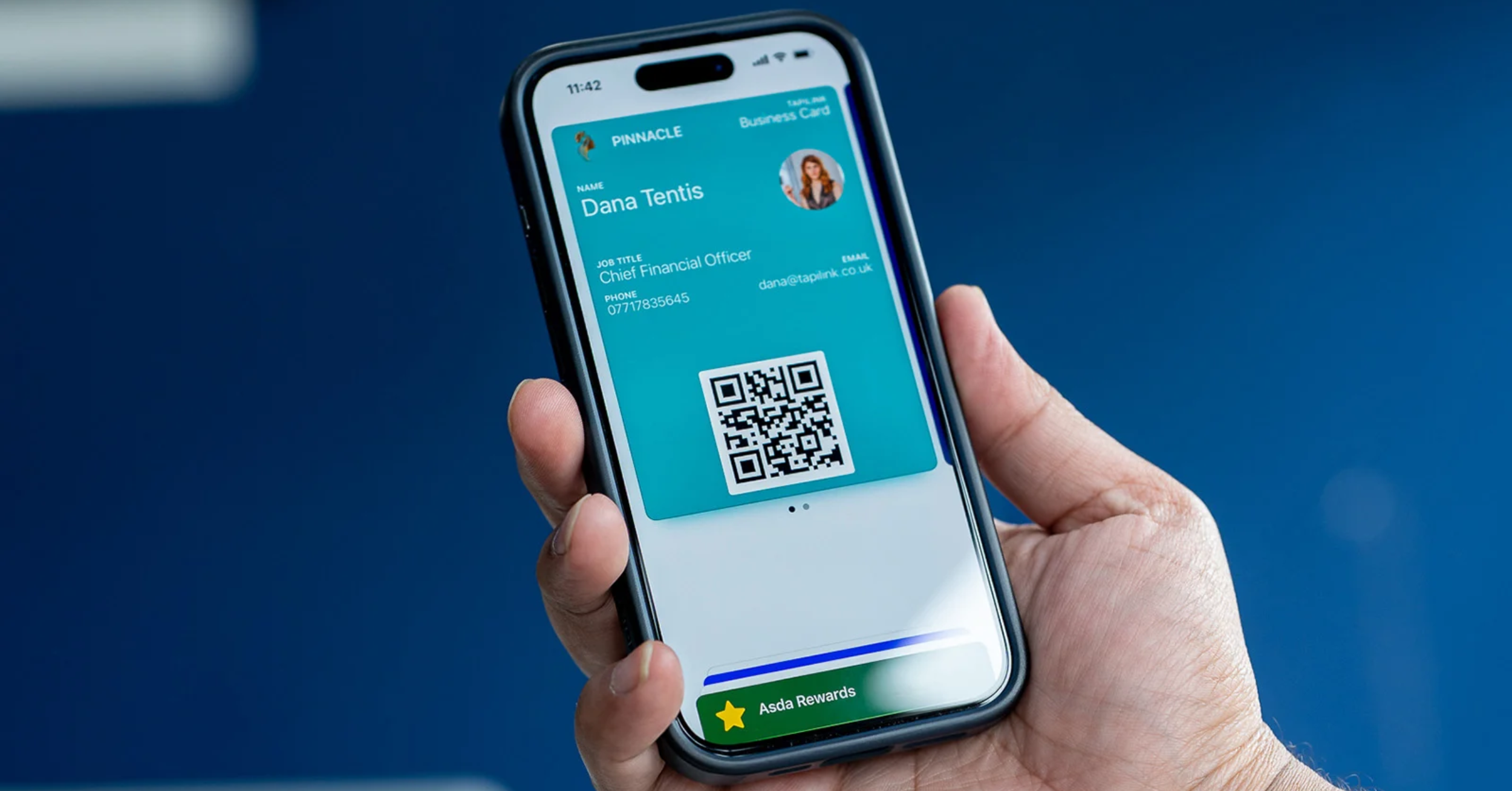
The quickest path is simple: open the app, set up your profile with your details and links, then share your card. From your Home screen you can share by tap or QR, add your card to your wallet, and start scanning leads. Each of these takes seconds once your profile is built, which is covered step by step in how to set up the TapiLink app.
What can you do straight away?
As soon as you are set up, you can share your details and capture the people you meet. The core features are ready from the start, so you are not waiting to unlock the basics.
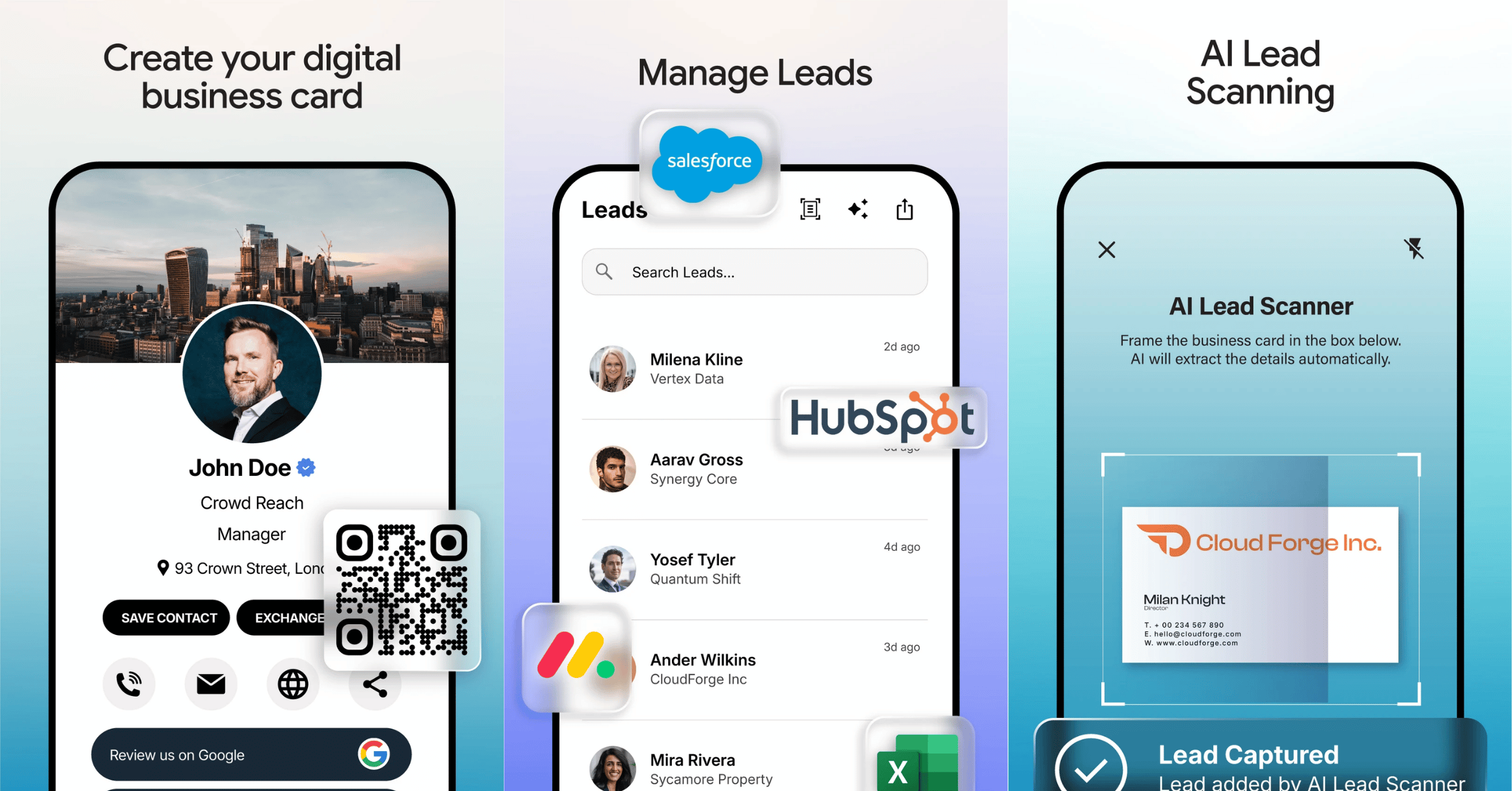
Straight away, you can create and share a professional digital business card, share it by tap, QR code, wallet or link with no app needed by the recipient, capture leads with the AI lead scanner, scan paper business cards into digital contacts, and manage your leads in one place. That means from your first day you can both share your card and start building a list of contacts to follow up.
Is the TapiLink app free?
Yes, the app is free to download and use, with an optional PRO plan for more advanced features. You can create and share your card, scan and manage leads, and use analytics without paying, so you can get real value before deciding whether to upgrade.
That makes getting TapiLink a low-risk way to start. You install it, try it at your next meeting or event, and see how it works for you. If you later want advanced features such as automated follow-up, the PRO plan is there, which we cover in TapiLink PRO.
Do you need an NFC card to get started?
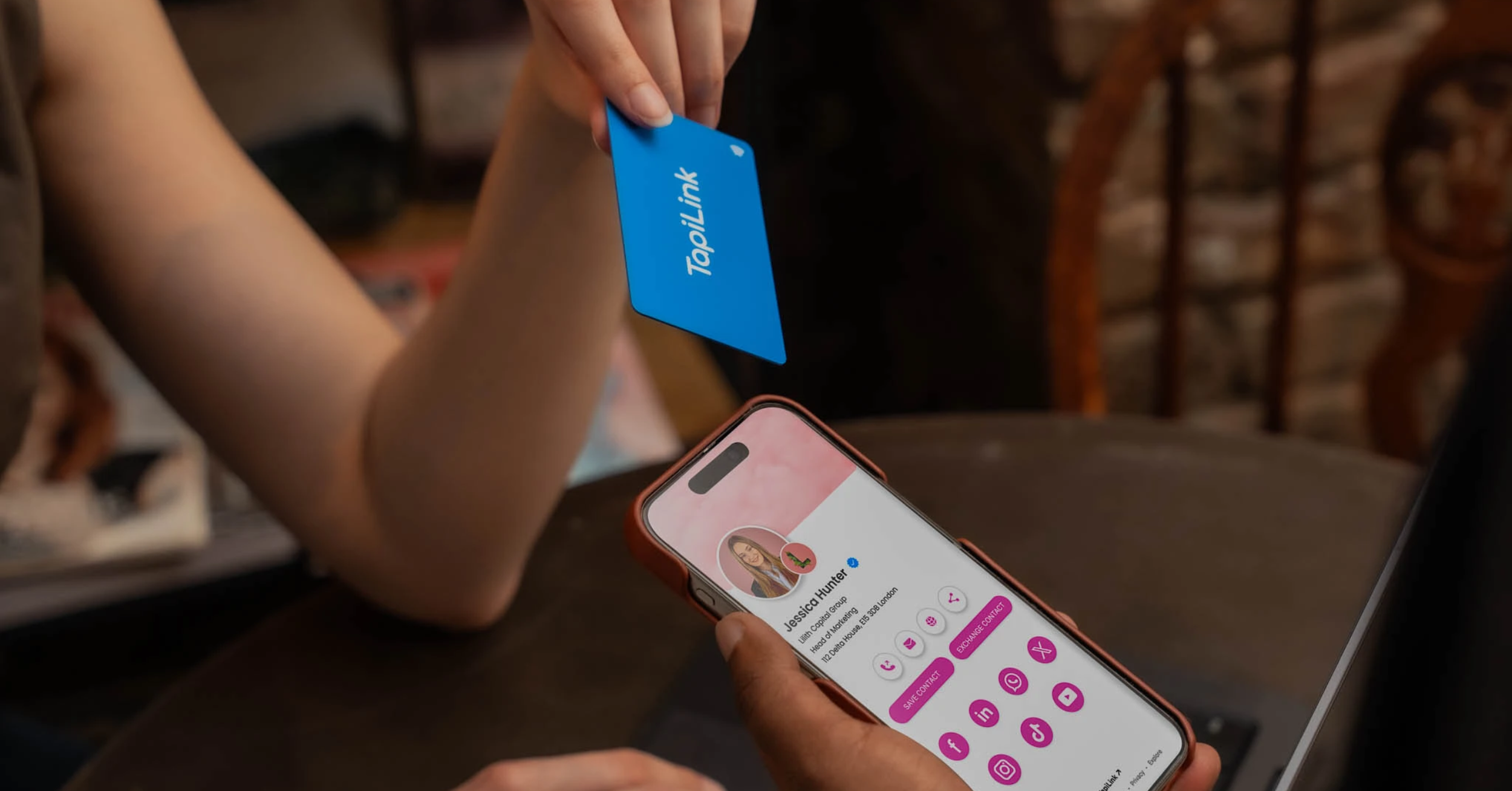
No, you do not need an NFC card to use the app. You can share your profile by QR code, link and wallet from day one, so you can get started with the app alone.
Many people begin with the app and add a physical card later once they see how often they share their details. If you want the effortless tap-to-share experience in person, our NFC Business Cards open the same profile with a single tap and work hand in hand with the app.
Start sharing and capturing today
Getting started with TapiLink is quick: download the app, set up your profile, and share your first card. From there you can scan leads and follow up straight away, turning every introduction into a saved contact.
At TapiLink, we built the app to make networking smarter, faster and more meaningful, and it all begins with a free download. Get TapiLink now on the App Store or Google Play, set up your profile, and start sharing and capturing today. If you would like a physical card to hand over as well, our NFC Business Cards let people open your profile with a single tap.
FAQ
Q1. How do I download the TapiLink app?
Answer: You can download the TapiLink app free on iPhone from the App Store and on Android from Google Play. Once installed, you set up your profile and can start sharing your card and capturing leads in minutes.
Q2. Is the TapiLink app free to download?
Answer: Yes. The app is free to download and use, with an optional PRO plan for advanced features. You can create and share your card, scan and manage leads, and use analytics without paying.
Q3. What can I do as soon as I install it?
Answer: Straight away you can create and share a digital business card, share it by tap, QR code, wallet or link, capture leads with the AI lead scanner, scan paper cards into contacts, and manage your leads in one place.
Q4. Do I need an NFC card to use the app?
Answer: No. You can share your profile by QR code, link and wallet without any card. An NFC card simply adds an effortless tap-to-share option in person and works alongside the app.
Q5. Does it work on both iPhone and Android?
Answer: Yes. The app is available on the App Store for iPhone and Google Play for Android, and it works the same way on both, so you get the full set of features whichever phone you use.
Ready to revolutionize your networking approach? Explore TapiLink's range of premium NFC business cards and join the thousands of professionals who've already made the smart choice.