A digital business card analytics app shows you how people engage with your card, tracking things like taps, profile views, QR code scans, contact saves and the leads you capture. Instead of sharing your details and never knowing what happened next, you can see how often your card is used and how much interest it attracts. That turns networking from guesswork into something you can measure and improve, so you know which efforts are working and where to focus your follow-up.
At TapiLink, we built analytics into the app so your networking is not a black box, but a set of numbers you can actually act on. This guide covers what the analytics track, where to find them, and how to use them to network smarter. If you want a deeper explanation of what each individual metric means, our guide on understanding your tap, scan and profile view metrics covers that, while this one gives you the overview.
What do the analytics track?
The analytics track how people interact with your card and profile. In the app you can see metrics including profile views, contact saves, QR code scans, NFC taps, button clicks and other engagement, giving you a clear picture of how your card is performing.
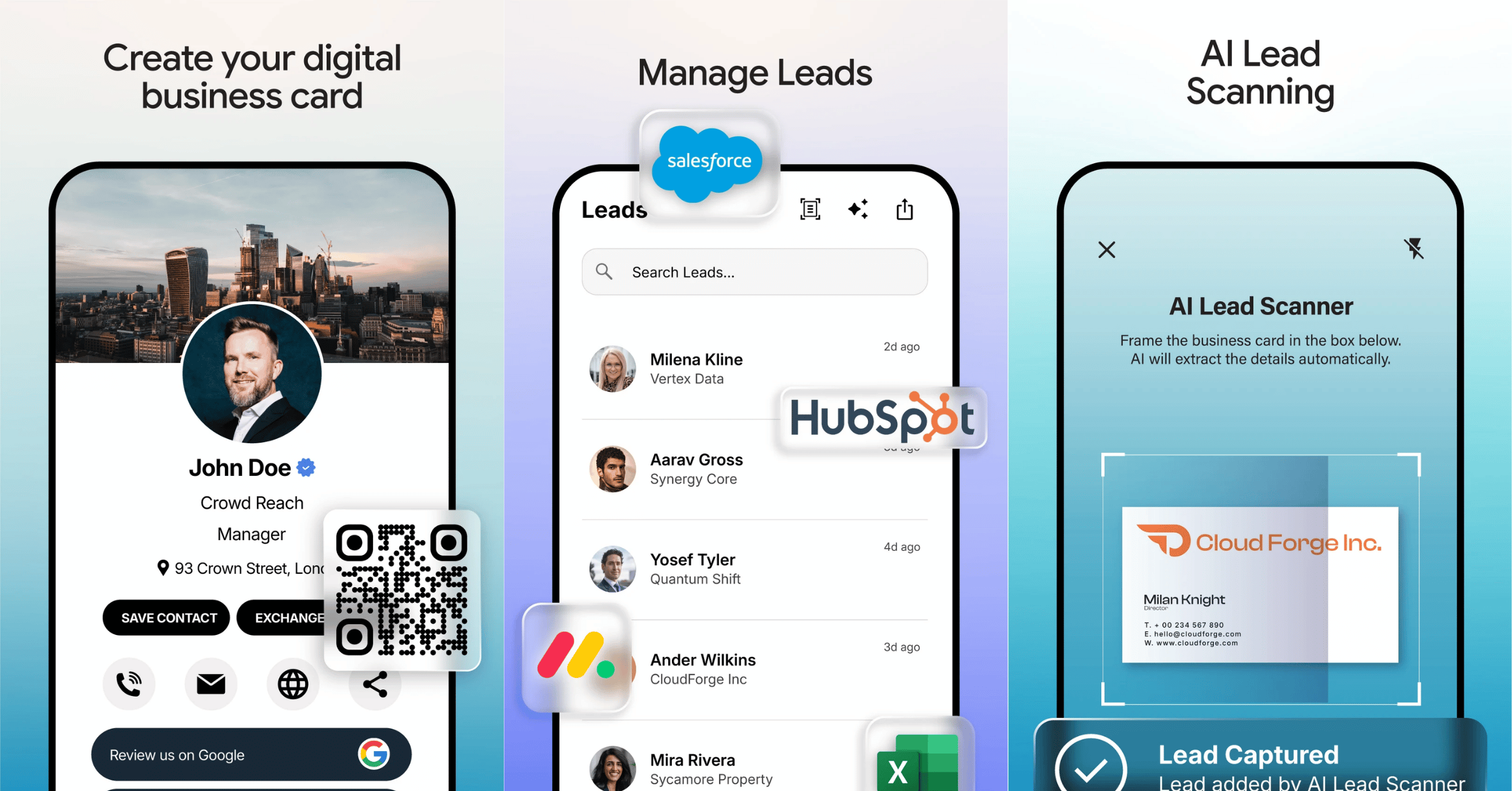
On your Home screen, key figures are front and centre, including Today's Taps, Total Taps, Total Leads and Profile Views, so you get an at-a-glance sense of your activity the moment you open the app. As a card analytics app, its job is to turn every share into data, so you can see not just that you shared your card, but what came of it.
Where do you find your analytics?
You find your analytics in two places: the summary figures on your Home screen and the Analytics tab in the bottom navigation. The Home screen gives you the headline numbers, while the Analytics tab is where you go for the fuller view.
That means you get a quick pulse every time you open the app, plus a dedicated place to look deeper when you want to. Keeping the headline metrics on the Home screen is deliberate, because it makes checking your performance a natural habit rather than something you have to go hunting for.
What do taps and profile views tell you?
Taps and profile views tell you how much your card is being used and seen. A tap is recorded when someone taps your card or shares via NFC, and a profile view is recorded when someone opens your profile, so together they show how often you are putting your details in front of people.
Watching these track profile views over time helps you understand your own activity. A rise in taps around an event shows your networking was busy, while steady profile views suggest your card is being opened and looked at rather than ignored. These numbers are most useful as a trend, showing whether your sharing is increasing and being acted on.
What do leads and contact saves tell you?
Leads and contact saves tell you how many connections are turning into something you can act on. Total Leads shows how many contacts you have captured, and contact saves reflect people choosing to keep your details.
These are the metrics closest to real outcomes, because they represent actual connections rather than just views. A healthy number of leads means your networking is producing contacts to follow up, which is where the value of an event or a busy week actually shows. Managing those captured leads is covered in how to manage your leads in the app.
How do you use analytics to network smarter?
You use analytics by spotting what works and doing more of it. When you can see which periods, events or activities produced the most taps, views and leads, you can focus your effort where it pays off.
A few practical uses stand out. Compare your activity around different events to see which are worth returning to. Watch whether profile views rise after you add new links or update your card. And use your lead numbers to prioritise follow-up while contacts are fresh. This is what networking analytics is really for: not vanity numbers, but signals that help you decide where to spend your time. It pairs naturally with acting quickly, covered in instant follow-ups.
Why do analytics matter for a digital business card?
Analytics matter because they close the loop between sharing your card and knowing whether it worked. A paper card tells you nothing once it leaves your hand, so you never learn what happened. A digital card with analytics shows you the result, which is a genuine advantage of going digital.
That visibility helps you improve over time. Instead of guessing whether your networking is effective, you can see it, adjust what you do, and measure the difference. Over weeks and months, that feedback is what turns networking from a hopeful activity into a deliberate one.
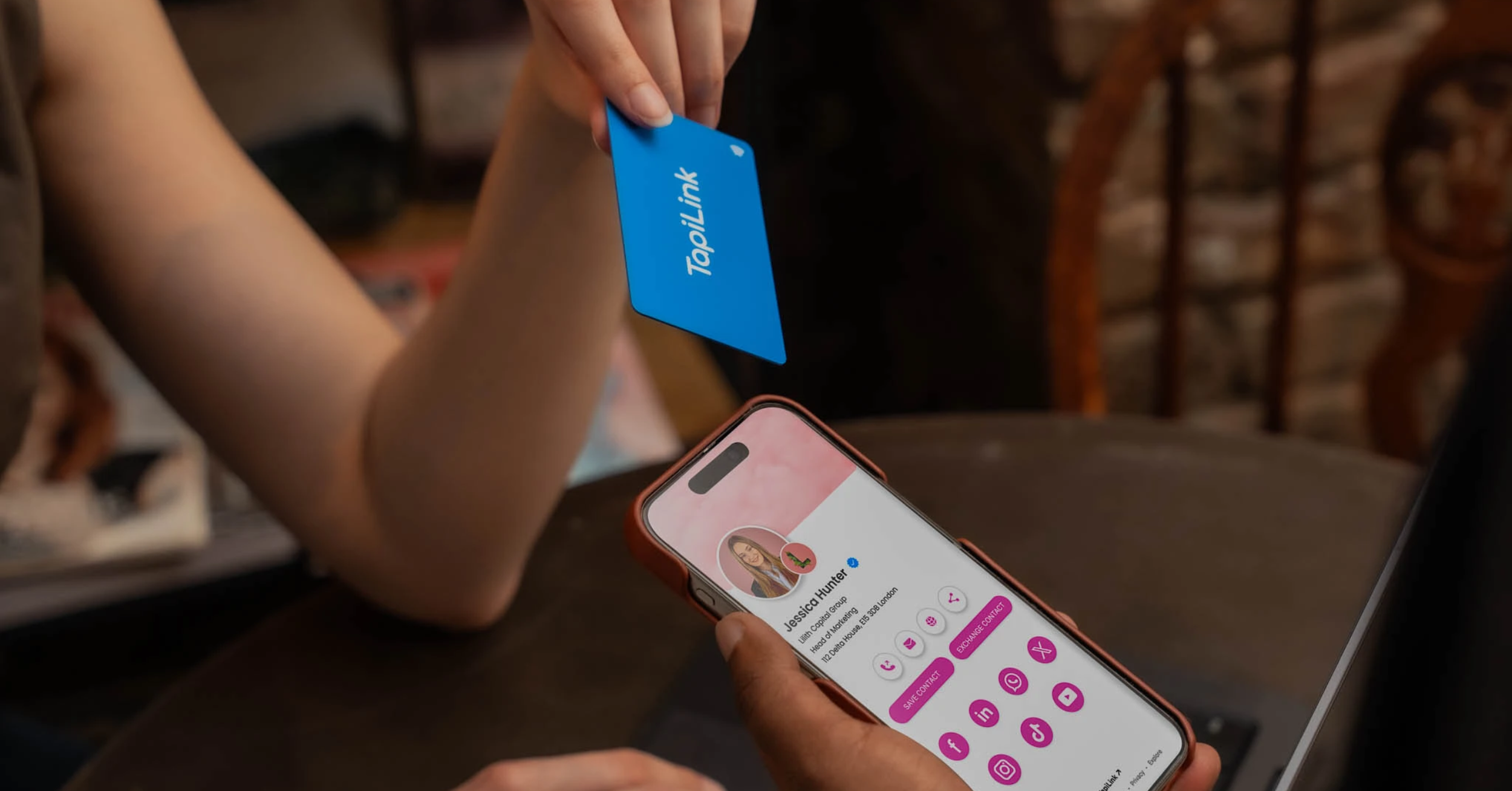
At TapiLink, we built analytics so every share teaches you something and every lead is easy to act on. When you are ready, open the app to see your analytics on the Home screen and Analytics tab, and start measuring your networking. If you want an effortless way to generate more taps in person, our NFC Business Cards open your profile with a single tap.
FAQ
Q1. What analytics does a digital business card app show?
Answer: It shows how people engage with your card, including profile views, contact saves, QR code scans, NFC taps, button clicks and the leads you capture. Key figures like Today's Taps, Total Taps, Total Leads and Profile Views appear on your Home screen.
Q2. Where do I see my card analytics?
Answer: You see them in two places: the summary figures on your Home screen and the Analytics tab in the bottom navigation. The Home screen gives the headline numbers, and the Analytics tab shows the fuller view.
Q3. What is the difference between a tap and a profile view?
Answer: A tap is recorded when someone taps your card or shares via NFC, while a profile view is recorded when someone opens your profile. Together they show how often your details are being put in front of people and looked at.
Q4. Can I see how many leads I have captured?
Answer: Yes. Total Leads shows how many contacts you have captured, so you can see how many of your connections have turned into contacts you can follow up and manage in the app.
Q5. Why are analytics useful for networking?
Answer: Because they show you what happened after you shared your card, which a paper card never can. You can see which events and activities produced the most engagement and leads, then focus your effort and follow-up where it works best.
Ready to revolutionize your networking approach? Explore TapiLink's range of premium NFC business cards and join the thousands of professionals who've already made the smart choice.