You manage your leads in the app from the Leads section, where every contact you capture is kept in one place. From there you can review each lead, organise them so the important ones are easy to find, follow up while the conversation is fresh, and export them to your CRM when you are ready. The point of managing leads in one place is simple: no contact gets lost, and every lead you capture actually gets actioned.
At TapiLink, we built lead management into the app so the people you capture do not just sit in a list, they move forward. This guide covers where to find your leads, how to organise and prioritise them, and how managing them well leads into faster follow-up. If you are looking at how leads get captured in the first place, our guide on the AI lead scanner covers that, while this one focuses on what happens next.
Where do you find your leads in the app?
You find your leads in the Leads section, reached from the Leads tab at the bottom of the app. This is your lead dashboard, the single place where every contact you have captured is stored.
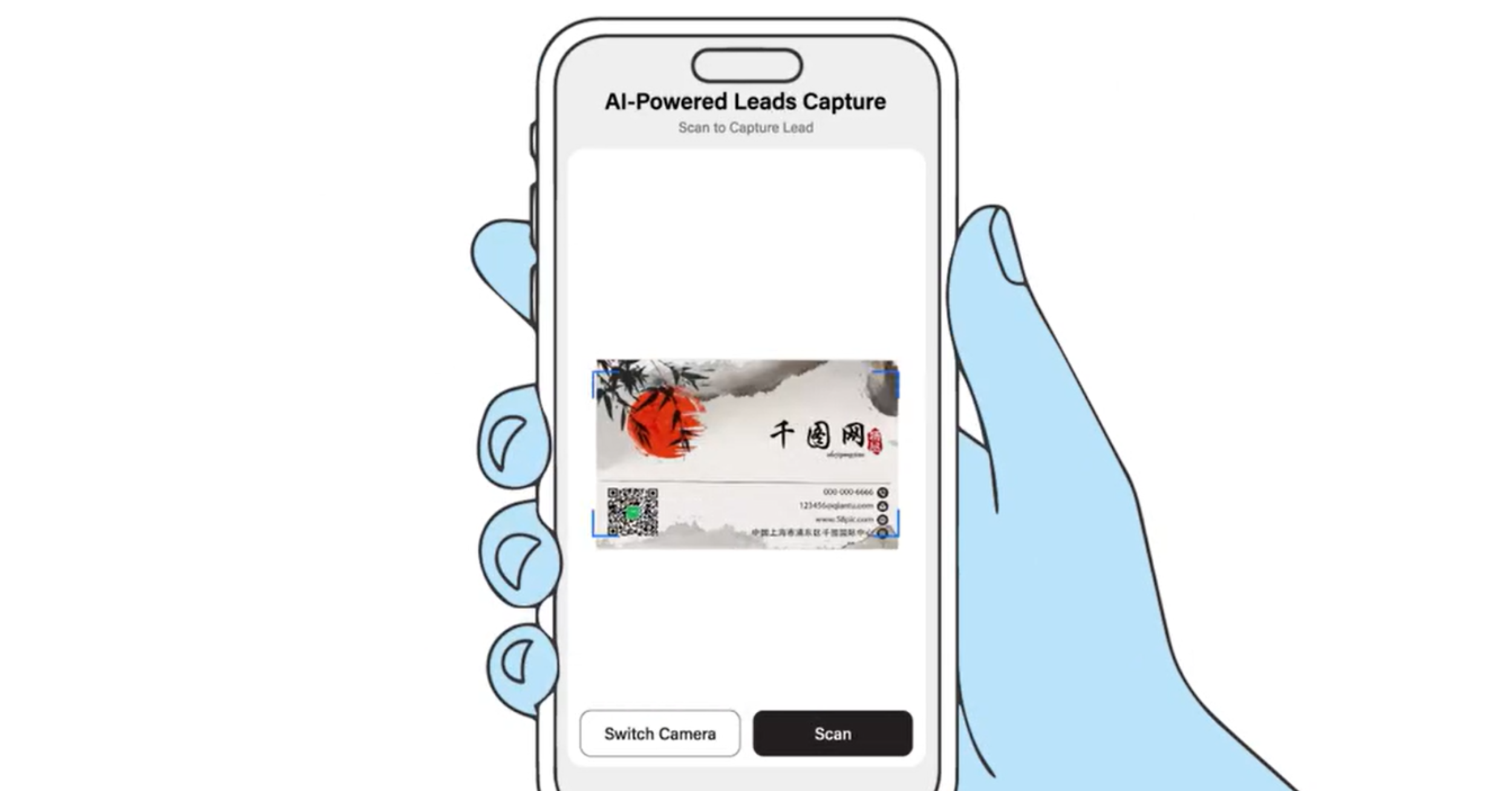
Everything you scan or capture lands here, whether it came from the AI lead scanner or a paper card you digitised. Keeping them in one place is the foundation of good lead management, because you always know where your contacts are and nothing is scattered across notes, photos or separate apps. From this one screen, you can work through your leads and decide what to do with each.
How do you organise your leads?
You organise your leads so the ones that matter are easy to find and act on. Rather than leaving every captured contact in a single undifferentiated list, you group and order them in a way that reflects how you plan to follow up.
Good organising habits make a real difference. Keep your most promising leads near the top of your attention, separate the people who need a quick reply from those who can wait, and keep your list tidy so an old event's contacts do not bury a new one's. A well-organised list turns a pile of names into a plan, which is what makes a lead management app more useful than a stack of cards ever was.
How do you prioritise which leads to follow up first?
You prioritise by deciding which leads are most likely to lead somewhere, and reaching those first. Not every contact you capture carries the same weight, so treating them all the same wastes your best opportunities.
A simple approach works well. Follow up first with the people you had the strongest conversations with, or who expressed the clearest interest, then work down to warmer introductions and finally the wider contacts. The aim is to spend your follow-up time where it counts, while the conversation is still fresh in both your minds. Prioritising like this is what stops good leads from going cold in a long list.
How does managing leads lead into follow-up?
Managing your leads well sets up fast, effective follow-up, which is where leads turn into business. Because your contacts are captured and organised in one place, you can reach out promptly rather than days later when the detail has faded.
This is the real payoff of keeping your leads in the app. A tidy, prioritised list makes it obvious who to contact and when, so following up becomes a quick, repeatable habit rather than a chore you put off. The follow-up side is covered in instant follow-ups, which picks up exactly where lead management leaves off.
Can you export your leads to a CRM?
Yes, you can export the contacts you manage in the app to your favourite CRM systems. Once a lead is captured and organised, it does not have to stay in the app, it can feed straight into the tools your sales process already runs on.
This keeps the app as the place you capture and organise leads, while your CRM remains the place you manage longer sales cycles, if that is how you work. The two work together rather than competing. The full process is covered in how to export your leads to a CRM.
Why keep all your leads in one place?
Keeping every lead in one place matters because scattered contacts are lost contacts. When leads live across paper cards, phone notes, photos and different apps, some inevitably slip through, and those are missed opportunities you never even know about.
A single lead dashboard solves that. Every person you capture is in the same place, organised and ready to follow up, so nothing depends on remembering a name or finding a card weeks later. That completeness is quietly one of the biggest advantages of managing leads in an app, because the leads you never lose are the ones that grow your business.
At TapiLink, we built lead management so the effort you put into meeting people is matched by an easy way to act on it. When you are ready, open the app and head to the Leads tab to organise your contacts, and if you want a faster way to capture new ones, our AI lead scanner turns a business card into an organised lead in seconds.
FAQ
Q1. How do I manage my leads in the TapiLink app?
Answer: You manage your leads from the Leads section, where every contact you capture is stored in one place. From there you can review, organise and prioritise your leads, follow up, and export them to your CRM, so nothing gets lost and every lead is actioned.
Q2. Where are my captured leads stored?
Answer: Your leads are stored in the Leads section, reached from the Leads tab at the bottom of the app. Everything you capture, whether scanned from the AI lead scanner or a paper card, lands there in one place.
Q3. How should I prioritise my leads?
Answer: Follow up first with the people you had the strongest conversations with or who showed the clearest interest, then work down to warmer and wider contacts. Prioritising this way keeps your best opportunities from going cold in a long list.
Q4. Can I export my leads to a CRM?
Answer: Yes. You can export the contacts you manage in the app to your favourite CRM systems, so your leads feed straight into your existing sales process rather than staying only in the app.
Q5. Why should I keep all my leads in one place?
Answer: Because scattered contacts are lost contacts. Keeping every lead in one dashboard means nothing slips through the cracks across notes, cards and separate apps, so every person you capture is organised and ready to follow up.
Ready to revolutionize your networking approach? Explore TapiLink's range of premium NFC business cards and join the thousands of professionals who've already made the smart choice.