You can share your business card with a home-screen widget or straight from a smartwatch, so your card is one tap away without opening the app first. A widget puts a share shortcut right on your phone's home screen, and a smartwatch lets you share from your wrist. Both are about instant access, turning sharing into a single tap in the moments when speed matters most.
At TapiLink, we added these quick-access options because the easiest card to share is the one you can reach without hunting for it. This guide covers how the home-screen widget and smart watch sharing work, and when each is useful. For the full set of methods, our guide on how to share your TapiLink card covers them all, while this one focuses on the fastest shortcuts.
What are widget and smartwatch sharing?
Widget and smartwatch sharing are quick-access ways to share your card without opening the full app. A widget is a shortcut on your phone's home screen, and smartwatch sharing lets you share from your watch, so both cut out the step of finding and opening the app.
The point of them is speed. Your card already shares by tap, QR, link and wallet, and these add two of the fastest routes of all, for the moments when even opening an app feels slow. They are optional extras that make sharing more convenient, not replacements for the main methods.
How does the home-screen widget work?
A home-screen widget puts a share shortcut for your card directly on your phone's home screen, so one tap begins sharing. Instead of opening the app and navigating to share, you tap the widget and go straight to sharing your profile.
You set the widget up from your account settings, where Widgets is one of the available options. [VERIFY: confirm the exact steps to add the home-screen widget on iPhone and Android before publishing.] Once it is in place, your home screen widget card is always visible and ready, which makes sharing a quick habit rather than a small task each time.
How does smartwatch sharing work?
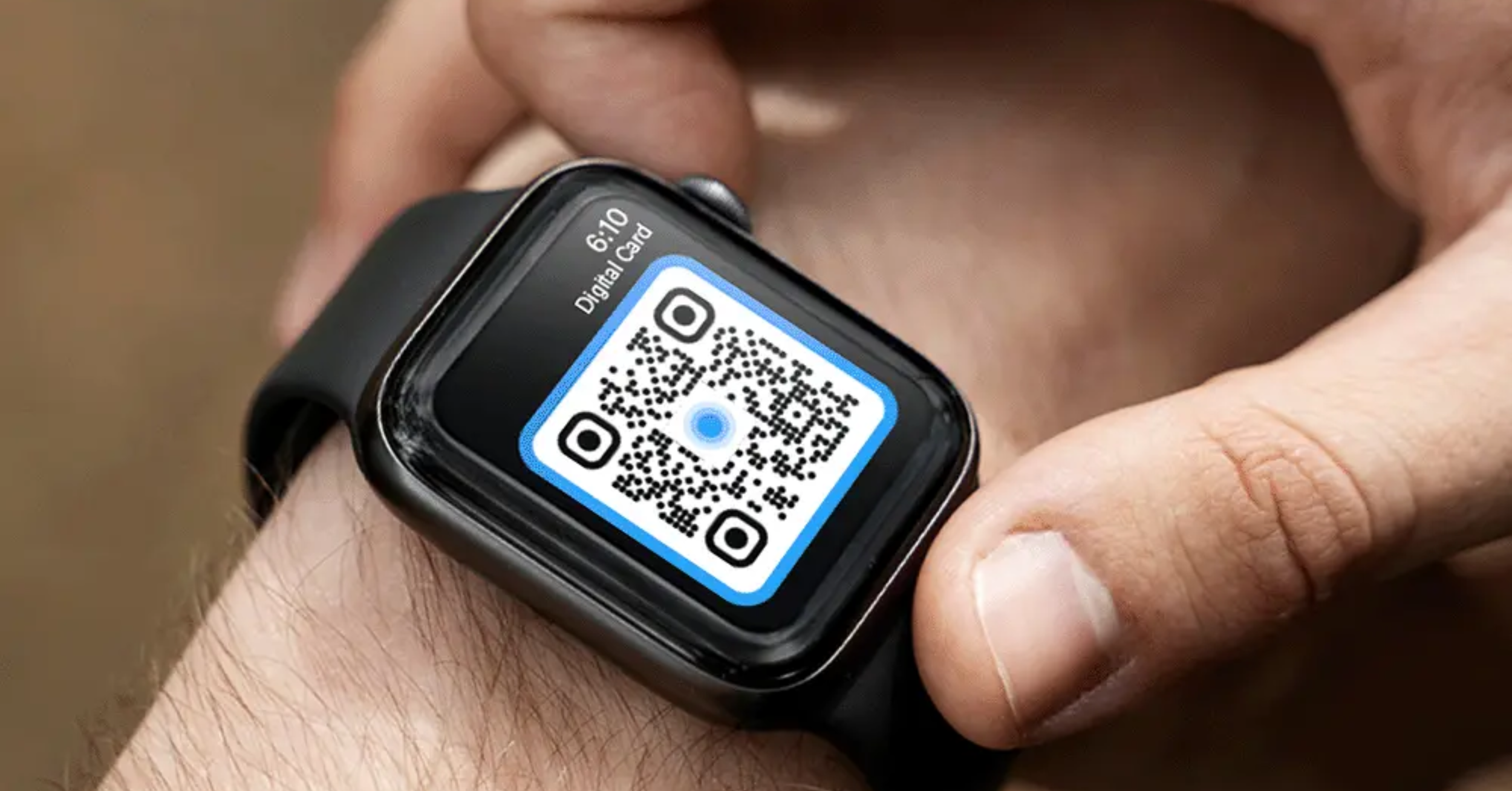
Smartwatch sharing lets you share your card straight from your wrist, without taking out your phone. Your card can be shared via a smartwatch, so you can share your details in a moment even when your phone is in a pocket or bag.
A smartwatch business card is especially handy for quick, hands-free moments, such as a brief introduction where reaching for your phone would slow things down. [VERIFY: confirm which smartwatch platforms are supported and the exact setup steps before publishing.] Like every other method, it opens the same live profile, so whoever you share with sees your latest details.
When are these quick-access options most useful?
They are most useful in fast, on-the-move moments when opening the app would be a step too many. A chance introduction, a busy event, or a quick hello in passing are exactly the times a one-tap share earns its place.
Think of them as your fastest options for in-person sharing. A widget suits anyone who shares often and wants their card permanently to hand, while a smartwatch suits those who would rather not reach for their phone at all. Neither is essential, but both remove friction, and less friction means you actually share your card more often.
How do these fit with your other sharing methods?
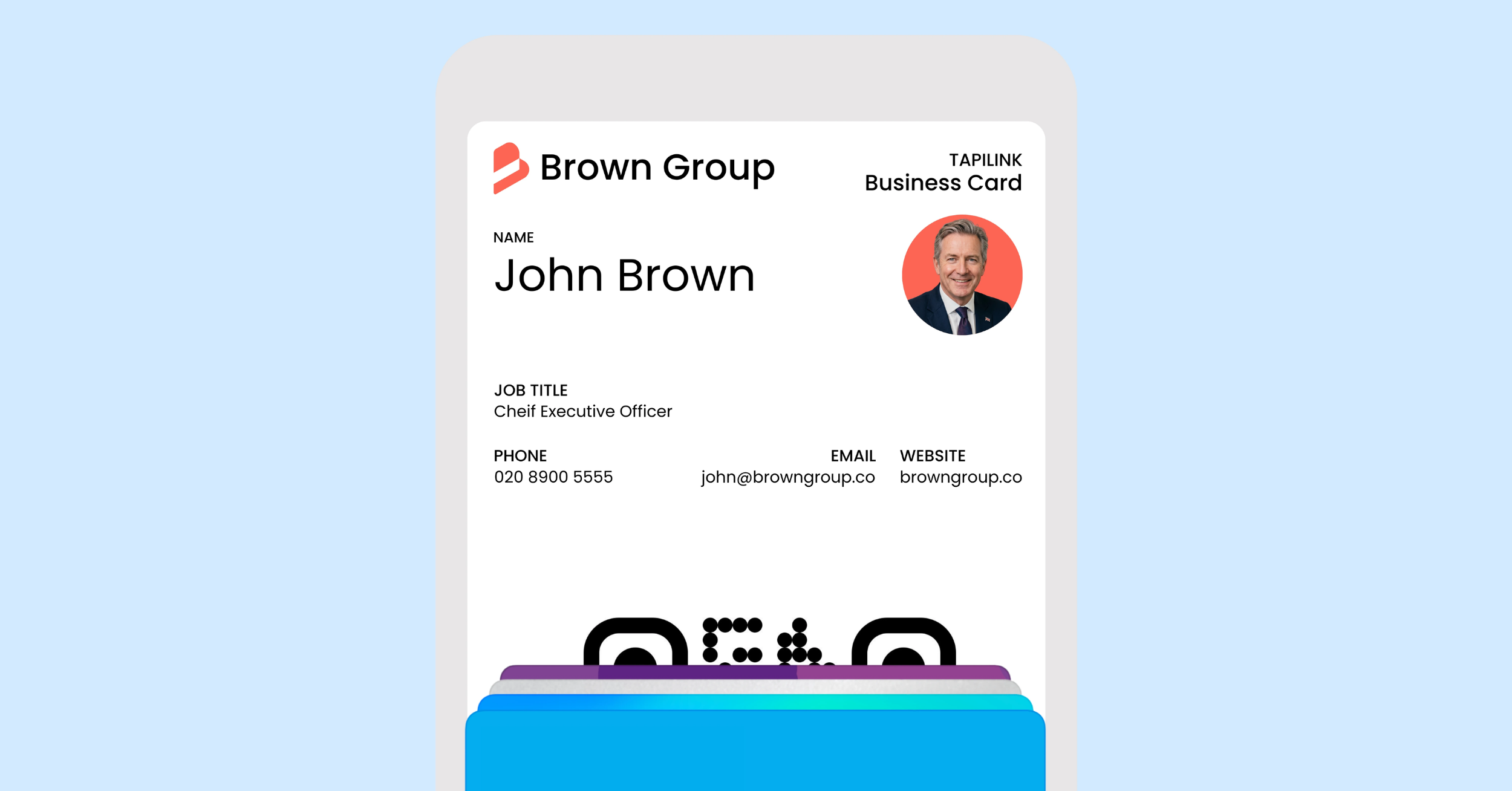
Widgets and a smartwatch sit alongside your other methods as the quickest-access options, all opening the same live profile. A tap suits a direct handover, a QR code suits anything on display, a link suits messages, your wallet keeps your card ready, and these two shortcuts make starting a share as fast as possible.
You do not have to choose one, since they all lead to the same profile. Many people set up a couple of methods that match how they work, so they always have a fast way to share. Two that pair naturally with these are keeping your card in your wallet, covered in add your card to Google and Apple Wallet, and your email signature, covered in email signature: add your card to emails.
At TapiLink, we added widgets and smartwatch sharing so your card is ready to share from anywhere, in a single tap. When you are ready, open the app to set up your quick-access options, and if you would like an effortless physical way to share in person too, our NFC Business Cards open your profile with a single tap.
FAQ
Q1. Can I share my business card with a home-screen widget?
Answer: Yes. You can add a home-screen widget that acts as a share shortcut for your card, so one tap starts sharing without opening the full app. You set it up from the Widgets option in your account settings.
Q2. Can I share my card from a smartwatch?
Answer: Yes. Your card can be shared via a smartwatch, so you can share your details straight from your wrist without taking out your phone. It opens the same live profile as every other sharing method.
Q3. Why use a widget or smartwatch instead of the app?
Answer: Because they are faster. Both remove the step of opening the app and finding your card, so you can share in a single tap. That speed is most useful in quick, on-the-move moments like a brief introduction.
Q4. Do widget and smartwatch sharing show my latest details?
Answer: Yes. Like all the sharing methods, they open your live profile, so whenever you update your details, anyone you share with sees the current version.
Q5. Do I have to use these instead of tapping or QR?
Answer: No. They sit alongside your other methods, all opening the same profile. You can set up whichever combination suits how you work and use the fastest option for each situation.
Ready to revolutionize your networking approach? Explore TapiLink's range of premium NFC business cards and join the thousands of professionals who've already made the smart choice.