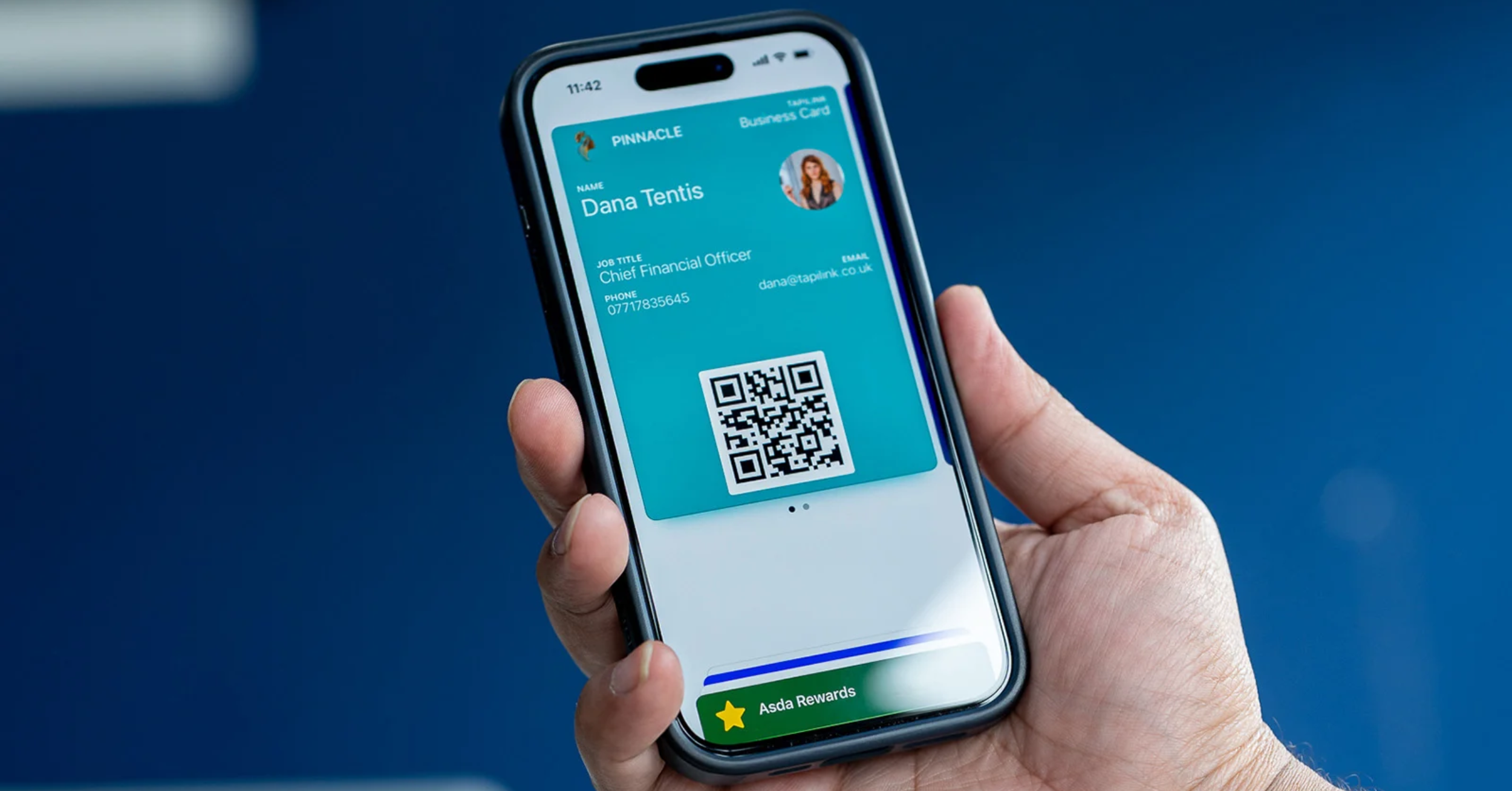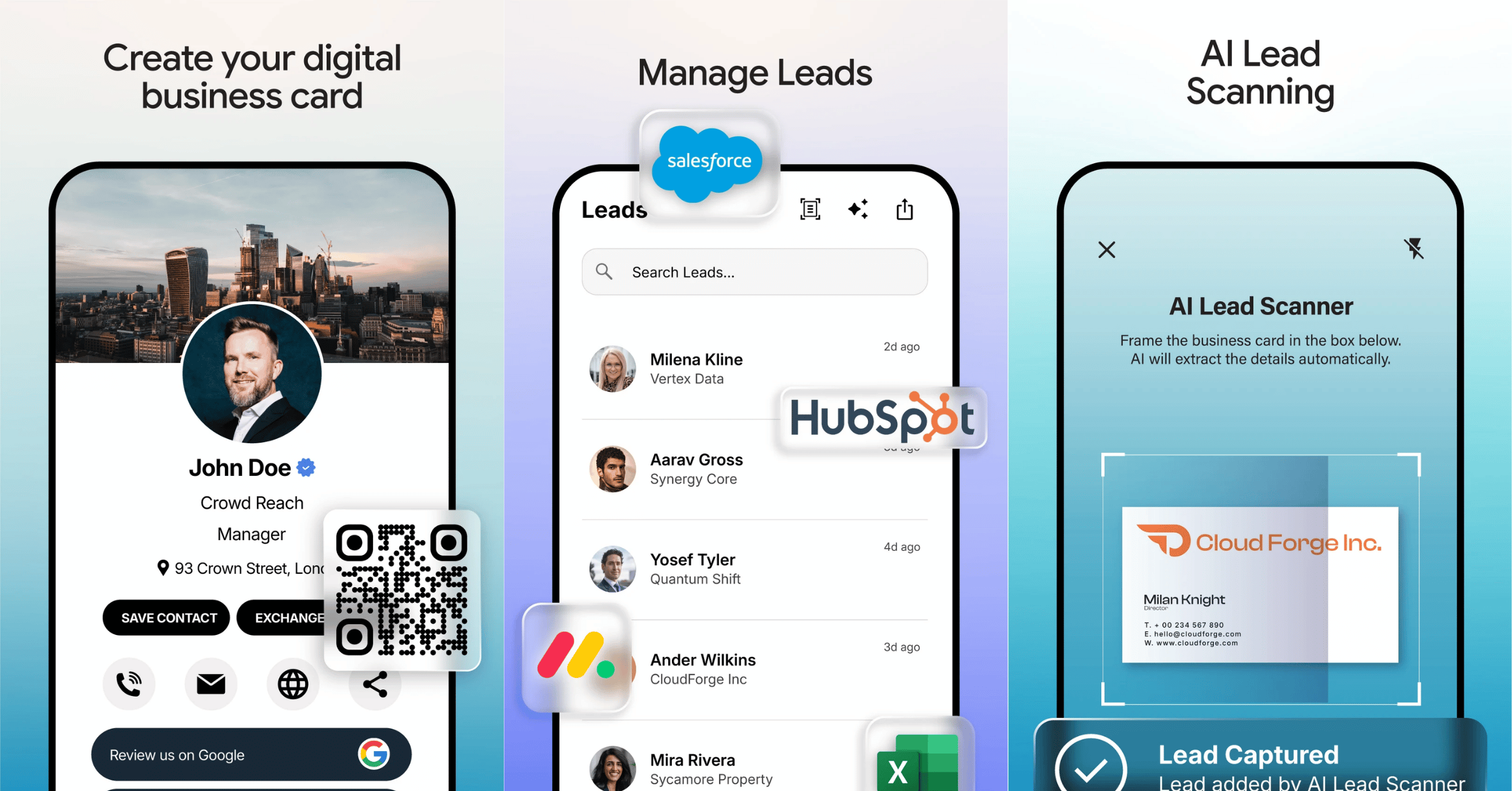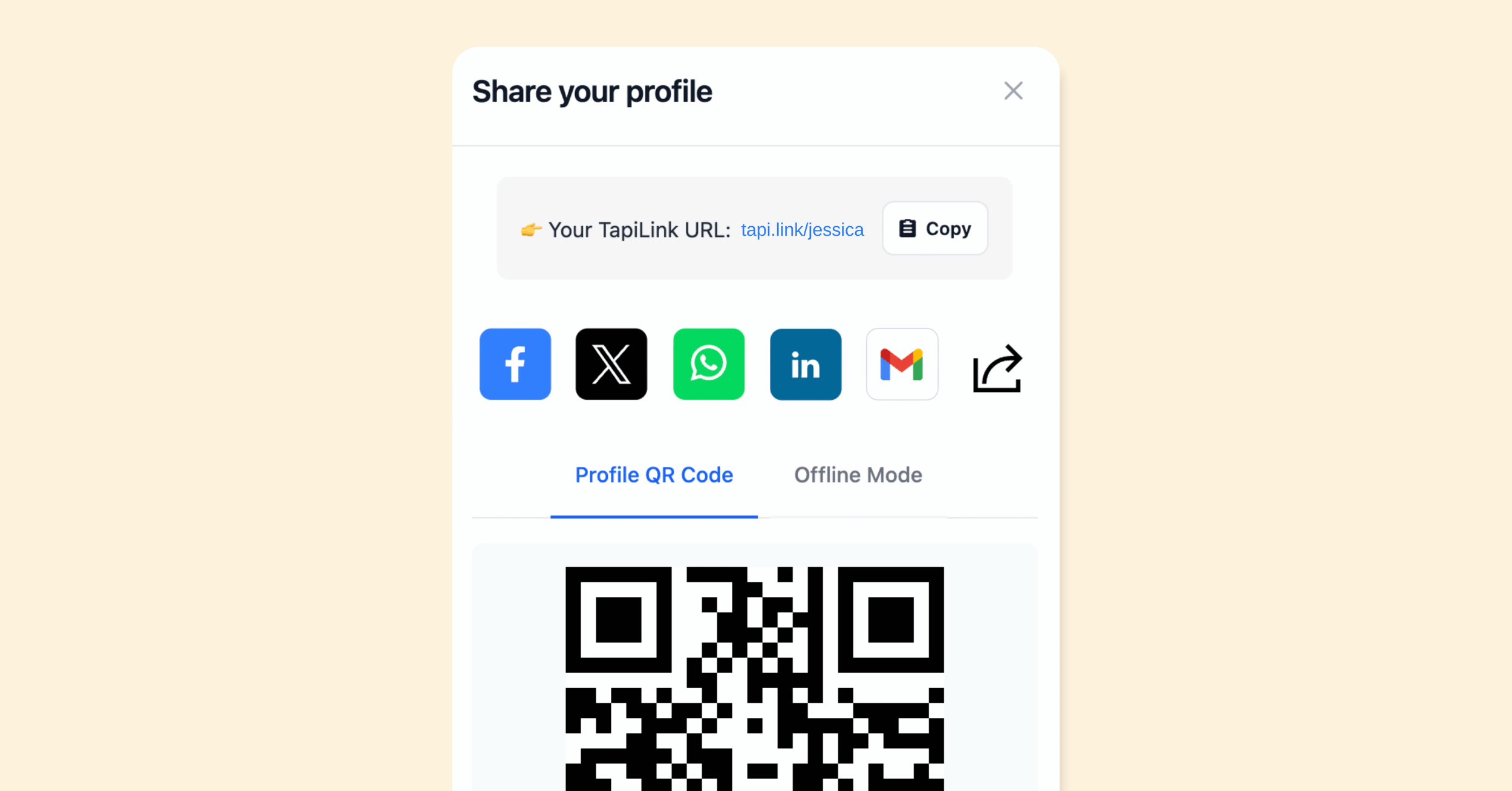
A business card QR code generator creates a scannable code that links straight to your digital business card, so anyone can open your profile by pointing their phone camera at it. Instead of typing a web address or swapping details manually, they scan once and your full profile appears. The best generators let you brand the code with your own colours and logo, so it looks professional rather than generic.
At TapiLink, we build a QR code generator into the app so your code always points to your latest profile and matches your brand. This guide explains how a business card QR code works, how to create and brand yours, where to use it, and how it fits alongside the other ways you share your card. If you want the full range of sharing options first, our guide on how to share your TapiLink card covers them all.
What is a business card QR code?
A business card QR code is a scannable square that links to your digital business card. When someone scans it with their phone camera, your profile opens on their screen, with your contact details, links and anything else you have added.
The advantage over a printed code on a paper card is that a digital card QR stays current. Because it points to your live profile rather than fixed text, you can change your details whenever you need to and the same code keeps working. Nobody needs an app to scan it, since modern phone cameras read QR codes on their own.
How do you create a QR code in the app?
You create your QR code inside the app, where it is generated automatically from your profile. Once your profile is set up, the app produces a QR code that links to it, ready to share or display.
Because the code is tied to your profile, there is nothing technical to configure. If you have not built your profile yet, our guide on how to create your digital business card in the app walks through it, and the code is ready as soon as your profile is. From there, you can brand it and start using it straight away.
How do you brand your QR code?
You brand your QR code by personalising it with your colours, logo and style, so it looks like part of your business rather than a plain black-and-white square. A branded QR generator turns a functional code into a piece of your visual identity.
This matters more than it might seem. A styled code signals that you have taken care over the detail, and it sits far more comfortably on a poster, a stand or a card design than a generic one. Match the colours to your brand and add your logo where the app allows, and the code becomes something you are happy to display prominently.
Where can you use your business card QR code?
You can use your QR code anywhere people might want to reach you, in print or on screen. It works on physical items and in digital spaces alike, because all anyone needs is a phone camera.
Common places to put it include a physical business card, a shop or stall sign, a market or event stand, a product package, a presentation slide, an email footer, a social media post and a website. Wherever you place it, a single scan opens your profile, so it is a quick way to bridge from the offline world to your digital card. At events in particular, a visible QR code on a stand lets people connect without you having to reach each of them individually.
How does a QR code compare to tapping or sharing a link?
A QR code is one of several ways to share your card, and it fills the gap where tapping or a link is not practical. Tapping suits a one-to-one handover, a link suits messages and email, and a QR code suits anything on display that many people might scan.
The three work together rather than competing. In person you might tap, online you might send your link, and on a sign or slide you show your QR code. All of them open the same profile, so your details stay consistent however someone reaches you. You can see every method side by side in how to share your TapiLink card.
Keeping your QR code useful over time
Because your QR code links to your live profile, it does not expire when your details change. Update your profile and the same code keeps taking people to the right place, so anything you have already printed or posted stays valid.
At TapiLink, we built the generator so your code is always current and always on brand, which means you can print it with confidence and reuse it for as long as you like. When you are ready, you can create your branded QR code in the app and start sharing it today. If you would like a physical tap-to-share option to sit alongside it, our NFC Business Cards open the same profile with a single tap.
Frequently Asked Questions
Q1. How do I create a QR code for my business card?
Answer: Set up your profile in the app, and it generates a QR code that links to your digital business card automatically. You can then brand it with your colours and logo and share or display it anywhere.
Q2. Do people need an app to scan my QR code?
Answer: No. Modern phone cameras read QR codes on their own, so anyone can scan your code and open your profile without downloading anything.
Q3. Can I brand my QR code with my colours and logo?
Answer: Yes. You can personalise your QR code with your brand colours, logo and style, so it looks professional and matches your visual identity rather than appearing as a plain code.
Q4. Will my QR code still work if I change my details?
Answer: Yes. Your QR code links to your live profile, not fixed text, so when you update your details the same code keeps taking people to your current profile. Anything already printed stays valid.
Q5. Where should I put my business card QR code?
Answer: You can put it on a printed card, a shop or event sign, product packaging, a presentation slide, an email footer, a social post or your website. Anywhere a phone camera can reach it works.
Ready to revolutionize your networking approach? Explore TapiLink's range of premium NFC business cards and join the thousands of professionals who've already made the smart choice.