Digital business card security depends on what the card shares, who controls the profile and how the supplier handles contacts. Before buying, test where taps and scans lead. Then verify team permissions, lost-card controls and what happens to collected data.
Imagine a salesperson leaves your company on Friday. On Monday, a customer scans their old card and sees outdated contact details. Can your team update the profile, and can the former employee still sign in?
Those questions matter more than the card’s finish or its advertised features. This guide helps UK businesses assess suppliers before placing a team order. It covers the physical card, the public profile and the dashboard your staff use. Finish with a small pilot so you can see how each control works before buying in bulk.
1. Check What the Card Shares
Ask the supplier what the NFC chip contains and what the printed QR code encodes. Both might point to the same online profile. Confirm this on a sample card before ordering.
A card can encode a web address, while the linked page displays names, contact details and business links. Those are separate places where information can appear. Updating the page may change what visitors see without changing the web address on the card.
Ask whether the NFC chip can be rewritten after delivery. Also check what the supplier means by an “editable” card. That could mean editing the profile, changing the destination or rewriting the chip.
For more detail on this distinction, read TapiLink’s guide to protecting personal information on NFC business cards.
2. Verify NFC and QR Destinations
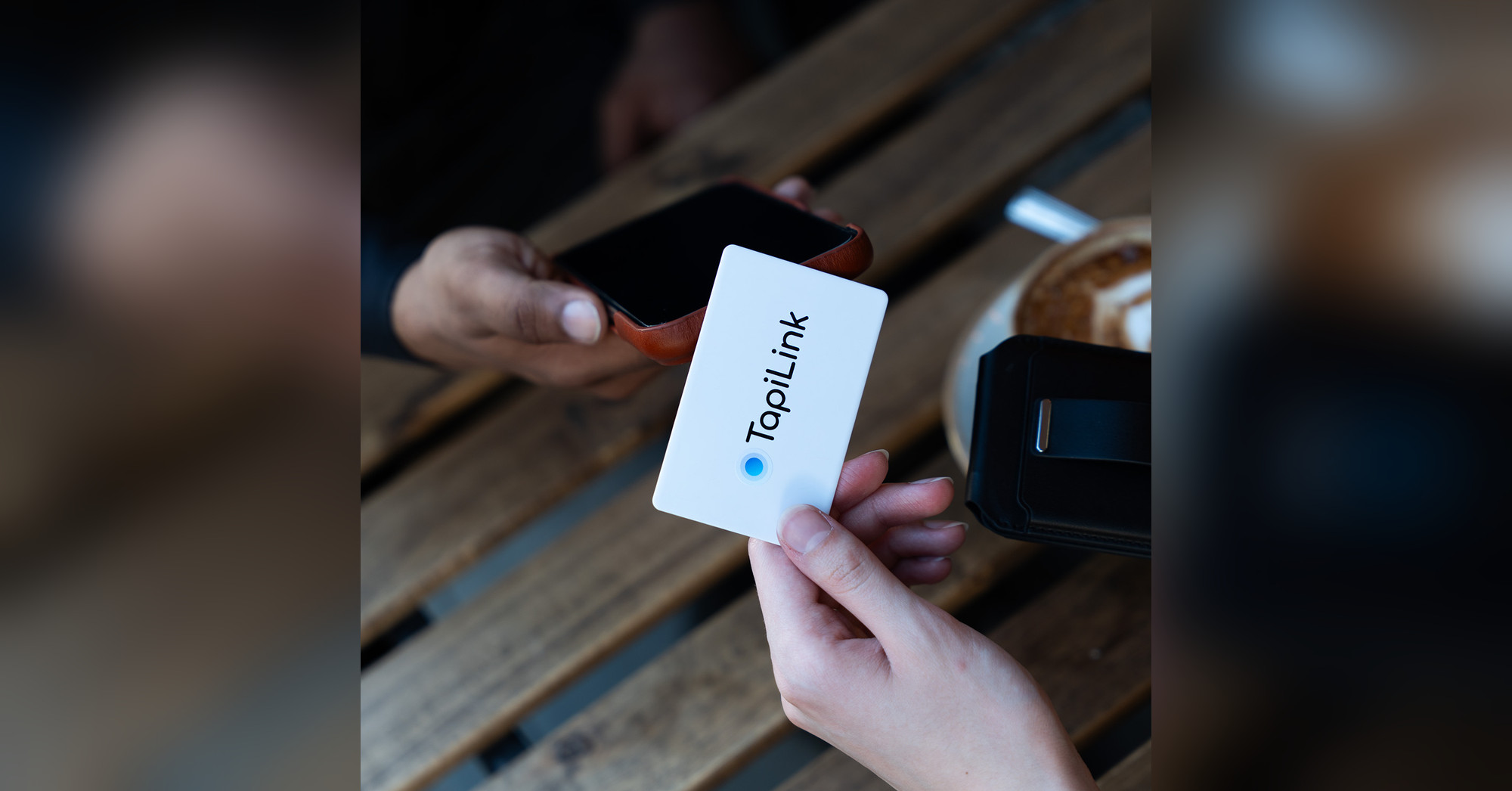
Tap and scan a sample card using a phone outside your business account. Check the address shown before opening it and confirm where the page ultimately loads. Record the expected domain so your team can spot unexpected changes.
An HTTPS connection helps protect information in transit. It does not prove a page belongs to the business it claims to represent. Check the domain and stop if a contact page unexpectedly requests a password or payment details.
The National Cyber Security Centre explains how QR codes can lead to phishing websites. Apply that lesson to cards and displays left in shared spaces. Look for damage or unfamiliar stickers covering printed codes.
3. Review What Visitors Can See
Open a sample profile in a private browser window and review it as a visitor. Check the visible details, downloadable contact information and linked documents. Publish only information your business intends to share externally.
A work email and office number may be enough for most employees. A private mobile number, home address or internal document can expose more than the role requires. Check the permissions on linked files separately.
Use this checklist before publishing:
- Confirm that names, roles and numbers are correct.
- Review every website, booking and social link.
- Save the contact and inspect the information it contains.
- Open linked documents while signed out.
- Confirm what visitors can see with only the profile URL.
4. Test Team Account Permissions
Check whether administrators and employees have separate accounts with different permissions. Ask who can edit public details, change links and export collected contacts. Give staff only the access they need for their roles.
The NCSC’s authentication guidance helps businesses assess sign-in options. Ask whether your chosen plan offers multi-factor authentication and how account recovery works. Confirm whether those controls apply to both staff and administrators.
TapiLink for Teams lists central management and the ability to lock specific profile fields. Ask to see those controls on your intended plan. Check whether staff can change company links, branding or other fields your business needs to manage centrally.
5. Check Lost-Card and Leaver Controls
Test card access and account access separately. Stopping a lost card from opening a profile solves a different problem from removing an employee’s dashboard access. Your business needs to know what happens in both cases.
Use a sample card to check:
- Whether an administrator can remove the employee’s sign-in access.
- Whether the supplier can disable an individual card or only its linked profile.
- What the old NFC tap and printed QR code open after deactivation.
- Whether the original profile URL still loads when entered directly.
- Whether reactivating the profile for a replacement also restores access from the lost card.
That last check matters when two cards point to the same web address. Removing a public profile also cannot erase details someone previously saved to their phone. Document the result so staff know what to report and who can act.
6. Review How Suppliers Handle Data
Ask how the supplier handles public profile details, account data, analytics and contact submissions. These categories serve different purposes. Your review should also cover where data goes when staff export it or connect another system.
Start with the TapiLink privacy policy when evaluating TapiLink. If your team uses lead capture, review how TapiLink manages and exports leads. Assign someone to control access to any downloaded files.
Questions to ask any supplier include:
- Where do you host profile information and captured contacts?
- Which other providers handle that information?
- Who can download or delete contact records?
- How long do you retain data after account closure?
- How will you notify our team about a security incident?
- What evidence supports your security claims?
The Information Commissioner’s Office security guide explains what to check when a supplier processes personal data on your behalf. Review the supplier’s guarantees and the relevant written terms. Your business should assess its own use of the service alongside the supplier’s controls.
7. Run a Pilot Before Buying
Test two sample profiles before ordering cards for the whole team. Give one account employee access and the other administrator access. Use dummy contact details so the trial does not expose customer information.
Run through these five actions:
- Share: Open both profiles using NFC and QR.
- Edit: Update a work number and check what a signed-out visitor sees.
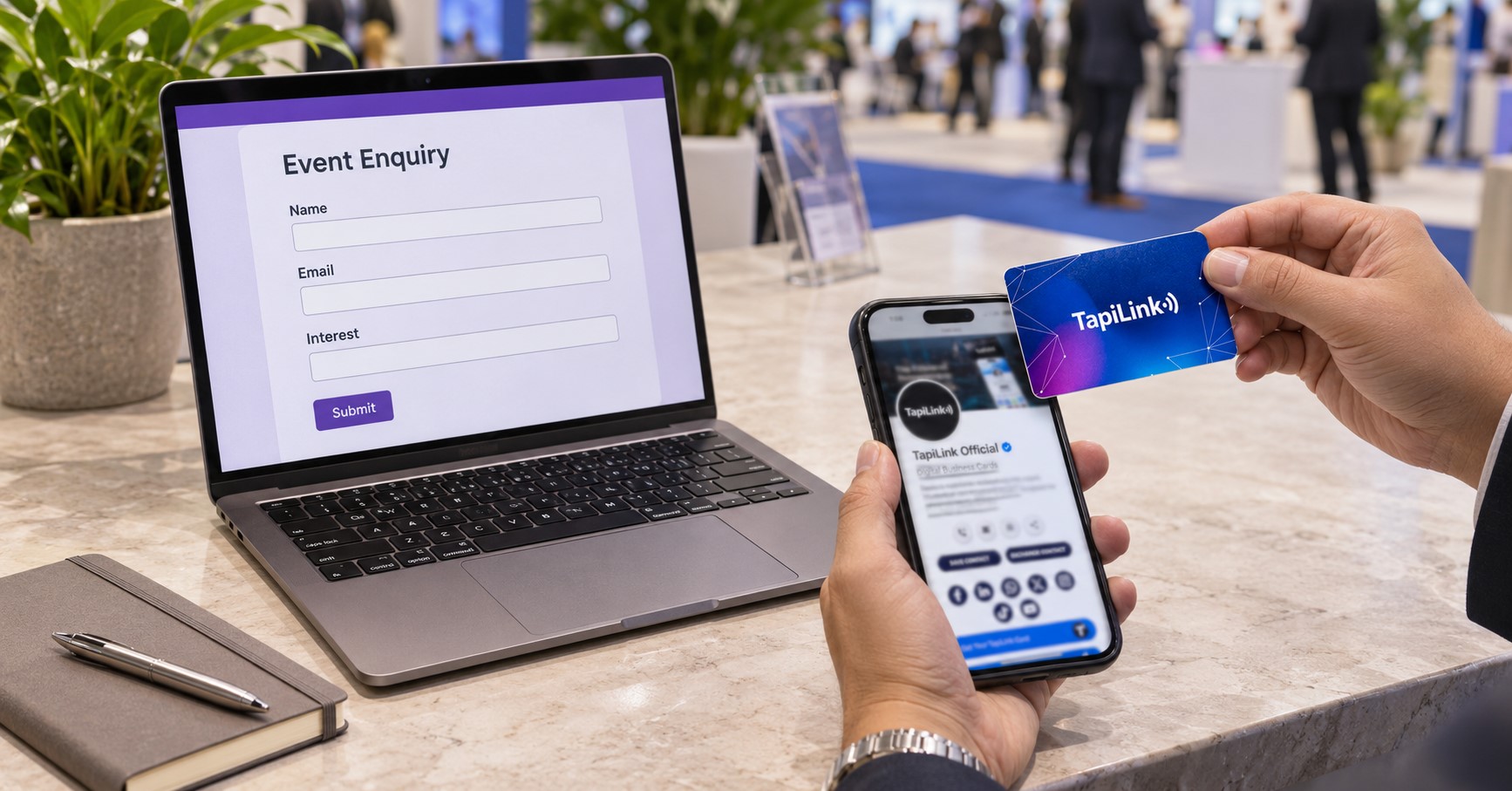
- Capture: Submit a dummy enquiry and verify who can view or export it.
- Remove: Revoke the test employee’s access and try signing in again.
- Replace: Simulate a lost card and check the old and replacement links.
Record the expected result beside the actual result. Ask for a demonstration wherever an essential control remains unclear. A pilot gives your team a repeatable check for future orders.
Choose Cards Your Team Can Manage
A digital business card is only one part of the sharing process. The public profile, staff accounts and contact records each need a clear owner. Confirm those controls before you roll out cards to every employee.
If you’re considering a team order, contact TapiLink with your requirements for permissions, replacement cards and lead capture. Ask how the relevant plan handles your everyday workflow. Then verify it with a sample card.
Frequently Asked Questions
Question: Are NFC business cards safe to use?
Answer: Check the destination and the information it shares. A tap on a card programmed with a web address gives the phone a link to open. Inspect the destination before entering any information.
Question: Is NFC more secure than a QR code?
Answer: Both can open the same page. Compare the destination, who can change it and how your business can detect tampering. Test both routes on the actual product.
Question: Can someone find my profile without my card?
Answer: They may be able to open it if they have the URL and the page is public. Someone can forward the link after receiving it. Check visibility settings before publishing private details.
Question: Can I disable a lost digital business card?
Answer: It depends on how the supplier links the physical card to the profile. Ask whether you can disable the individual card. Test the original NFC tap, printed QR code and direct URL after making the change.
Question: Can I remove details someone already saved?
Answer: Changing your online profile does not update contact details someone already saved locally. Future visitors can see your new information. Previously shared copies may still contain the old details.
Ready to revolutionize your networking approach? Explore TapiLink's range of premium NFC business cards and join the thousands of professionals who've already made the smart choice.