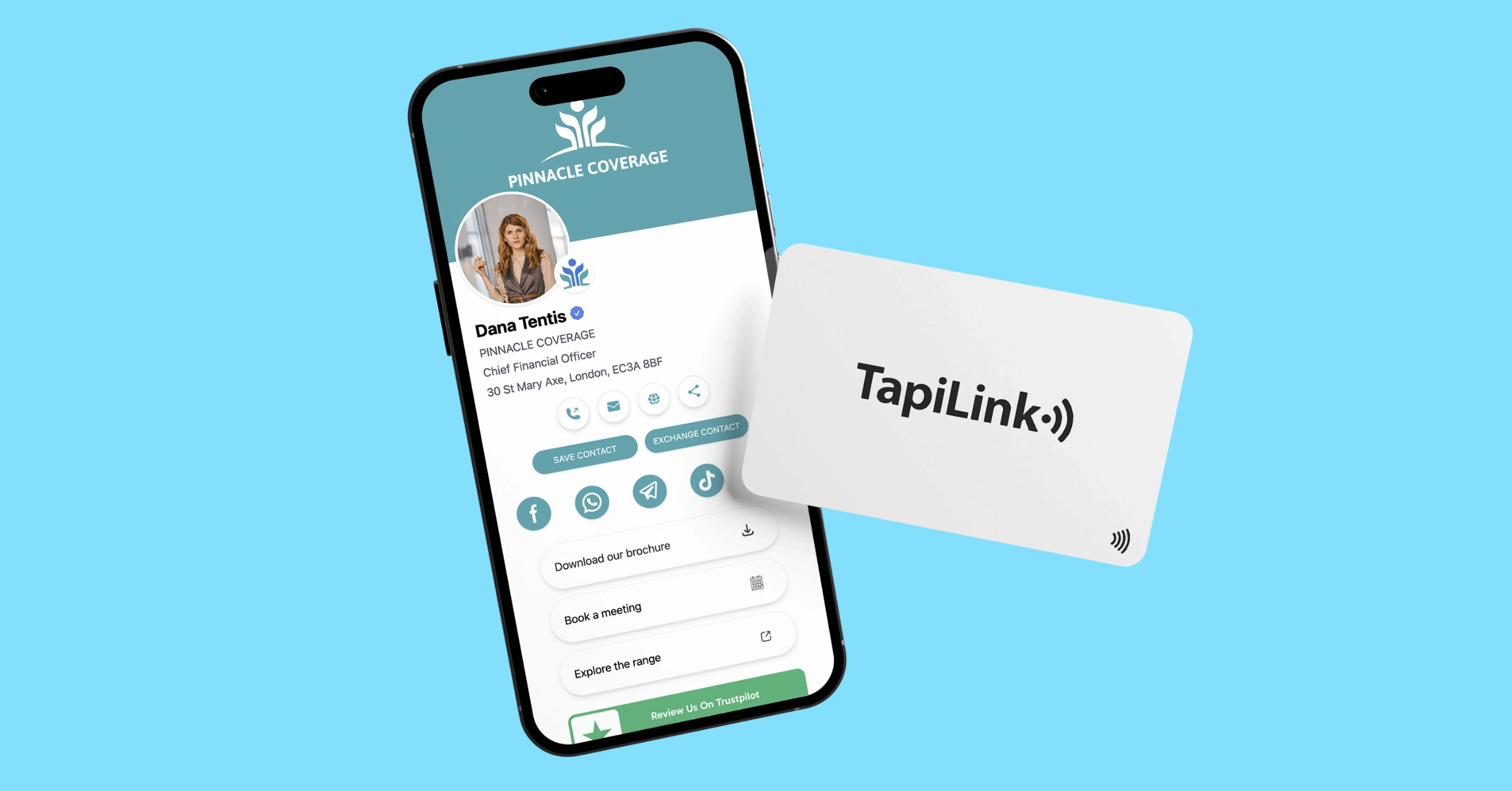
Digital business cards for photographers connect potential clients to your portfolio, contact details and enquiry page through one shareable profile. With a compatible NFC phone tap, QR scan or shared link, people can explore your work without typing your website address.
That matters when someone asks about your photography while you are packing equipment or preparing the next shot. You need a simple introduction that lets your images do the talking.
TapiLink’s March 2025 Wedding Witness case study documents a photography business using portfolio links, contact information and booking options together. It offers a relevant example without assuming every photographer will achieve the same results.
This guide explains what your card should include, which portfolio to share and how to create a clear enquiry journey. It is written for wedding, portrait, event and commercial photographers who want more useful connections from everyday conversations.
How Do Digital Business Cards for Photographers Work?
A photography digital business card is an online profile containing your professional details and links to your work. An NFC card, QR code or shared URL helps someone open that profile.
The physical card does not need to store your full image library. It can direct visitors to a profile linking to your existing portfolio.
With TapiLink, recipients can open your shared details without installing the TapiLink app. You can also update your digital profile when your information changes.
That creates a useful connection between meeting you and exploring your photography. However, the visitor still needs a clear reason to enquire.
Think of the card as the introduction. Your portfolio demonstrates your style, while your enquiry page starts the booking conversation.
What Should Your Photography Card Include?
Include enough information to explain your speciality, show relevant work and make contact easy. Avoid turning the profile into a directory of every account you own.
Start with:
- Your name or photography business name.
- A recognisable photograph or business logo.
- Your photography speciality.
- Your base and genuine service area.
- A relevant portfolio link.
- Your business email or contact number.
- One main enquiry button.
- An active social profile, if useful.
“Wedding and portrait photographer based in Bristol” says more than “capturing unforgettable moments”.
Use button labels that explain the destination. “View Wedding Portfolio” helps visitors more than “Discover”.
Our guide to what to put on a digital business card explains how to organise these details without overwhelming readers.
Keep private client galleries separate. Your public card should direct people towards work you are comfortable sharing publicly.
Which Portfolio Should You Share?
Share the portfolio that best matches the conversation and the work you want to attract. A relevant gallery gives visitors a clearer picture of your suitability.
For example:
- Wedding photographers: Show wedding stories, couple portraits and reception coverage.
- Portrait photographers: Highlight the sessions you offer, such as families or professional headshots.
- Commercial photographers: Share relevant product, food, interiors or brand projects.
- Event photographers: Include venue atmosphere, speakers, interactions and challenging lighting.
If you cover several genres, create a simple portfolio landing page with clearly labelled choices.
Start with a small, deliberate selection. Ten strong images can be a useful editing exercise, rather than a fixed rule.
Ask whether each photograph helps someone understand your style or suitability. Remove images that repeat the same point.
Also, optimise the linked gallery for mobile. Google’s image publishing guidance recommends balancing image quality with speed and using descriptive alternative text.
A portfolio should look polished without requiring visitors to download your original camera files.
Make the Next Step Easy
Give visitors one main action that fits your booking process. For many photographers, an availability enquiry makes more sense than immediate payment.
Use wording such as:
- Check Wedding Availability.
- Ask About a Portrait Session.
- Request a Commercial Photography Quote.
- Discuss Your Event.
Send that button to the relevant form, rather than a homepage where visitors must search again.
Keep the initial enquiry practical. Ask for the person’s name, email, photography requirements, preferred date and location.
You can discuss detailed timelines, deliverables and licensing later.
A Simple Photography Card Template
Use this example as a starting point:
“Alex Morgan Photography
Documentary wedding photography across Yorkshire
View Wedding Stories
Check Your Date
Email Alex”
This is an illustrative template, not a claim about an existing photographer.
It establishes the speciality, location, evidence and next step without competing messages.
For photographers with different services, change the main button before an event to match the audience you expect.
How to Set Up Your TapiLink Card
Build your digital profile around the enquiry journey before focusing on the physical card design. The destination needs to work as well as the introduction.
Follow these steps:
- Add your professional name, logo or photograph.
- Write a clear speciality and service-area description.
- Add the most relevant portfolio destination.
- Include your main enquiry link and contact information.
- Keep useful social links below your main action.
- Review the profile on a phone.
- Test NFC, QR scanning and the shared URL.
The TapiLink app setup guide walks through creating and preparing your profile.
Next, test the complete journey on mobile data. Open the gallery, return to the profile and submit a test enquiry.
Google’s web.dev guidance defines a good Largest Contentful Paint as 2.5 seconds or less. This measures when the largest visible content element appears, rather than the entire page finishing loading.
Use that as a performance reference, not a booking guarantee.
Where Should Photographers Share Their Card?
Share your card when someone expresses relevant interest and has time to open it. A short explanation makes the interaction feel natural.
At wedding fairs, offer a portfolio link after discussing the couple’s plans. During commercial networking, direct the conversation towards examples from the prospect’s industry.
At a shoot, wait for an appropriate pause. Avoid interrupting important moments to promote your services.
Try a simple introduction:
“Would you like to see a few similar shoots? You can tap here or scan the code.”
You can also share the profile after a conversation through email or a requested message.
TapiLink’s guide to sharing your digital business card covers options beyond the physical tap.
For a photography-specific example, the Wedding Witness case study describes using portfolio links, booking options and contact details together. Its reported benefits are qualitative, without a published numerical booking uplift.
Measure Enquiries, Not Just Taps
Judge your card by relevant enquiries and bookings, alongside engagement. A profile view shows interest, but it does not establish commercial value.
Record these stages separately:
- Someone opens your profile.
- They explore your portfolio.
- They submit an enquiry.
- You discuss their requirements.
- They confirm a booking.
Available tracking depends on your tools and setup. Do not assume the card can identify every visitor or attribute every booking.
TapiLink’s digital business card analytics guide explains its engagement metrics.
For a straightforward attribution check, add “How did you hear about me?” to your enquiry form.
Review the answers alongside your analytics. If people open your profile but rarely enquire, inspect the portfolio relevance and contact journey.
Frequently Asked Questions
Question: Do clients need the TapiLink app?
Answer:No. Recipients can open your shared TapiLink profile without installing its app. Their phone still needs a suitable connection to load your online portfolio.
Question: Can I use my existing photography website?
Answer:Yes. Link your card to an existing portfolio or service gallery. You do not need to rebuild your photography website.
Question:Is Instagram enough for my portfolio?
Answer:Instagram can support your profile, but consider linking a dedicated gallery too. That lets you present selected work alongside service information and an enquiry route.
Question:Can I update my portfolio later?
Answer:Yes. Update the linked gallery or change the portfolio destination in your editable profile. Check that the new link works before sharing again.
Question:Will a digital card increase bookings?
Answer: It can make portfolio access and enquiries easier. Bookings still depend on your work, availability, pricing, service and follow-up. No card guarantees an increase.
Put Your Photography One Tap Away
Digital business cards for photographers work best when the next step feels obvious. Show relevant work, explain your speciality and make enquiries straightforward.
Explore TapiLink’s NFC digital business cards to choose a format that suits your photography brand. Then build the profile around what your next potential client needs to see.
Ready to revolutionize your networking approach? Explore TapiLink's range of premium NFC business cards and join the thousands of professionals who've already made the smart choice.