Google Forms vs digital business cards comes down to your event workflow. Choose Google Forms for structured responses and digital business cards for sharing your identity alongside contact exchange. You can also combine them when visitors need your details before completing a more specific enquiry form.
Picture a busy exhibition stand with another visitor waiting behind your current conversation. You need to share useful information and agree on the next step. Your chosen tool should support that exchange.
A form can collect answers without providing a complete professional introduction. A digital profile can introduce you without collecting any visitor information. Understanding that difference helps you avoid confusing a scan with a captured lead.
This guide helps exhibitors, sales teams and small businesses compare both approaches. It covers access, questions, follow-up, team management and costs. Use the practical checklist to prepare your next event.
Understand What Each Tool Does
Google Forms is an online form builder for collecting responses to questions. A digital business card is a shareable professional profile. Their purposes overlap when a digital profile includes contact collection.
With Google Forms, visitors open a published form and submit their answers. You decide which information to request. The form becomes the main destination for that interaction.
With a digital business card, visitors first access your professional information. They might save your details, explore services or follow a booking link. They become identifiable contacts only when they deliberately share information.
Neither tool guarantees qualified leads or sales. A visitor might browse without submitting anything. Your conversation and next step still matter.
When Google Forms Makes Sense
Choose Google Forms when collecting consistent answers is your main priority. It suits a focused task with clearly defined questions. Someone on your team must then review and act on submissions.
Useful event applications include:
- Registering interest in a product demonstration.
- Collecting workshop preferences.
- Requesting quotations.
- Gathering attendee feedback.
- Recording requirements before a consultation.
For example, an equipment supplier might ask which product category interests each visitor. A short form can capture that requirement consistently. The team can then direct enquiries to the appropriate specialist.
Google documents options for managing form responses, including linked Google Sheets and CSV downloads. These provide practical ways to review collected information. Decide who monitors the responses before your event starts.
When Digital Business Cards Fit
Choose digital business cards when sharing your professional identity forms an important part of the conversation. Visitors can find your details and relevant resources together. Contact exchange can sit alongside that introduction.
A profile might include:
- Your name, role and organisation.
- Telephone and email links.
- Relevant service information.
- A product brochure.
- A meeting booking page.
- A contact exchange option.
This suits conversations that continue beyond the exhibition stand. A consultant can share their specialism and booking route. A supplier can direct different visitors towards relevant product information.
Our TapiLink app setup guide explains preparing a profile and its links. Build around the action you want visitors to take. Keep secondary destinations easy to understand.
Compare the Visitor Experience
Both tools can use a QR code to open their destination. NFC adds another access route on compatible phones. Neither method removes the need to complete any requested fields.
The useful comparison is the complete journey. Count the screens, decisions and required answers after opening the link. A simple form may require fewer steps than an overcrowded digital profile.
Check Google Forms Access Settings
Check whether people outside your organisation can respond. Google’s publishing and sharing guidance explains responder access and form settings. Enabling “Limit to 1 response” requires respondents to sign into a Google Account.
That requirement might suit an internal event. It may create an unnecessary interruption for a public exhibition enquiry. Test the published responder link while signed out.
Keep Digital Profiles Focused
Give the event profile one clear primary action. “Request a Demonstration” communicates more than a row of unexplained icons. Supporting links should help visitors understand your offer.
Keep QR scanning available alongside NFC sharing. Online profiles and Google Forms normally require internet access to load and submit information. A visible QR code alone does not provide offline lead capture.
Keep Event Lead Capture Focused
Ask for information that supports a specific next step. Every required field should have a clear purpose. Avoid collecting details simply because they might become useful later.
The Information Commissioner’s Office explains data minimisation. Personal information should be sufficient, relevant and limited to the purpose. Apply that principle to both forms and digital contact exchange.
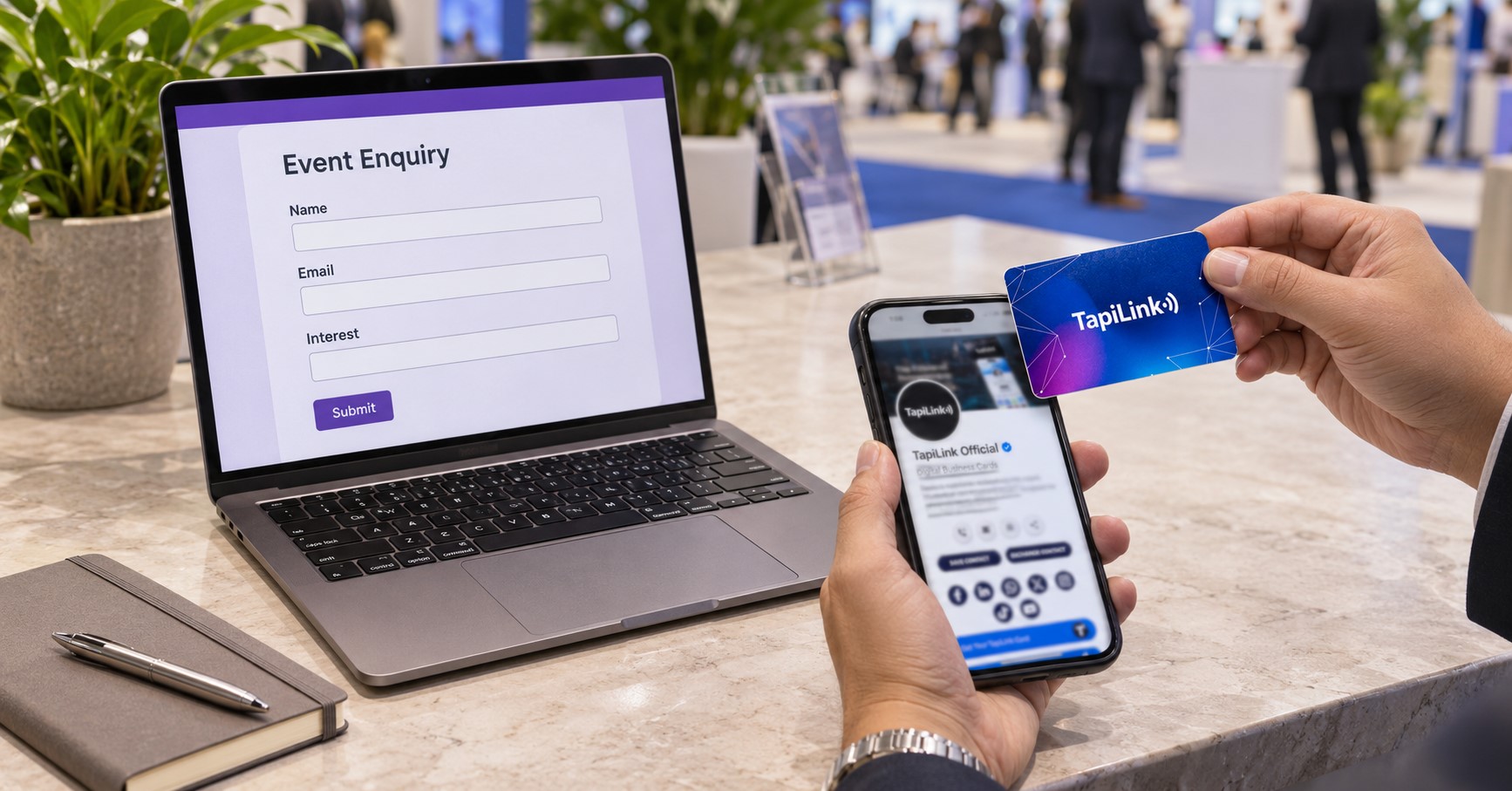
Here is a suggested enquiry template:
- Name: Who should receive the reply?
- Email: Where should you send the requested information?
- Interest: Which product or service did you discuss?
- Next step: Would they prefer information, a quotation or a meeting?
Add your privacy information where visitors can find it. Explain the intended follow-up before collecting details. Follow your organisation’s requirements for any separate marketing activity.
Plan Follow-Up and Team Ownership
Choose a system your team will actually monitor. A complete submission still needs someone responsible for responding. Agree on ownership before collecting the first contact.
For Google Forms, assign someone to review responses and distribute enquiries. Keep a record of the promised action. Avoid several colleagues sending duplicate messages.
TapiLink documents reviewing, organising and exporting contacts within its app. Our guide to managing captured leads explains that workflow. Check your CRM’s import requirements before transferring information.
Preserve the Conversation Context
Record the visitor’s actual request through your approved process. An email address alone does not explain their interest. A useful follow-up should mention what you discussed.
For example, “Here is the installation guide you requested” gives the message context. Include the relevant resource and agreed next action. Avoid replacing a specific promise with a generic sales email.
TapiLink also offers an AI business card scanner for digitising paper cards. This provides another collection route when visitors offer printed details. Check extracted information before using it.
Compare the Complete Cost
Compare setup and administration alongside software and physical product costs. A low purchase price does not measure the entire workload. Likewise, additional features only help when your team needs them.
For either setup, consider:
- Account or subscription requirements.
- Physical cards or printed QR displays.
- Profile or form preparation.
- Staff training.
- Data checking and duplicate removal.
- CRM transfer and follow-up time.
Google Forms may already be available through your existing Google account. Digital business card services vary by provider and plan. Compare the exact features required for your event.
TapiLink’s team digital business card options include central management and branding features. Review current inclusions before choosing a plan. Do not assume every individual card purchase includes every team capability.
Test Your Event Setup
Test the complete process using a realistic visitor enquiry. Continue beyond opening the destination to reviewing the submitted information. This reveals problems that a successful scan alone would miss.
Use this checklist before attending:
- Open the visitor link on another phone.
- Test access outside your company account.
- Check mobile readability and required fields.
- Confirm email addresses record correctly.
- Submit a clearly labelled test enquiry.
- Check where the record appears.
- Assign its follow-up owner.
- Send the promised information.
- Remove test records afterwards.
Record completion problems during your rehearsal. Check whether colleagues understand the same handover process. Repeat the affected step after making changes.
Choose Your Event Workflow
Choose Google Forms for a focused questionnaire or structured enquiry. Choose digital business cards when visitors also need your identity, services and contact information. Combine both when a profile introduction leads naturally into a detailed form.
For example, your profile could link to an event-specific quotation form. Keep that extra step useful and clearly labelled. Information submitted to Google Forms remains there unless you configure a separate transfer workflow.
The Google Forms vs digital business cards decision should follow your conversations and follow-up process. Make the next step clear, collect useful information and assign responsibility. Explore TapiLink’s digital business cards to prepare your professional event profile.
Frequently Asked Questions
Question: Can Google Forms collect event leads?
Answer: Yes, Google Forms can collect visitor contact details and enquiry information. Configure responder access and the questions you need. Test the complete submission process before sharing it at your event.
Question: Does tapping a digital card capture someone’s details?
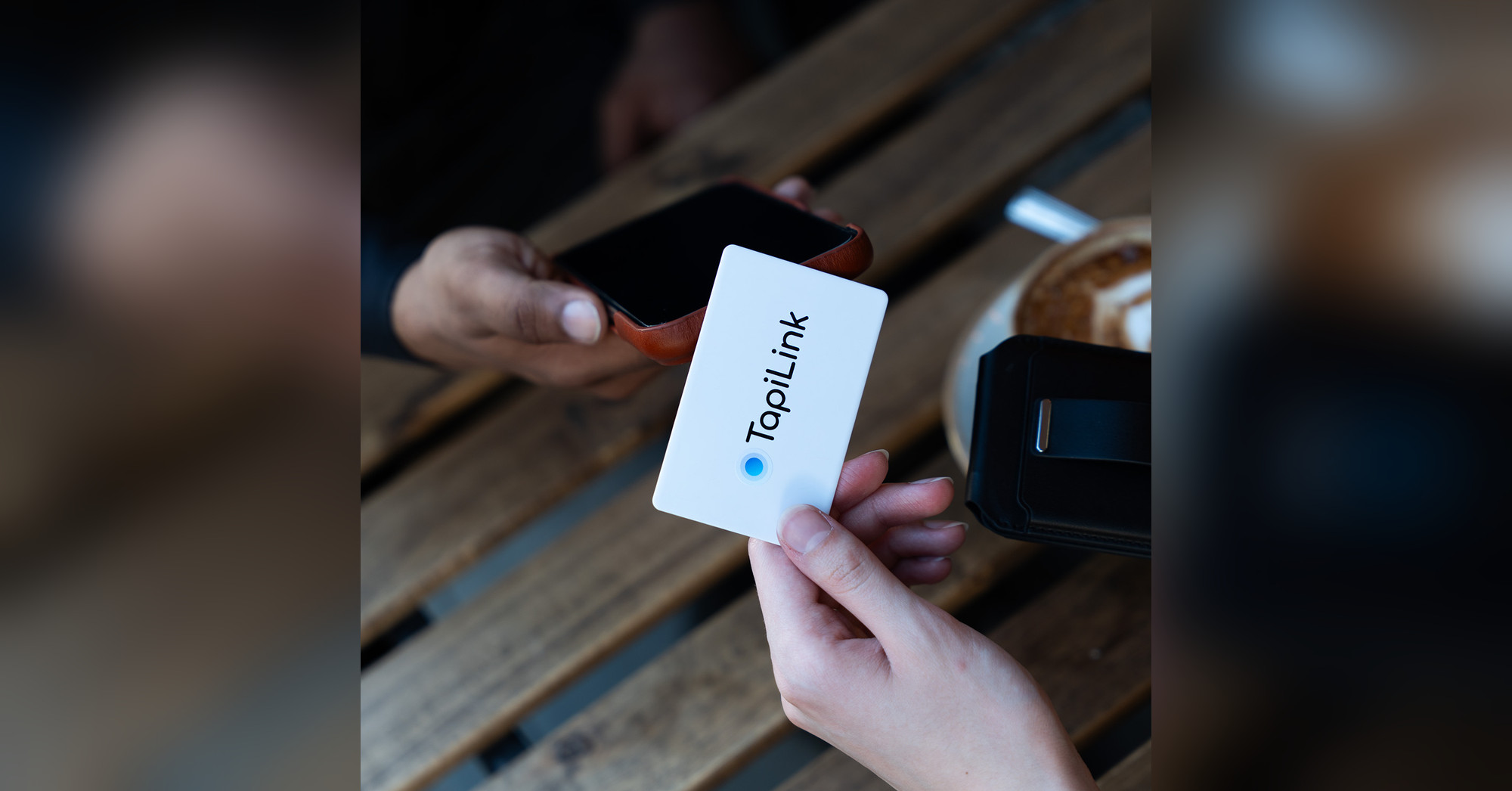
Answer: Tapping normally opens the linked profile on a compatible phone. The visitor must take another action to share their information. A profile view alone does not identify a qualified lead.
Question: Can I link Google Forms from my digital card?
Answer: You can add a published form as a profile link where custom links are supported. Visitors then complete that form separately. Responses do not automatically become TapiLink contacts.
Question: Which option works without internet?
Answer: Google Forms and web-based digital profiles normally need internet access. NFC or QR access does not make online submission available offline. Prepare an approved fallback for poor venue connectivity.
Question: Which option produces better leads?
Answer: Neither guarantees better leads. Results depend on relevant conversations, clear questions and useful follow-up. Compare qualified enquiries and completed next steps rather than scans or submissions alone.
Ready to revolutionize your networking approach? Explore TapiLink's range of premium NFC business cards and join the thousands of professionals who've already made the smart choice.