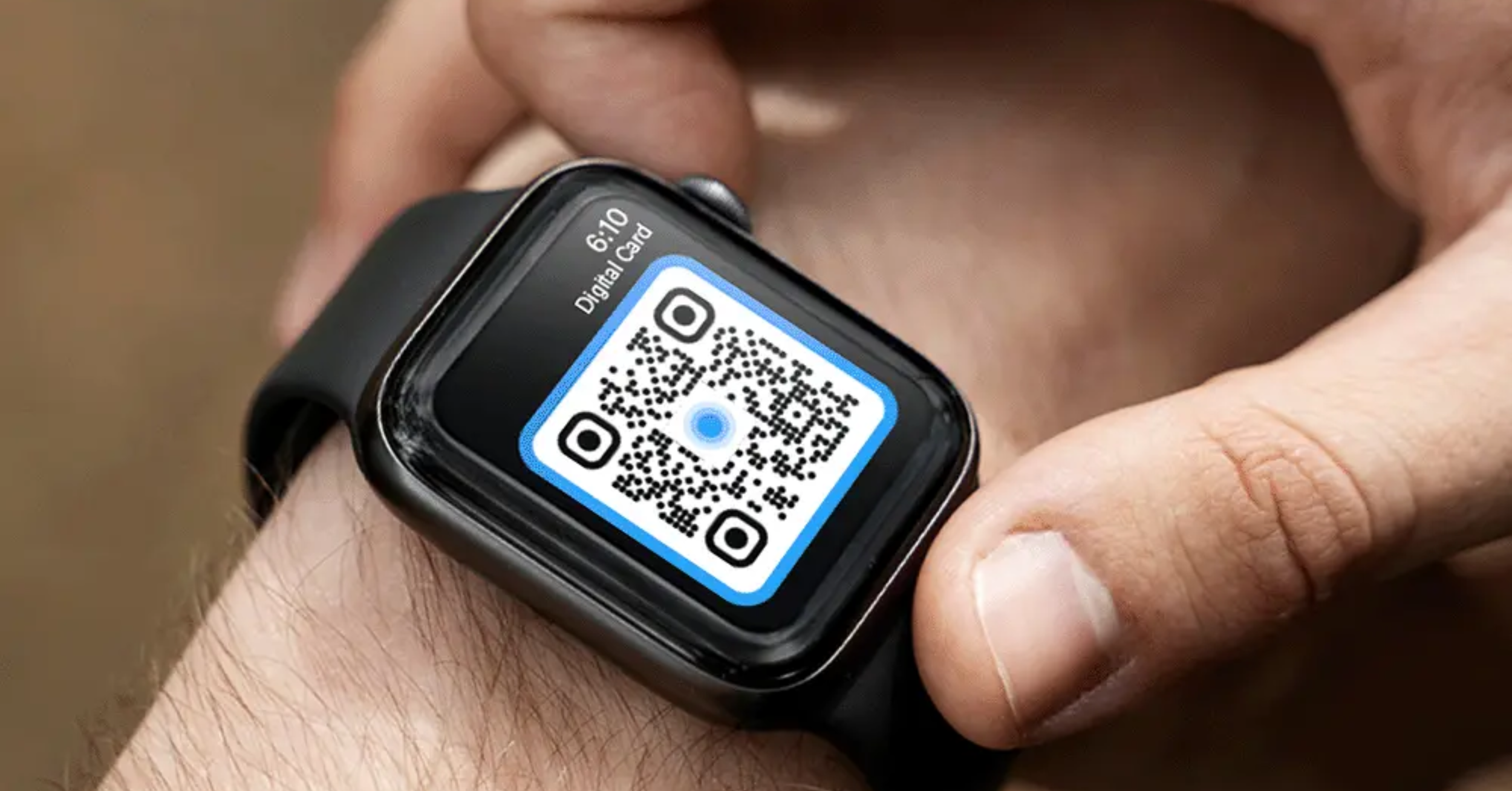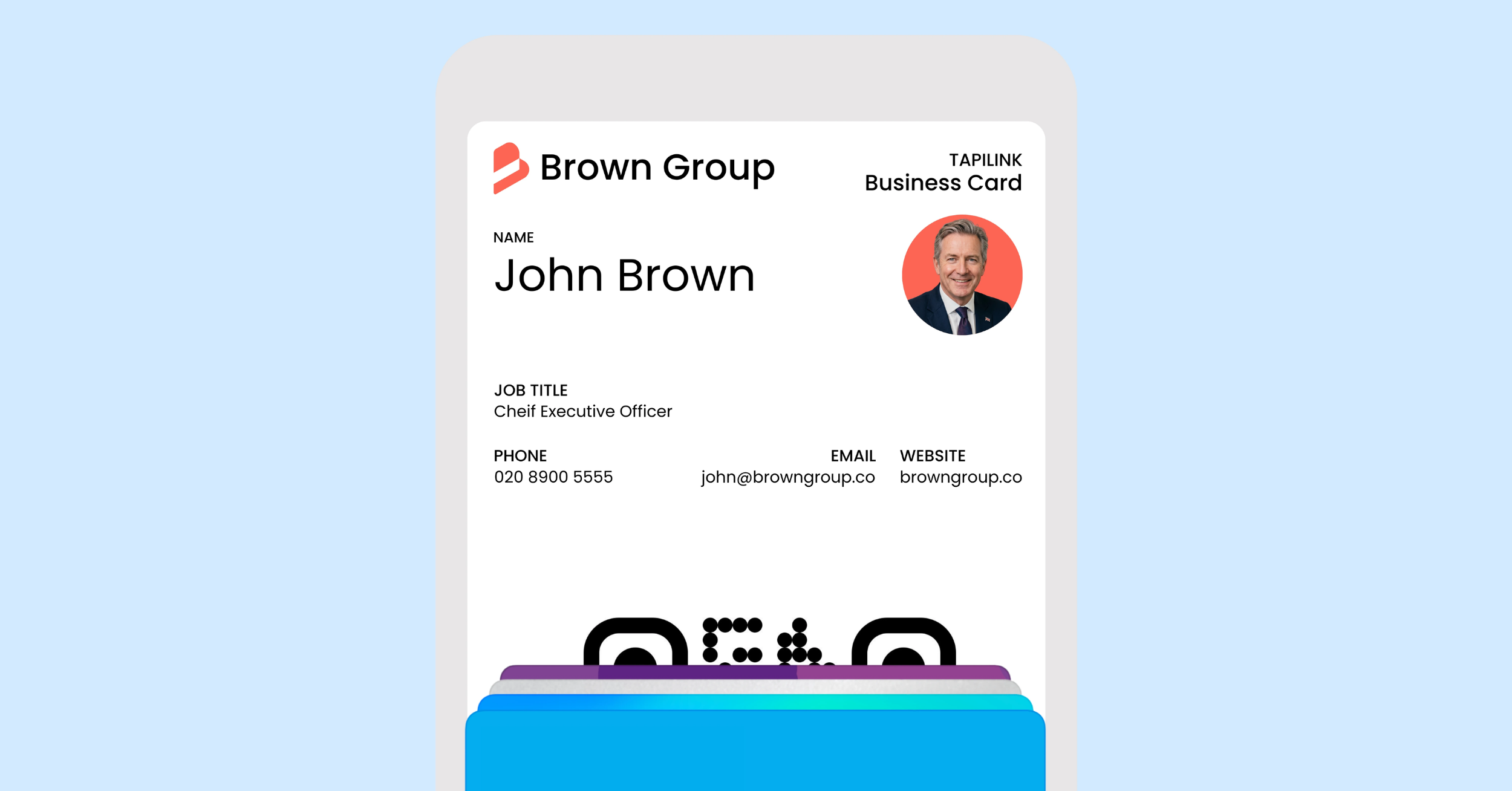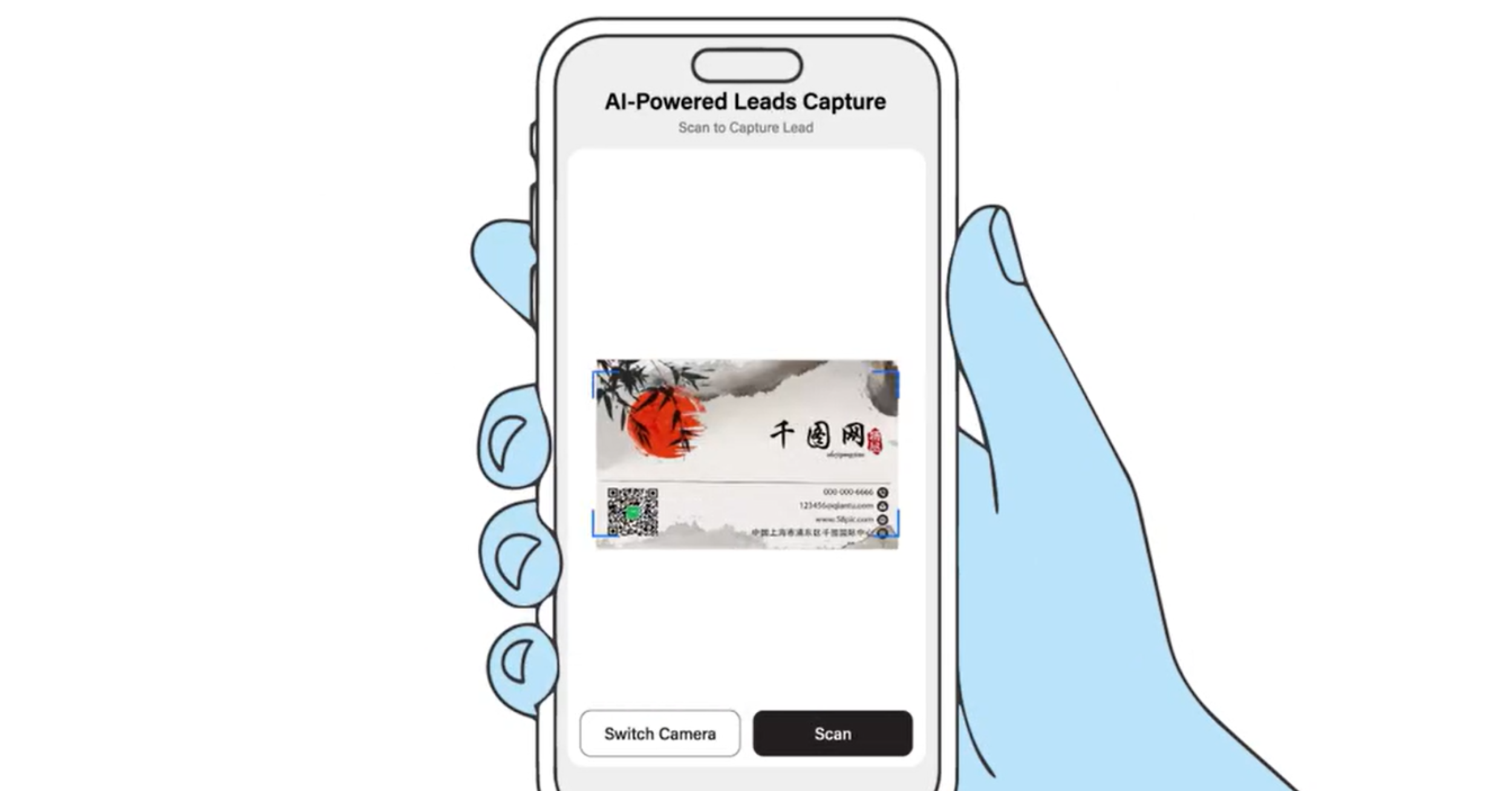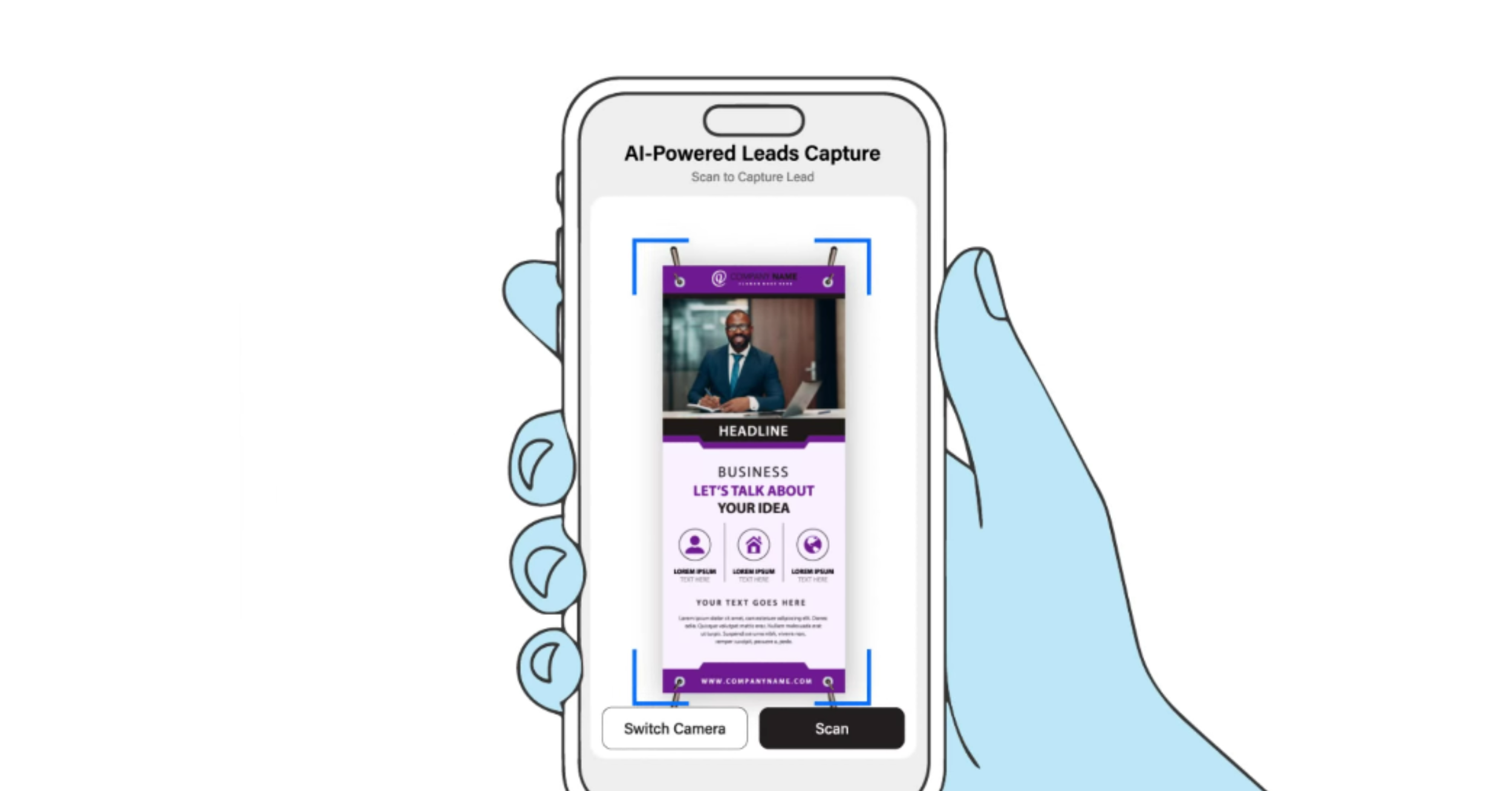
The TapiLink AI lead scanner works by reading a business card you scan with your phone, pulling out the contact details, and saving them as a lead in the app. Instead of typing someone's name, number and email by hand, you point your camera at their card and the AI captures the information for you in seconds. From there, the lead is stored in the app so you can organise it, follow up, and export it when you are ready. There are no special event integrations or API kits required, so it works at virtually any event.
At TapiLink, we built the AI lead scanner to remove the slowest part of networking: turning the cards and contacts you collect into usable data. This guide explains what the scanner does, how it captures a card, where your leads go, and how it fits into your follow-up. If you want to see the feature in the context of an event, our guide on the event lead capture app covers that, while this one focuses on how the scanning itself works.
What is the TapiLink AI lead scanner?
The TapiLink AI lead scanner is an AI-powered tool inside the app that captures a contact's details from a business card in seconds. It is designed to replace manual data entry, so the people you meet become organised contacts without you typing anything.
The important part is that it needs no special setup at an event. There are no event integrations, API kits or expensive QR code access required, so you simply scan a card and save the contact. That means it works the same way at a large exhibition, a small meeting or anywhere in between.
How does the AI capture a business card?
You capture a card by scanning it with your phone, and the AI reads the details from the card for you. You open the scanner from the Scan Lead option in Quick Actions or the Scan tab at the bottom of the app, point your camera at the card, and the AI does the work of pulling out the information.
This is where the lead scanning technology saves you time. Rather than reading each field and typing it in, you let the AI extract the details and turn them into a contact. The result is a saved lead you can act on straight away, captured while the conversation is still fresh. [VERIFY: confirm exactly which fields the scanner extracts, for example name, company, phone, email, and whether it captures both sides of a card, before publishing.]
Where do your scanned leads go?
Every lead you scan is saved in the app, in one place, ready to manage. Nothing is left on a loose card or a note to type up later, because the contact lands straight in your leads.
Keeping your leads together is what makes the scanner useful beyond the moment of capture. You can open the Leads section to see everyone you have captured, organise them, and decide who to follow up with first. The full workflow is covered in how to manage your leads in the app.
Can it scan paper business cards too?
Yes, the same scanning approach turns traditional paper business cards into digital contacts. If someone hands you a printed card, you scan it and it becomes a saved contact, so you never lose a connection or spend time typing details in by hand.
This is useful well beyond a single event. It is a fast way to clear a backlog of old cards or to capture the few paper cards you still receive, keeping every contact in one organised place. There is more on this in business card scanner: digitise paper cards.
How does scanning fit into your follow-up?
Scanning is the first step in a follow-up process that the app is built around. Because your leads are captured and organised in the moment, you can follow up while the conversation is still fresh, rather than days later when the detail has faded.
From your saved leads, you can reach out promptly and then export your contacts to your favourite CRM systems, so they feed straight into your existing sales process. Our guides on instant follow-ups and how to export your leads to a CRM cover those next steps.
Why does AI lead scanning matter at events?
AI lead scanning matters because it removes the biggest bottleneck at events: capturing everyone you meet without falling behind. At a busy event you might meet dozens of people, and manually recording each one is slow and easy to get wrong.
By scanning each card as you go, you keep pace with the room and capture clean, organised leads instead of a stack of cards to sort out afterwards. That means fewer lost contacts and faster follow-up, which is where events actually turn into business. You can see this applied end to end in the event lead capture app.
At TapiLink, we designed the AI lead scanner so the effort of networking goes into the conversations, not the admin afterwards. When you are ready, you can open the app and use Scan Lead to capture your first contact, and if you want an effortless way to share your own details in return, our NFC Business Cards let people open your profile with a single tap.
FAQ
Q1. How does the TapiLink AI lead scanner work?
Answer: You scan a business card with your phone, and the AI reads the contact details and saves them as a lead in the app. It replaces manual data entry, so the people you meet become organised contacts in seconds, ready to follow up and export.
Q2. Do I need any special equipment or event access to use it?
Answer: No. The scanner needs no special event integrations, API kits or QR code access. You simply open the scanner in the app and scan a card, so it works at virtually any event.
Q3. Can it scan paper business cards?
Answer: Yes. The scanner turns traditional paper business cards into digital contacts, so a card someone hands you becomes a saved contact without any manual typing. It is also useful for digitising a backlog of old cards.
Q4. Where are my scanned leads saved?
Answer: Your scanned leads are saved in the app, in one place, so you can organise them, follow up, and export them to your CRM. Nothing is left on a loose card to type up later.
Q5. Can I export the leads I scan?
Answer: Yes. You can export the contacts you capture to your favourite CRM systems, so your scanned leads feed straight into your existing sales and follow-up process.
Ready to revolutionize your networking approach? Explore TapiLink's range of premium NFC business cards and join the thousands of professionals who've already made the smart choice.