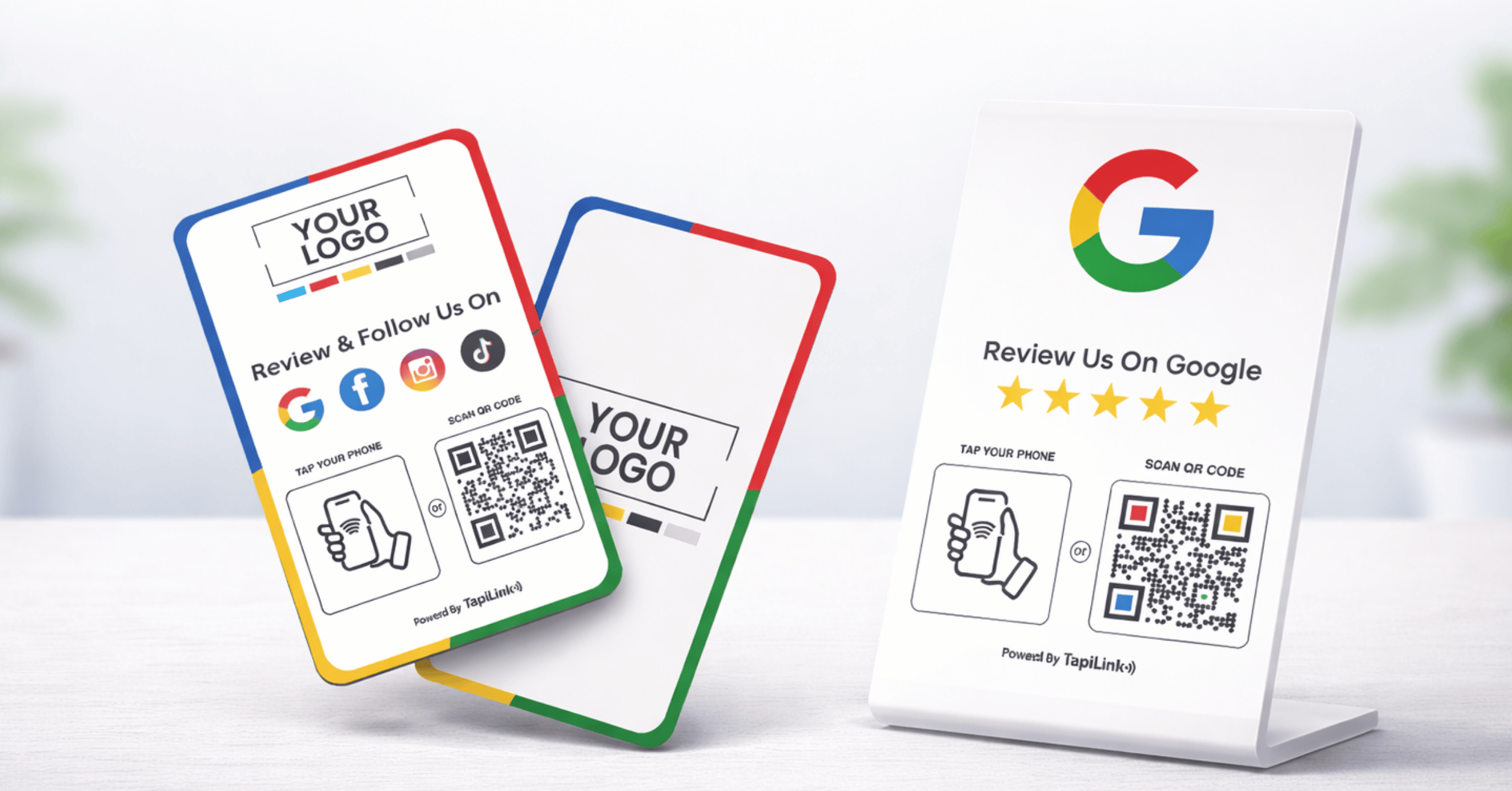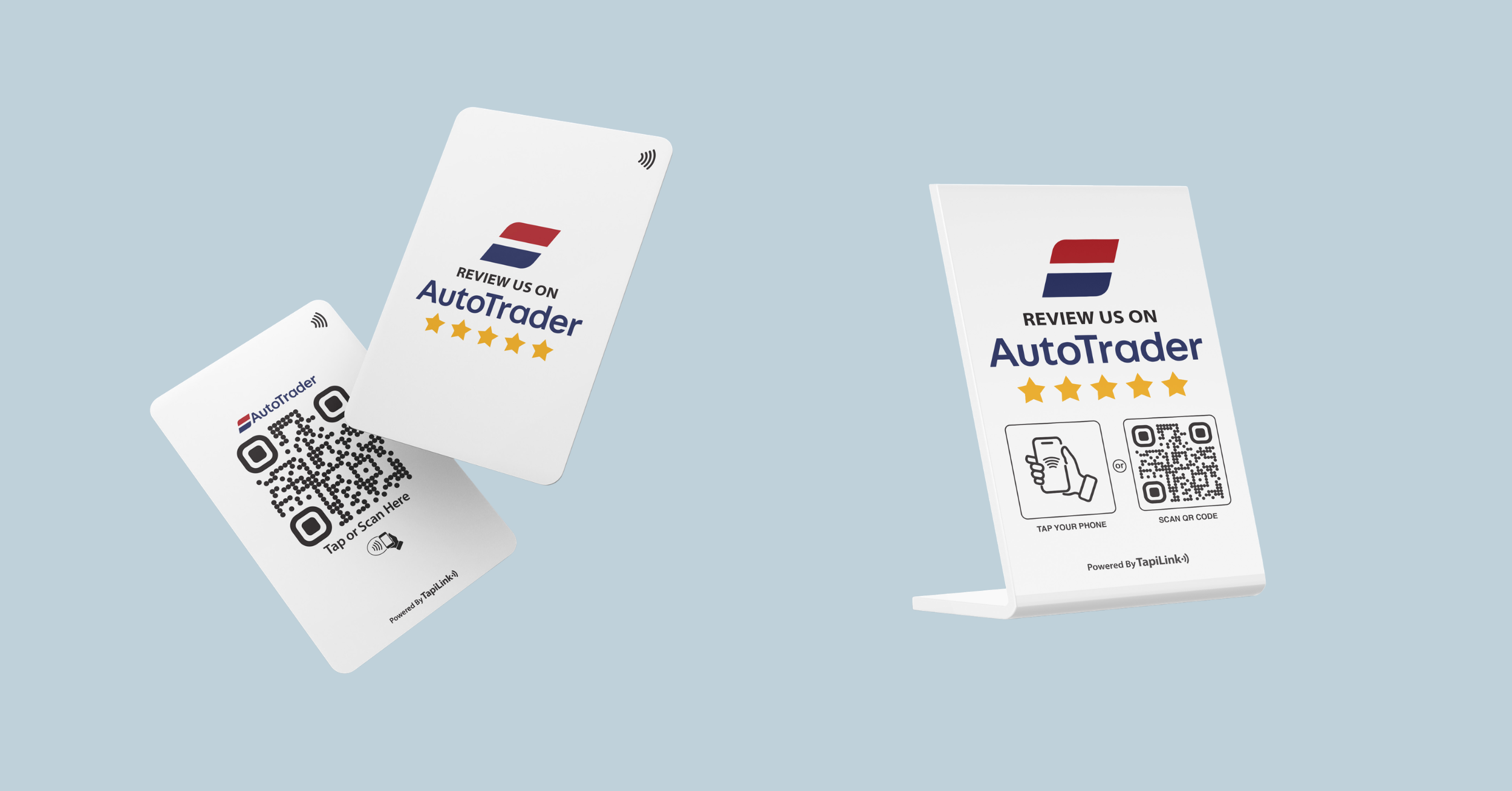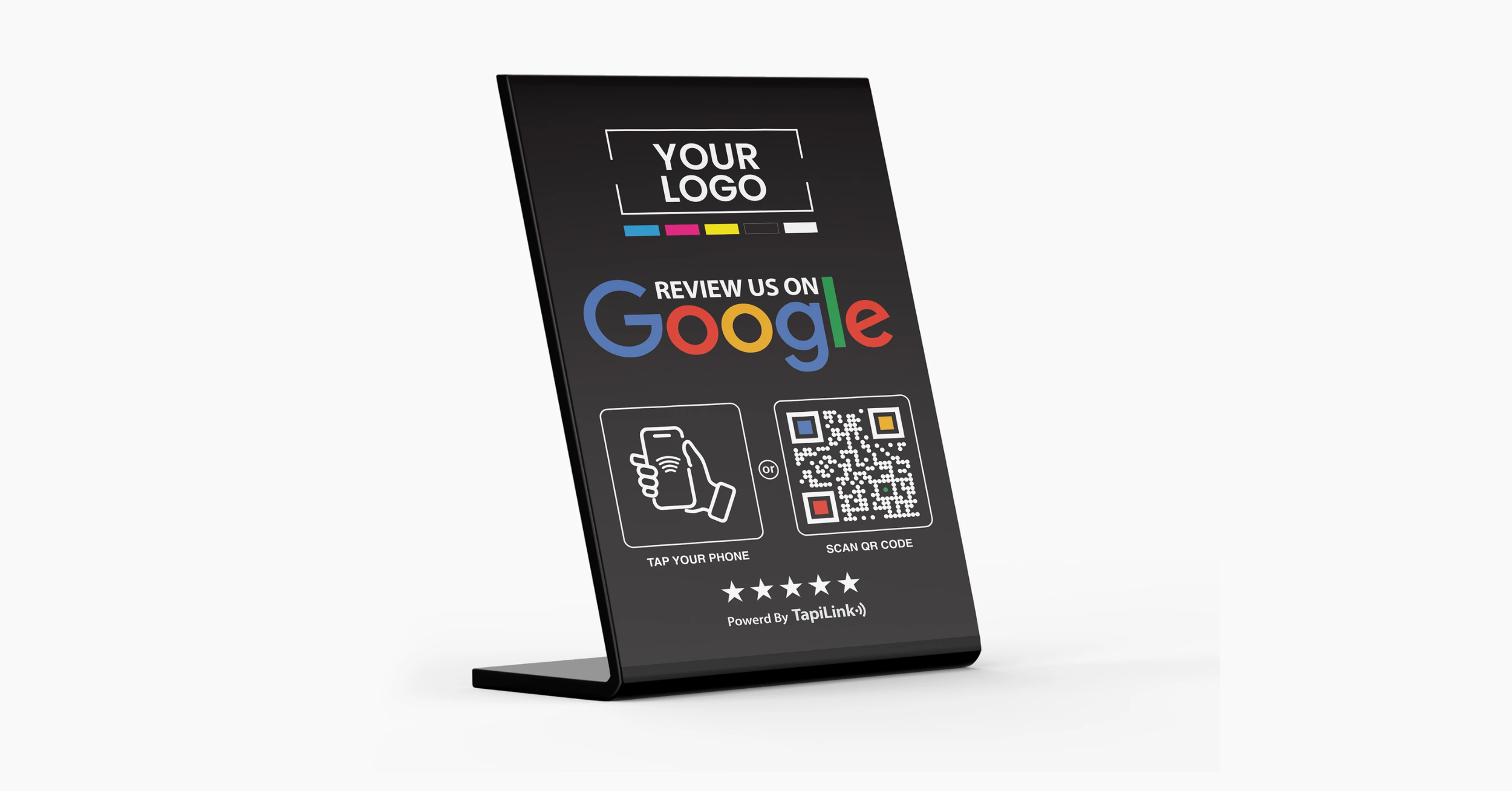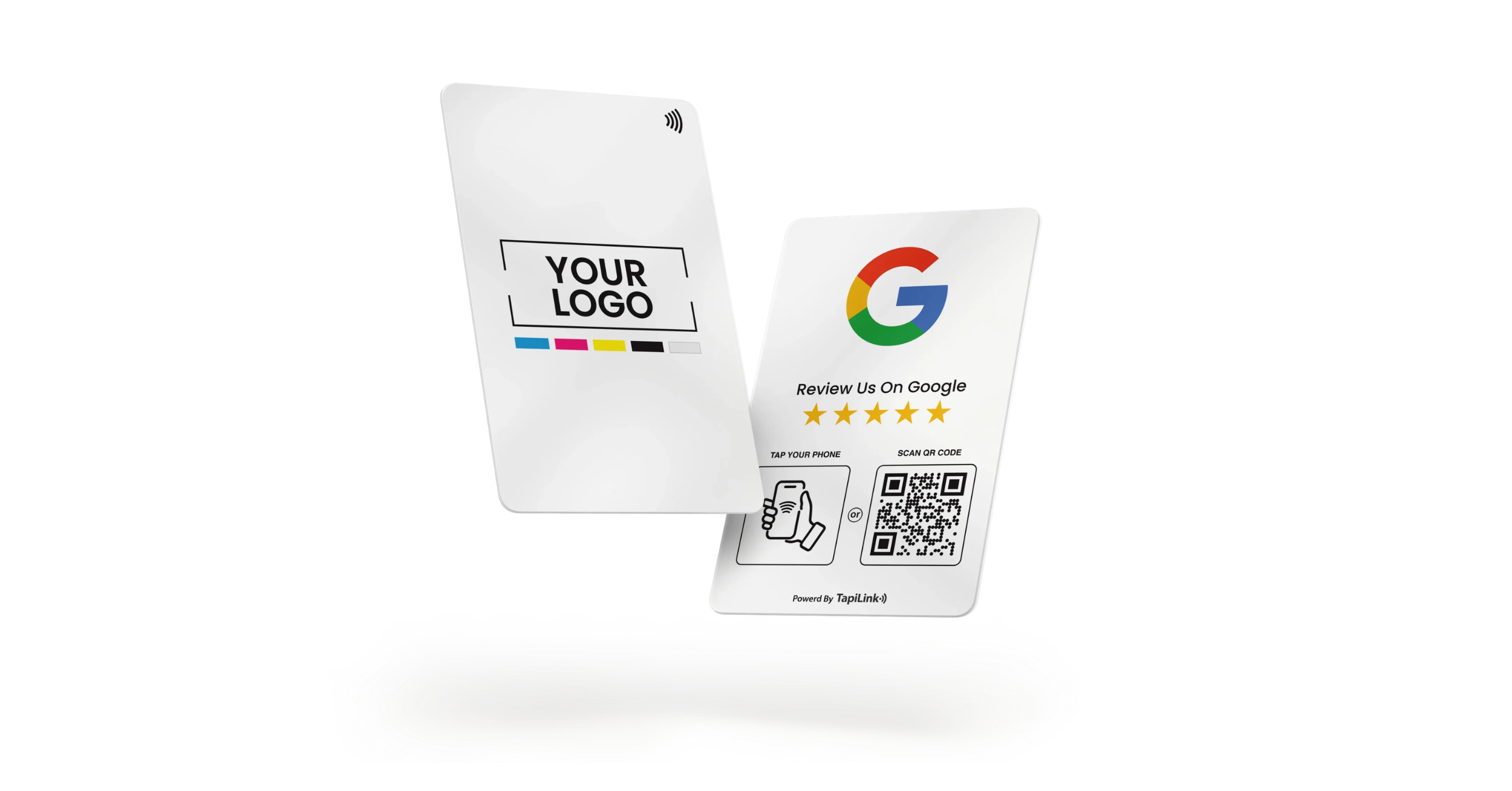
Do Google review cards work in the UK? Yes, they absolutely can, when they are linked correctly to your Google Business Profile and set up with NFC or QR technology that opens the review box instantly.
If you run a salon in Manchester, a café in London, or a garage in Birmingham, you already know how hard it is to turn happy customers into public reviews. Many promise to leave feedback, but few follow through. According to BrightLocal, 87 percent of consumers read online reviews before choosing a local business. That means your Google star rating directly impacts foot traffic and trust.
A Google review card uses NFC and QR codes to create a tap to review experience. Customers tap their iPhone or Android device, and your Google Maps review screen opens in seconds. No searching. No typing your business name.
In this guide, you will learn whether Google review card truly work in the UK, how they connect to your Google Business Profile, what mistakes to avoid, and how to maximise results ethically. For setup help, you can also read our guide on How to Set Up Your Google Review Stand in 5 Steps.
What Is a Google Review Card and How Does It Work
I often hear UK business owners say, “Customers tell me they loved the service, but they never leave a review.” That gap between praise and public feedback is exactly what a Google review card solves.
A Google review card is a small physical card or stand that links directly to your Google Maps review page using NFC technology and a QR code. Instead of asking customers to search for your business manually, you give them a fast tap to review experience.
Here is how it works:
- NFC technology allows customers to tap their iPhone or Android phone on the card. The embedded chip opens your Google review link automatically.
- QR code method gives a backup option. Customers simply scan the printed QR code with their camera to open the same review page.
- The link connects to your Google Maps review screen so the “Write a review” box appears instantly.
According to BrightLocal, 87 percent of consumers read online reviews before choosing a local business. That means making reviews easy is not optional in cities like London, Leeds, or Glasgow where competition is high.
A properly configured review card removes friction. No typing. No searching. Just tap and review.
Now let’s look at the most important part, how the card connects correctly to your Google Business Profile.
How Google Review Cards Connect to Google Business Profile
If the link behind your review card is wrong, the entire system fails. This is where many UK businesses make mistakes.
Google review cards connect to your listing through your direct Google Business Profile review link. Inside your dashboard, Google generates a shareable link under “Ask for reviews.” This URL opens the review box directly.
Some links use the short format:
https://g.page/yourbusinessname/review
This is known as the g page review URL. It is designed specifically to open the Google Maps review window without extra clicks.
To make sure your card works correctly:
- Copy the direct review link from your Google Business Profile.
- Test it in a private browser window.
- Confirm it opens the review box immediately, not just your profile homepage.
According to Google Business Profile guidance, businesses can share a direct review link or QR code to make it easier for customers to leave feedback. Using the correct link ensures reviews go to the right UK location, especially if you manage multiple branches.
If your link opens the wrong branch or does not show the review panel, customers may abandon the process.
Once your Google Business Profile link is confirmed, your review card becomes a powerful local SEO tool. For a full technical walkthrough, see our internal guide on How to Set Up Your Google Review Stand in 5 Steps.
Do Google Review Cards Work on iPhone and Android in the UK
Many business owners ask me this directly: “Will this actually work on my customers’ phones?”
The short answer is yes, if NFC is enabled and the link is programmed correctly.
How NFC Works on iPhone
Modern iPhones have NFC enabled by default. When a customer taps the top of their phone against the review card, a notification appears. Tapping that notification opens the Google Maps review page instantly.
There is no need for a separate app.
How NFC Works on Android
Most Android devices also support NFC. However, some users disable it in settings. If NFC is off, the tap will not trigger the link. In this case, the QR code becomes essential.
When Customers Need to Use the QR Code
Customers may use the QR code when:
- NFC is turned off
- They are using an older device
- They prefer scanning instead of tapping
According to StatCounter, Android and iOS together account for nearly all mobile devices in the UK market, which means compatibility coverage is extremely high.
The key is simple: always include both NFC and QR on your card. That guarantees accessibility for nearly every customer walking into your business.
With compatibility covered, the next step is understanding where review cards work best in the UK.
Where Google Review Cards Work Best in the UK
I have seen review cards work brilliantly in busy UK high streets, but only when they are placed at the right moment in the customer journey. The key is emotional timing. You want the card visible when satisfaction is highest.
Retail Shops and Salons
In boutiques, barbershops, and beauty salons across cities like London and Manchester, the best placement is near the card machine or styling chair after a successful service. Customers are already holding their phones. A simple line such as “If you loved your visit today, tap here to leave us a quick Google review” can dramatically increase response rates.
Restaurants and Cafes
In restaurants and coffee shops, positioning the review card near the bill presenter or payment terminal works well. The ideal moment is after a compliment about food or service. In high footfall areas like Birmingham or Leeds, visibility and staff timing make the difference.
Clinics Garages and Service Businesses
Dental clinics, MOT garages, and repair centres benefit from placing the card at reception during checkout. Service based businesses often see strong review conversion when staff ask confidently after resolving a problem.
According to BrightLocal, review quantity and recency both influence consumer trust. Strategic placement ensures you collect reviews consistently.
Now let’s look at the most common problems UK businesses face and how to fix them quickly.
Common Problems UK Businesses Face and How to Fix Them
Even when Google review cards are set up correctly, small technical or operational mistakes can reduce results. Here are the most common issues I see in UK businesses and how to solve them.
Tap Does Not Work
This usually means NFC is turned off on the customer’s Android device. Ask them to enable NFC in settings or direct them to scan the QR code instead. Always test your card weekly to ensure the chip is still responding.
Wrong Location Opens
This happens when the wrong Google Business Profile link is encoded. If you manage multiple branches in cities like London and Birmingham, double check each stand is programmed with the correct location specific review link.
Customer Not Signed Into Google
Customers must be logged into a Google account to leave a review. If they are not signed in, the review screen may not load properly. This is normal behaviour, not a card issue.
Multi Location Link Errors
Businesses with multiple listings sometimes accidentally use the homepage URL instead of the direct review link. Always use the g page review URL generated inside your Google Business Profile dashboard.
Fixing these issues quickly keeps your review system running smoothly and prevents lost opportunities.
Are Google Review Cards Legal and Compliant in the UK
I get asked this often by business owners in London and Manchester: “Is this actually allowed, or could it get my listing suspended?” The short answer is yes, Google review cards are legal in the UK when used correctly and ethically.
Google does not prohibit businesses from asking for reviews. In fact, Google states in its Business Profile guidelines that businesses can share a direct review link to encourage customers to leave feedback. A review card simply makes that process easier through NFC or QR technology.
However, there are clear rules you must follow:
- Do not offer incentives such as discounts or gifts in exchange for reviews
- Do not ask only happy customers while filtering out unhappy ones
- Do not post fake reviews or ask staff to review your business
The UK Competition and Markets Authority has also taken action against misleading online reviews, reinforcing the importance of transparency and authenticity.
When you use review cards ethically, you are simply reducing friction. You are not manipulating the system. As long as every customer has an equal opportunity to leave honest feedback, your approach remains compliant.
Now let’s compare review cards with traditional review requests to see why the difference in results can be significant.
Google Review Cards vs Traditional Review Requests
Traditional review requests usually sound like this: “Please leave us a review on Google when you get home.” The problem is obvious. Once the customer walks away, life gets busy. Intent fades.
Google review cards remove that delay. Instead of relying on memory, they create an immediate tap to review experience at the point of service. The customer already has their phone in hand. The Google Maps review screen opens instantly. No searching. No extra steps.
The difference is friction.
Traditional methods depend on follow up emails or printed instructions. Review cards combine NFC and QR technology to shorten the process to seconds. That small reduction in effort can significantly improve review consistency, especially in competitive UK markets where online reputation drives local SEO visibility.
If your goal is steady, authentic review growth, reducing friction is often the smartest move.
Frequently Asked Questions
1. Do Google review cards actually increase reviews in the UK?
Ans: Yes, they can increase reviews when used correctly. By linking directly to your Google Business Profile review page and reducing friction through NFC or QR scanning, customers are more likely to leave feedback on the spot. Businesses that combine proper placement with confident staff requests often see more consistent weekly review growth.
2. Do customers need a Google account to leave a review?
Ans: Yes. Customers must be signed into a Google account to post a review on Google Maps. If they are not logged in, the review box may not load properly. This is normal and not an issue with the review card itself.
3. Are Google review cards allowed under Google policy?
Ans: Yes, they are allowed as long as you follow Google Business Profile guidelines. You must not offer incentives, filter customers, or request fake reviews. Ethical and transparent review requests are fully compliant in the UK.
4. Will Google review cards work on all smartphones in the UK?
Most modern iPhone and Android devices support NFC or QR scanning. If NFC is turned off on an Android device, customers can use the QR code instead. Including both options ensures high compatibility.
5. Can I use one review card for multiple business locations?
Ans: No. Each location should have its own card programmed with its specific Google Business Profile review link. Using the wrong link may send reviews to the incorrect branch, which can impact local SEO accuracy.
Conclusion
Google review cards do work in the UK when they are set up correctly and used ethically. By linking your Google Business Profile review URL, enabling NFC and QR access, placing the card at the right moment, and training staff to ask confidently, you remove friction from the review process. That small change can lead to more consistent feedback, stronger local SEO visibility, and greater trust among potential customers searching on Google Maps.
If you are ready to implement a reliable tap to review system, explore our guide on How to Set Up Your Google Review Stand in 5 Steps to get started. And if you want a professionally designed solution built for real world UK businesses, visit Tapilink to discover our NFC and QR enabled Google review stands that make collecting authentic reviews simple and effective.
Ready to revolutionize your networking approach? Explore TapiLink's range of premium NFC business cards and join the thousands of professionals who've already made the smart choice.