A digital business card maker is a tool that lets you build a branded, shareable digital card from your phone, with your logo, colours, contact details and links. Instead of ordering printed cards with fixed information, you create a live profile you can share by tap, QR code, wallet or link, and update whenever your details change. The best makers let you build a professional card for free, so you can start sharing straight away without a design budget or a print run.
At TapiLink, we built the card maker into the app so anyone can create a card that represents their personal or company brand, with no design skills needed. This guide explains what the maker does, what you can put on your card, why a free in-app maker is useful, and who it suits. If you want the step-by-step of building your card, our guide on how to create your digital business card in the app walks through it, while this one covers what the maker offers.
What is a digital business card maker?
A digital business card maker is a card builder that turns your details into a shareable digital profile. Rather than a static printed card, it produces a live card that links to your information and updates whenever you edit it.
The maker sits inside the app, so building and sharing happen in the same place. You add your details once, and the result is a card you can share in several ways, with no app needed by the person receiving it. As a tool to create a digital business card, its job is to make a professional, branded card quick to build and easy to keep current.
What can you build with it?
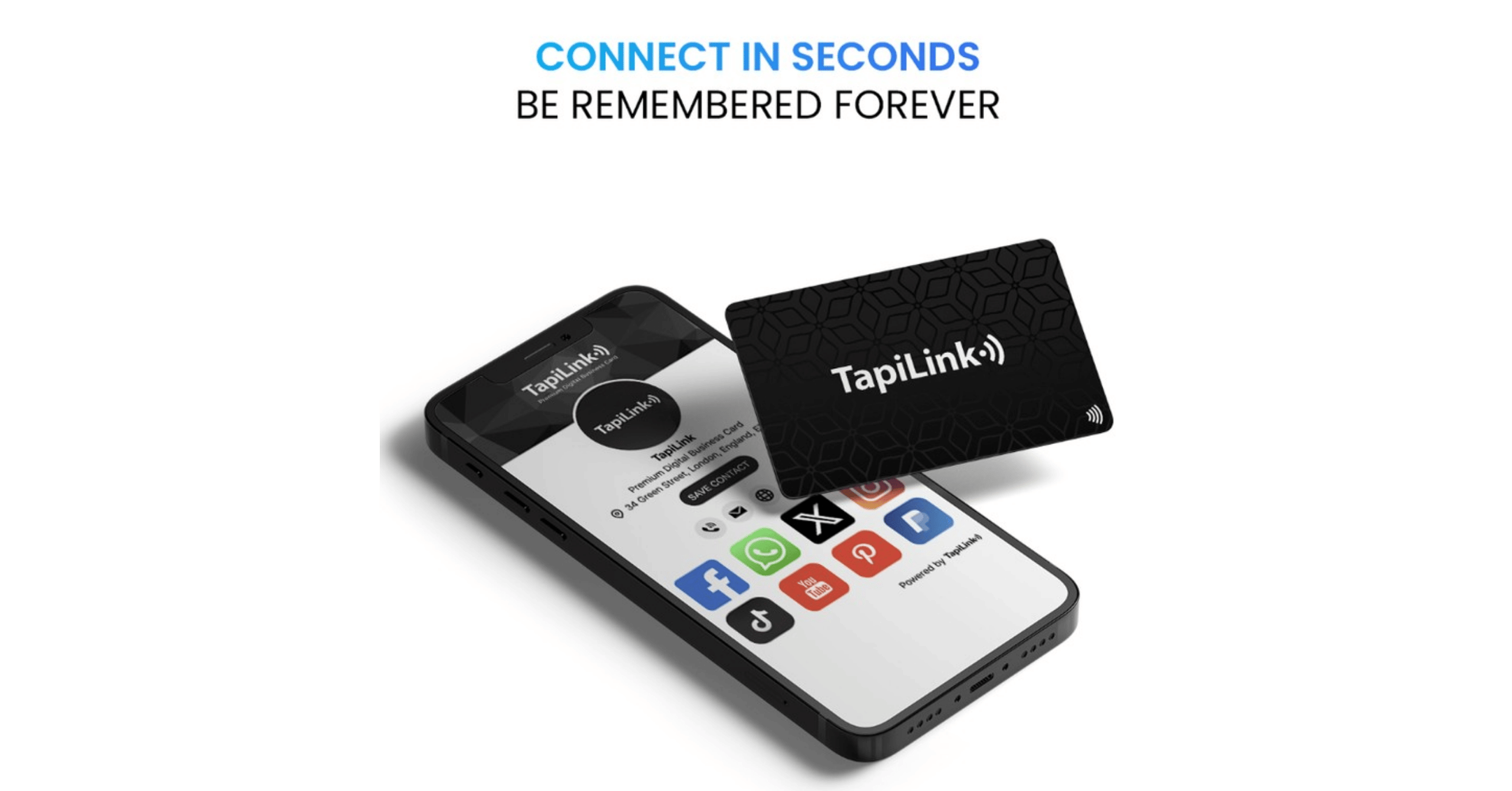
You can build a fully branded card that carries far more than a name and number. You can customise it with your logo, colours, fonts, contact information, social media links, images, videos, brochures, websites, payment links and more.
That range is what separates a digital card from a paper one. Instead of a fixed slip with a few printed lines, you build a profile that can showcase your brand and point people to whatever matters most, whether that is booking a call, visiting your website or viewing your work. You choose how much to include, so the card can be as simple or as complete as you need.
Is the digital business card maker free?
Yes, you can build your card with the maker for free and start sharing it straight away. A free digital card maker removes the two barriers of a printed card: the cost of design and the cost of a print run.
That matters because it lowers the risk of getting started. You can create a professional card, share it, and see how it works for you before spending anything. If you later want more advanced features, the app offers a PRO plan, but you do not need it to build and share a card. [VERIFY: confirm exactly which card-maker features are free and which require PRO before publishing.]
How does the maker work?
The maker works by letting you fill in each part of your card in the app, then generating a shareable profile from it. You open Setup Profile, choose your appearance, add your details and links, and your card is ready.
Because it is guided, there is nothing technical to figure out. You are choosing options and entering your information rather than designing from scratch, which is why no design skill is needed. Once built, your card can be shared by tap, QR code, wallet or link, all covered in how to share your card from the TapiLink app.
Why use a digital card maker instead of printing cards?
A digital card maker beats printing because your card is never out of date and never runs out. When your details change, you edit your card and it updates instantly wherever it has been shared, with no reprinting and no old cards in circulation.
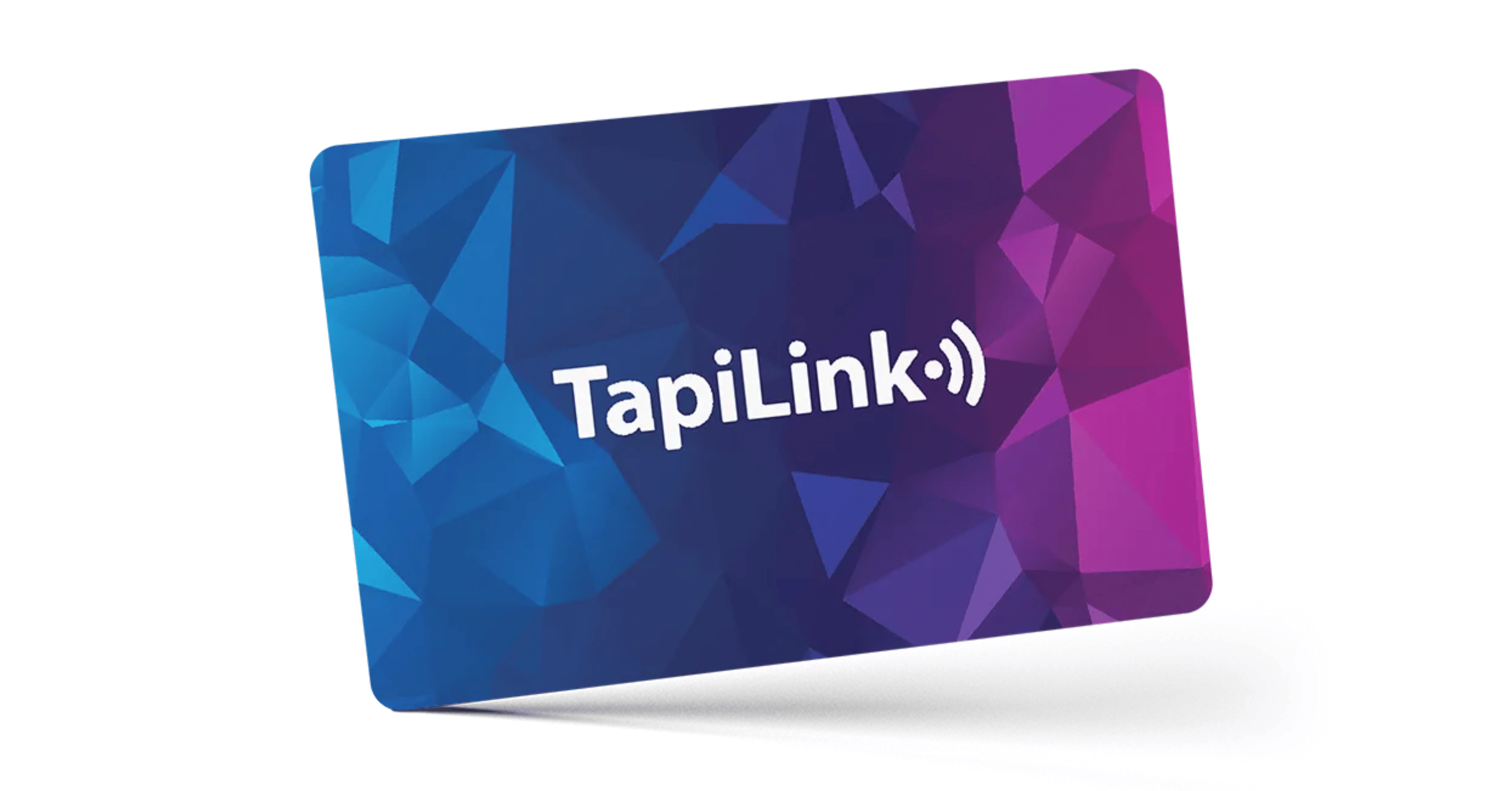
There are other advantages too. You are not limited to a small printed space, so your card can hold links, photos and actions a paper card cannot. You never run out mid-event, because a digital card can be shared any number of ways. And you can start for free rather than paying for a print run. For a card you can physically hand over as well, our NFC Business Cards open the same profile with a single tap, so you get the feel of a card with the flexibility of the maker.
Who is the card maker for?
The card maker suits anyone who shares their details and wants a professional, up-to-date card without the cost and rigidity of print. That includes freelancers, consultants, salespeople, business owners, and anyone building a personal or company brand.
It is especially useful if your details change, if you want your card to do more than share a number, or if you would rather not pay to reprint every time something updates. Because it is free to build, it also suits anyone who simply wants to try a digital card before committing to anything.
At TapiLink, we built the card maker so creating a professional, branded card is quick, free to start, and easy to keep current. When you are ready, open the app and use the maker to build your card, then share it the same day. If you would like a physical card to hand over too, our NFC Business Cards work hand in hand with the card you have just built.
FAQ
Q1. What is a digital business card maker?
Answer: A digital business card maker is a tool that lets you build a branded, shareable digital card from your phone, with your logo, details and links. It produces a live profile you can share by tap, QR code, wallet or link, and update whenever your details change.
Q2. Is the card maker free to use?
Answer: Yes, you can build and share a card for free, which removes the cost of design and printing. The app also offers a PRO plan for more advanced features, but you do not need it to create and share a card.
Q3. What can I add to my digital card?
Answer: You can add your logo, colours, fonts, contact information, social media links, images, videos, brochures, websites and payment links. This lets your card showcase your brand and point people to the actions that matter most.
Q4. Do I need design skills to use it?
Answer: No. The maker is guided, so you choose options and enter your details rather than designing from scratch. You select your appearance and fill in your information, and the card is built for you.
Q5. Why use a digital card maker instead of printing cards?
Answer: Because a digital card never goes out of date or runs out. You update it and the change appears instantly wherever it is shared, with no reprinting, and it can hold links and photos a printed card cannot. You can also start for free.
Ready to revolutionize your networking approach? Explore TapiLink's range of premium NFC business cards and join the thousands of professionals who've already made the smart choice.