No. Physical NFC business cards for employees are most useful when staff regularly meet clients, prospects or partners in person. Employees who mostly work online can share a digital profile through a link or QR code. TapiLink supports both options, so you can choose a sharing method for each role.
The best question to ask before ordering is simple: How does this employee usually exchange contact details? A field sales rep finishing a site visit has different needs from a support specialist answering emails. Buying for those situations helps you decide how many cards your business will actually use.
What Does a Physical NFC Card Add?
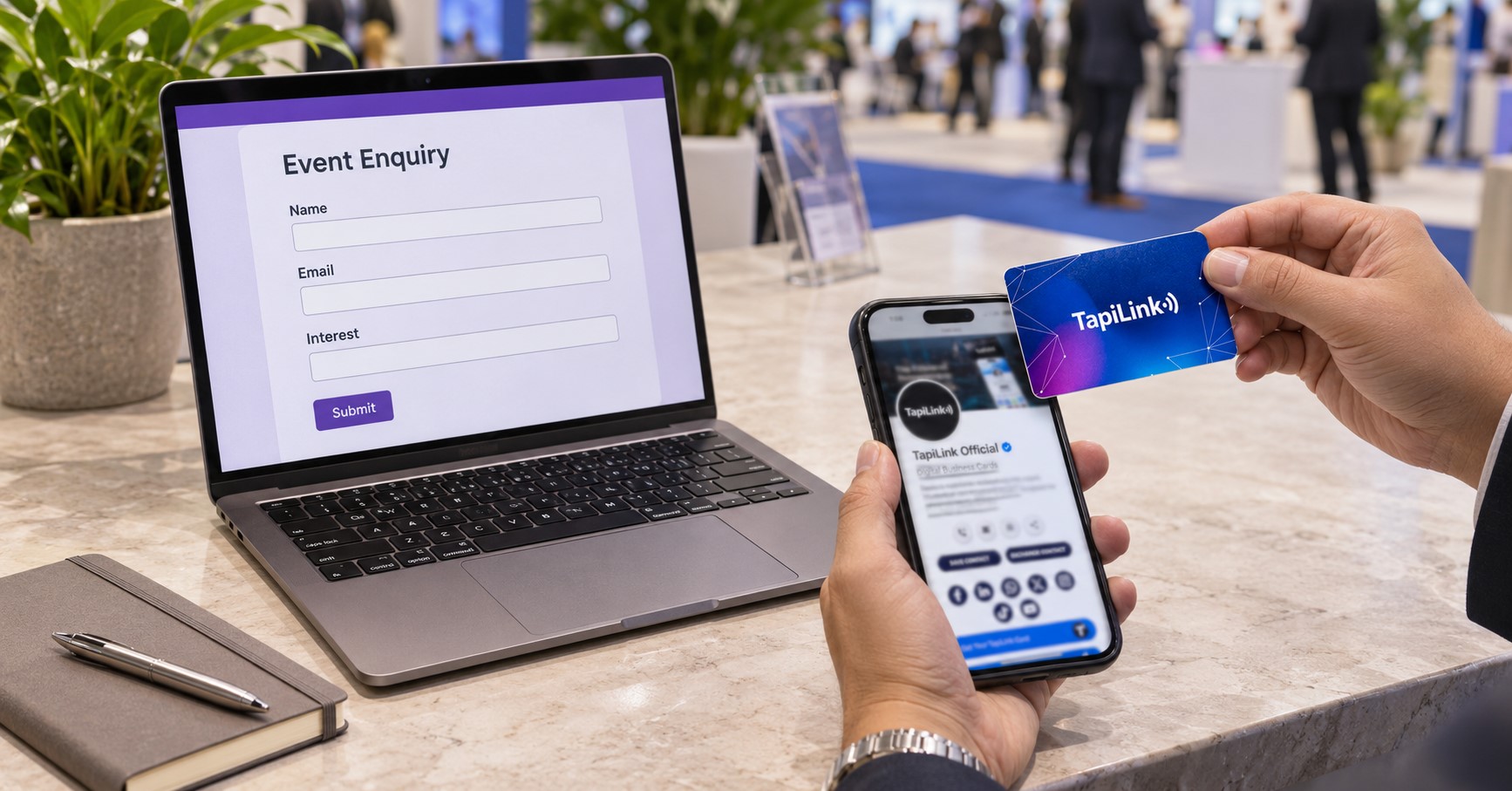
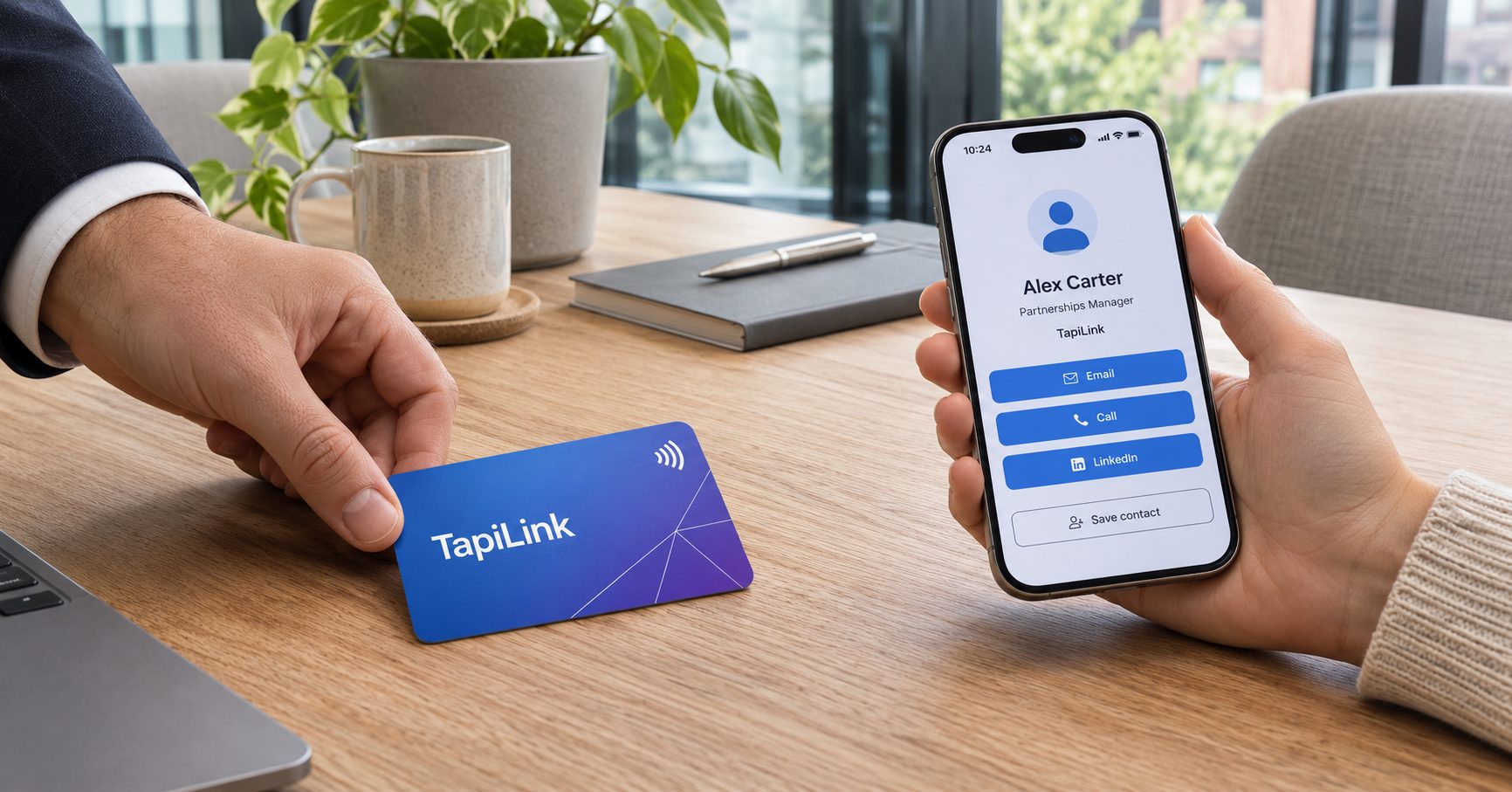
A physical NFC card gives employees another way to share their digital profile during an in-person conversation. A compatible phone can read the card when brought close to it. The recipient can then open the linked profile.
Without a physical card, an employee can still share that profile. They can send the link by email or display a QR code on their phone. The TapiLink app guide explains these sharing options.
Think about the moment when the exchange happens. If a client asks for your details at the end of a site visit, a card offers a direct handover. If the client asks in an email thread, a profile link fits the conversation.
Who Benefits Most From a Physical Card?
Start with staff who meet new contacts in person and have a clear reason to follow up. Their card should open a profile that helps the recipient take the next step. That could mean saving contact details, booking a meeting or requesting a quote.
- Field sales staff: Share contact details and a booking link after client visits or demonstrations.
- Recruiters at careers fairs: Direct candidates to current vacancies, contact information or a meeting link.
- Account managers: Give new client contacts a quick way to save their details after an on-site introduction.
- Business owners and directors: Share a profile at networking events, supplier meetings and partnership introductions.
- Exhibition staff: Offer a tap or QR scan when visitors want the contact details of a specific representative.
A job title alone does not tell you whether someone needs a card. One account manager might visit customers every week, while another handles the same work remotely. Ask staff about their actual meetings before finalising your order.
When Is a Digital Profile Enough?
A digital profile is usually enough when staff already exchange information through a screen. A link can go directly into the channel where the conversation is happening. The recipient can open it without waiting for a card to arrive.
- Remote sales teams: Share a profile link after a video demo or in a follow-up email.
- Customer support staff: Link to a profile with the appropriate help desk or service contact.
- Office-based consultants: Include a booking link and work details in an email signature.
- Occasional event attendees: Display a profile QR code on a phone when someone asks for details.
Some employees rarely share individual details outside the business. If customers already use a shared inbox or department contact page, that route may serve them better. Review who needs a profile before deciding who needs a card.
How to Choose for a Team of 25
Separate the number of employees who need a profile from the number who need a physical card. Suppose all 25 employees at a consultancy have approved profiles. Their roles might justify an initial order of just eight physical cards.
Here is how that decision could work:
- 8 regular in-person contacts: Give physical cards to staff who attend client meetings, site visits or networking events.
- 12 mainly online contacts: Give staff profile links for email, chat and video calls.
- 5 occasional event attendees: Start with QR sharing and review their needs after their next event.
In this example, eight employees receive physical cards and 17 start with digital sharing. If two occasional attendees later begin meeting customers regularly, order two more cards. This is an example allocation, so adjust it to match your team’s work.
What Should You Check Before Ordering?
Ask employees where their last few introductions happened. Then look at which sharing methods would have fitted those conversations. That gives you a better starting point than ordering the same format for everyone.
- List the roles that meet external contacts. Include in-person meetings, events, video calls and email introductions.
- Choose a default method for each role. Assign NFC for regular in-person sharing or a link for online conversations.
- Give staff a fallback. Test a QR code or direct link in case the recipient cannot use NFC.
- Test the destination. Confirm the correct profile opens and the main contact or booking link works.
- Review after a few weeks. Ask who used their card and who struggled to share details without one.
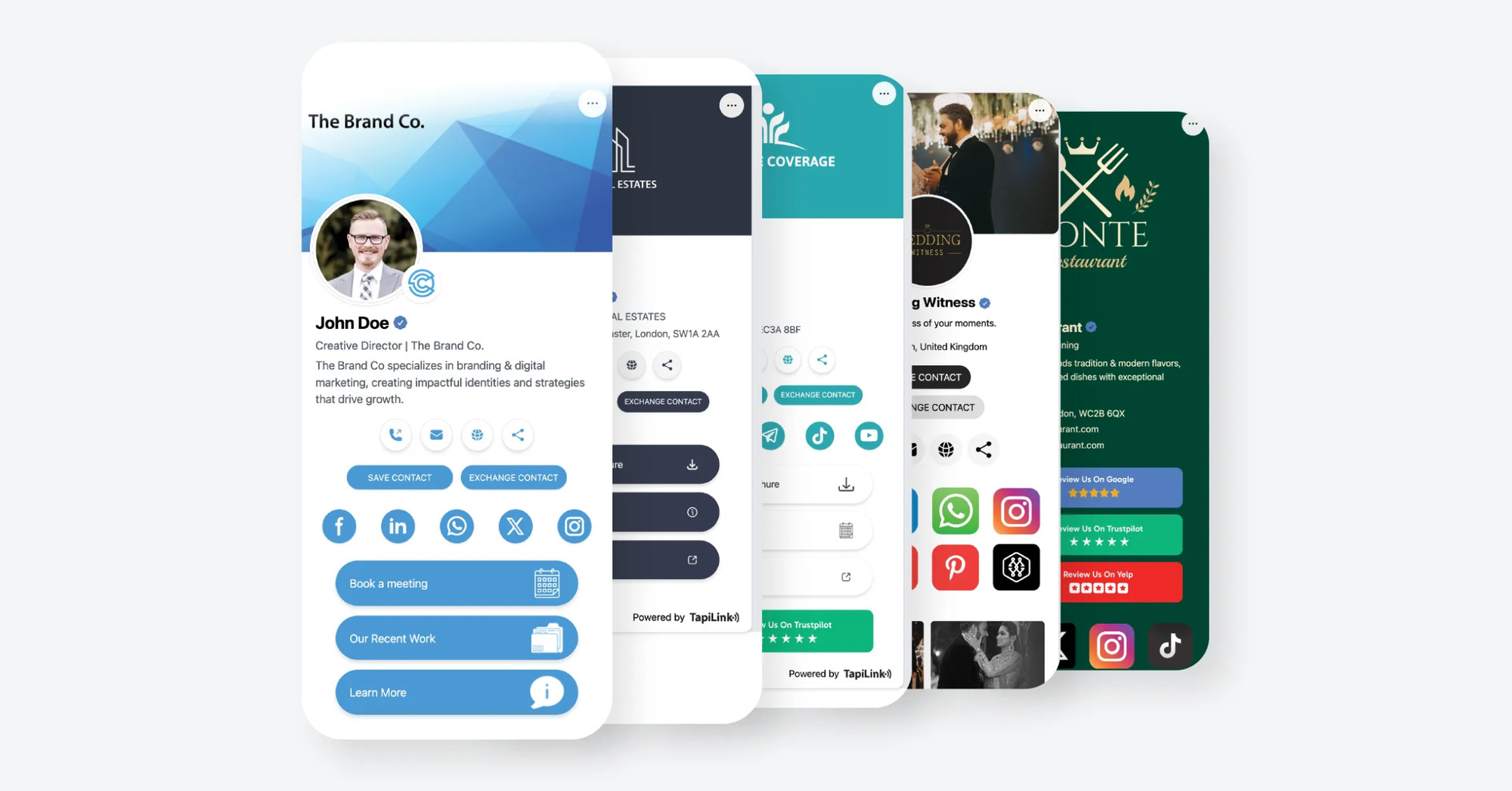
Keep the same branding rules across both groups. TapiLink’s central dashboard for employee digital business cards lets businesses manage profiles, designs and permissions. Check the features included in your plan before deciding which settings your team will use.
Choose the Right Mix for Your Team
Give physical NFC cards to employees whose work involves regular face-to-face introductions. Give colleagues who mainly work online a profile they can share through their usual channels. Review occasional users after an event or whenever their responsibilities change.
Once you know how many physical cards you need, browse TapiLink’s NFC business card collection to compare materials and finishes. Start with the staff most likely to use them. You can expand the order as more roles need in-person sharing.
Frequently Asked Questions
Question: Can employees share a TapiLink profile without a physical NFC card?
Answer: Yes. TapiLink profiles can be shared through a direct link or QR code. Employees can use either method without carrying a physical card.
Question: Should remote employees get an NFC business card?
Answer: Consider how often they meet customers or attend events in person. A profile link usually suits employees who share details through email or video calls. Staff who also attend regular client meetings may benefit from a physical card.
Question: Is a QR code enough for a trade show?
Answer: A QR code can work well when visitors can scan it easily. Test it under the lighting and connectivity conditions you expect. Carry a direct link as a fallback and consider NFC for staff who share frequently.
Question: Does a physical NFC card replace a digital profile?
Answer: A TapiLink NFC card provides a way to open the digital profile in person. The profile contains the contact details and links visitors see. Make sure that information is correct before staff start sharing.
Question: Can we start with digital profiles and add physical cards later?
Answer: Yes. Begin by giving employees a profile link or QR code. Add physical cards when a role needs regular in-person sharing, then verify that each card opens the intended employee’s profile.
Ready to revolutionize your networking approach? Explore TapiLink's range of premium NFC business cards and join the thousands of professionals who've already made the smart choice.