An event lead capture app lets you scan and save the details of everyone you meet at an event, straight from your phone, so you leave with organised leads instead of a stack of cards. You scan each person's business card, the details are captured as a contact, and every lead is stored in one place ready to follow up. Because it does not rely on badge scanners, event integrations or special kit, it works at virtually any event, from a large exhibition to a small local meetup.
At TapiLink, we built lead capture into the app so any event becomes a chance to build clean, followable contacts without the usual admin. This guide covers how event lead capture works, where it fits across conferences, trade shows and meetings, and why an app that works anywhere beats systems tied to a single event. If you want the detail of the scanning itself, our guide on the AI lead scanner covers that, while this one focuses on using it at events.
What is an event lead capture app?
An event lead capture app is a phone app that captures and organises the leads you meet at an event. Rather than collecting paper cards to sort out later, you scan each contact and it becomes a saved lead in the app straight away.
The value is that lead capture at events happens in the moment, not afterwards. You meet someone, scan their card, and move on, with their details already captured and organised. By the time the event ends, your follow-up list is built, which is the opposite of returning to a desk full of cards you still have to type up.
How does lead capture work at an event?
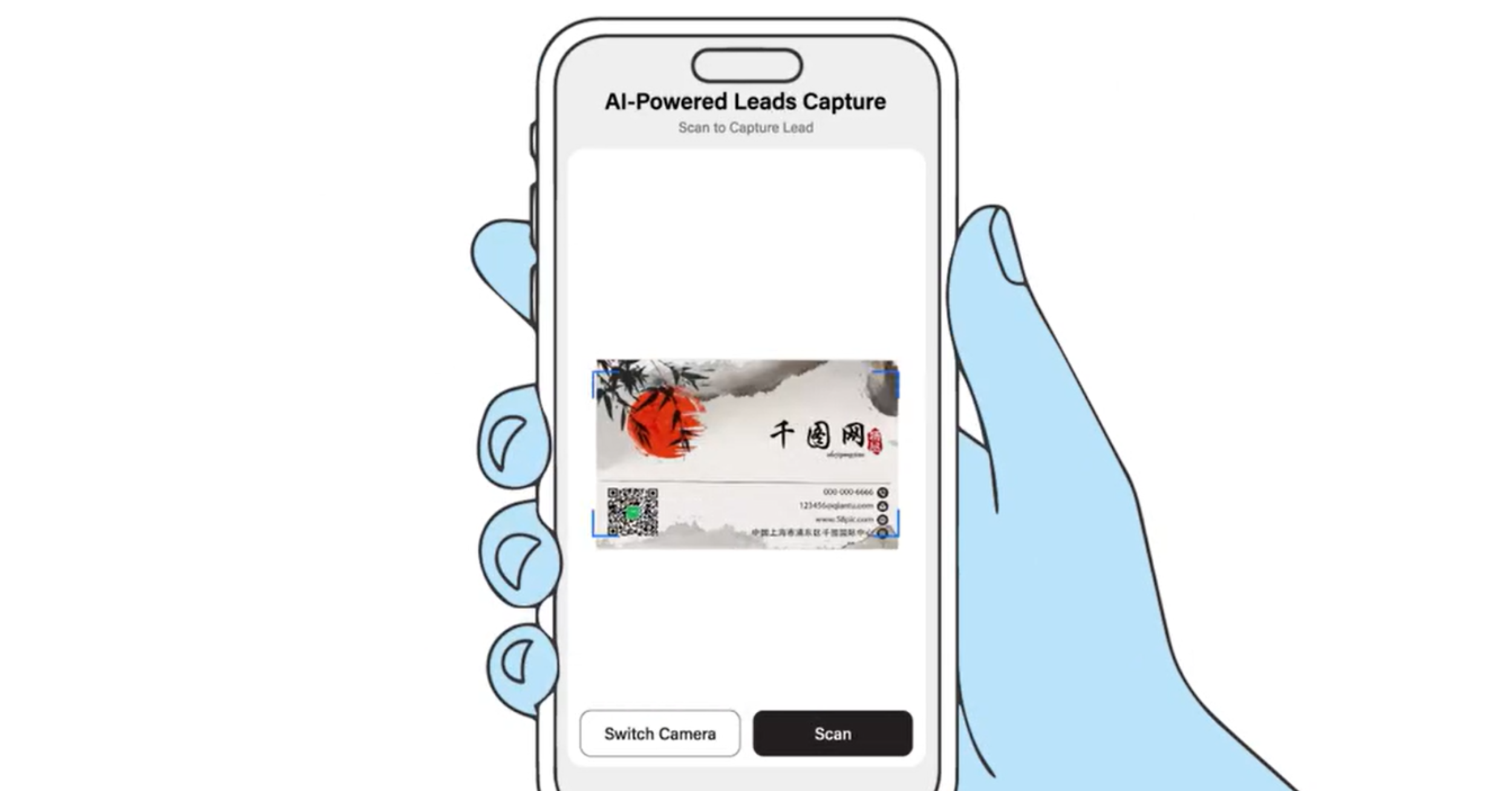
At an event, you capture a lead by scanning a business card with your phone, and the app saves the details as a contact. You open the scanner from Scan Lead in Quick Actions or the Scan tab, point your camera at the card, and the lead is stored for you.
This keeps you moving. In a busy hall you can capture each person as you meet them and keep pace with the room, instead of falling behind on note-taking. Every lead lands in one place, so nothing is lost between conversations. The mechanics of the capture are covered in how the TapiLink AI lead scanner works.
Why does it work at any event?
It works at any event because it does not depend on the event's own systems. There are no special event integrations, API kits or expensive QR code access required, so you are not limited to events that provide badge scanners or a particular lead-retrieval platform.
This matters more than it sounds. Traditional badge-scanner systems often only work at events that sell that service, and they can be costly to hire. An app that captures leads from a business card works everywhere, including the meetings, local events and informal introductions where no formal system exists. You are never stuck without a way to capture a contact.
How do you use it at a trade show?
At a trade show, you use the app as a trade show lead app to capture visitors to your stand without paper forms. As people come by and share a card, you scan each one and their details are saved, so your team builds a clean list of everyone who showed interest.
Trade shows are high-volume, which is exactly where manual collection breaks down. Scanning keeps capture fast and consistent across a busy day, and because every lead is organised in the app, you can follow up quickly afterwards while your stand is still fresh in visitors' minds. There is more on equipping a stand in our wider guidance on networking at trade shows.
How do you use it at a conference?
At a conference, the app acts as a conference lead scanner so you can capture the people you meet between sessions, at talks and over coffee. Conferences are about connections, and the app makes sure those connections do not slip away as loose cards.
Whether you are attending or speaking, you can scan a card the moment you swap details and keep networking without breaking stride. Every contact is saved to follow up later, so a good conversation at a conference actually turns into a lead rather than a name you half remember.
What happens to the leads after the event?
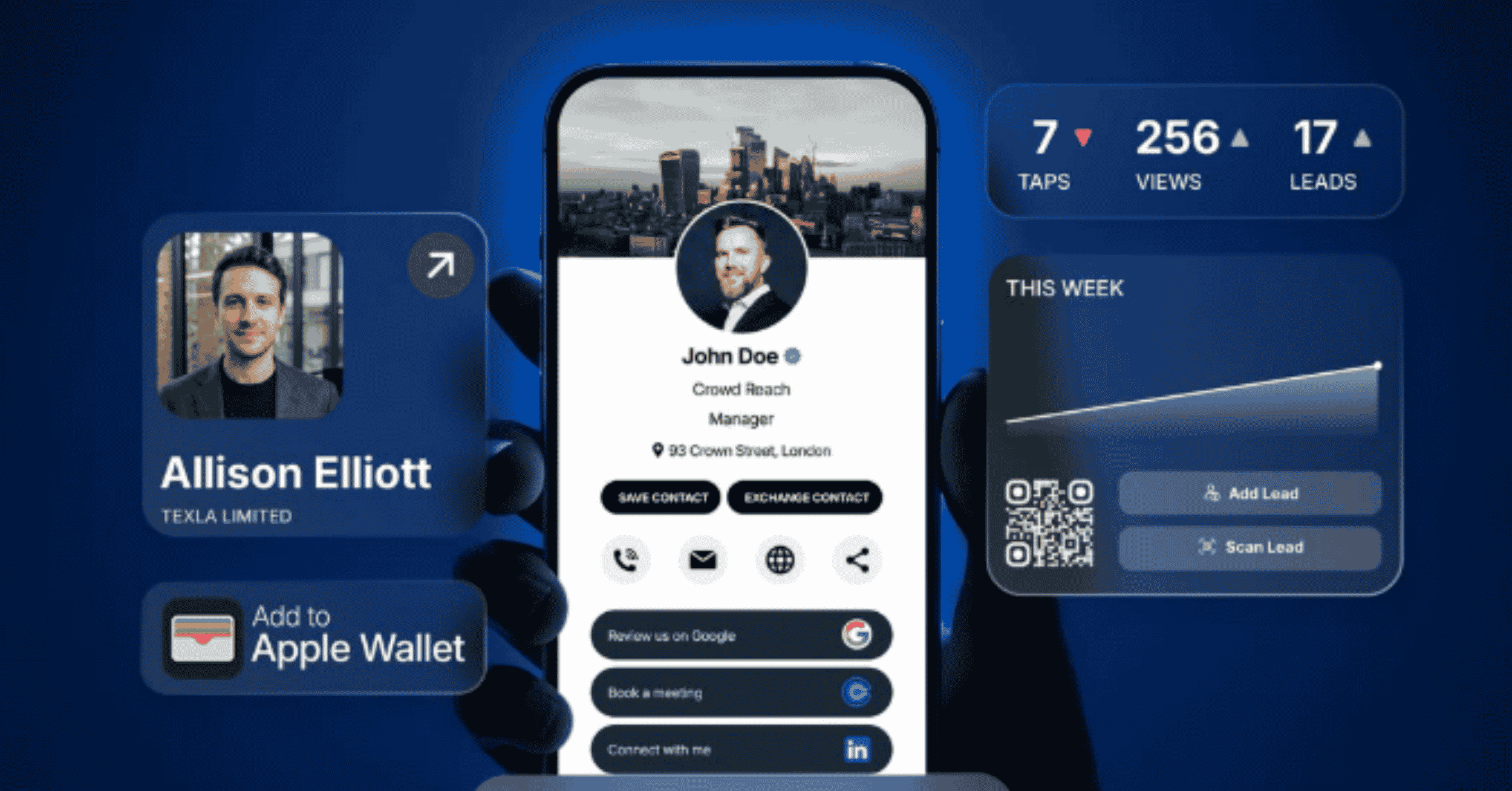
After the event, your captured leads sit in the app in one place, ready to organise, follow up and export. Nothing needs typing up, because the work was done as you went.
From there you can follow up while the event is still fresh, then export your contacts to your favourite CRM systems so they feed into your existing sales process. Our guides on instant follow-ups and how to export your leads to a CRM cover those next steps, and organising what you captured is covered in how to manage your leads in the app.
Why capture leads on your phone instead of collecting cards?
Capturing on your phone beats collecting cards because it removes the two things that waste event leads: lost cards and slow follow-up. A pile of paper cards is easy to misplace and tedious to type up, and by the time anyone gets to them, the conversation has faded.
Scanning each card as you go means every contact is captured immediately, organised for you, and ready to action. You leave the event with a follow-up list instead of a task, which is what makes an event actually pay off. For sales teams in particular, this is the difference between a busy day and a productive one, as we show in how sales teams use the TapiLink app at events.
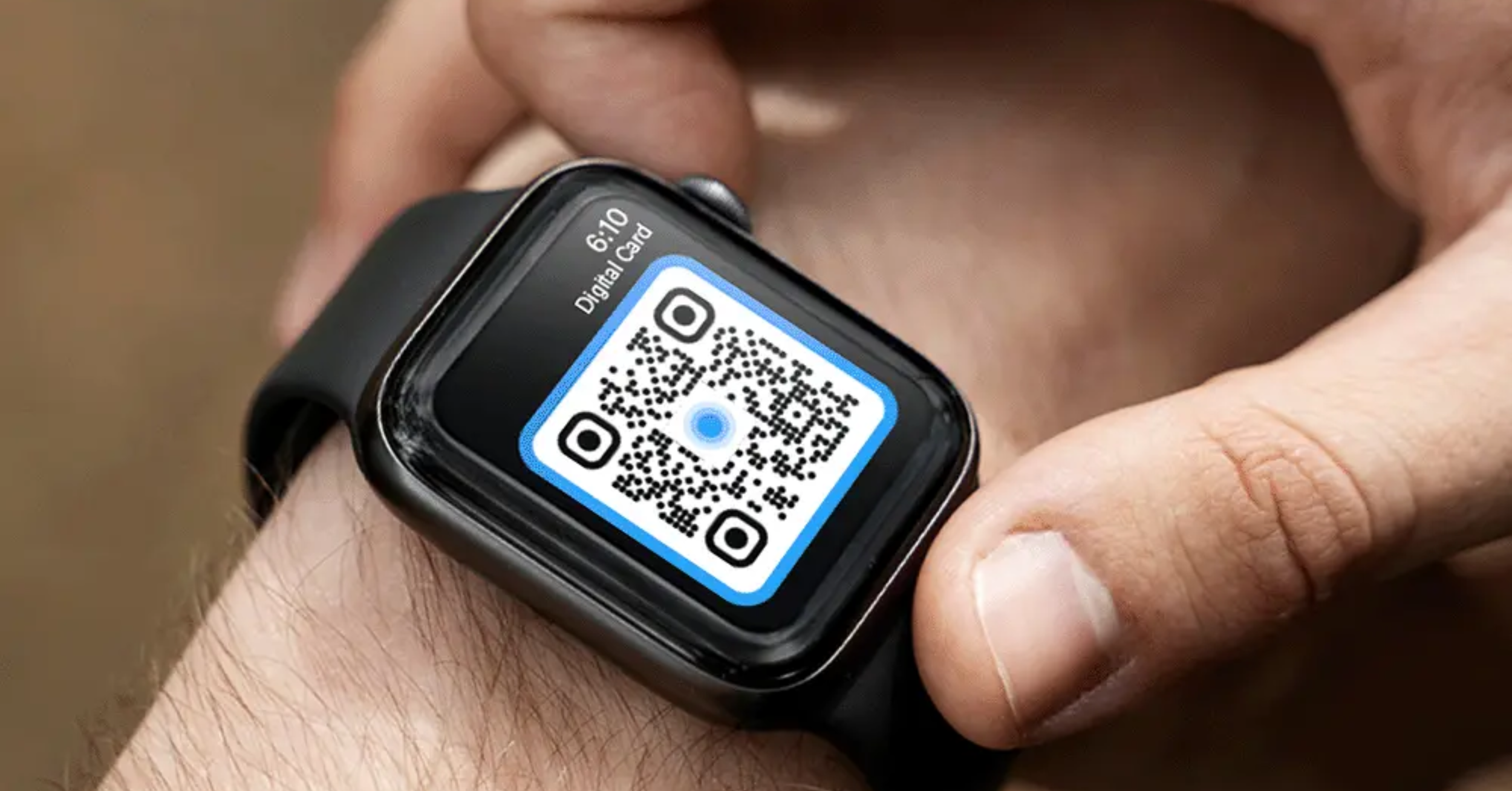
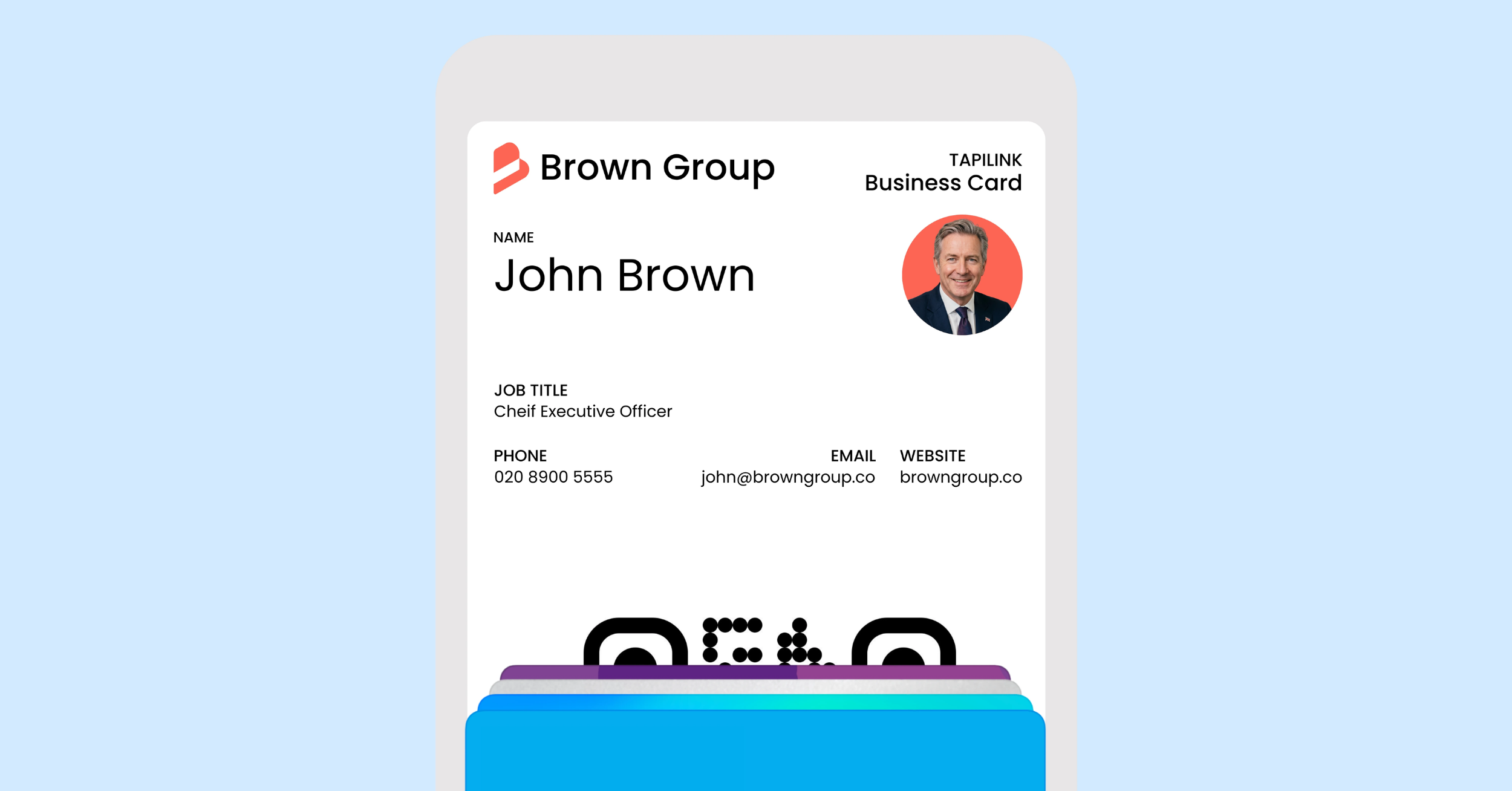
At TapiLink, we built event lead capture so the value of an event goes into the conversations and the follow-up, not into sorting cards afterwards. When you are ready, open the app and use Scan Lead to capture your first event lead, and if you want an effortless way to share your own details on the day, our NFC Business Cards let people open your profile with a single tap.
FAQ
Q1. What is an event lead capture app?
Answer: An event lead capture app captures and organises the leads you meet at an event using your phone. You scan each person's business card, the details are saved as a contact, and every lead sits in one place ready to follow up, so you leave with organised contacts instead of a stack of cards.
Q2. Do I need a badge scanner or event system to capture leads?
Answer: No. The app needs no special event integrations, API kits or badge-scanner access, so it works at virtually any event. You are not limited to events that provide a lead-retrieval system.
Q3. Can I use it at trade shows and conferences?
Answer: Yes. At a trade show you can scan visitors to your stand without paper forms, and at a conference you can capture the people you meet between sessions. In both cases the leads are saved in the app to follow up afterwards.
Q4. What happens to my leads after the event?
Answer: Your captured leads stay in the app in one place, ready to organise, follow up and export to your favourite CRM systems. Nothing needs typing up, because each lead was captured as you met the person.
Q5. Is capturing on my phone better than collecting business cards?
Answer: Yes, because it avoids lost cards and slow follow-up. Scanning captures each contact immediately and organises it for you, so you leave with a ready-to-action follow-up list rather than a pile of cards to type up later.
Ready to revolutionize your networking approach? Explore TapiLink's range of premium NFC business cards and join the thousands of professionals who've already made the smart choice.