NFC tap analytics show how people reach and interact with your digital business card. TapiLink tracks engagement such as NFC taps, QR code scans, profile views, contact saves, button clicks and other engagement metrics. Read together, these metrics help you separate the act of sharing your card from what people do after they open it.
Taps, scans and views are not the same metric. A tap records an NFC interaction, a scan records a QR interaction, and a profile view reflects activity on the digital profile. TapiLink presents them as separate engagement signals, so they are most useful when compared as parts of the same networking journey.
What Does an NFC Tap Mean?
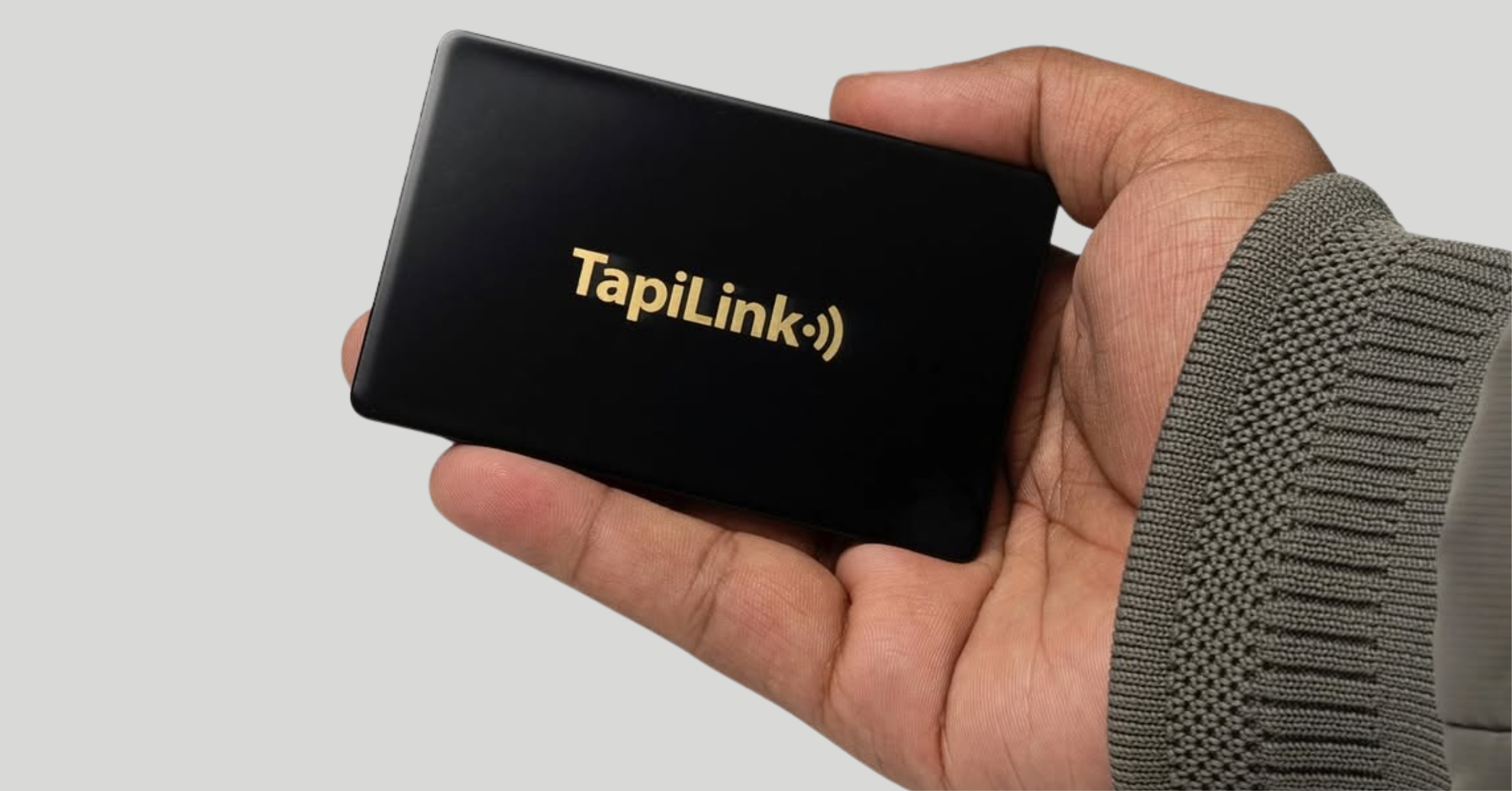
An NFC tap happens when someone places a compatible phone near a TapiLink NFC-enabled card or sharing point and opens the connected digital profile. TapiLink describes NFC tapping as one of the ways people can access the same live profile used across its digital sharing options.
This metric tells you how often the physical tap-to-share method is being used. If you attend a trade show and actively use your NFC card, a rise in taps shows that people are interacting with that physical sharing method. A tap is not automatically a lead or conversion. It is an entry action. The more useful picture comes from what happens afterwards, such as a profile view, contact save or click on a booking, website or review link.
TapiLink's NFC business cards connect the physical card with the digital profile, giving professionals a physical tap-to-share option alongside QR codes and profile links.
What Does a QR Code Scan Mean?
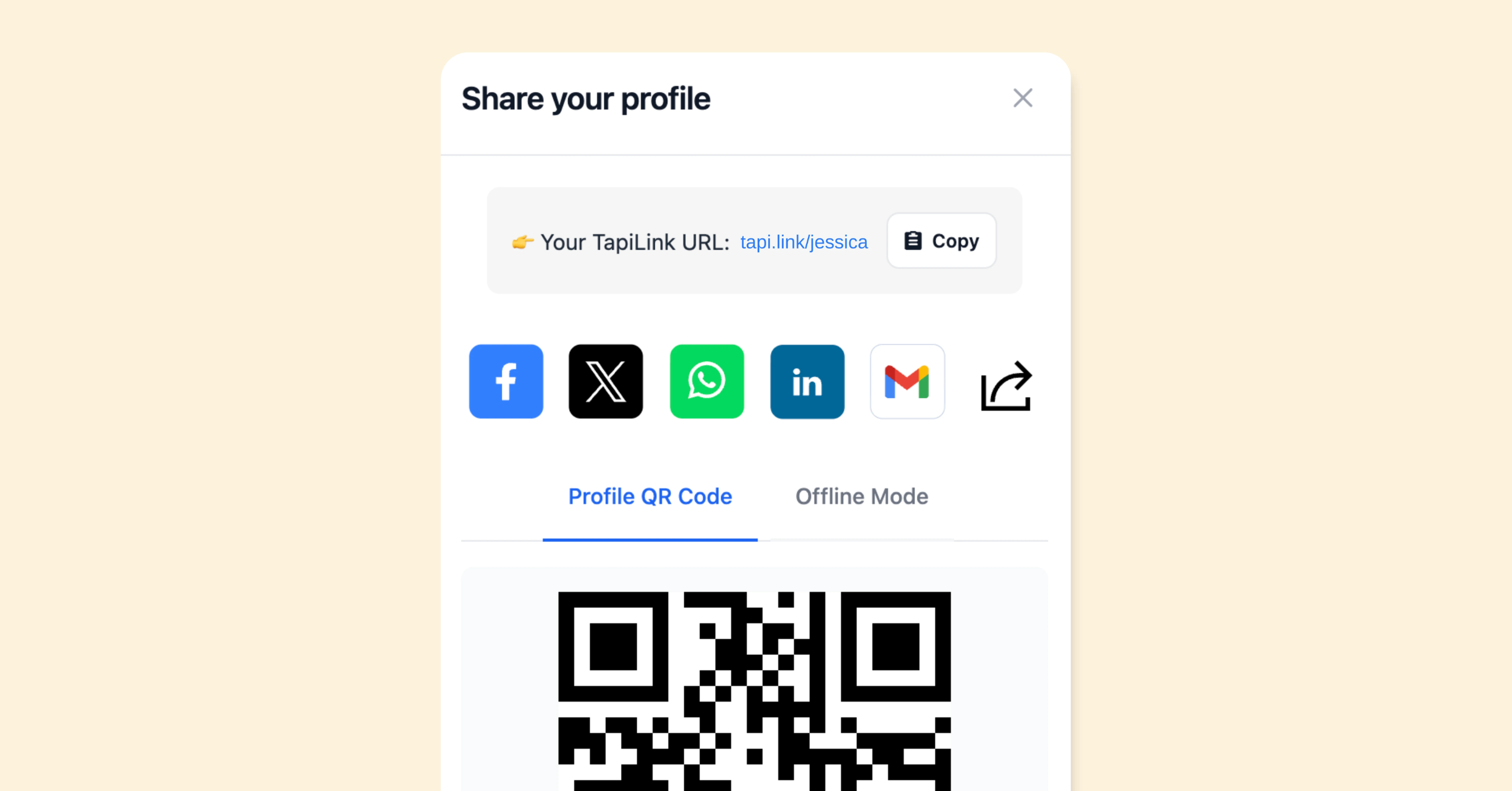
A QR scan happens when someone scans the QR code linked to your TapiLink profile. TapiLink's QR code generator creates a branded code that points to the live digital profile, so the same code can continue directing people to the profile when its details are updated. QR scans are useful for measuring sharing situations where an NFC tap is not practical. You might display a QR code on a phone, presentation, exhibition stand, printed card or other marketing material.
If scans increase after you place a code on an event display, that suggests the display is generating interactions. If they remain low, review the code's visibility, placement and the reason you are giving people to scan it.
What Is a Profile View?
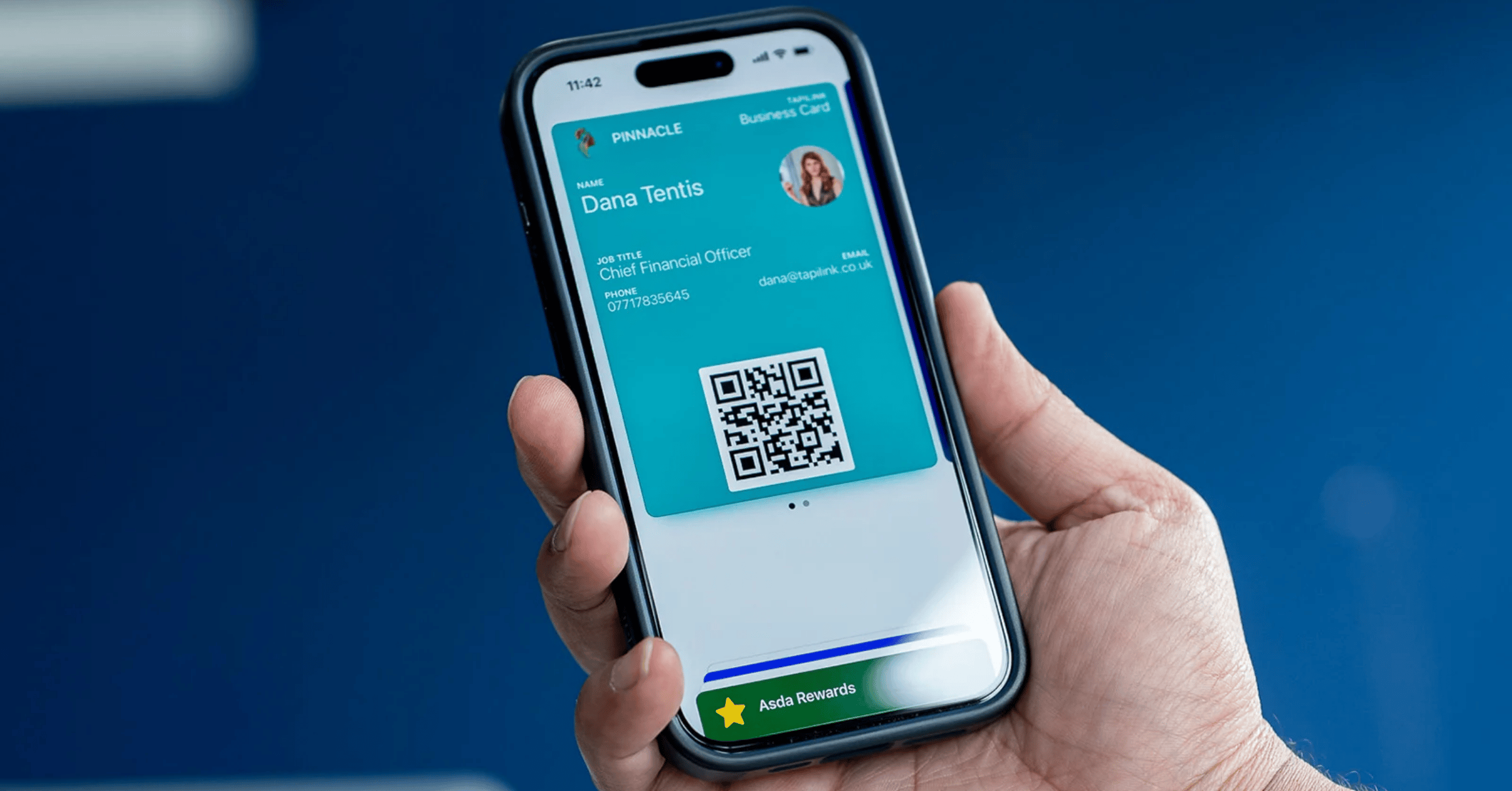
A profile view represents activity on your digital profile after someone reaches it. This metric is broader than NFC taps or QR scans because a TapiLink profile can be shared through NFC, QR code, a direct link, Apple or Google Wallet, email signatures and other supported methods. Profile views therefore help you understand overall profile reach. However, a view by itself does not tell you whether the visitor took another meaningful action.
For that reason, profile view metrics are more useful when read alongside contact saves and button clicks. If views increase but actions remain low, review what visitors see first, including your contact information, call to action and most important links.
How Are Taps, Scans and Profile Views Different?
The simplest way to understand these card engagement metrics is as different parts of the same journey:
- NFC taps: interactions with the physical NFC sharing method.
- QR scans: interactions with the QR sharing method.
- Profile views: activity on the digital profile itself.
TapiLink states that tapping an NFC card or scanning its QR code opens the connected profile. Because these activities are related, you should not simply add taps, scans and profile views together and call the result the number of people reached.
They describe related engagement events, not necessarily separate individuals. On the public TapiLink pages reviewed for this guide, TapiLink lists profile views, NFC taps, QR scans and other metrics separately but does not publish a technical rule stating that every profile view represents a unique person.
Which Card Engagement Metrics Matter After a View?
TapiLink also tracks contact saves and button clicks. These metrics help show whether profile attention is leading to a more meaningful action.
A contact save shows that someone has taken the additional step of keeping your details. A button click can indicate interest in a particular resource or action, depending on what you have added to your profile, such as your website, booking page, review page or another custom link.
This gives you a better question than simply asking, "How many people viewed my card?"
What did they do after viewing it?
For example, high profile views with very few contact saves may indicate that your sharing activity is attracting attention, but the profile may need a clearer reason for visitors to keep your details.
How Should You Act on Your TapiLink Metrics?
Start with the sharing method you actually used. If you spent a day networking with an NFC card, check taps first. If you displayed a QR code at an event, scans are the more relevant entry metric. If you share your profile mainly through email or messages, profile views and button activity may be more useful than NFC data.
Then review the journey in order:
- Identify which sharing method generated activity.
- Compare taps or scans with profile views.
- Check contact saves and relevant button clicks.
- Identify which calls to action are attracting interest.
- Adjust either your sharing method or the profile content.
TapiLink positions its analytics as a way to understand how people engage with a profile and use that information to improve networking activity rather than relying only on the number of cards shared.
Example: Reading Metrics After an Event
Suppose you attend an exhibition and mainly use an NFC card while also displaying a QR code at your stand. After the event, NFC taps show activity associated with the physical card, while QR scans show engagement with the displayed code. Profile views give you a wider picture of activity on the digital profile, including visits that may have arrived through other sharing routes.
Then check whether visitors saved your contact details or clicked an important button. If views are strong but actions are weak, the next improvement may be the profile itself rather than the way you are sharing it. For organisations, TapiLink for Teams also provides profile-view and interaction tracking, lead capture and team performance monitoring through centralised management.
Use Metrics to Improve Your Next Interaction
NFC tap analytics are most valuable when they lead to a practical decision. Taps tell you whether people are using your physical NFC sharing method. QR scans show whether your scannable sharing points are being used. Profile views show attention on the digital profile, while contact saves and button clicks reveal what people do after reaching it.
Use these metrics together instead of treating one number as the complete result. A useful review asks where the interaction started, whether the profile received attention and what action followed. If you want to compare all the routes people can use to reach your profile, see how to share your card from the TapiLink app, including QR, link, Wallet and NFC options.
Ready to revolutionize your networking approach? Explore TapiLink's range of premium NFC business cards and join the thousands of professionals who've already made the smart choice.