NFC business cards for electricians let customers open your contact details, service links and enquiry options through a compatible phone tap. A QR code provides another sharing route. You keep the physical card while customers choose whether to save your details or contact you.
You finish the job, explain the work and pack your tools. Then the customer asks how to reach you again. This is a useful moment to make your business details easy to find.
A digital profile can bring your number, website and relevant services together. It also gives customers something they can share when someone asks for an electrician. However, it cannot replace good workmanship, clear communication or accurate credentials.
This guide explains what to include, how to share your card naturally and how to prepare it for everyday use.
How Do NFC Business Cards for Electricians Work?
An NFC business card contains a chip that can open a linked digital profile on a compatible phone. Customers can then view your information. They choose which contact option or service link to use.
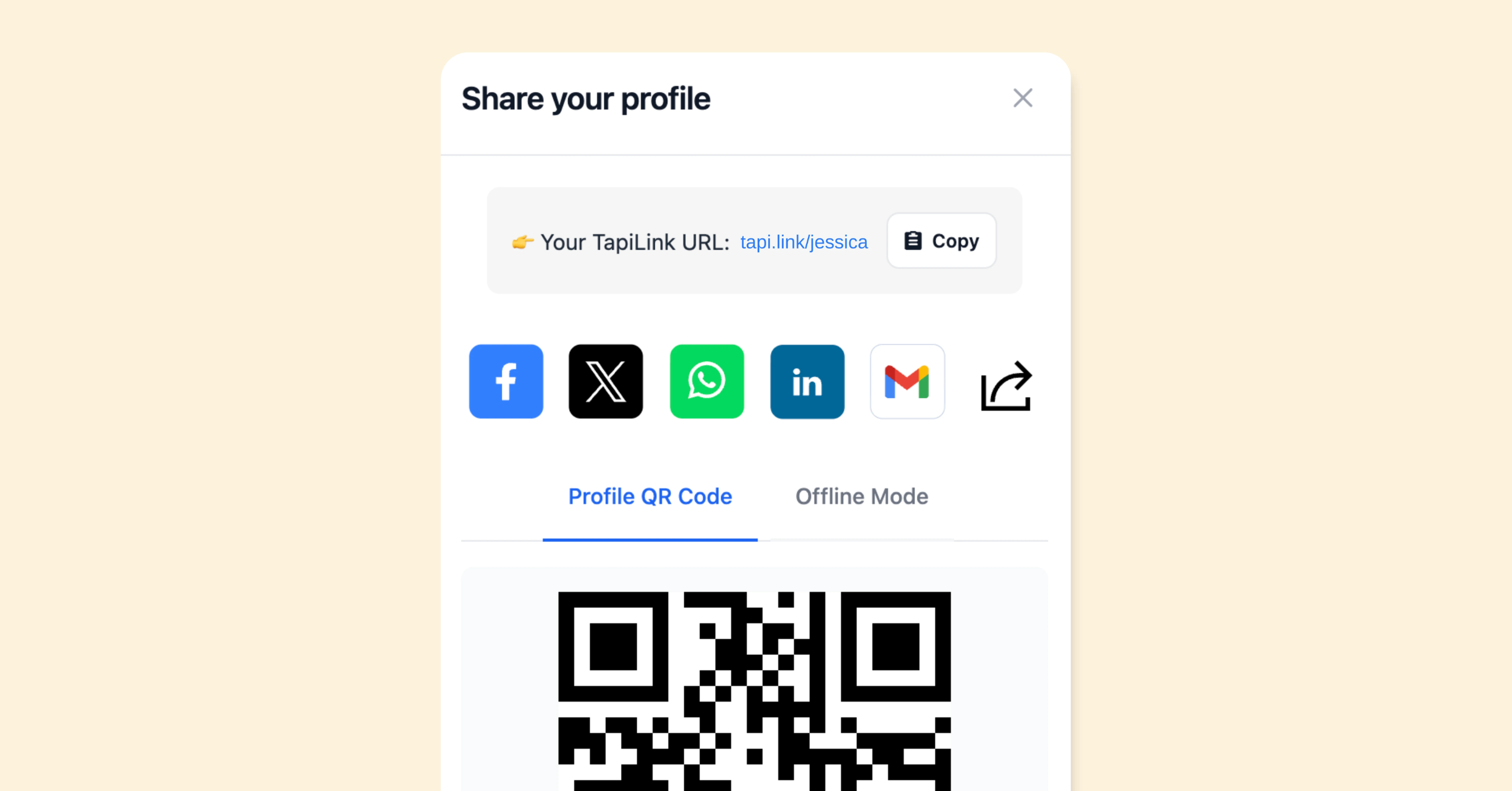
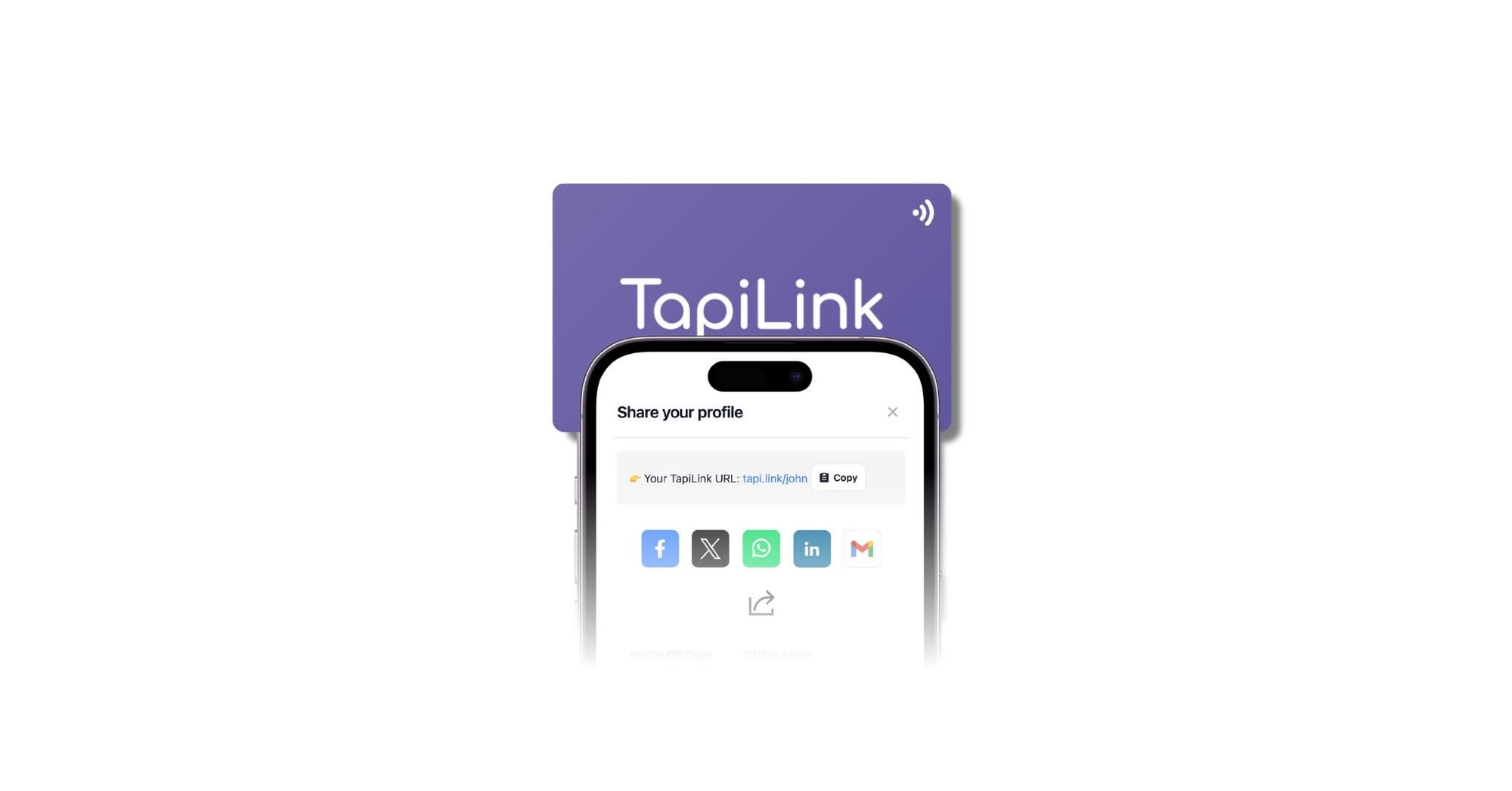
With TapiLink, the recipient does not need to install the TapiLink app to view your shared profile. QR scanning offers another route. A shared profile link also helps when you are communicating remotely.
The tap opens the introduction rather than completing every action automatically. Customers may need to open a notification or confirm saving your contact. Their phone also needs internet access to load an online profile.
You normally keep the physical card after sharing it. The customer receives access to the linked information. This makes the card reusable across different jobs and conversations.
What Should Your Electrician Profile Include?
Your profile should quickly explain who you are, what you do and how customers can contact you. Start with practical information. Add supporting links only when they help someone take the next step.
Include:
- Your trading name and professional name.
- A recognisable logo or photograph.
- Your business phone number and email.
- Your genuine service area.
- A short list of available services.
- A relevant website or enquiry link.
- Current registration information, where applicable.
- Your normal contact hours.
Use specific service descriptions instead of broad promises. “Lighting installation, electrical repairs and inspection enquiries” helps customers understand your work. Include those services only if your business actually provides them.
Our guide to what to put on a digital business card explains how to organise the essentials. Give the most useful details priority. Avoid making customers search through unrelated social accounts.
Make Your Credentials Easy to Check
Use your profile to support accurate information about your business. Customers should understand which qualifications or registrations you hold. A clear verification link can help them check those details.
Electrical Safety First recommends using a registered electrician for installation and repair work. Its guidance helps customers find relevant registration information. Keep your own profile consistent with your current status.
Only display memberships, registration numbers and logos that you are entitled to use. Remove outdated claims when your circumstances change. A polished card should make accurate credentials easier to find.
Apply the same care to availability and coverage. If you do not offer emergency callouts, avoid implying round-the-clock service. Clear expectations help customers decide whether their enquiry suits your business.
Share Your Card After the Job
Offer your card during the final conversation, once you have explained the completed work. Keep the introduction short and useful. The customer should understand what they will receive before tapping.
For example, you could say:
“Would you like to save our details? You can tap here or scan the code.”
Then follow this simple handover:
- Ask whether the customer wants your details.
- Offer NFC tapping or QR scanning.
- Let them hold and operate their own phone.
- Check that the correct profile opens.
- Point out the contact or enquiry option.
- Keep your card for the next job.
Do not rush someone who prefers another method. Give them your number or share the profile link through an agreed channel. The goal is convenient contact sharing rather than demonstrating technology.
For other situations, our guide to sharing your digital business card covers several alternatives. These can help during supplier meetings or conversations with other trades. Choose the method that suits the person.
Make the Next Enquiry Easier
Give customers one clear route for their next enquiry. A relevant form can collect useful information before you respond. It should remain short enough to complete comfortably on a phone.
For planned work, consider asking for:
- Customer name and contact details.
- Property postcode.
- A brief description of the requested work.
- Preferred timing.
- Optional photographs, where appropriate.
Label the button clearly, such as “Request an Electrical Quote”. Avoid suggesting that submitting a form confirms an appointment. State how customers should contact you if their request needs a quicker response.
Your card can also help with referrals. Customers can share your public profile link with someone seeking your services. Keep that profile focused on business information rather than private customer details.
An Example Electrician Profile
The following layout illustrates a simple starting point. Replace every detail with your own accurate information. Adjust the services and contact options to match your business.
- Business name: Example Electrical Services
- Description: Domestic electrician serving your confirmed local area
- Main action: Request a Quote
- Contact options: Business phone and email
- Supporting links: Services, verified credentials and customer feedback
Choose a Card for Your Working Day
Choose the physical format around how you carry and share it. TapiLink offers PVC, metal, wooden and other material options. Your profile structure matters alongside the finish you select.
A simple branded design can work well for an electrician. Make your trading name, logo and sharing instructions easy to recognise. Keep decorative elements away from the QR code.
Store the card away from loose tools and unnecessary bending. Check the individual product’s care information before exposing it to moisture or cleaning chemicals. A business card is a contact-sharing accessory, not protective equipment.
Browse TapiLink’s NFC digital business cards to compare the available formats. Choose a design that matches your existing business identity. Keep the same name and branding across your profile, website and customer documents.
Keep Your Digital Details Current
Review your profile whenever your business information changes. Update your contact number, service links, coverage and availability. Then test the profile from a customer’s perspective.
TapiLink’s guide to updating your digital business card details explains the process. Changes to the linked profile help future visitors see current information. They do not necessarily update contacts customers previously saved on their phones.
If you include a review link, invite honest feedback without requesting a particular rating. Google’s review collection guidance prohibits incentives exchanged for reviews. Keep feedback optional and separate from the customer’s access to your contact details.
Your Before-Use Checklist
Prepare the profile before taking your card to a job. The TapiLink app setup guide explains the initial steps. Afterwards, run these practical checks:
- Tap the card using a compatible phone.
- Scan its QR code.
- Confirm the correct business profile opens.
- Test the phone number and email.
- Open each service link.
- Submit a test enquiry.
- Check whether saving the contact works as expected.
Leave Customers With a Useful Connection
NFC business cards for electricians make contact sharing more convenient after a completed job. Their value comes from clear information and working links. Pair the card with a natural handover and reliable customer service.
Start with your contact details, actual services and one useful enquiry route. Keep everything current as your business develops. Give customers a straightforward way to find you when they need your services again.
Frequently Asked Questions
Question: Do customers need an app?
Answer: Customers do not need the TapiLink app to view your shared profile. They can use compatible NFC reading or QR scanning. Their phone needs internet access to load the online profile.
Question: Can I reuse the same card?
Answer: Yes, you normally keep the physical card after sharing. Customers open the linked profile on their phones. You can then use the card during another conversation.
Question: Will it work with every phone?
Answer: NFC support and reading behaviour vary between phones. QR scanning provides another option when tapping is unavailable. Test both methods and keep a simple alternative ready.
Question: Does it replace my website?
Answer: A digital profile can introduce your business and organise important links. Your website can provide fuller service information and project examples. Use the card to help customers reach the most relevant pages.
Question: Will it guarantee more electrical jobs?
Answer: No business card guarantees enquiries or bookings. It can make your information easier to access and share. Customers still consider suitability, availability, trust and the service you provide.
Ready to revolutionize your networking approach? Explore TapiLink's range of premium NFC business cards and join the thousands of professionals who've already made the smart choice.